

About Notepad++
Notepad++ is a free, light text editor. Programmers, web developers and admins use it a lot.
- It is free software, released under the GNU GPL.
- It has a minimal interface and uses few resources.
- It has many ways to customize it.
- It supports many languages: C++, Java, PHP, HTML, CSS, Python and more.
Download
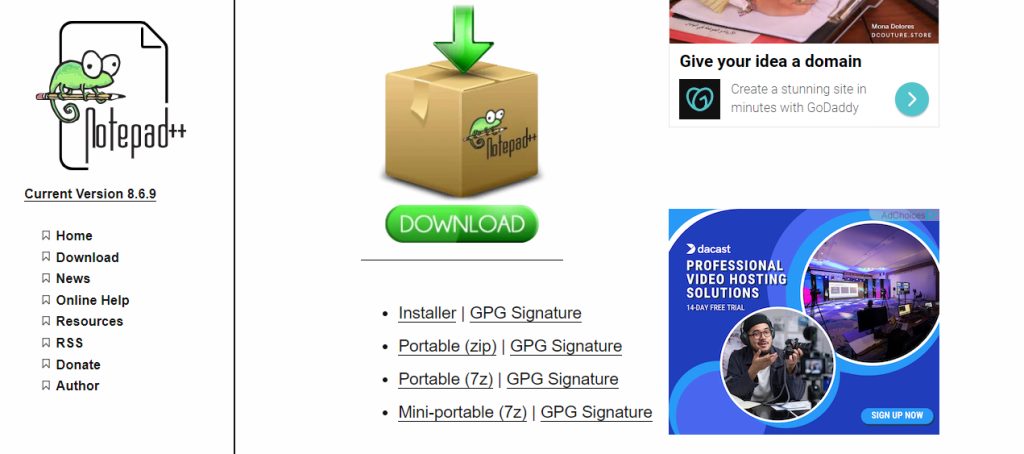
Open the Notepad++ website (notepad-plus-plus.org), go to Downloads and choose the latest release. Download the installer for your system (64-bit is the usual choice).
Install
- Run the installer.
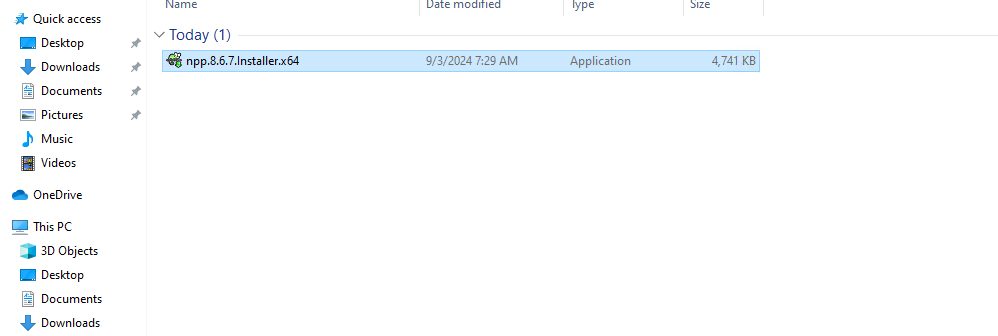
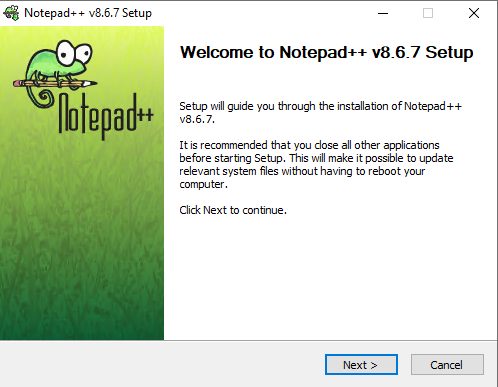
- Choose the language and click OK. The setup wizard opens. Click Next.
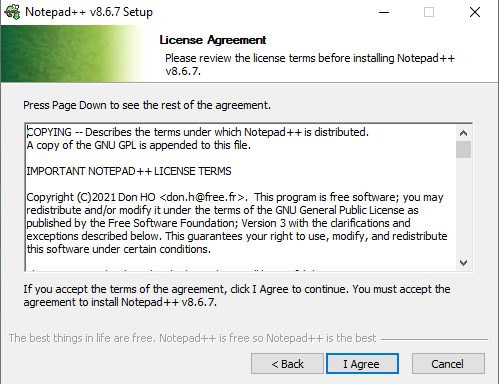
- Accept the license agreement.
- Choose the install folder.
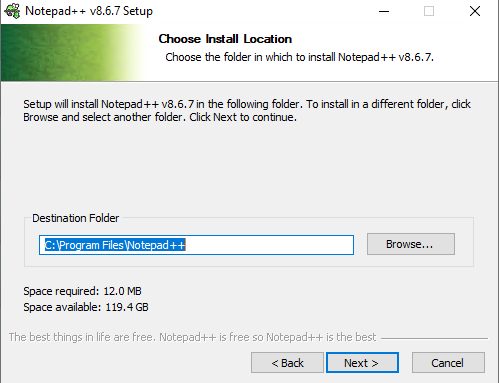
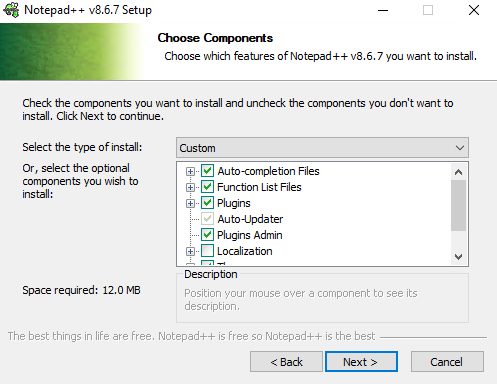
- Choose the components (themes, auto-completion and so on).
- Choose whether to create a desktop shortcut and other options.
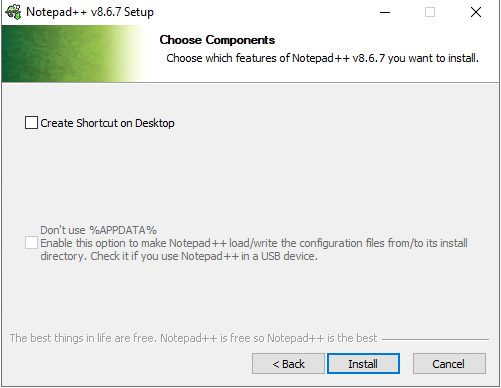
- Click Install, then Finish.
Start Notepad++
Open it from the Start menu or the desktop shortcut.
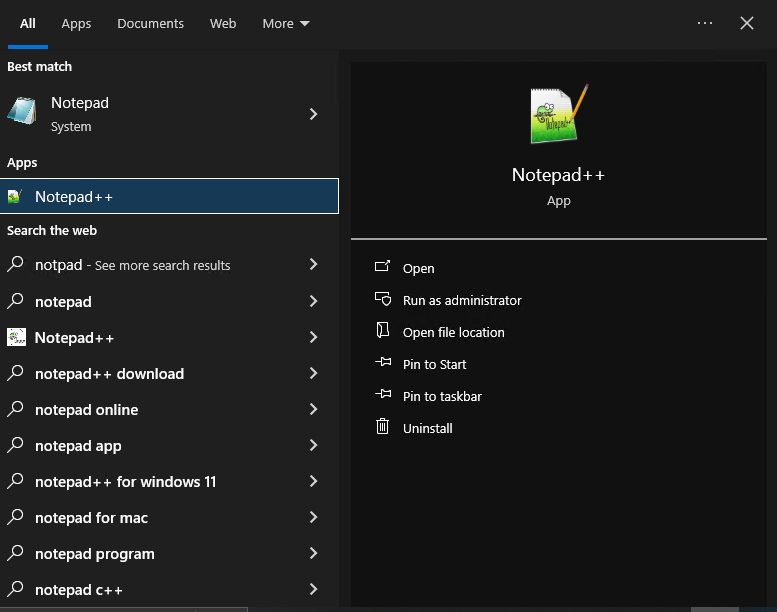
You can also start it from the Command Prompt:
start notepad++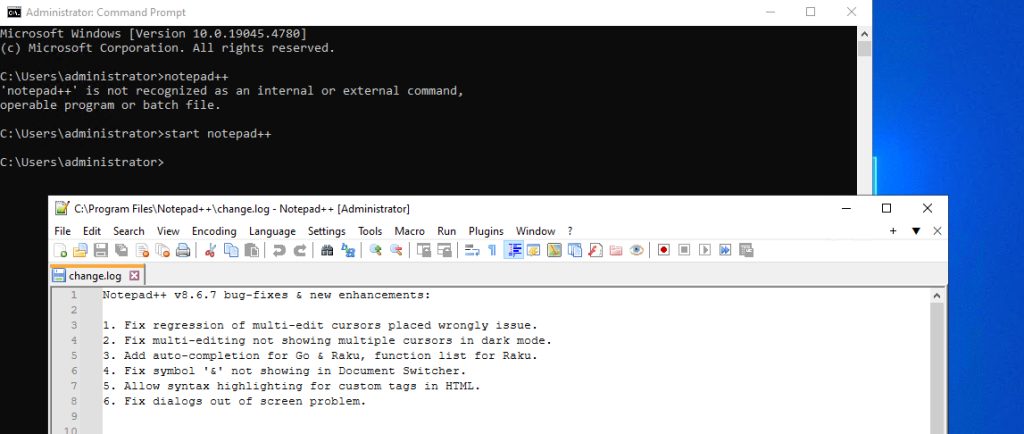
Explore the editor
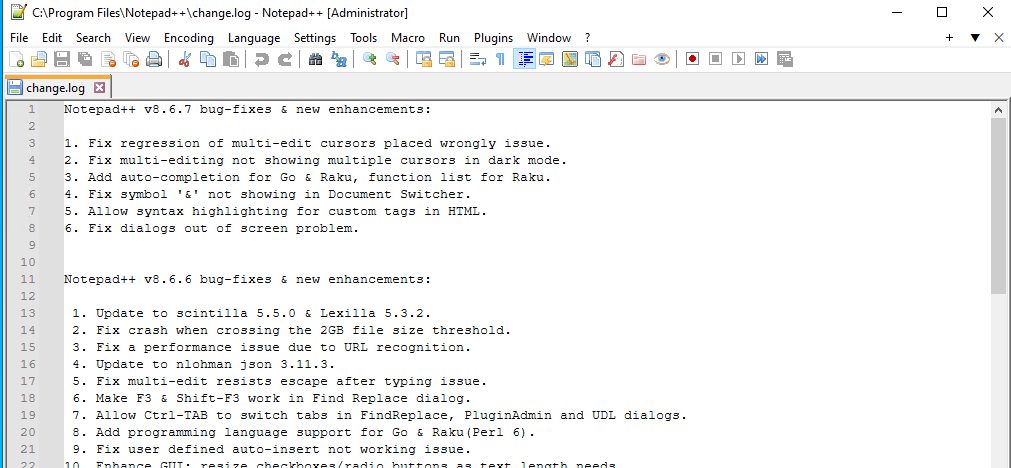
- Syntax highlighting. Colors keywords by the language of the file.
- Tabs. Open many files and switch with ease.
- Plugins. Add features from Plugins, then Plugins Admin.
- Themes and fonts. Change the look under Settings, then Style Configurator.
- Search and replace.
Ctrl + FandCtrl + H, also in many files. - Macros. Record and replay actions.
Quick recap
- Download from the official site and run the installer.
- Start it from the Start menu.
- Use plugins and themes to make it your own.