

What Node-RED is
Node-RED is a visual tool to wire together devices, APIs and online services. You drag nodes into a flow and connect them. It runs on Node.js.
Step 1: Install Node.js
Download the Node.js installer (LTS for stability, or Current for the newest features) from nodejs.org and install it. Check:
node -v
npm -v
Step 2: Install Node-RED
Open Command Prompt as administrator and run:
npm install -g --unsafe-perm node-red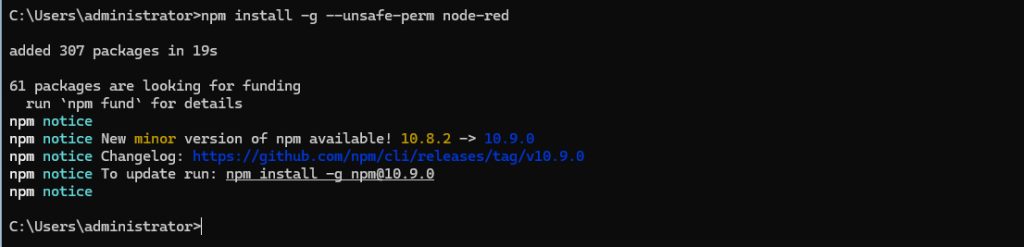
Step 3: Run Node-RED
node-red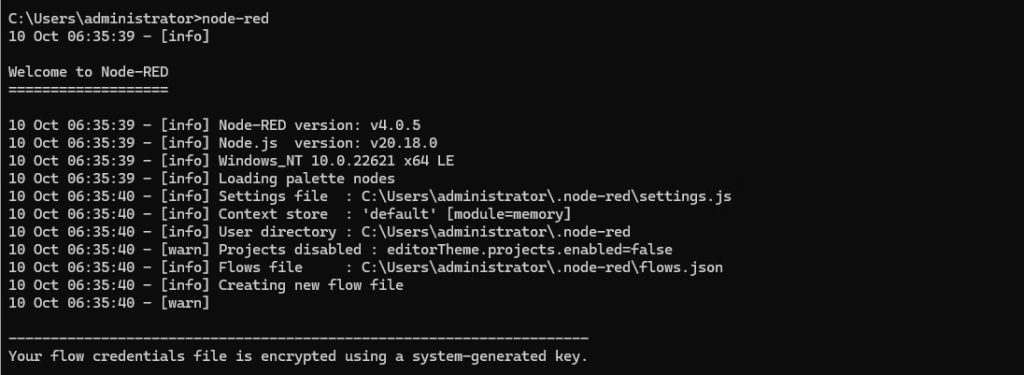
When it prints "Server now running at http://127.0.0.1:1880/", open that address in your browser.
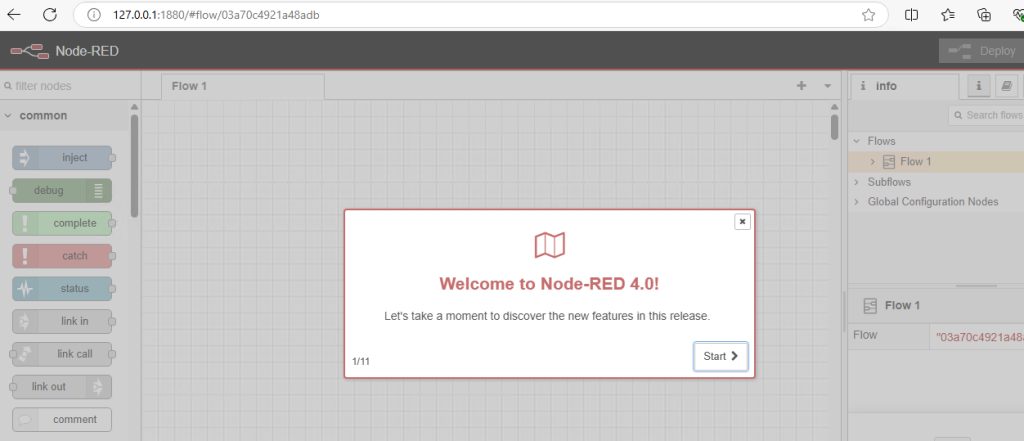
Create your first flow
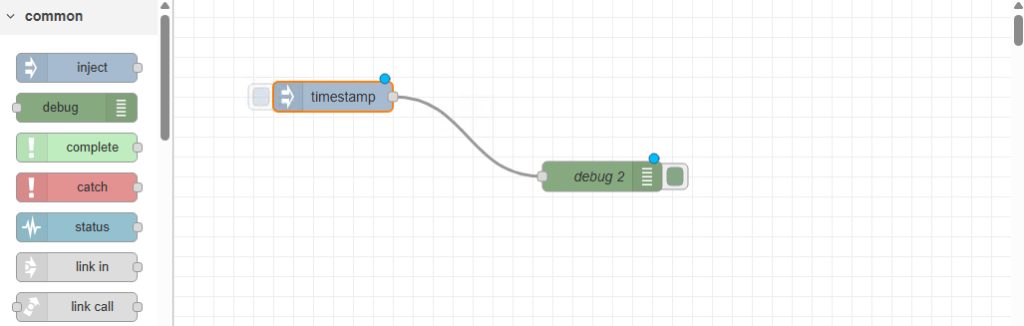
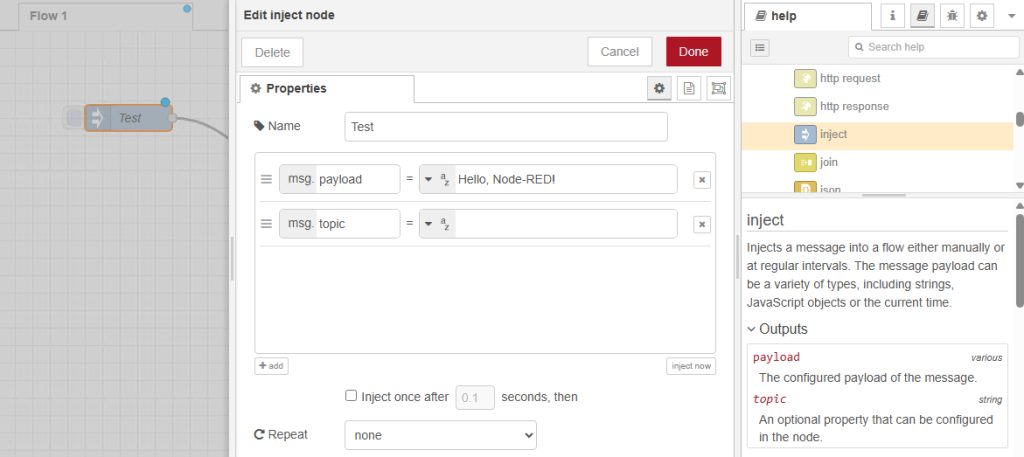
- Drag an inject node from the left list to the canvas.
- Drag a debug node and connect it to the inject node.
- Click Deploy.
- Click the button on the inject node. The debug panel shows the message.
Add more nodes
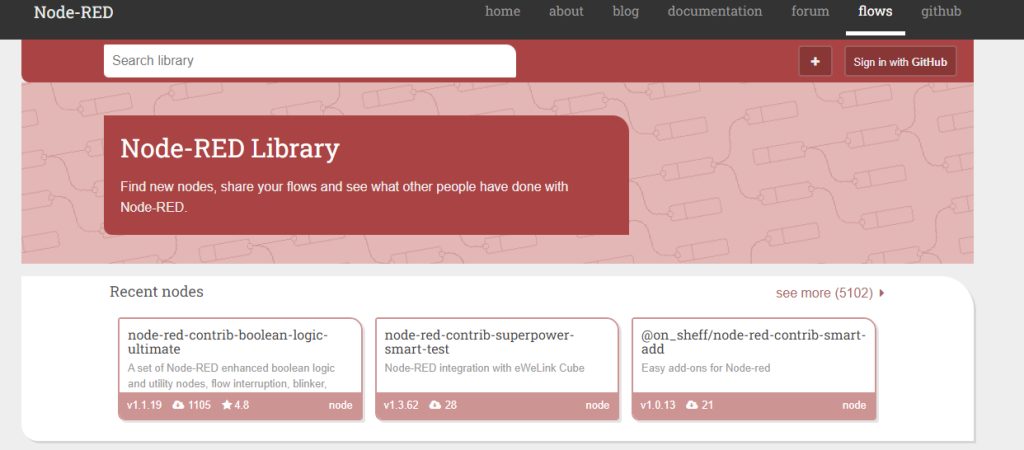
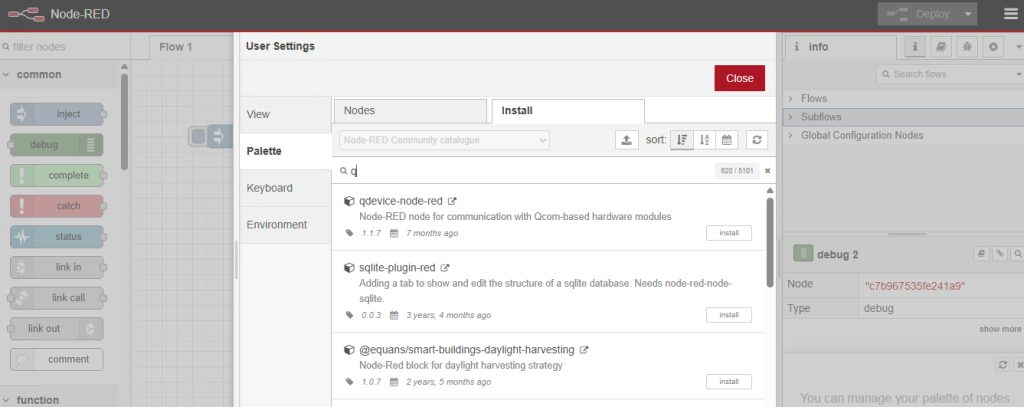
Open the menu (three lines), choose Manage palette, and go to the Install tab. Search for the node you want (for example node-red-dashboard) and click Install.
Run Node-RED as a service
So that it starts with Windows, use a tool such as NSSM (the Non-Sucking Service Manager). Download NSSM, then in an administrator Command Prompt:
nssm install NodeREDSet the path to node-red.cmd (found in %APPDATA%\npm) in the window that opens, and then:
nssm start NodeREDSecurity
By default the editor has no password. Before you make it reachable from other computers, turn on adminAuth in settings.js (in %USERPROFILE%\.node-red) and use HTTPS.
Quick recap
- Install Node.js, then
npm install -g --unsafe-perm node-red. - Run
node-redand open port 1880. - Use NSSM to run it as a service.