

What is XAMPP
XAMPP is a free package with Apache, MariaDB (MySQL), PHP and Perl. It lets you run a web server on your own PC for testing websites.
Benefits:
- One installer for the whole stack.
- Works on Windows, Linux and macOS.
- Good for testing PHP sites such as WordPress.
Install XAMPP
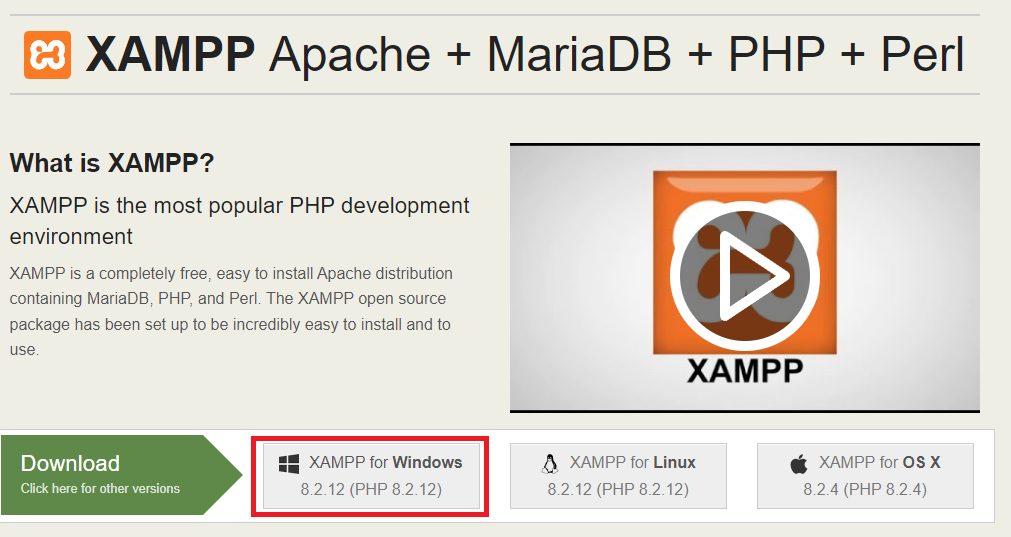
- Download the installer from the Apache Friends website.
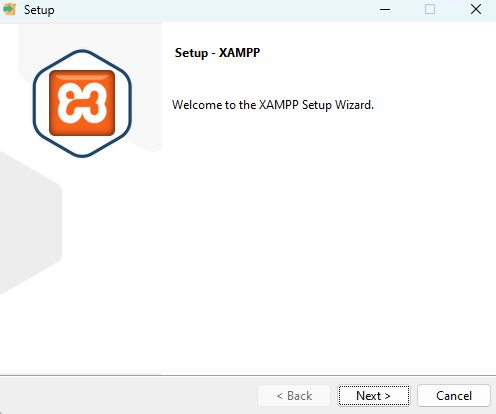
- Run the installer and click Next.
- Select the components. Apache, MySQL and PHP are the main ones. phpMyAdmin is useful too.
- Choose the install folder, normally
C:\xampp.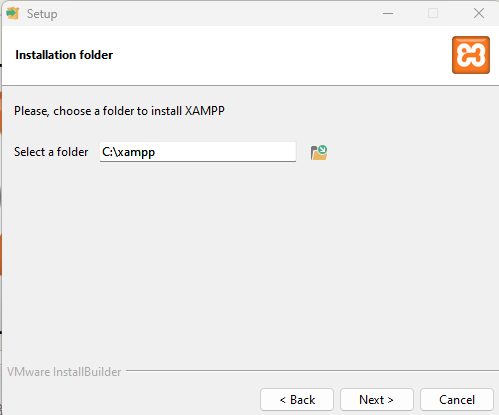
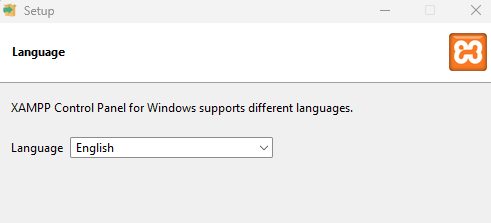
- Choose the language.
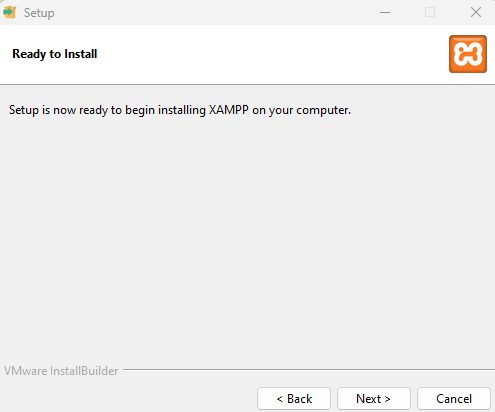
- Click Next until it is ready to install.
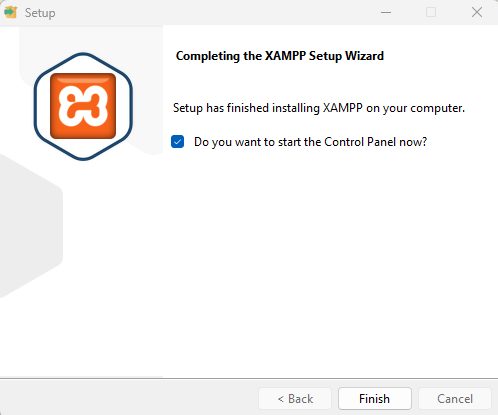
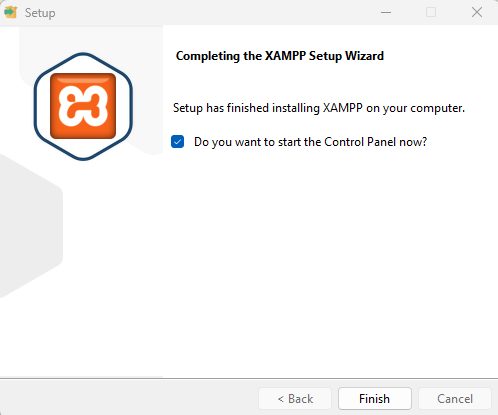
- Click Finish.
Start the services
In the XAMPP Control Panel click Start next to Apache and MySQL.
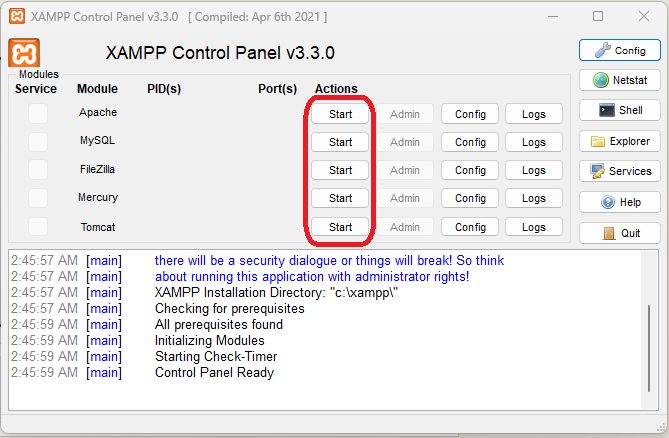
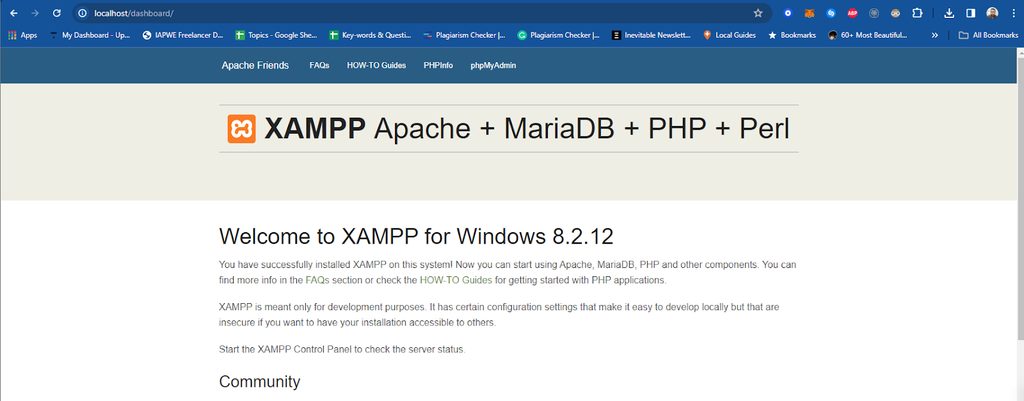
Open http://localhost in a browser. The XAMPP welcome page shows that it works.
If Apache does not start
Another program may use port 80 or 443, such as Skype or IIS. Stop that program or change the port in the Apache settings, then start again.
Create a test page
- Open
C:\xampp\htdocsand create a folder namedtestsite.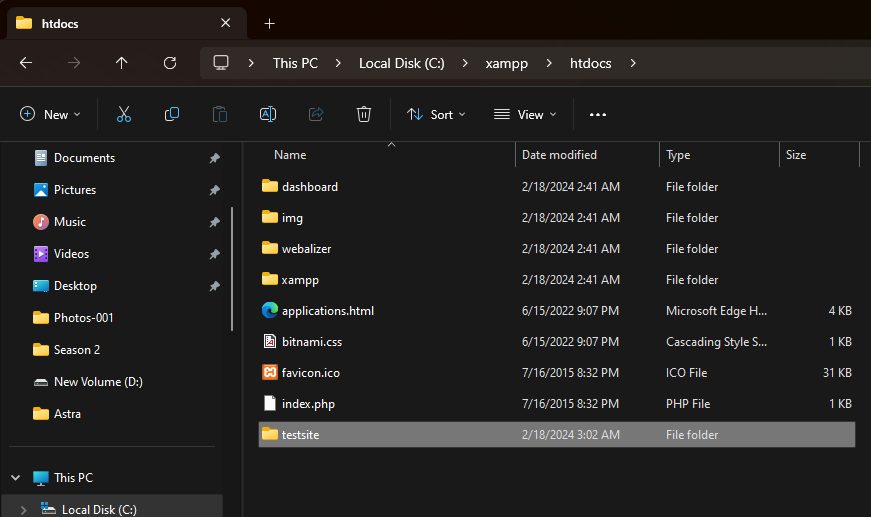
- Create a file
index.phpin it with this content:
<?php echo "Hello from XAMPP"; ?>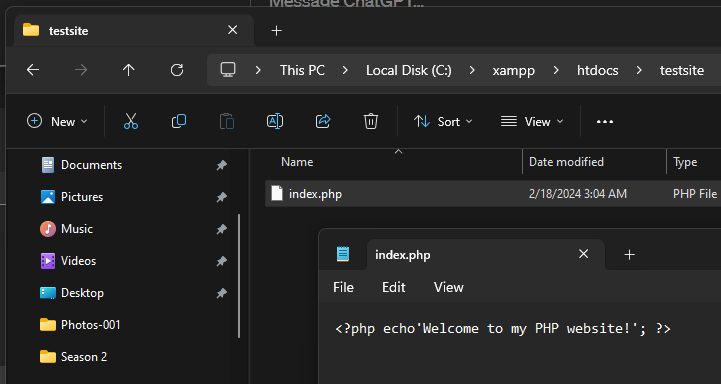
- Open
http://localhost/testsite.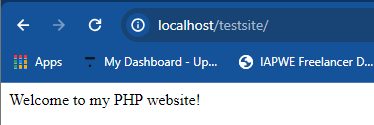
Uninstall XAMPP
Stop the services first. Then:
- Open Control Panel.
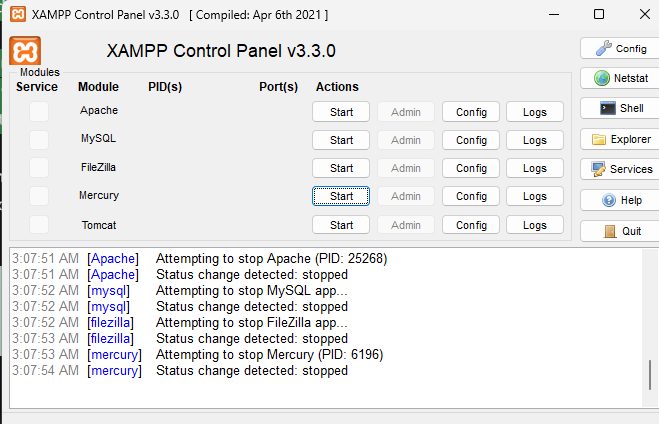
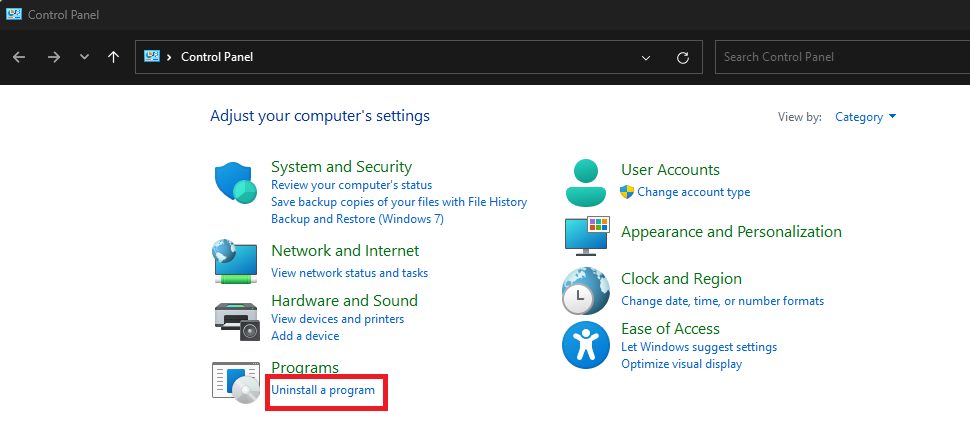
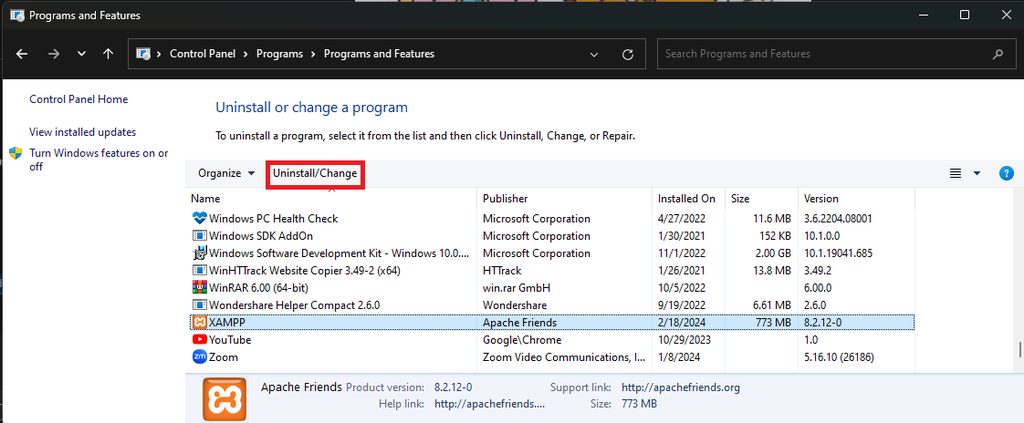
- Go to Uninstall a program, select XAMPP and click Uninstall.
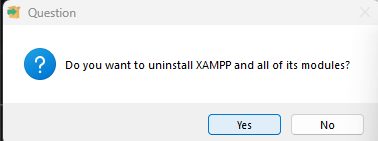
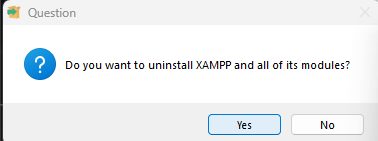
- Confirm the question.
Delete the C:\xampp folder afterwards if files remain. Back up any databases first.
Quick recap
- Install, start Apache and MySQL, open
http://localhost. - Put your sites in
C:\xampp\htdocs.