

Yarn needs Node.js. Install Node.js first.
Method 1: npm
Check npm:
npm -v
Install Yarn:
npm install -g yarn
Check Yarn:
yarn --version
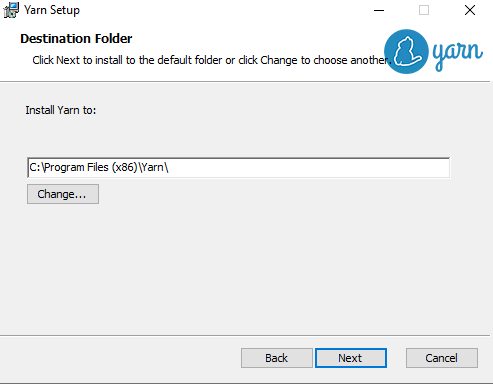
Method 2: MSI installer
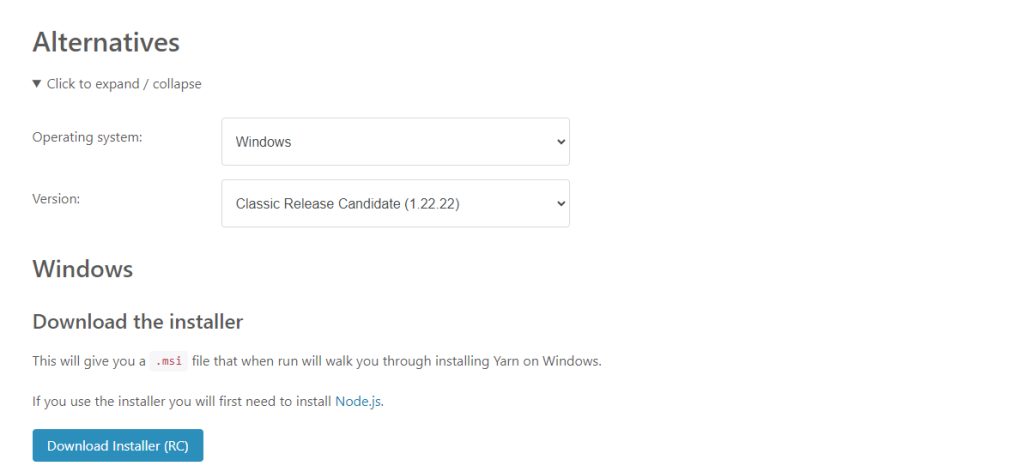
- Open the Yarn website and download the installer.
- Run the
.msifile.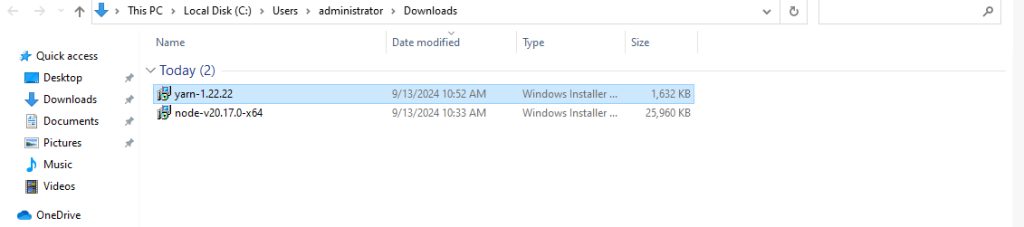
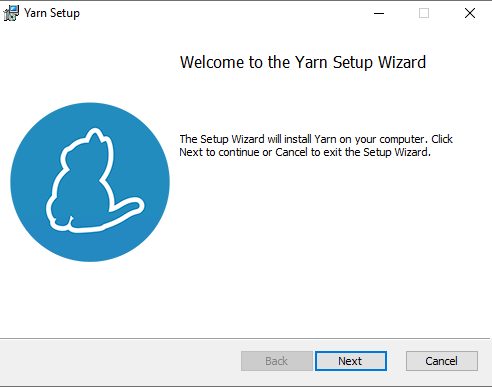
- Accept the license agreement.
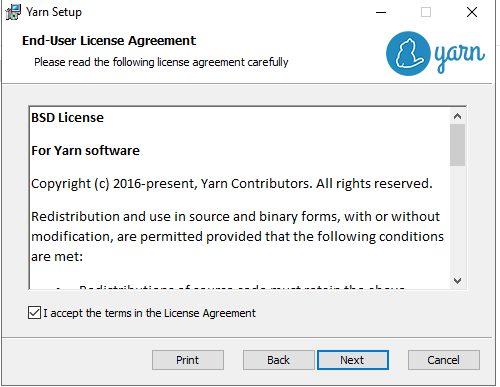
- Choose the destination folder and finish.
Method 3: Chocolatey
choco install yarn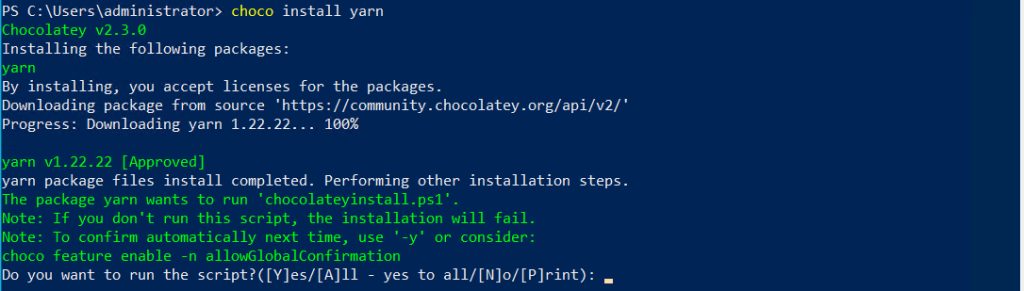
Method 4: Scoop
Install Scoop, then Yarn:
Set-ExecutionPolicy RemoteSigned -Scope CurrentUser
iwr -useb get.scoop.sh | iex
scoop install yarn
Configure Yarn
Set a registry:
yarn config set registry <registry_url>Use an offline mirror:
yarn config set yarn-offline-mirror <path_to_mirror>Install a package globally:
yarn global add <package_name>Use Yarn
yarn init
yarn add <package_name>
yarn remove <package_name>
yarn install
yarn upgrade <package_name>
Troubleshooting
- Make sure you use recent versions of Node.js and Yarn.
- Open a new terminal after installing so the Path is refreshed.
- Run the terminal as administrator if you see permission errors.
- Clear the cache with
yarn cache cleanif installs fail.
Quick recap
- The npm method is the quickest.
- Check with
yarn --version.