

What is WinGet
WinGet is the Windows package manager. It installs, updates and removes apps from the command line. It comes with the App Installer on recent Windows 10 and 11 builds.
Method 1: Install from GitHub
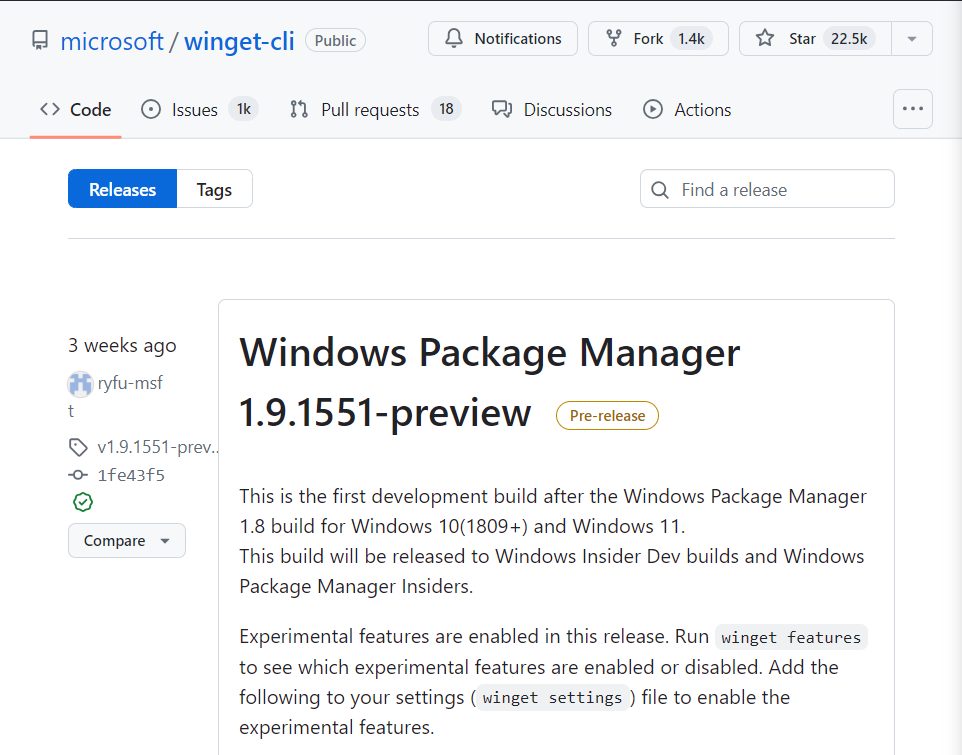
Step 1: Open the WinGet GitHub page
Go to the microsoft/winget-cli releases page.
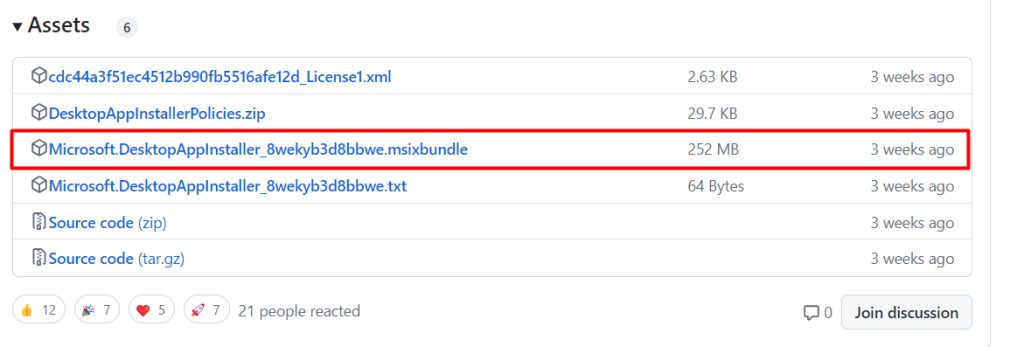
Step 2: Download the MSIXBUNDLE file
Under Assets download the .msixbundle file.
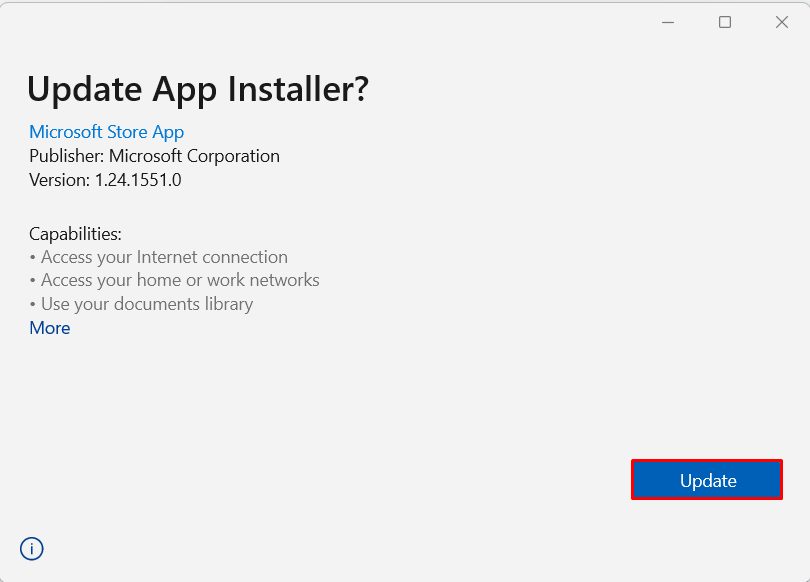
Step 3: Install or update App Installer
Open the file and click Update or Install.
Step 4: Check it
Open a new PowerShell window:
winget --version
Method 2: Install from the Microsoft Store
- Open the Microsoft Store and search for App Installer.
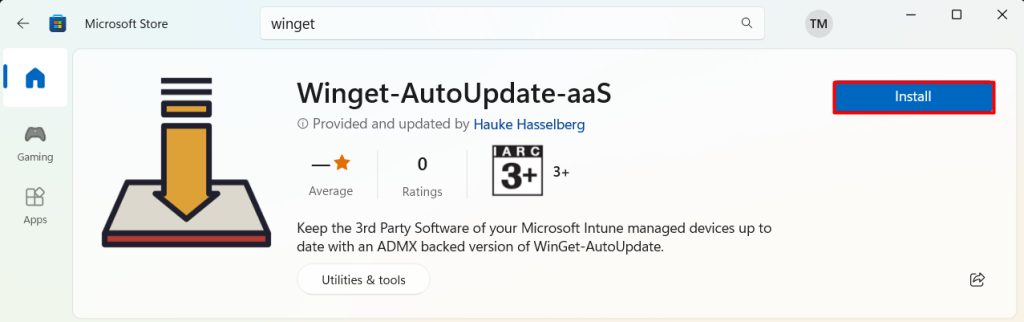
- Click Get or Update.
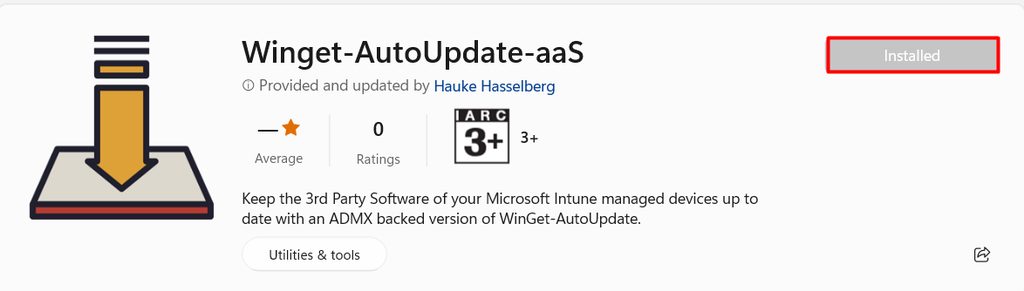
- Run
wingetin PowerShell to see the help.
winget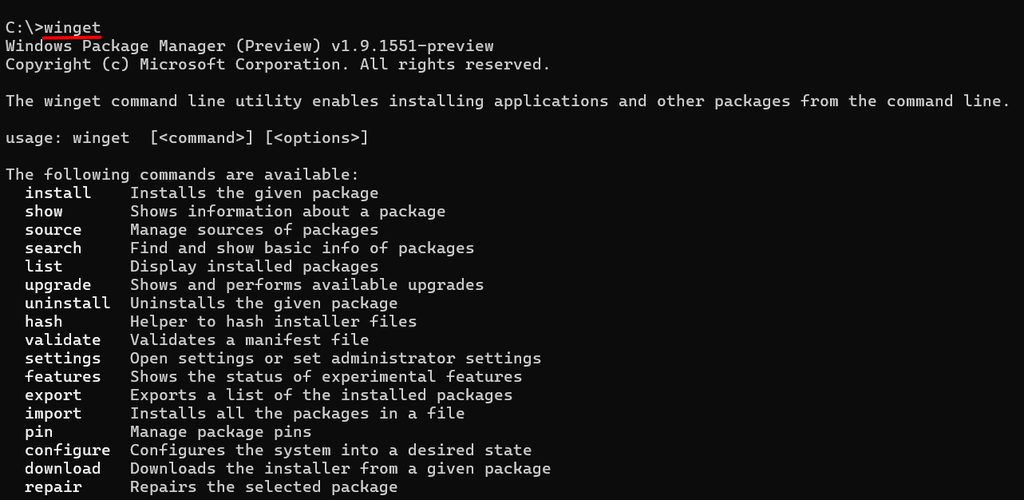
Use WinGet
winget search vlc
winget install VideoLAN.VLC
winget upgrade --all
Troubleshooting
- Check the system type. Download the right build for your PC (x64 or ARM).
- Check App Installer. Make sure it is updated.
- Run Windows Update. WinGet needs an up-to-date system.
- Antivirus. Pause it for a moment if it blocks the installer.
Common errors
- "The package could not be installed". Run it again as administrator and check your connection.
- "winget is not recognized". App Installer is missing or not updated, or you need to open a new window.
- "The MSIXBUNDLE file is corrupted". Download the file again.
Quick recap
- Update App Installer and run
winget --version.