

What is different in Multisite?
WordPress Multisite runs many websites from one install. A user account lives at the network level. That means one login can work on many sites. On each site, the user gets a role. A role is a set of rules about what the person may do there.
Imagine a school with many classrooms. A visitor has one badge for the school. Each classroom decides what the visitor may do inside.
Roles you can give on a site are Administrator, Editor, Author, Contributor and Subscriber. A Super Admin is the top boss of the whole network. Only a Super Admin can add users at the network level.
Way 1: Add a user from the Network Admin
- Log in as the Super Admin.
- In the top bar, click My Sites, then Network Admin, then Dashboard.
- Click Users, then Add New.
- Type a Username. Use lowercase letters and numbers.
- Type the person's Email.
- Click Add User.
WordPress emails the person a link to set their password. At this point they exist on the network, but they have no role on any site yet.
Way 2: Add a user to one site
- Go to the dashboard of the site you want. Use My Sites in the top bar and pick the site.
- Click Users, then Add New.
- Under Add Existing User, type the person's email or username.
- Pick a Role.
- Keep Skip Confirmation Email unticked if you want the person to get a message and accept first. Tick it to add them right away.
- Click Add Existing User.
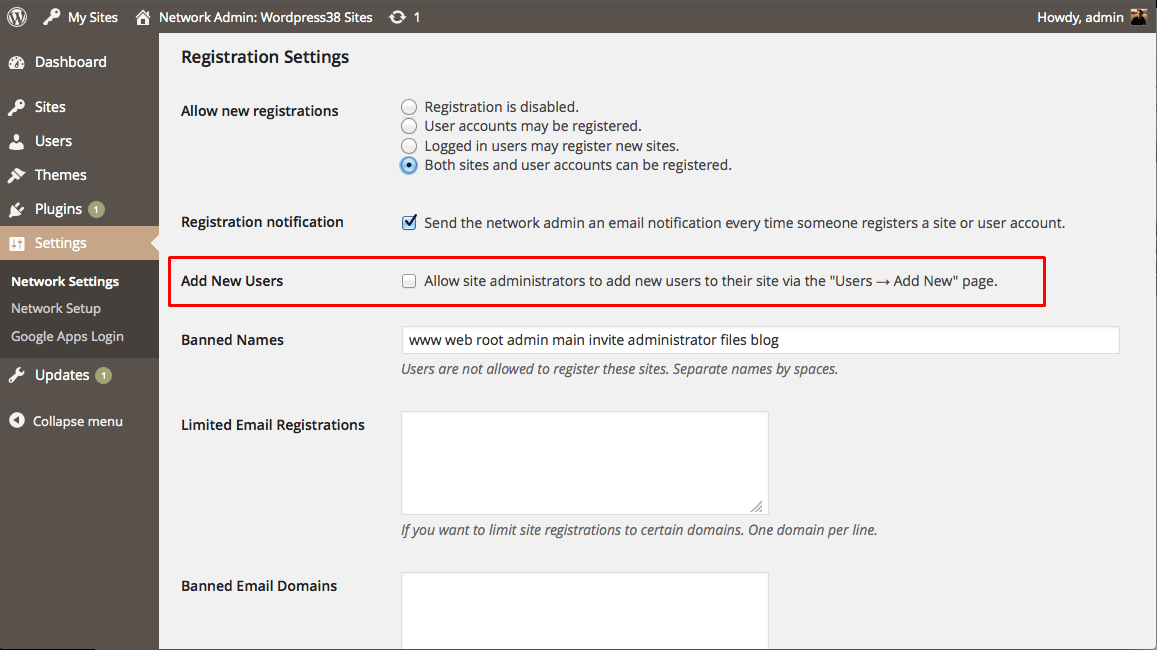
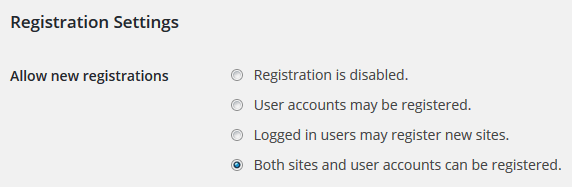
If the person is new to the network, use Add New User on the same page. A Super Admin can add them directly. A normal site administrator may be limited by network settings.
Give the same user a role on more sites
- In the Network Admin, click Sites, then All Sites.
- Click Edit under the site you want.
- Open the Users tab.
- Under Add Existing User, type the username, pick a role and click Add User.
Remove a user
Warning: deleting a user from the network can remove their content. Back up first.
- In the Network Admin, click Users.
- Point at the user and click Delete, then confirm.
Quick recap
- A Multisite user has one network login and a role per site.
- Super Admins add users in Network Admin, then Users, then Add New.
- Give a role on a site with Add Existing User.
- Remove from one site or delete from the whole network.