

Why show related posts
- More engagement. Readers who liked one post often want another.
- More page views. Visitors stay longer and see more pages.
- Better SEO. Internal links help search engines find your content.
- More traffic. Links to other posts bring people back.
Method 1: WordPress.com built-in feature
If your site is on WordPress.com, you do not need a plugin.
- Log in to your WordPress.com dashboard.
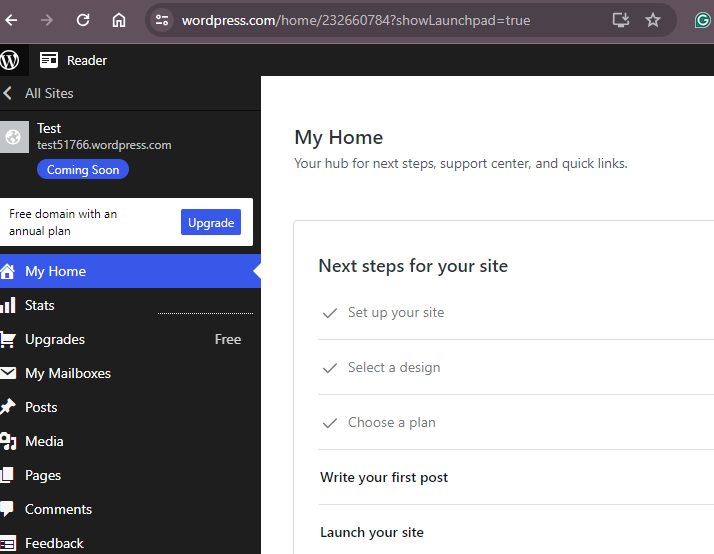
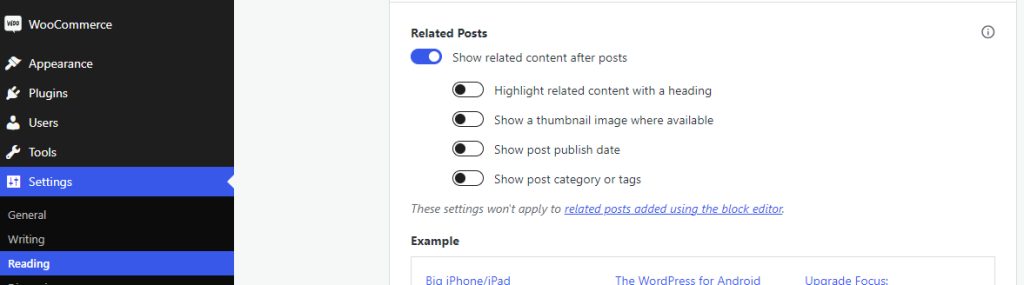
- Go to Settings, then Reading (or Settings, then Writing, depending on your plan). Turn on Related posts and save.
Method 2: A plugin
For a WordPress.org site, use a plugin. Popular choices:
- Yet Another Related Posts Plugin (YARPP)
- Related Posts for WordPress
- Inline Related Posts
Pick one with easy setup, good design control and good speed.
Set up YARPP
- Go to Plugins, then Add New. Search for YARPP, install and activate it.
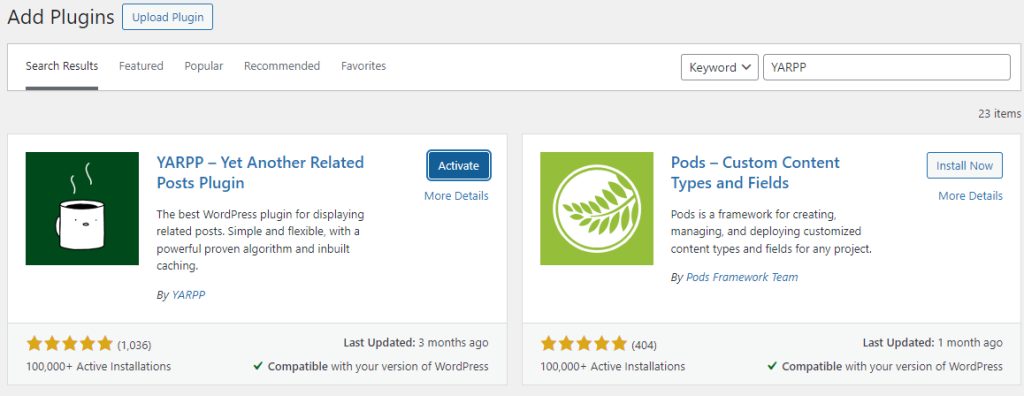
- Open the new YARPP menu. The important settings are:
- The Pool. Which posts and pages can be shown as related.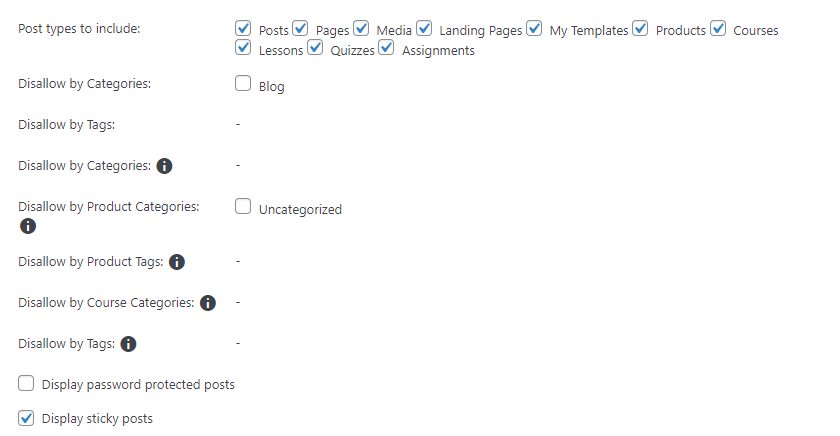
- The Algorithm. How YARPP decides what is related. For example, the match of titles, content, categories and tags, and the number of results.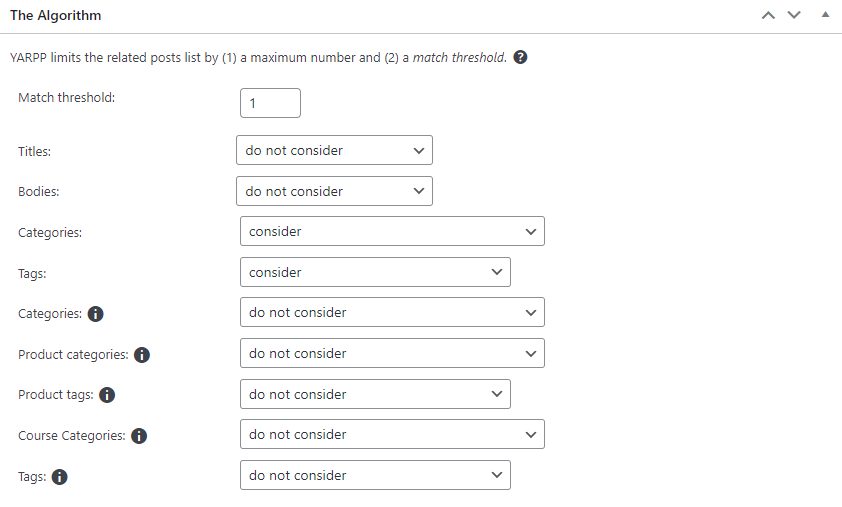
- Automatic Display Options. Where the list shows, and the heading and layout.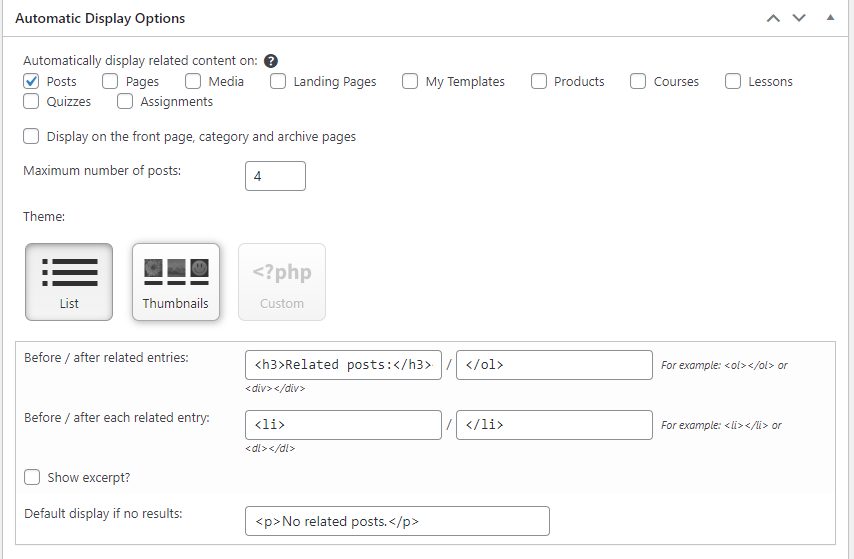
- Click Save Changes, and open a post to see the result.

Method 3: Custom code
If you know PHP, you can show related posts from the same tags. Do this in a child theme.
- Create a child theme folder with a
style.cssfile (see our guide on child themes). - Add this code to the child theme
functions.php:
function get_related_posts($post_id) {
    $tags = wp_get_post_tags($post_id);
    if (!$tags) return array();
    $tag_ids = wp_list_pluck($tags, 'term_id');
    $args = array(
        'tag__in'        => $tag_ids,
        'post__not_in'   => array($post_id),
        'posts_per_page' => 3,
    );
    return get_posts($args);
}- In
single.php(copied into the child theme), show them below the post:
<?php
$related = get_related_posts(get_the_ID());
if ($related) {
    echo '<h3>Related posts</h3><ul>';
    foreach ($related as $post) {
        echo '<li><a href="' . get_permalink($post) . '">' . get_the_title($post) . '</a></li>';
    }
    echo '</ul>';
}
?>
Quick recap
- WordPress.com has a built-in switch.
- YARPP is an easy plugin for self-hosted sites.
- Custom code gives full control.