

Why duplicates happen
- Theme. Some themes, especially free ones, make generic titles.
- SEO plugins. Two plugins can add a title each.
- Home and archive pages. They often keep the default title.
- Paged content. A long post split in pages can repeat the title.
- Manual mistakes. The same title is typed into more than one page.
Find duplicates
- SEO plugins such as Yoast SEO and All in One SEO show title problems in the editor.
- Google Search Console lists duplicate title tags in its reports.
- Crawlers such as Screaming Frog scan your whole site and list the repeated titles.
Fix them
1. Theme conflicts
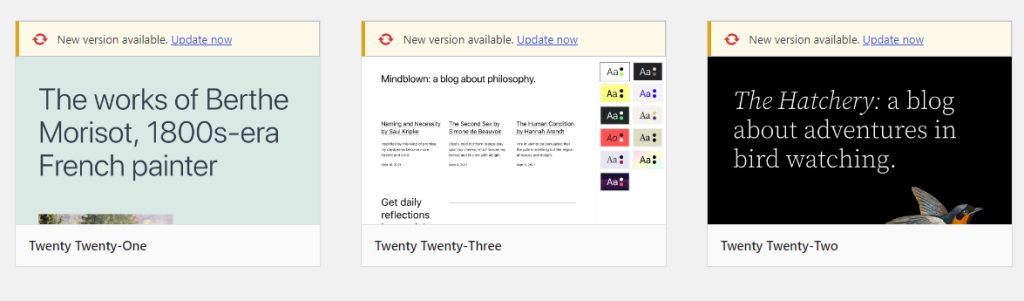
Open Appearance, then Themes. Test with a default theme. If the duplicate title is gone, the theme adds its own. Ask the theme author, or turn off the theme's title in its settings. Also check that your theme supports the title tag: add_theme_support( 'title-tag' ); in functions.php.
2. Plugin conflicts
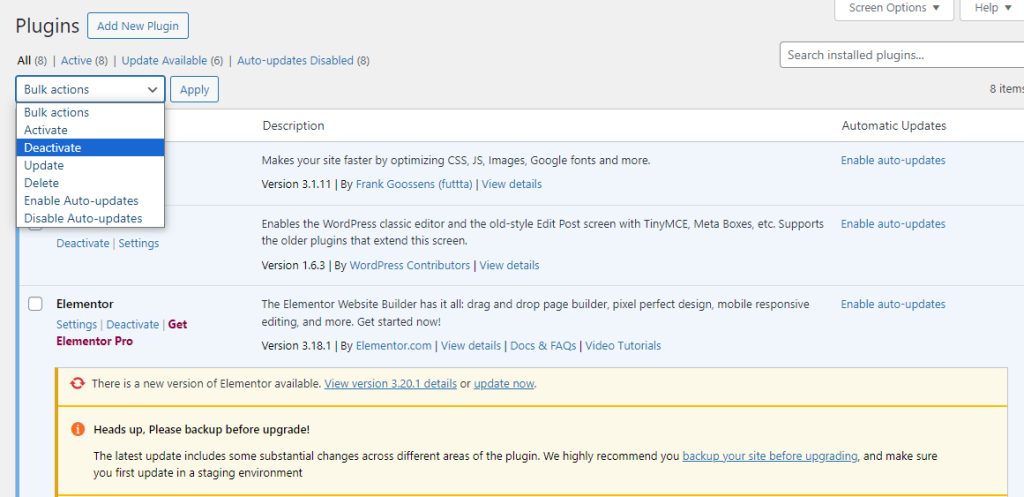
Turn off your plugins and turn them on one by one. Keep only one SEO plugin.
3. Home and archive pages
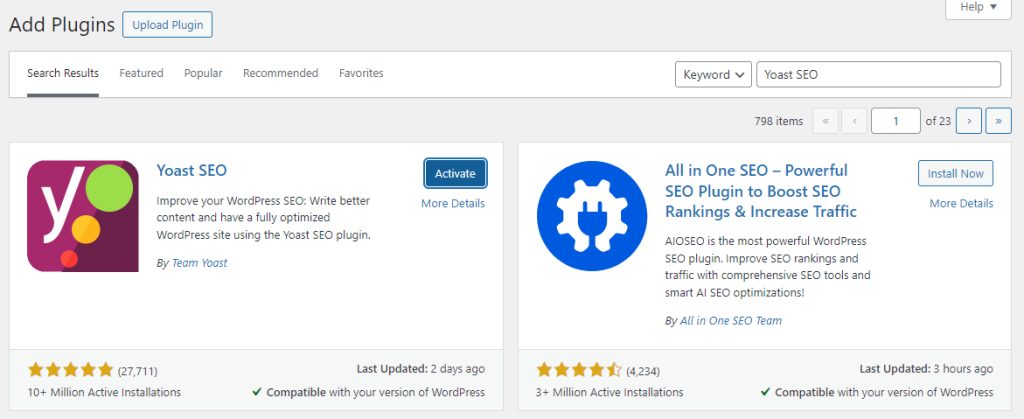
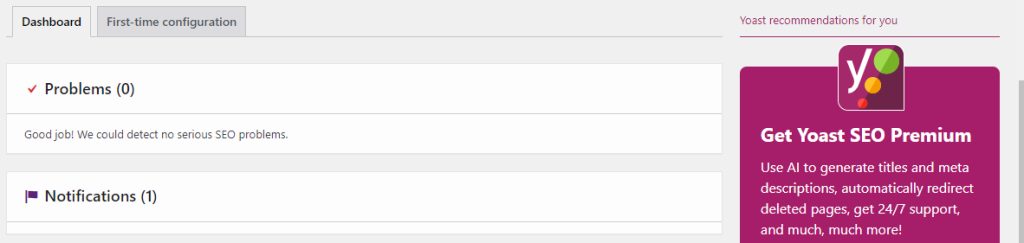
In your SEO plugin (for example Yoast SEO), open Search Appearance and set a unique title template for the home page and the archives.
4. Paged posts
Add the page number to the title for posts split into several pages. Most SEO plugins have a title variable for this (for example %%page%%).
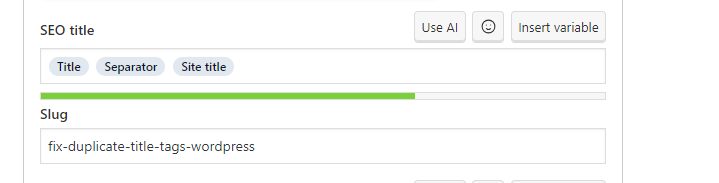
5. Manual errors
Open each page that repeats a title and give it a clear, unique one.
Why it matters
Unique titles help search engines and visitors understand each page. They improve the click rate in search results.
Tips
- Keep titles under about 60 characters.
- Use the main keyword in a natural way, and do not stuff keywords.
- Add your brand name, mainly on the home page and key pages.
- Write a unique title for each page.
Quick recap
- Check the theme, the SEO plugin and the templates.
- Use Search Console or a crawler to find duplicates.
- Give every page its own title.