

Why posts miss their time
- Wrong time zone. The time zone in WordPress does not match what you expect.
- Cache. A page cache can hide a post that has just been published.
- Plugin conflicts. Caching and optimization plugins can interfere with scheduled tasks.
- Low server memory. A busy server may stop the task.
- WP-Cron problems. WordPress runs scheduled tasks with WP-Cron, which starts only when someone visits the site.
Fixes
1. Check the time zone
Go to Settings, then General. Set the right Timezone (choose a city and not just a UTC offset).

2. Clear the cache. Clear the cache of your caching plugin, your server and your CDN.
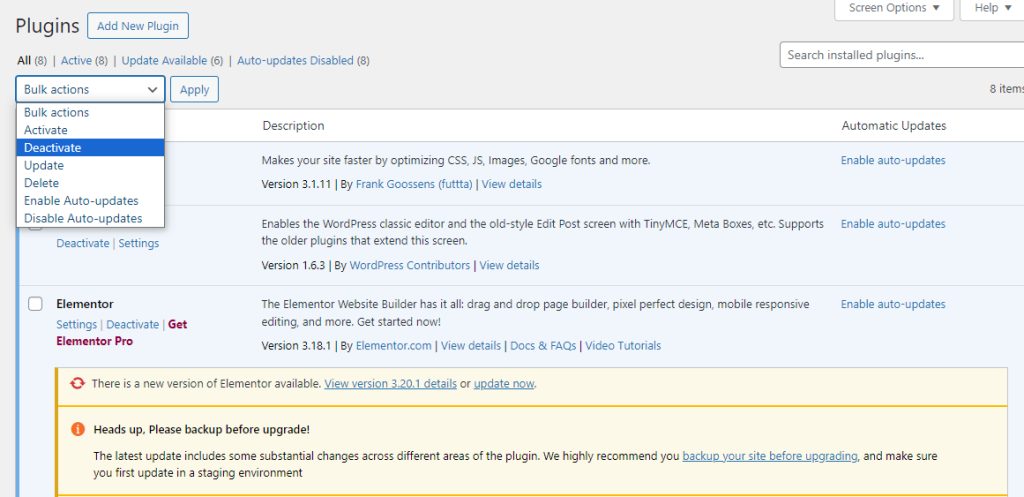
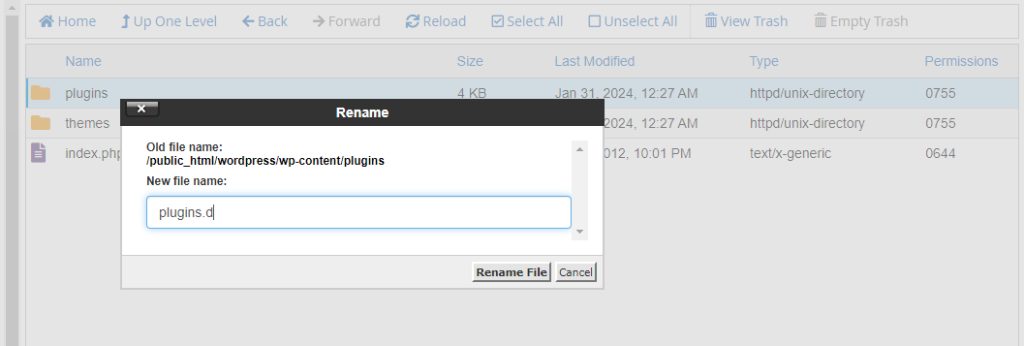
3. Turn off plugins for a test
Go to Plugins and turn them off, then turn them on one by one. Watch for a plugin that causes the problem.
4. Raise the memory limit. Add this to wp-config.php:
define('WP_MEMORY_LIMIT', '256M');5. Use a missed schedule plugin. A plugin such as WP Missed Schedule checks for missed posts and publishes them.
6. Use a real server cron job
Turn off the built-in trigger in wp-config.php:
define('DISABLE_WP_CRON', true);Then add a cron job (for example in cPanel) that runs every 5 minutes:
*/5 * * * * wget -q -O - https://example.com/wp-cron.php?doing_wp_cron >/dev/null 2>&1Recover a missed post
Open Posts, find the post with the status Missed schedule, and click Edit. Then click Publish to publish it right now.
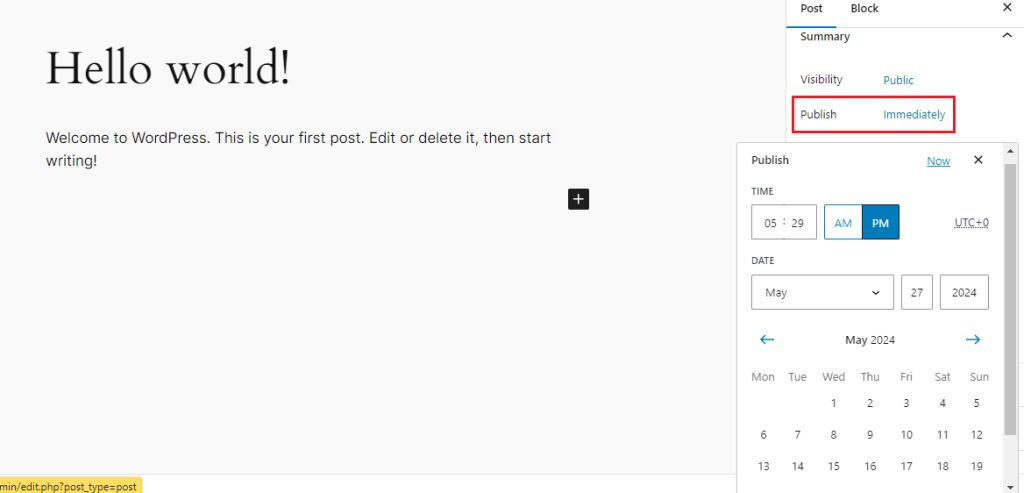
For important posts, you can also use an external scheduling tool, or schedule the post a few minutes before it must appear.
Quick recap
- Check the time zone and clear the cache.
- Test the plugins and raise the memory limit.
- Use a real cron job in place of WP-Cron for a reliable schedule.