

What is a hacked site?
A hacked site is one where a stranger got in and changed things. They may add spam links, hidden pages, strange files or a redirect to another site. Stay calm. Most hacked sites can be cleaned if you work step by step.
Step 1: Change your passwords
- Change your hosting account password in the client area at https://secure.hostvento.com/clientarea.php.
- Change your WordPress admin passwords. Click Users, then edit each user.
- Change your FTP password and your database password.
- Use long, unique passwords.
FTP is a way to move files between your computer and your hosting account.
Step 2: Check your users
- Click Users, then All Users.
- Delete any administrator you do not know.
Step 3: Replace the core files
The core files are the main WordPress program files. You can swap them for fresh ones.
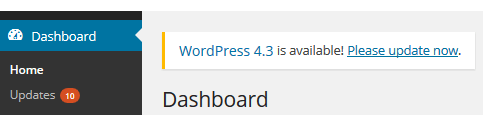
- Click Dashboard, then Updates.

- Click Re-install version.
This replaces core files and keeps your content.
Step 4: Reinstall plugins and themes
- Delete all plugins and themes you do not use.
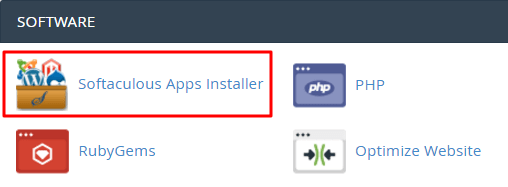
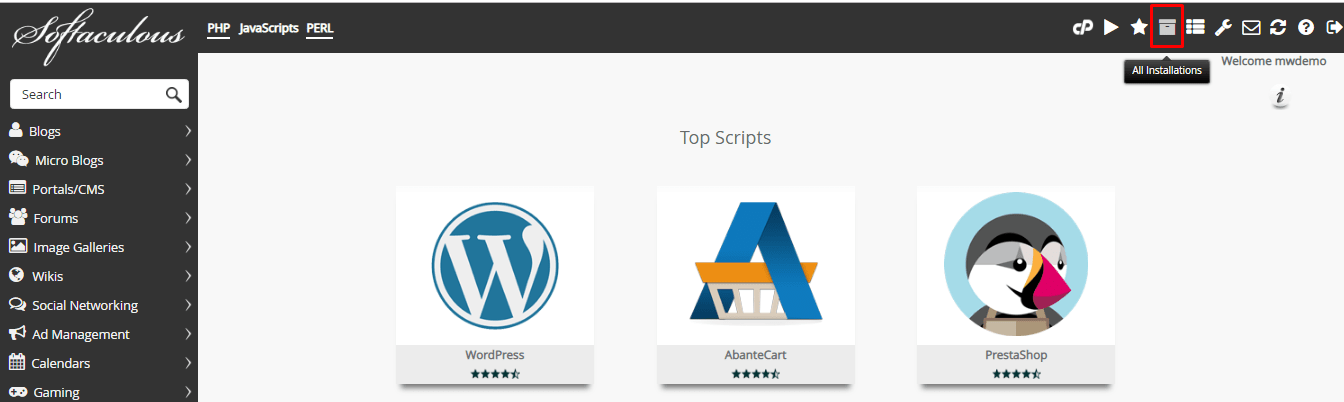
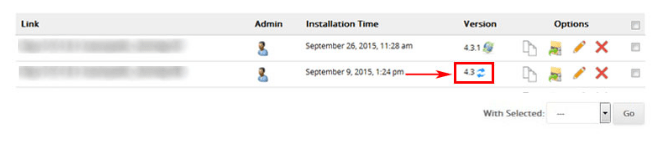
- For the ones you keep, delete them and install fresh copies from the official WordPress library.
- Do not use pirated "nulled" plugins or themes. They are a common way in for hackers.
Step 5: Look for bad content
- Open Posts and Pages. Look for odd links or text you did not write.
- Check the
wp-content/uploadsfolder. It should hold only pictures and documents. Delete any.phpfile in it. - Open
.htaccessand look for redirect rules you did not add. - Check
wp-config.phpfor code you do not know.
Step 6: Run a scan
A security plugin can scan your files for known bad code. Search for a well-known one, such as Wordfence, in Plugins, then Add New. Run a full scan and follow its advice. Hostvento support can tell you whether a server-side scanner is on your plan.
Step 7: Stay safe
- Keep WordPress, themes and plugins updated.
- Use two-step login if you can.
- Make regular backups.
If you cannot clean the site yourself, open a ticket at https://secure.hostvento.com/submitticket.php.
Quick recap
- Back up, then change every password.
- Remove unknown users.
- Re-install core files, plugins and themes.
- Check posts, uploads and settings files for bad code.
- Scan the site and keep it updated.