

What is a share button?
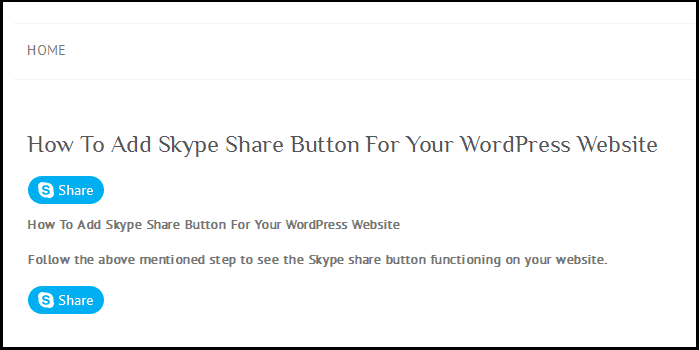
A share button is a small icon on a page. When a visitor clicks it, they can send that page to friends. A Skype share button sends the link through Skype, a chat and call app.
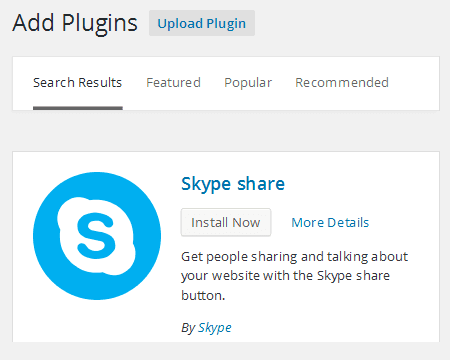
The easiest way to add one is a plugin. A plugin is an add-on that gives your WordPress site a new feature. Many social sharing plugins include Skype. Menus and names differ between plugins. Use the steps below as a guide.
Steps
- Log in to your WordPress dashboard.
- Go to Plugins and click Add New.
- Search for "social share buttons".
- Pick a plugin that lists Skype as an option. Read the description and reviews.

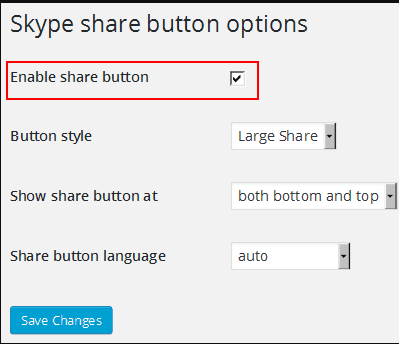
- Click Install Now, then Activate.
- Open the plugin's settings page. It is often under Settings or has its own menu.
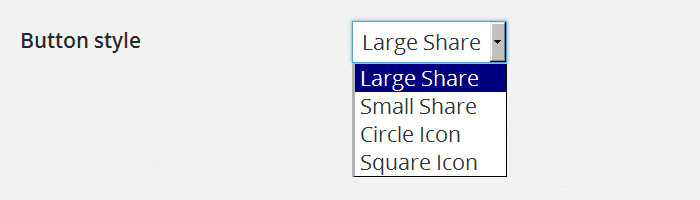
- Find the list of networks or buttons.
- Turn on Skype.
- Choose where the buttons should appear. For example, below each post or on the side.
- Choose which content types show them, such as posts or pages.
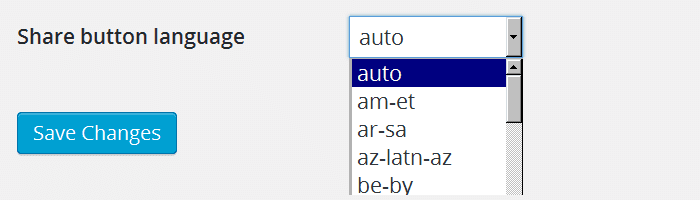
- Click Save Changes.

- Open one of your posts to check the button.
Add a link by hand (optional)
You can also make a simple link. Use an HTML block in the editor. HTML is the language that web pages are written in. Add this, and swap the address for your own page:
<a href="https://web.skype.com/share?url=https://example.com/my-post">Share on Skype</a>This makes a text link. When clicked, it opens the Skype share page with your address filled in.
Skype changes over time. If the link stops working, check the plugin or Skype's own help for the new address.
Quick recap
- A share button lets visitors send your page to others.
- Install a social sharing plugin that supports Skype.
- Turn on Skype in the settings and save.
- Check a post to make sure the button shows.