

What is a plugin?
A plugin is a small add-on for WordPress. It adds a feature, like a contact form, a shop, or a backup tool. It works like an app on a phone. You install only the ones you need.
Too many plugins can slow your site. Old plugins can also be unsafe. So it helps to manage them well.
See your plugins
- Log in to your WordPress dashboard.
- Click Plugins, then Installed Plugins.
You will see a list. Each plugin has links under its name, such as Activate, Deactivate and Delete.
Activate a plugin
A plugin that is installed but not active does nothing.
- Go to Plugins, then Installed Plugins.
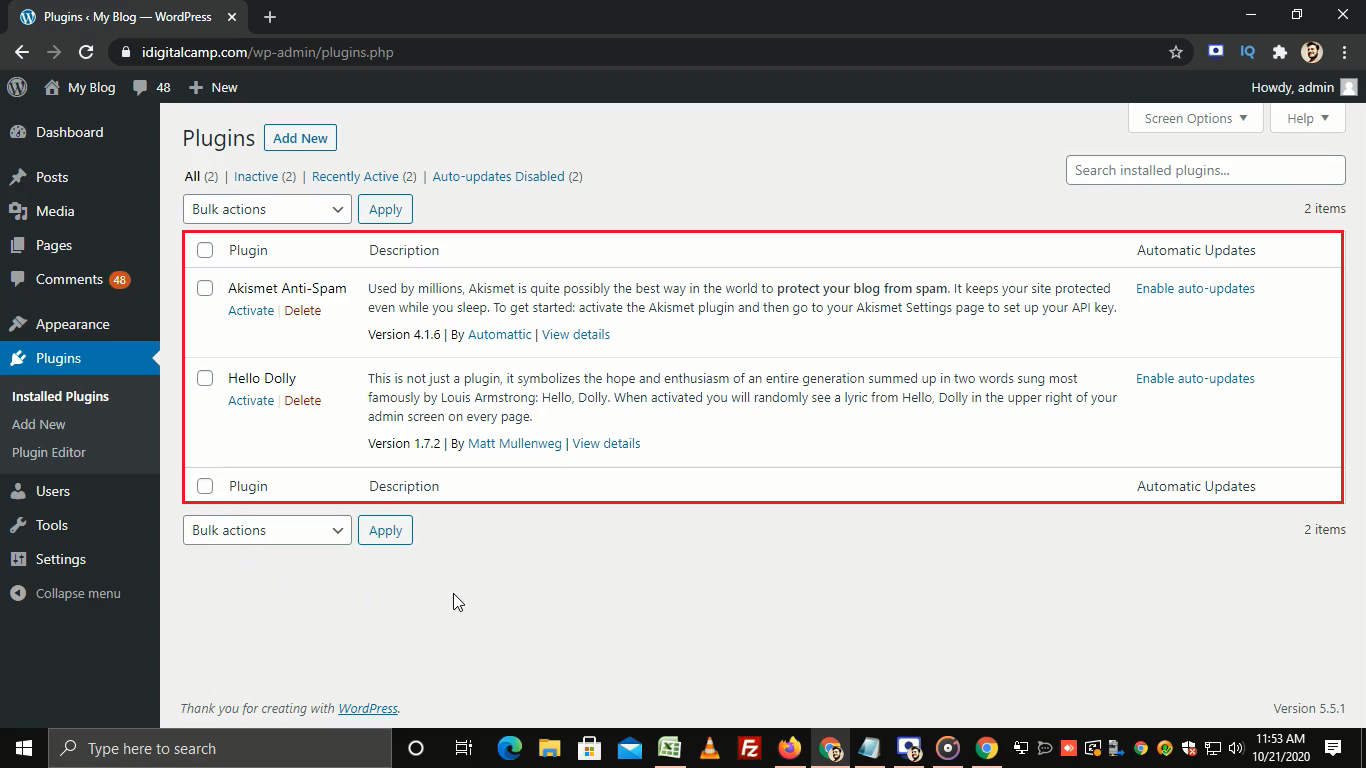
- Find the plugin.
- Click Activate.
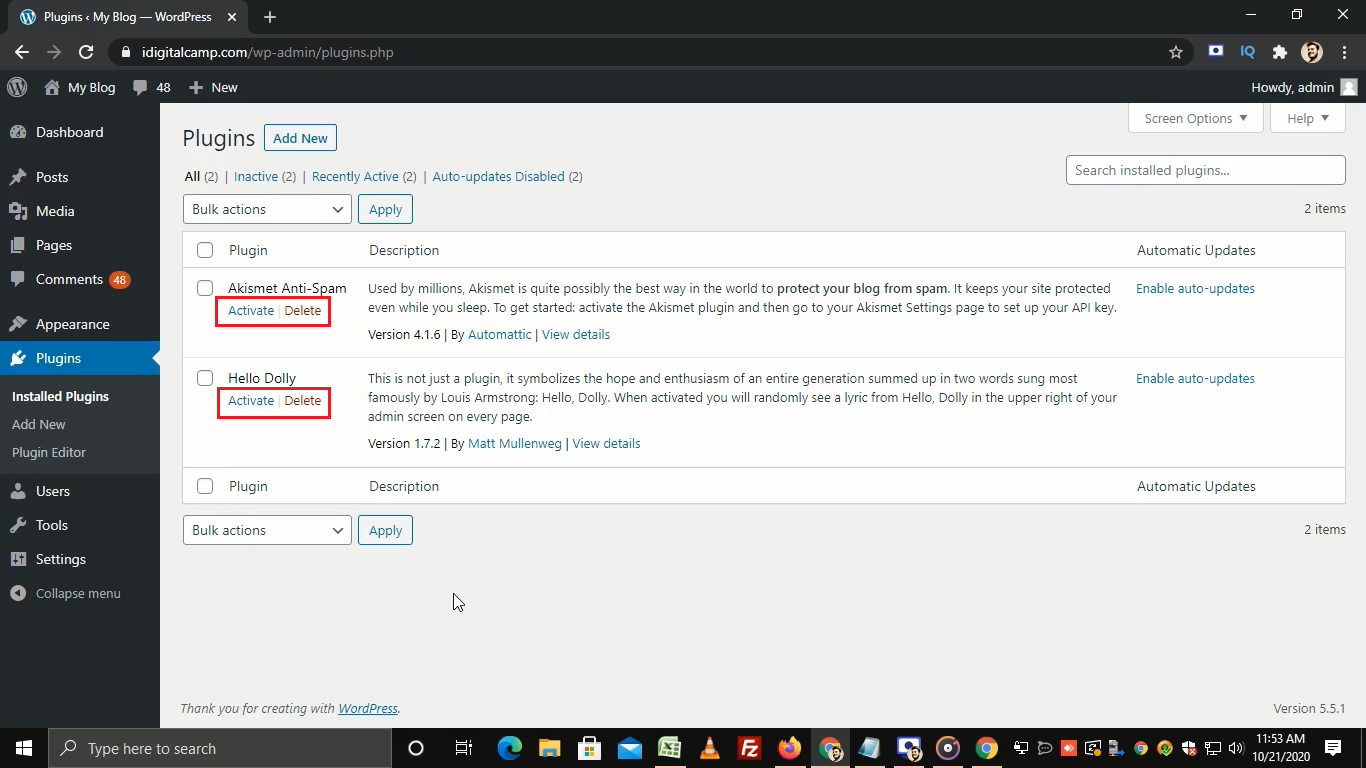
Deactivate a plugin
This turns the plugin off but keeps it installed. It is good for testing.
- Go to Plugins, then Installed Plugins.
- Click Deactivate under the plugin name.
Update a plugin
Updates add fixes and security patches. When an update is ready, you see a yellow notice.
- Go to Dashboard, then Updates, or open Plugins.
- Click update now next to the plugin.
- Wait for the message that says the update worked.
- Check your site.
To update many at once, tick the boxes, choose Update from the bulk actions menu, and click Apply.
Delete a plugin
- First click Deactivate.
- Click Delete that now appears.
- Confirm by clicking Yes, delete these files.
Deleting removes the plugin files. Some plugins also remove their saved settings.
Install a new plugin
- Go to Plugins, then Add New Plugin.
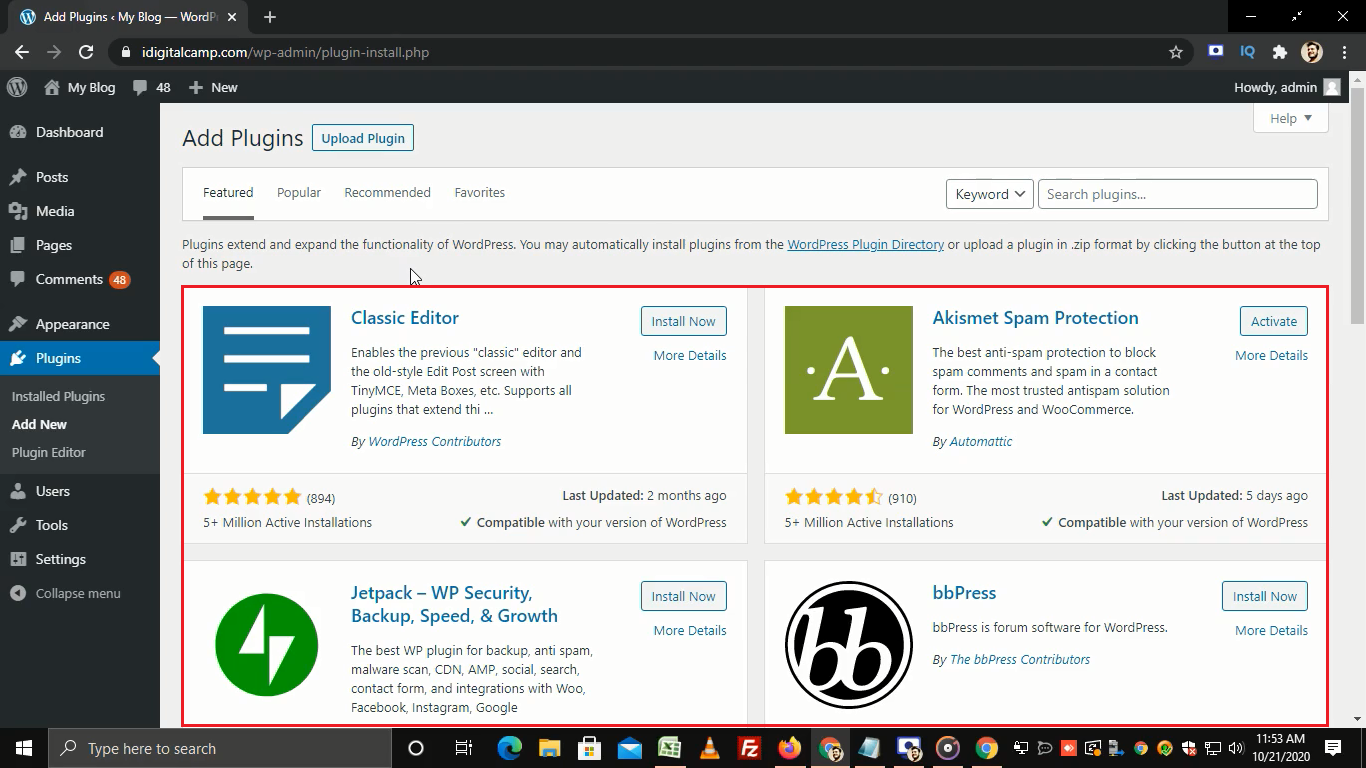
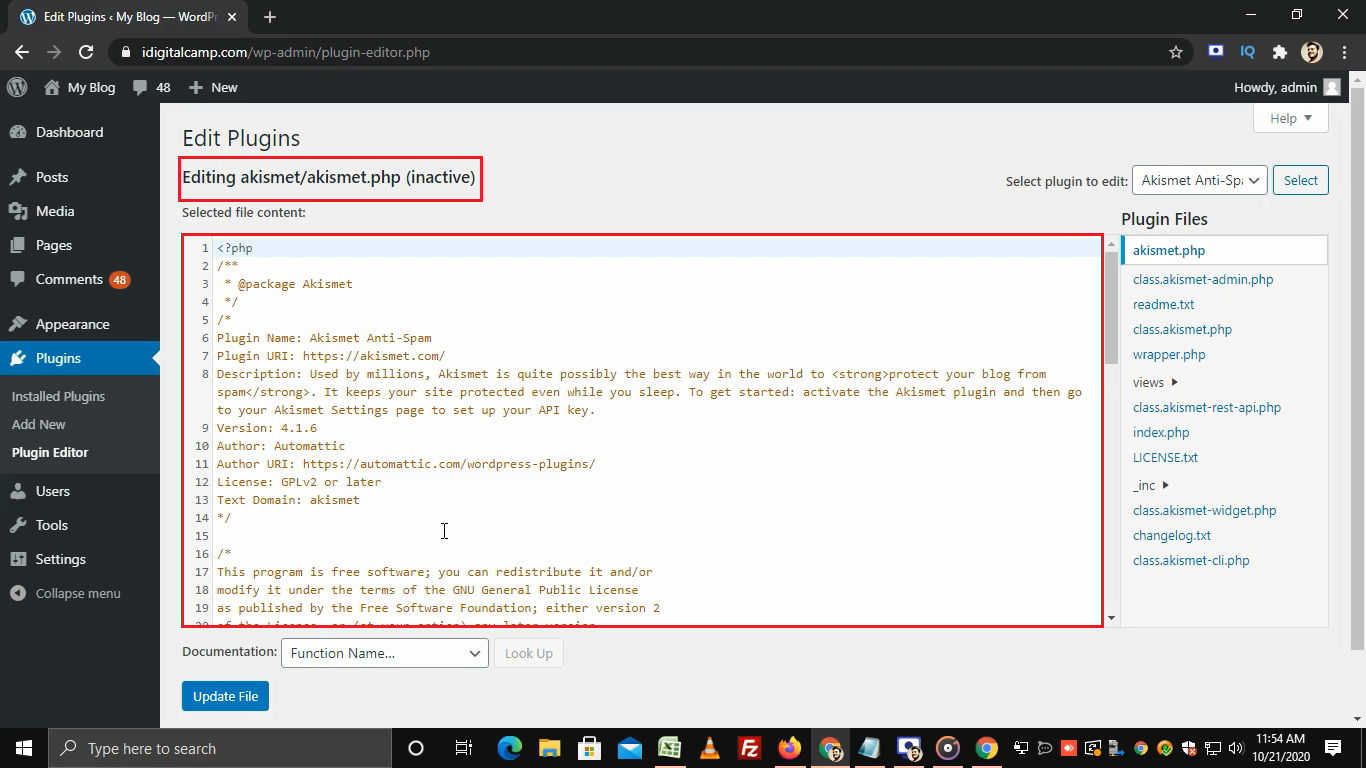
- Search for what you need.
- Click Install Now, then Activate.
If you have a ZIP file, click Upload Plugin instead.
Quick recap
- Manage plugins from Plugins, then Installed Plugins.
- Activate to turn on, deactivate to turn off.
- Keep plugins updated for safety.
- Delete the ones you do not use.
- Back up before big changes.