

You can install WordPress in ISPmanager in two ways:
- When you create the website.
- Later, with a web script, if you did not choose a CMS at creation.
Method 1: Install while creating the website
- In the left menu go to Websites and click Create.
- Fill in the fields and choose WordPress on the CMS tab.
- Click Next. The site is ready.
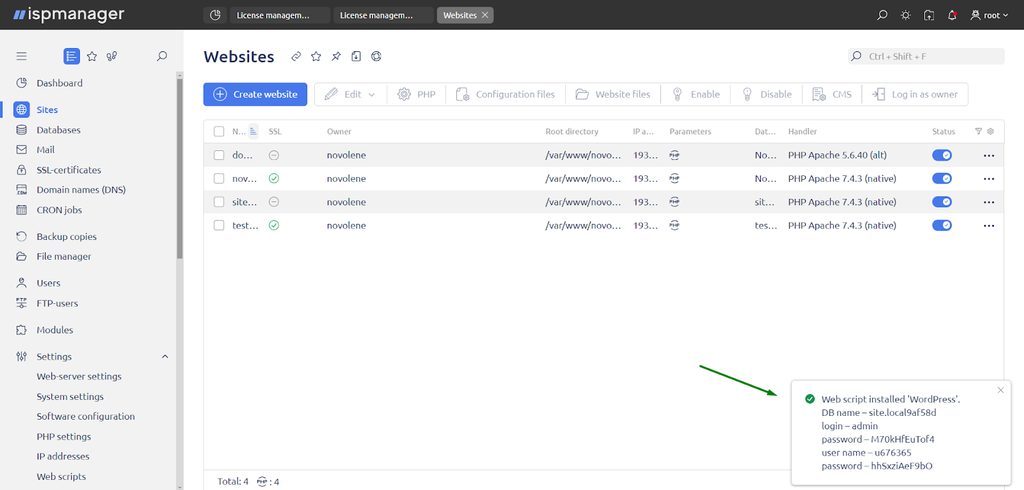
Note: A notice in the top right corner shows the username and password of your WordPress admin area. Copy and save them.
Method 2: Install with a web script
- Open Websites and select your site.
- Open the CMS section in the top menu.
- Find WordPress in the list.
- Click Install. This is simpler than Quick install.
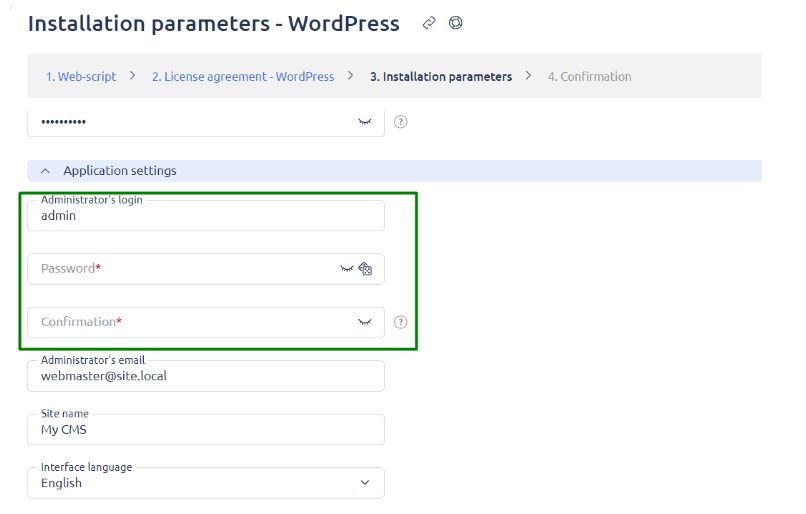
- In the Installation parameters step, check the application settings and note the admin login details. Copy and save them.
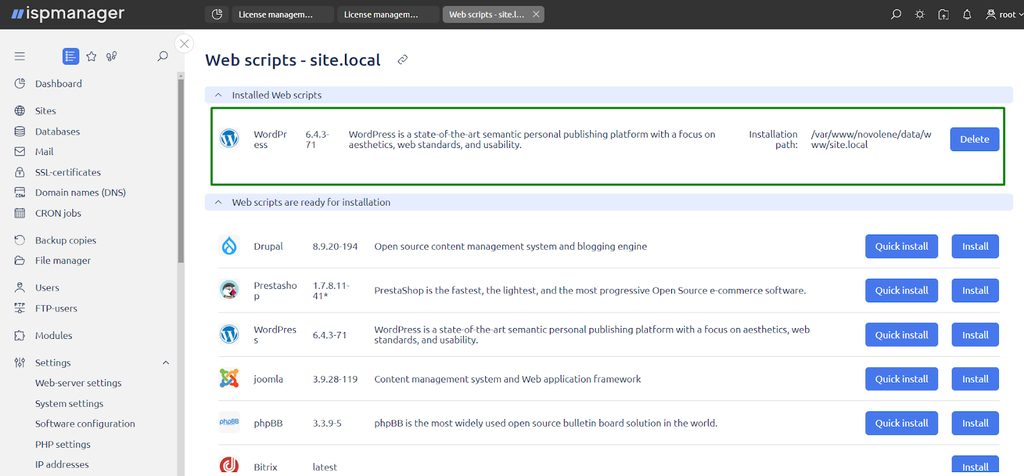
- Finish the installation.
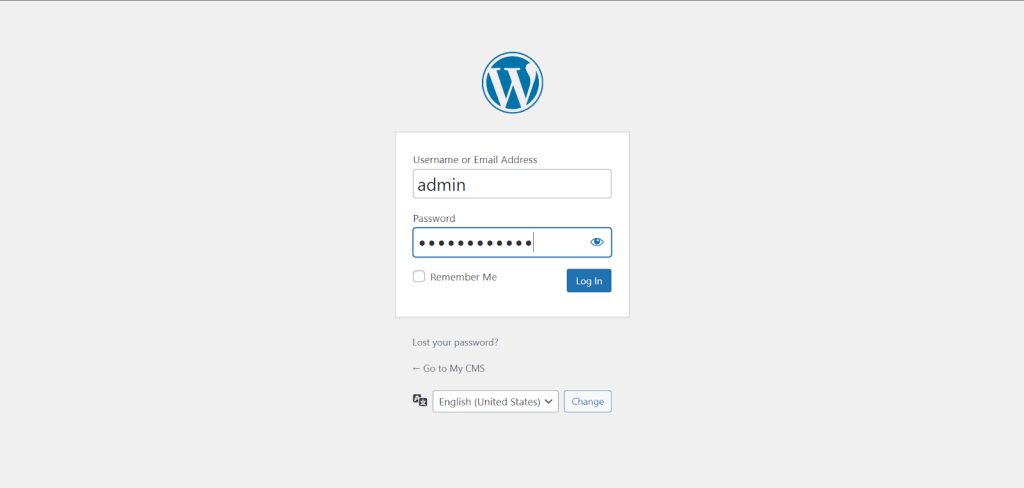
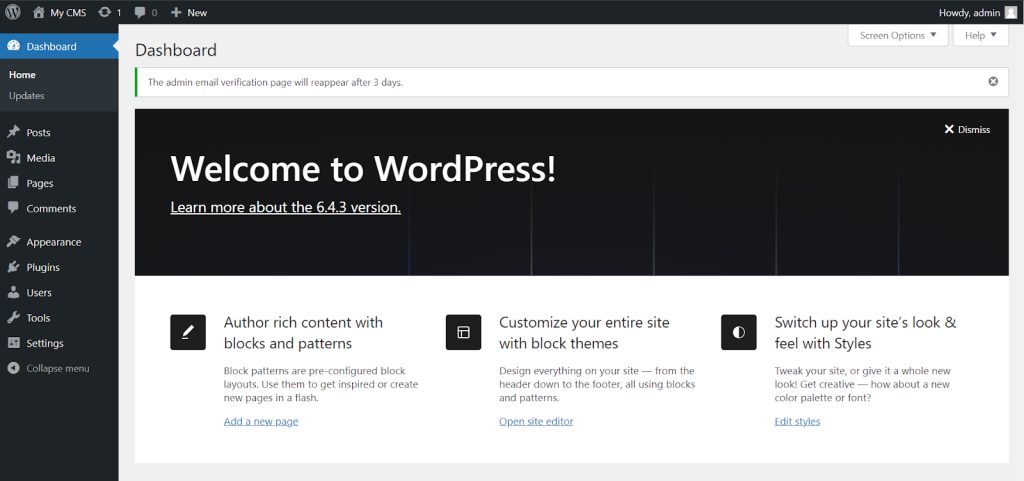
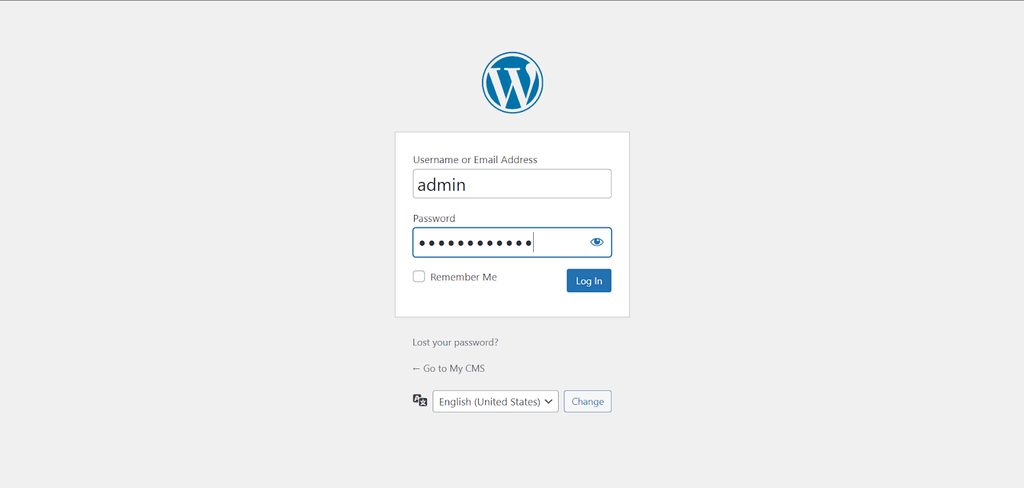
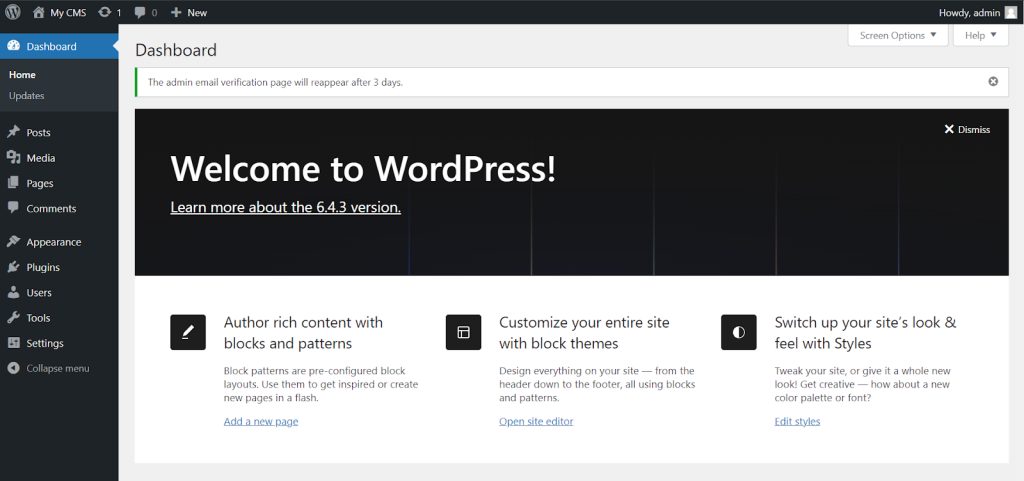
Log in at yourdomain.com/wp-admin.
Quick recap
- Choose WordPress on the CMS tab when you create the site.
- Or use the CMS section of an existing site.
- Save the admin login details.