

What is Tutor LMS
Tutor LMS is a WordPress plugin to build and sell online courses. It has a course builder, lessons, quizzes and student tracking.
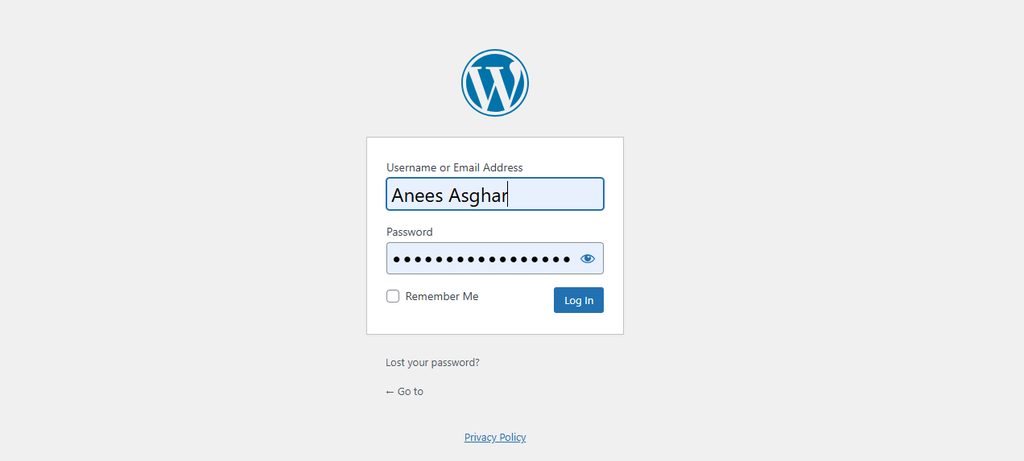
Step 1: Log in to WordPress
Log in to your dashboard at yourdomain.com/wp-admin.
Step 2: Install Tutor LMS
- Go to Plugins > Add New.
- Search for
Tutor LMS.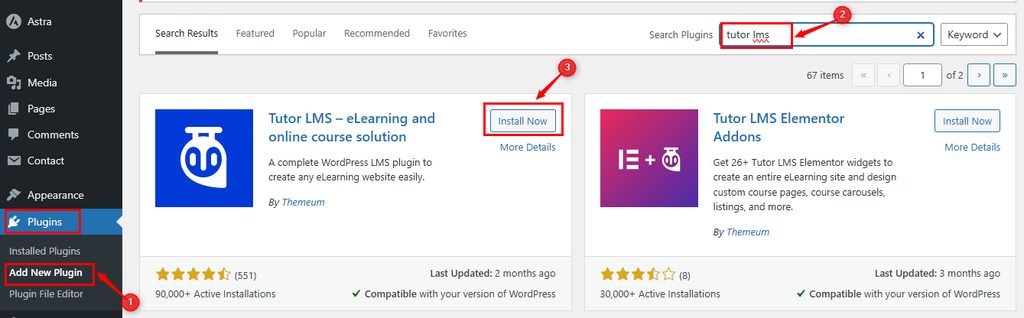
- Click Install Now, then Activate.
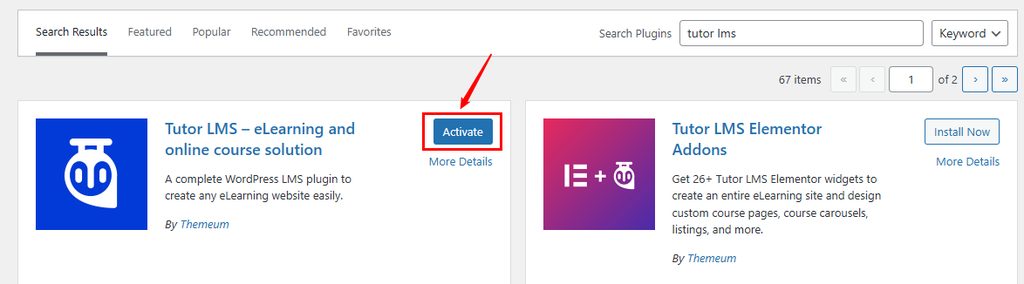
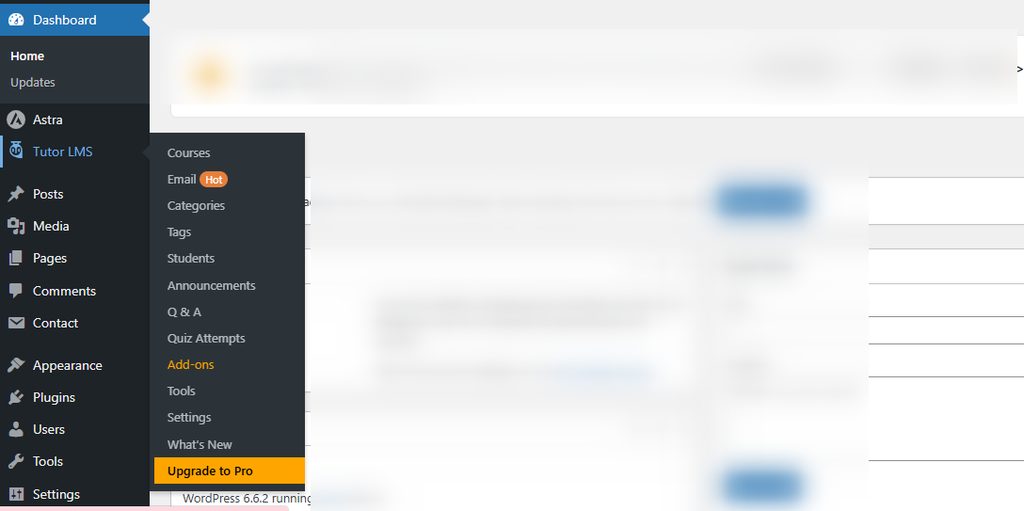
The Tutor LMS menu now appears in the sidebar.
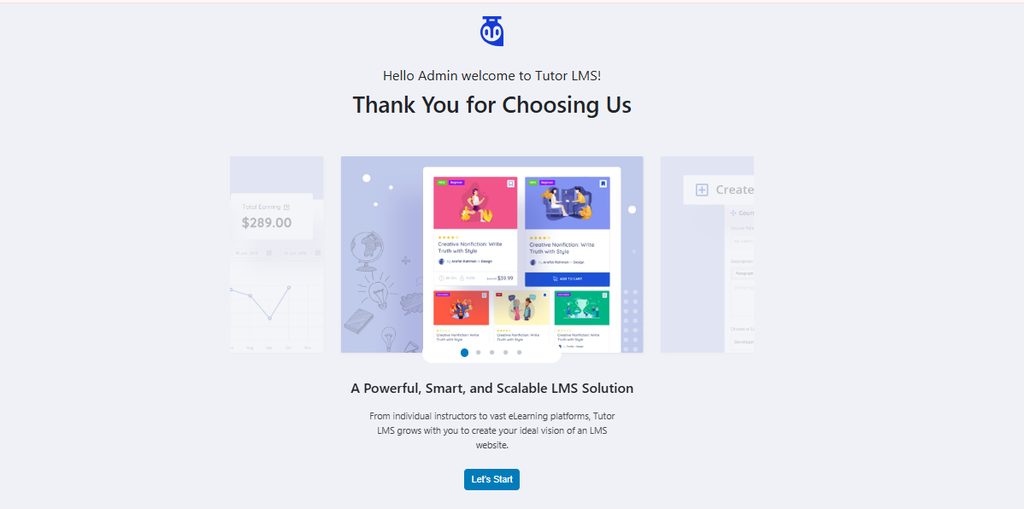
Step 3: Run the setup
Follow the setup wizard. Choose your settings and finish.
Step 4: Create a course
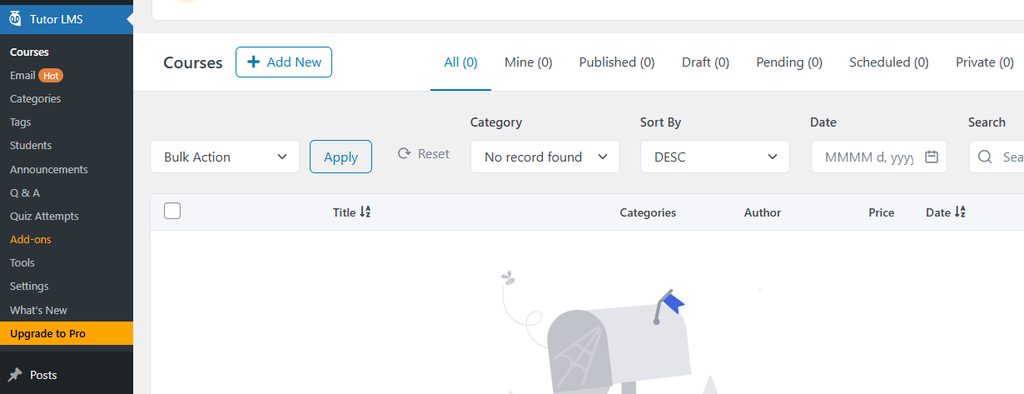
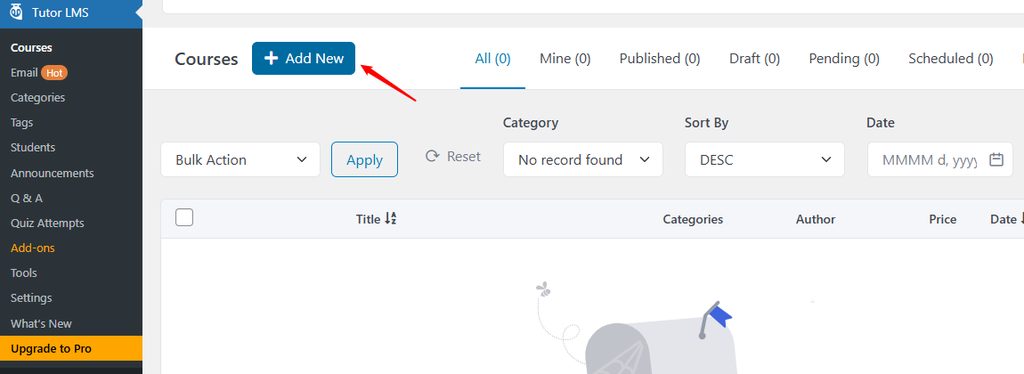
- Go to Tutor LMS > Courses > Add New.
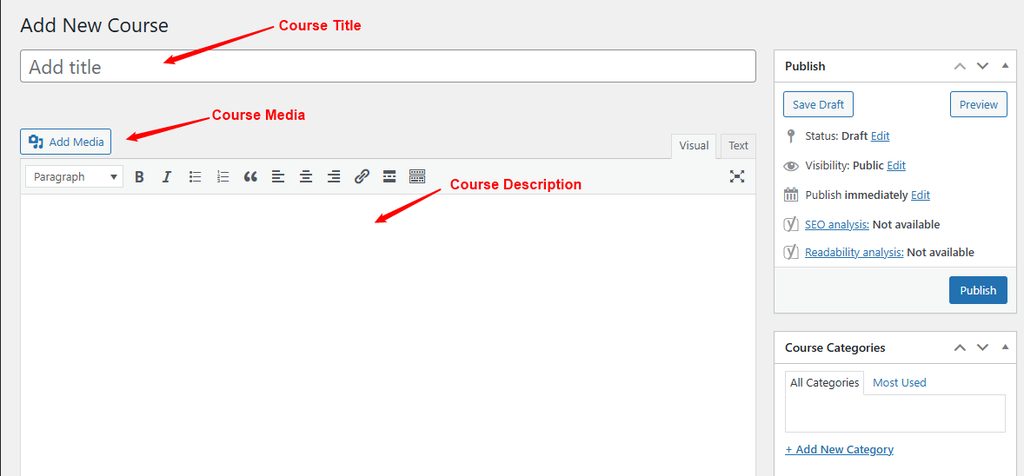
- Enter a course title and description.
- Use the builder to add topics, lessons and quizzes.
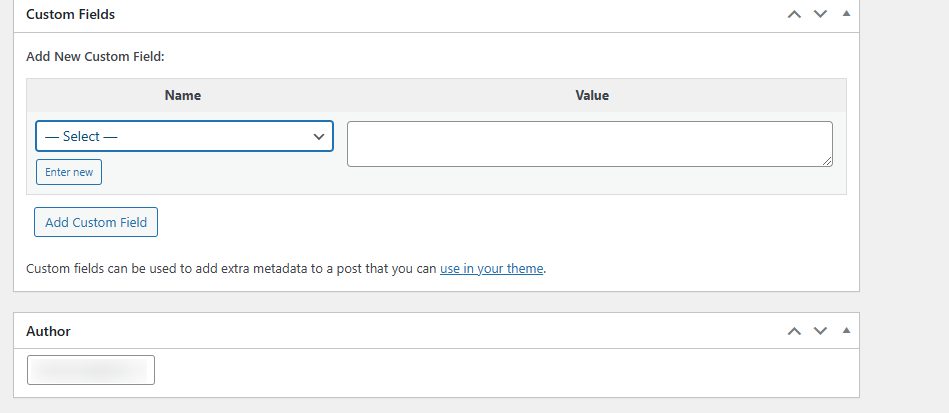
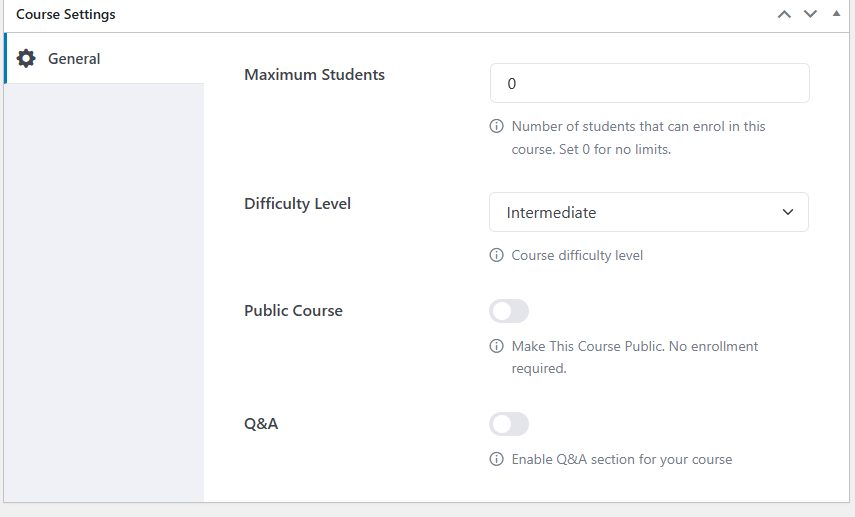
- Adjust the course settings such as price, difficulty and duration.
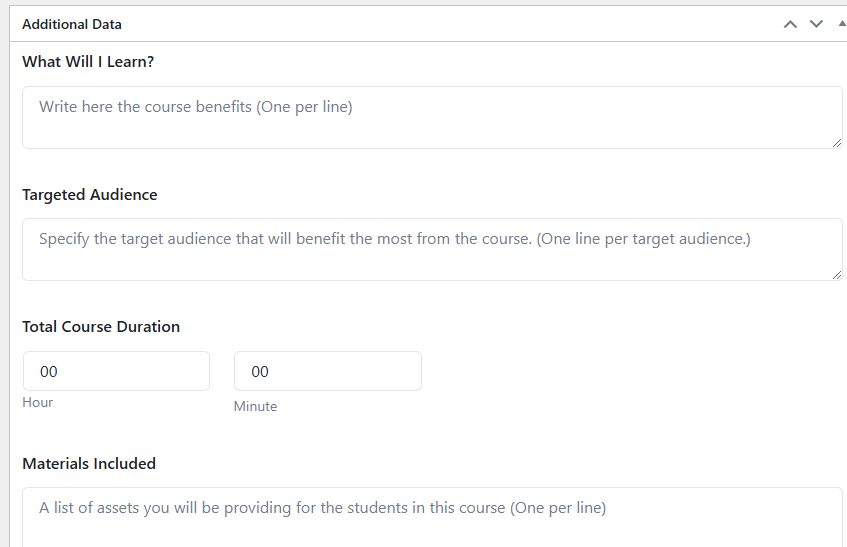
- Add extra data such as what students will learn, requirements and the target audience.
- Click Publish.
Optional: Tutor LMS Pro
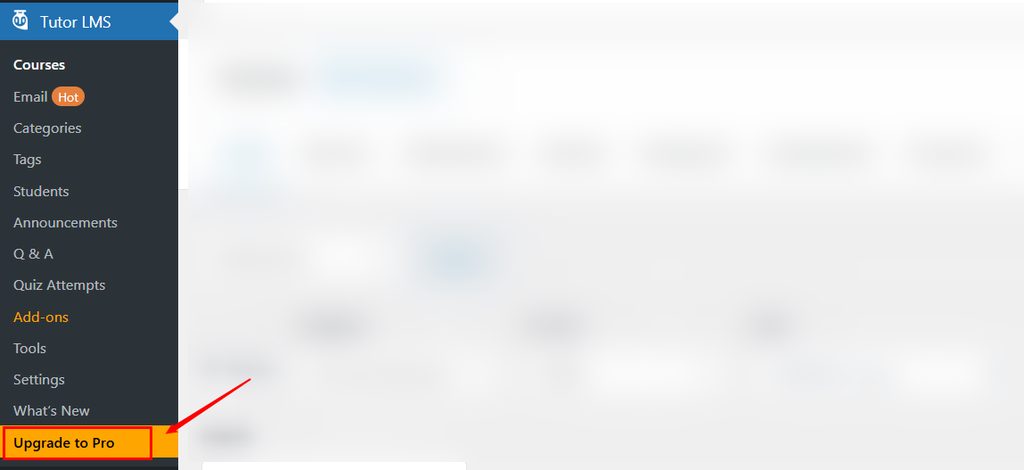
The Pro version adds more features like advanced quizzes, certificates and payment options. You can upgrade from the plugin menu.
Quick recap
- Install and activate the plugin.
- Run the setup wizard.
- Create a course in Tutor LMS > Courses.