

What is WP-CLI?
CLI means command line interface. It is a window where you type short commands instead of clicking buttons. WP-CLI is a free tool made for WordPress. One command can update every plugin. It is faster than clicking each one.
You need SSH access to use it. SSH is a safe way to type commands on your server from afar. Ask Hostvento support whether your plan offers SSH and whether WP-CLI is installed. On a VPS or dedicated server you have root access and can install it yourself.
Check if WP-CLI is installed
wp --infoThis shows the WP-CLI version. If you see "command not found", install it below.
Install WP-CLI
- Download the tool.
This saves the program file.curl -O https://raw.githubusercontent.com/wp-cli/builds/gh-pages/phar/wp-cli.phar - Make it runnable.
chmod +x wp-cli.phar - Move it to a folder where commands live.
This needs root access. Without root, keep the file in your home folder and run it assudo mv wp-cli.phar /usr/local/bin/wpphp wp-cli.phar.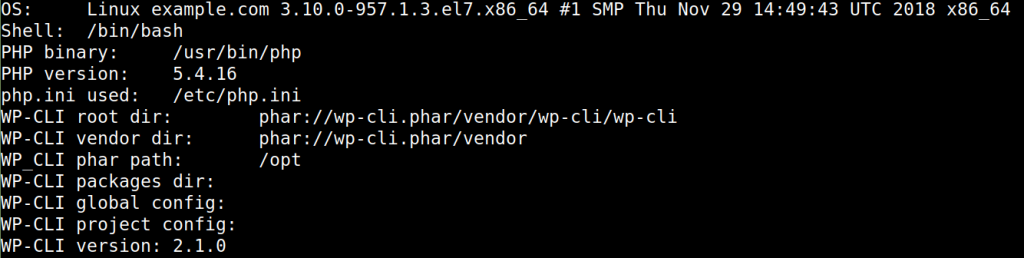
Install a new WordPress site
- Go to your site folder.
cd /path/to/your/site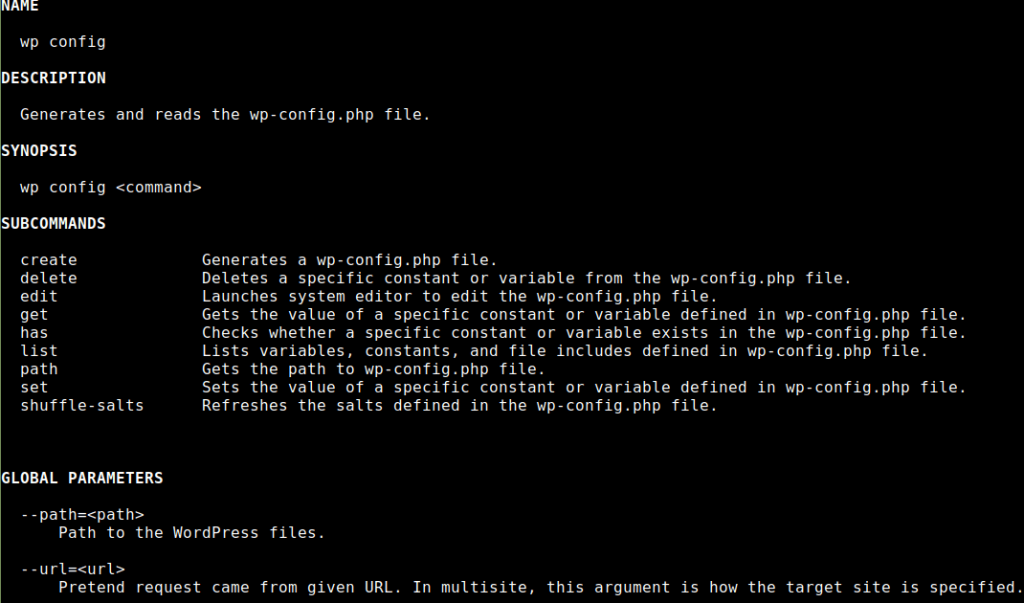
- Download WordPress.
wp core download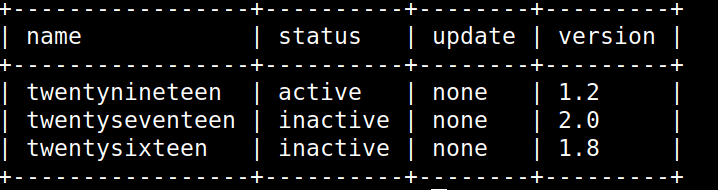
- Create the config file. Use your own database details.
This writeswp config create --dbname=wpdb --dbuser=wpuser --dbpass=YourPassword --dbhost=localhostwp-config.phpfor you. - Run the install.
This sets up the site and your first user.wp core install --url=https://example.com --title="My Site" --admin_user=siteowner --admin_password=StrongPassHere --admin_email=you@example.com
Everyday commands
| Command | What it does |
|---|---|
wp core update | Updates WordPress |
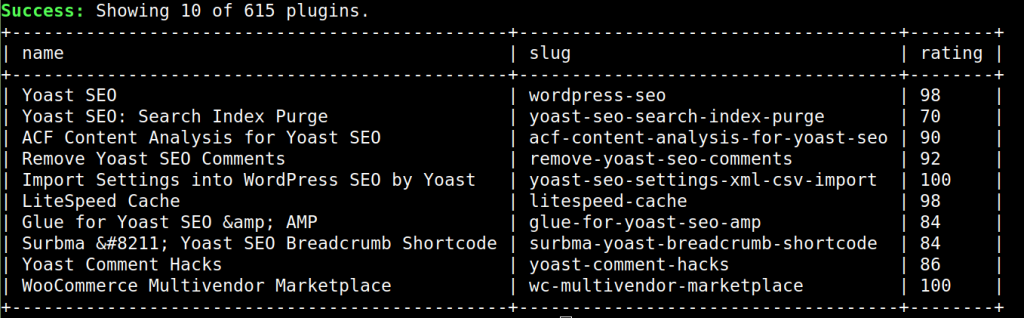
wp plugin list | Lists your plugins |
wp plugin update --all | Updates all plugins |
wp theme list | Lists your themes |
wp user list | Lists users |
wp cache flush | Clears the object cache |
Warning: Take a backup before you run bulk update commands.
Quick recap
- WP-CLI lets you run WordPress tasks by typing commands.
- Use
wp --infoto check if it is installed. - Download, configure and install a site in four commands.
- Use it to update and manage plugins, themes and users quickly.