

What are thumbnails?
When you upload a picture, WordPress makes several smaller copies. These copies are called thumbnails. Each has a set size, such as small, medium and large. Your theme picks the size it needs.
If you change themes, the new theme may need sizes that were never made. Old pictures then look stretched, cropped or blurry. Regenerating makes the copies again with the new sizes.
Before you start
This step makes new image files. It uses some server power. Take a backup of your site first. Do it at a quiet time on a large site.
Steps using a plugin
- Log in to your WordPress dashboard.
- Go to Plugins, then Add New.
- Search for Regenerate Thumbnails.
- Click Install Now, then Activate.
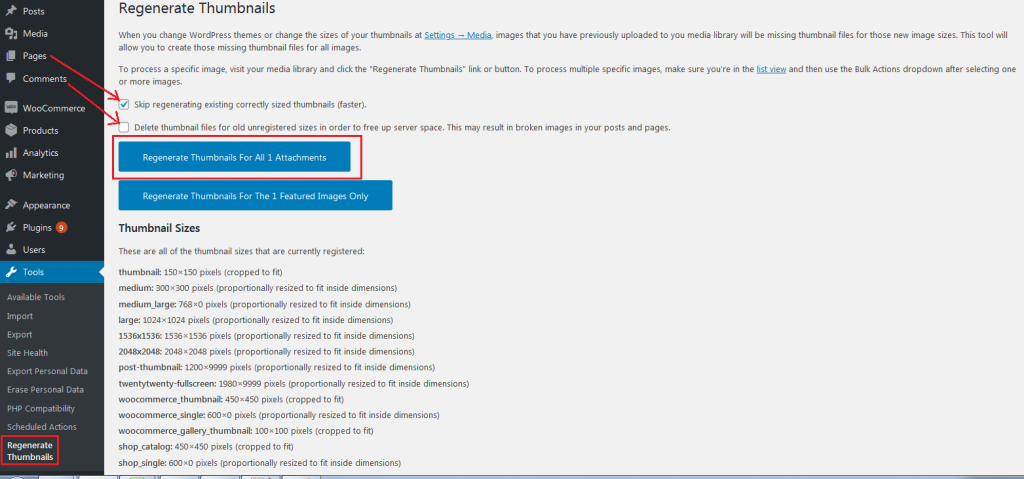
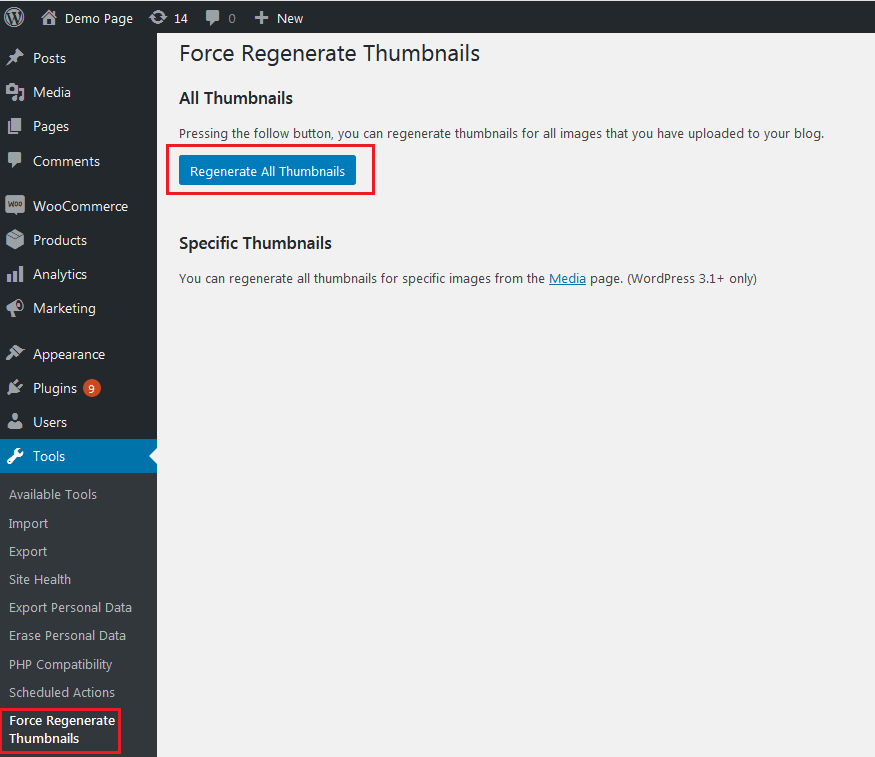
- Go to Tools, then Regenerate Thumbnails.
- Choose to regenerate all images, or pick only some.
- Read the options. You can skip images that already have the right size, which saves time.
- Click the button to start.
- Keep the page open until it says it is done.
- Open a page with images and press Ctrl + F5 to reload without old cache.
Regenerate one picture
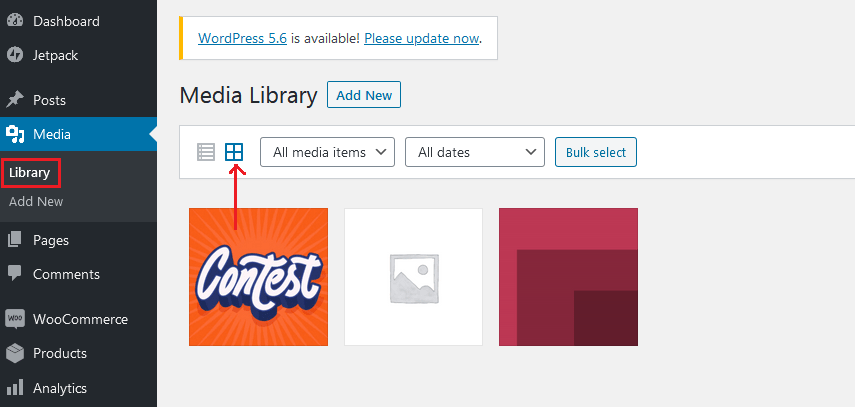
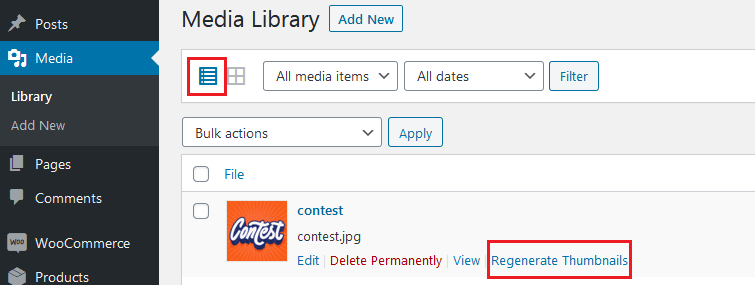
- Go to Media, then Library.
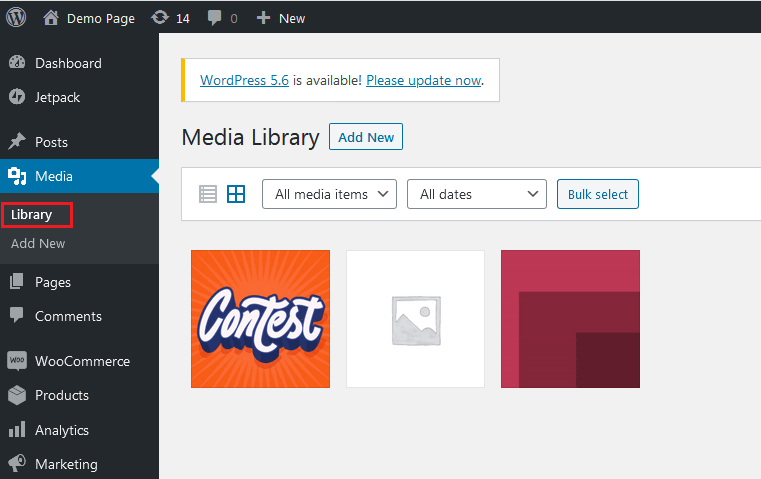
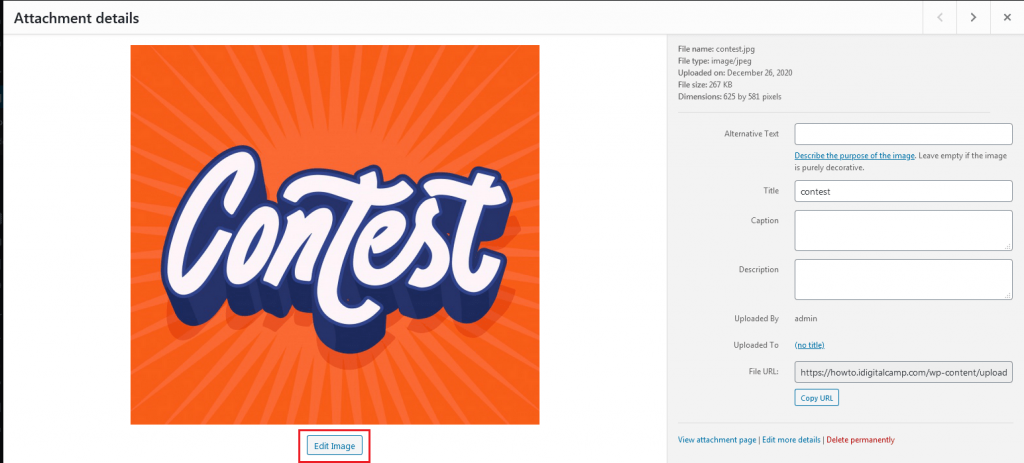
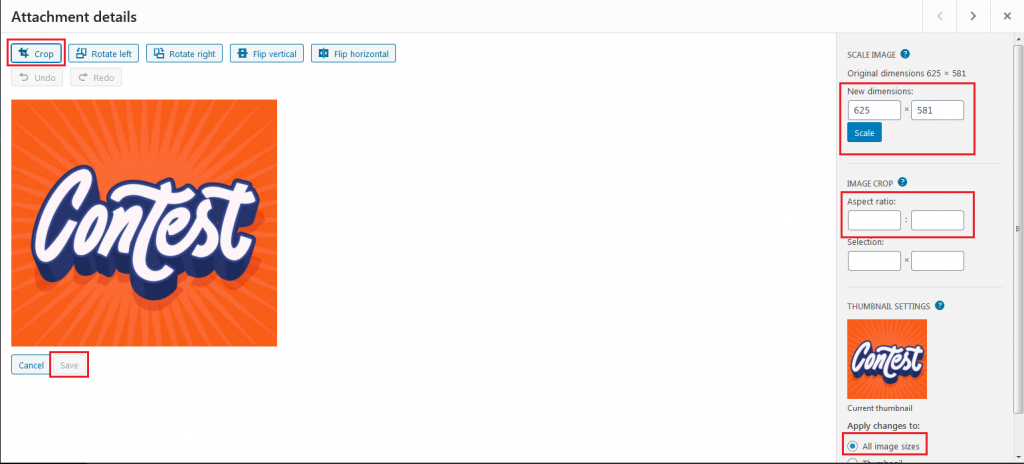
- Click the picture.
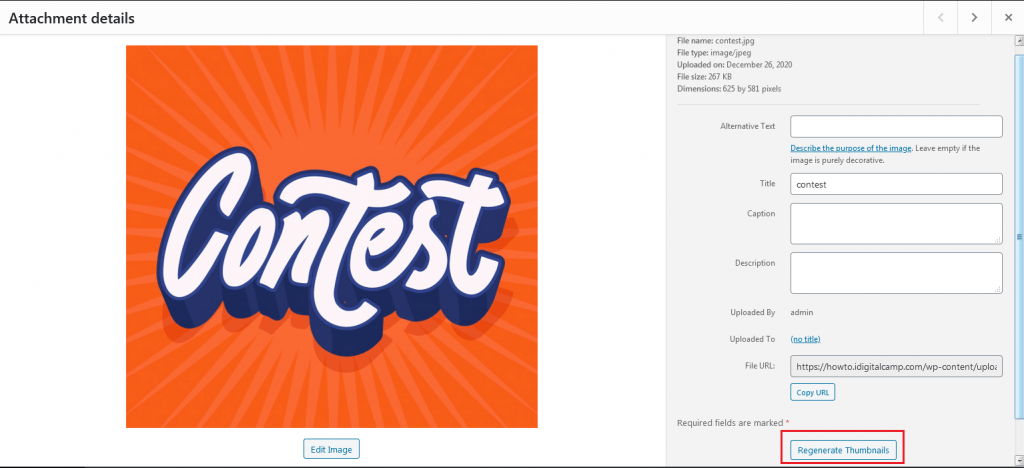
- Use the regenerate link or button the plugin adds.
Check your image sizes
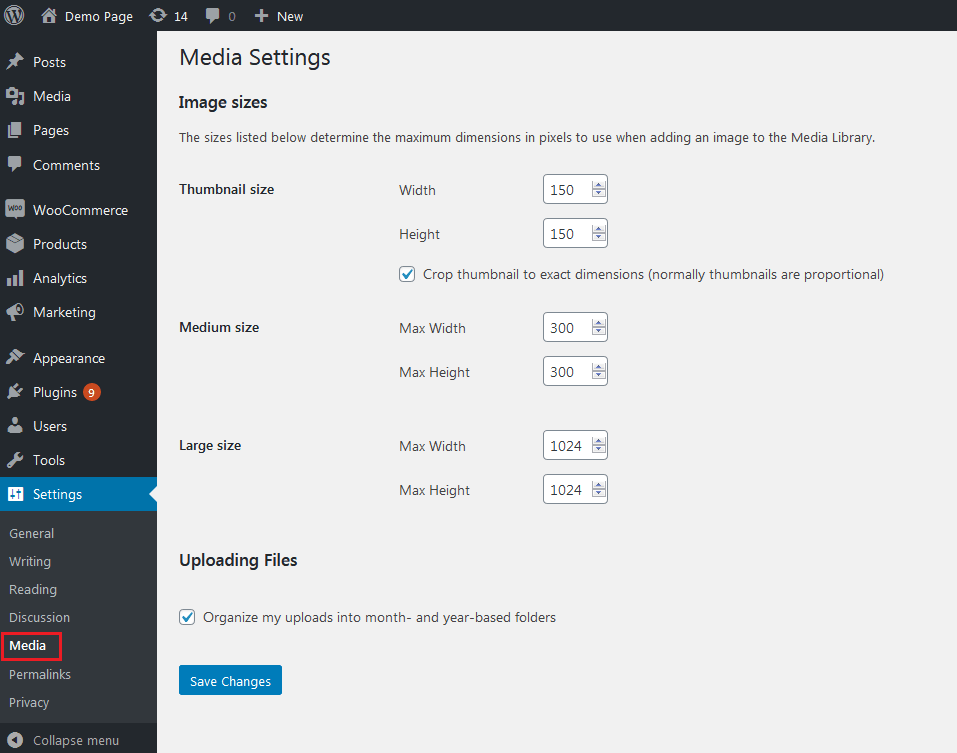
- Go to Settings, then Media.
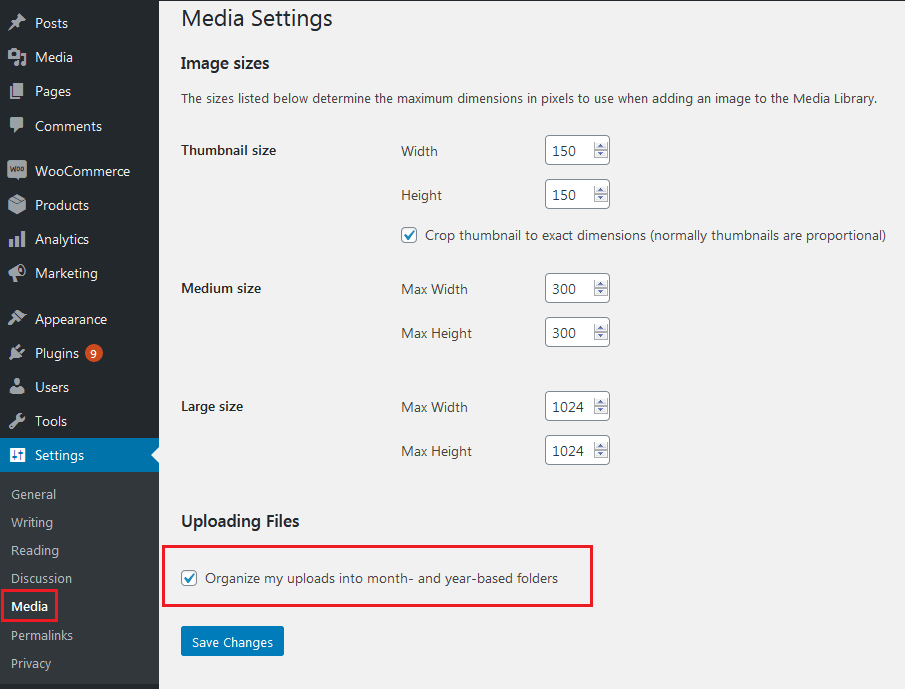
- See the sizes listed there.
- Change them if your theme asks for it.
- Save, then regenerate again.
Tip: After you finish, you can deactivate and delete the plugin if you do not need it. Menu names can differ slightly between plugin versions.
Quick recap
- Thumbnails are smaller copies of your images.
- A new theme may need new sizes.
- Use the Regenerate Thumbnails plugin under Tools.
- Back up first, then reload your pages to check.