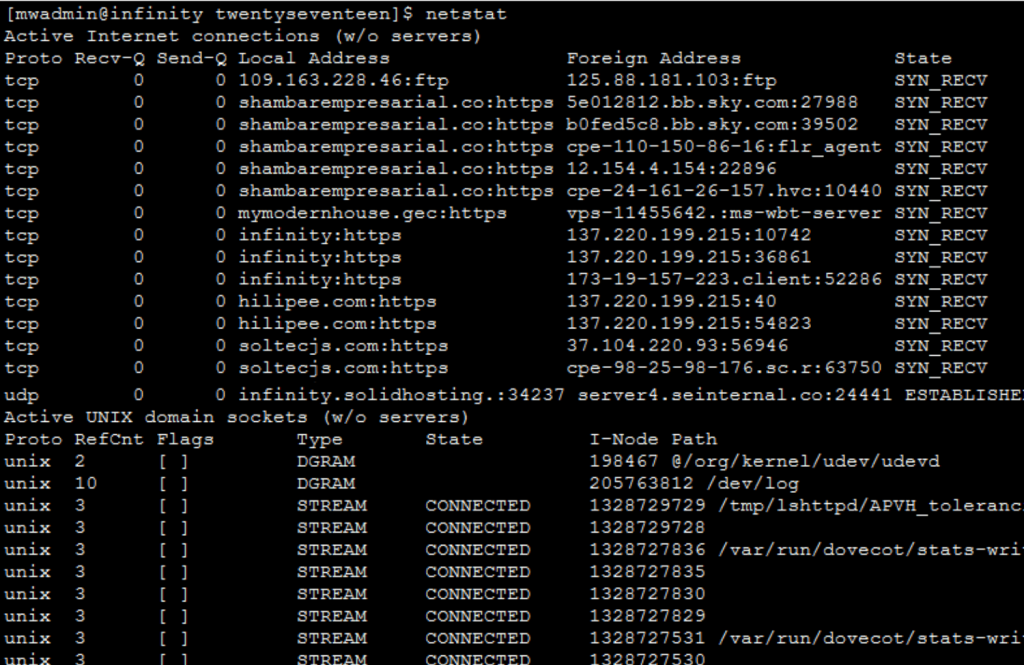
What is SSH?
SSH is a safe way to connect to your server and type commands. It is like sending written orders to a helper instead of clicking buttons. You need SSH access on your hosting plan. Ask Hostvento support whether your plan includes it.
Connect to your server
Open a terminal. This is a window where you type commands. Run this, using the details from your welcome email:
ssh username@your-server-addressThis logs you in. You will be asked for your password.
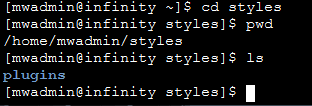
Move around and look at files
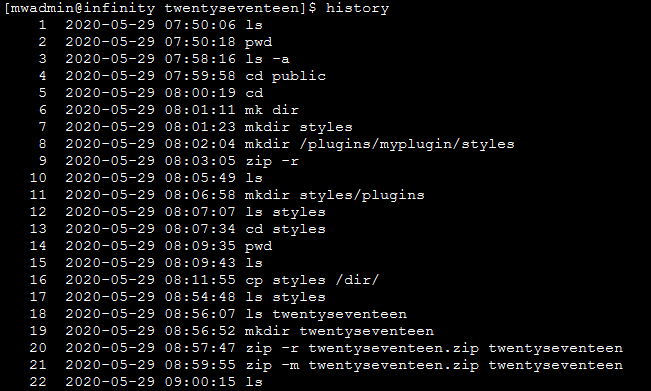
pwdShows the folder you are in.
ls -laLists all files, including hidden ones.

cd public_htmlMoves into the public_html folder, where websites often live.
Back up before you change things
cp wp-config.php wp-config.php.bakMakes a copy of the settings file.
tar -czf site-backup.tar.gz public_htmlPacks your whole site into one compressed file.
rm delete files for good. Check the name twice and keep a backup.WP-CLI commands
WP-CLI is a tool made for managing WordPress from the command line. Run these inside your WordPress folder.
wp core versionShows your WordPress version.
wp core updateUpdates WordPress.


wp plugin listLists your plugins and their status.
wp plugin update --allUpdates every plugin.
wp plugin deactivate plugin-nameTurns off one plugin. This helps when a plugin breaks your site.
wp cache flushClears the saved object cache.
wp user listShows all users on your site.
wp db export backup.sqlSaves your database to a file.
Check file size and space
du -sh wp-contentShows how much space the folder uses.
Quick recap
- SSH lets you control your server with typed commands.
- Use
ls,cdandpwdto move around. - WP-CLI handles updates, plugins and users fast.
- Back up first, and be careful with delete commands.