

What is a 404 error?
A 404 error means "page not found". It appears when someone types a wrong address or follows an old link. A plain error page makes people leave. A good one helps them find what they want.
What to put on the page
- A short, kind message
- A search box
- A link to your home page
- Links to your popular pages
Method 1: Block theme editor
Newer themes, called block themes, let you design the 404 page without code.
- Log in to your WordPress dashboard.
- Go to Appearance and then Editor.
- Open Templates.
- Click the 404 template. If there is none, click Add New Template and pick Page: 404.
- Change the text and add blocks, such as a search block and buttons.
- Click Save.
Method 2: Edit the theme file
Older themes use a file called 404.php. A child theme is a small add-on theme that keeps your changes safe when the main theme updates. Make one first, and take a backup.
- Open File Manager in your hosting control panel.
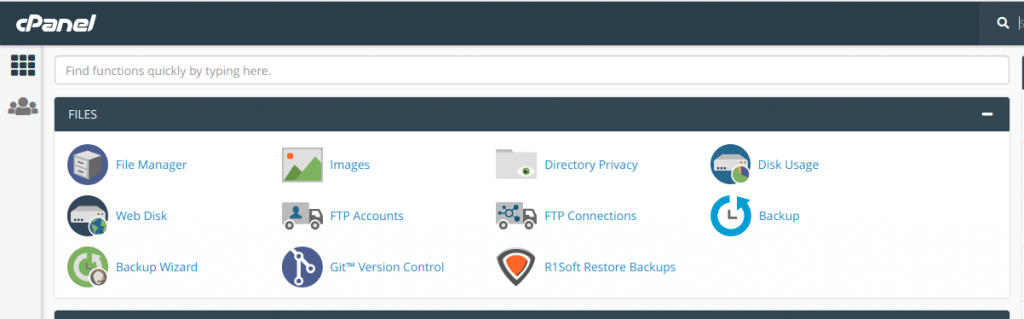
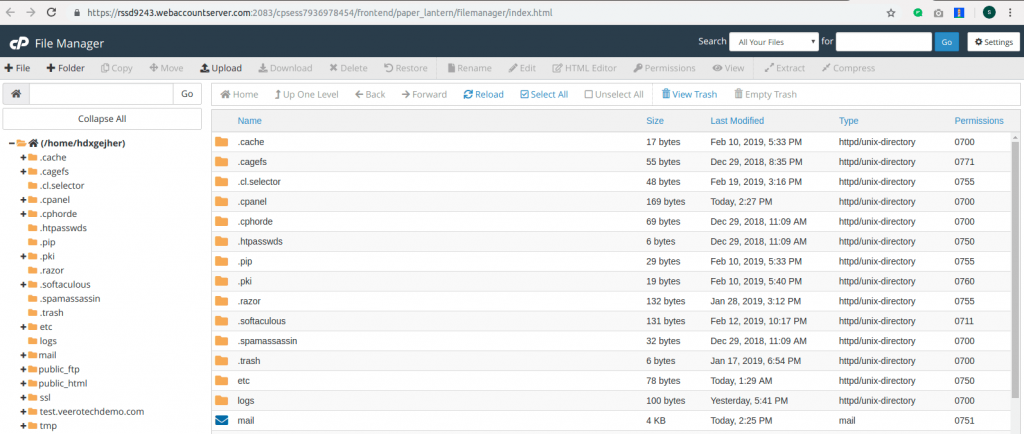
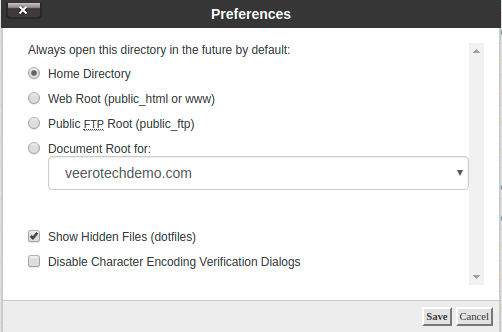
- Go to
wp-content/themes/your-child-theme. - Copy
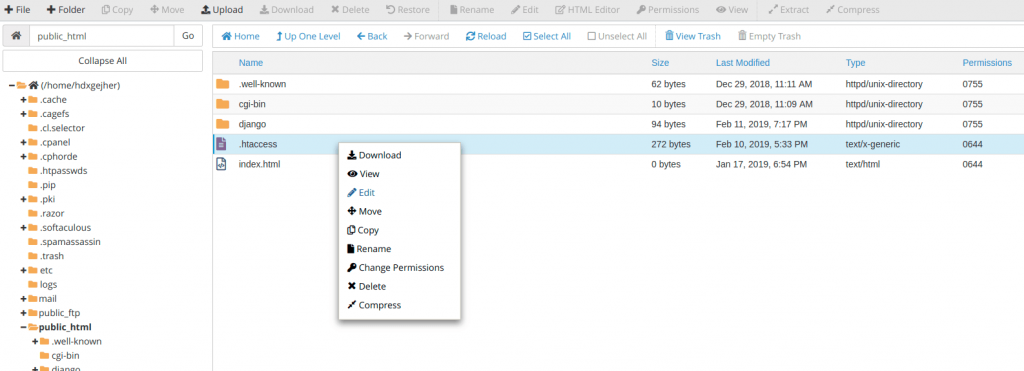
404.phpfrom the main theme into this folder. If none exists, create a new file with that name. - Open the file with the editor.
- Add your own content, like the example below.
- Save the file and test it.
<?php get_header(); ?>
<h1>Oops! We cannot find that page.</h1>
<p>Try searching, or go back to the home page.</p>
<?php get_search_form(); ?>
<a href="/">Go to the home page</a>
<?php get_footer(); ?>
This shows the site header, a message, a search box, a link and the footer.
Method 3: Use a plugin
A plugin is an add-on for WordPress. Several plugins let you design a 404 page with a visual builder. Install one from Plugins, then Add New, and follow its settings.
Test it
- Open a new browser tab.
- Type your site address followed by a made-up word, such as
/no-such-page. - Check that your new page shows.
Tip: Never redirect every 404 to the home page. It confuses visitors and search engines.
Quick recap
- A 404 page shows when a page is missing.

- Edit the 404 template or the
404.phpfile. - Add a message, search box and links.
- Use a child theme and test the result.