What is a database?
A database is an organized store of information. Think of a filing cabinet with many drawers. Each drawer holds one kind of thing. Computers can search it very fast.
WordPress uses a database system called MySQL, or a close cousin named MariaDB. Both store data in tables. A table is like a spreadsheet with rows and columns.
What is stored in it?
- Your posts and pages
- Comments
- User names and passwords (stored in scrambled form)
- Site settings
- Menus and widget settings
- Plugin and theme settings
Images and theme files are not inside the database. They sit in your wp-content folder. The database only keeps a note of where each image is.
Main tables
Table names start with a prefix. The default prefix is wp_, but yours may differ. Here are some key tables:
| Table | What it holds |
|---|---|
wp_posts | Posts, pages and media entries |
wp_postmeta | Extra details about posts |
wp_users | Your user accounts |
wp_usermeta | Extra details about users |
wp_comments | Visitor comments |
wp_options | Site settings |
wp_terms | Categories and tags |
How does WordPress find its database?
The wp-config.php file holds the database name, user name, password and host. WordPress reads this file each time a page loads. Then it asks the database for the content it needs.
How to look at it
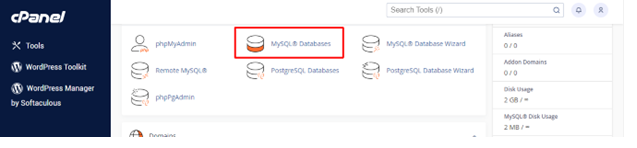
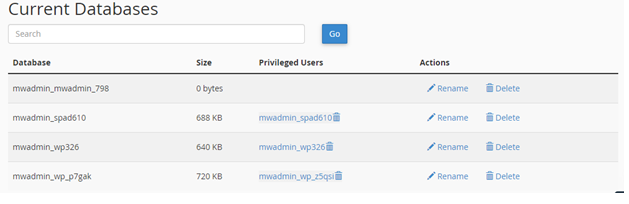
- Log in to your hosting control panel.
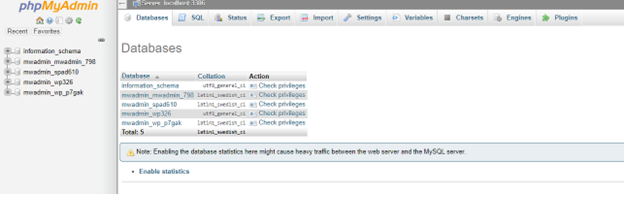
- Open phpMyAdmin. This is a web tool for viewing databases.
- Click your WordPress database on the left.
- Click a table name to see its rows.
Keep it healthy
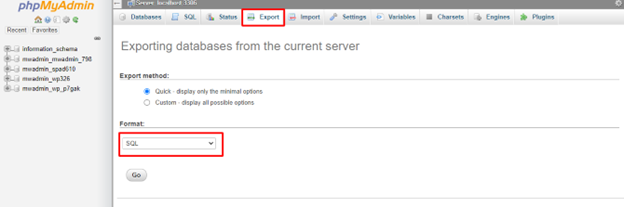
- Back up the database often. Use your control panel or a backup plugin.
- Remove spam comments and old revisions.
- Delete plugins you no longer use.
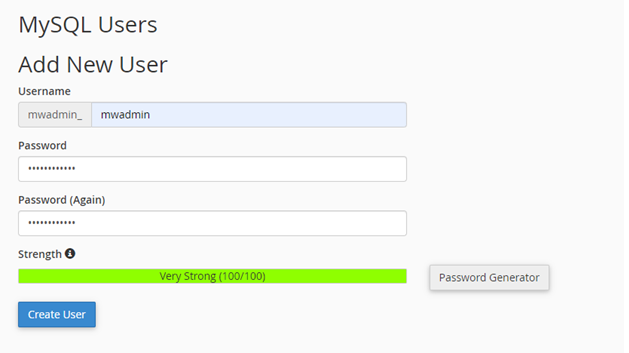
- Use a strong database password.
Quick recap
- The database stores your content and settings in tables.
- Files and images stay in folders, not in the database.
wp-config.phptells WordPress how to connect.- Use phpMyAdmin carefully, and back up first.