

What are custom fields?
Every post has a title and a body. A custom field is an extra labeled piece of information. It has a name (the key) and a value. For example, the name could be mood and the value could be happy. Think of a sticky note attached to your post.
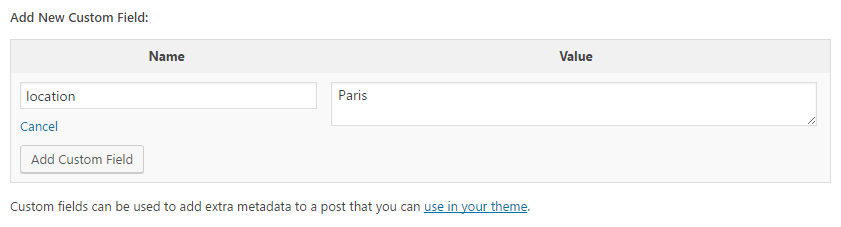
WordPress calls this data "post meta". It is stored in your database, which is where WordPress keeps all its content.
Step 1: Turn on the Custom Fields box
- Log in to your WordPress dashboard.
- Open a post or page in the editor.
- Click the three dots in the top right corner.
- Click Preferences.
- Open the Panels section.
- Switch on Custom Fields.
- The page reloads. Scroll to the bottom of the editor to see the new box.
Step 2: Add a custom field
- In the Custom Fields box, click Enter new.
- Type a name in the Name box, such as
book_author. - Type the value in the Value box, such as
Jane Smith. - Click Add Custom Field.
- Click Update to save the post.
Next time, you can pick the same name from a list and add a new value.
Step 3: Show the field on your page
Adding a field does not show it to visitors by itself. You need a little code in your theme. A child theme is the safest place, because it keeps changes when the main theme updates. Take a backup first.
<?php
$author = get_post_meta( get_the_ID(), 'book_author', true );
if ( $author ) {
    echo '<p>Author: ' . esc_html( $author ) . '</p>';
}
?>
This reads the book_author value for the current post and prints it. The esc_html part makes the text safe to show. Place this code in a template file such as single.php, inside the post loop.
Edit or delete a field
- Open the post.
- Find the field in the Custom Fields box.
- Change the value and click Update, or click Delete to remove it.
Use a plugin instead
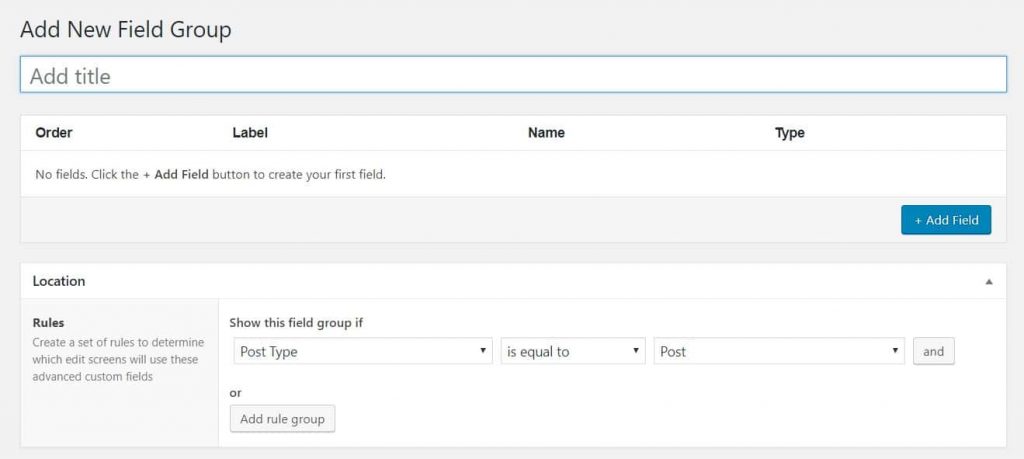
A plugin is an add-on for WordPress. Plugins like Advanced Custom Fields give you friendly boxes, so you do not need to type names by hand. They also help with showing fields without code.
Quick recap
- A custom field is a name and value attached to a post.
- Turn on the box under Preferences, then Panels.
- Use
get_post_metato show a field. - A plugin can make this easier.