

What it means
Joomla sends mail (password resets, contact forms) through an SMTP server. The error SMTP connect() failed means that Joomla could not open the connection to that server, or could not sign in.
Solution 1: Check the SMTP settings
- In the Joomla administrator, go to System, then Global Configuration, then the Server tab.
- Under Mail, check:
- Mailer: SMTP
- SMTP Host: the mail server name
- SMTP Port: 587 (TLS) or 465 (SSL)
- SMTP Security: TLS or SSL, to match the port
- SMTP Authentication: Yes
- SMTP Username and Password: the full email address and its password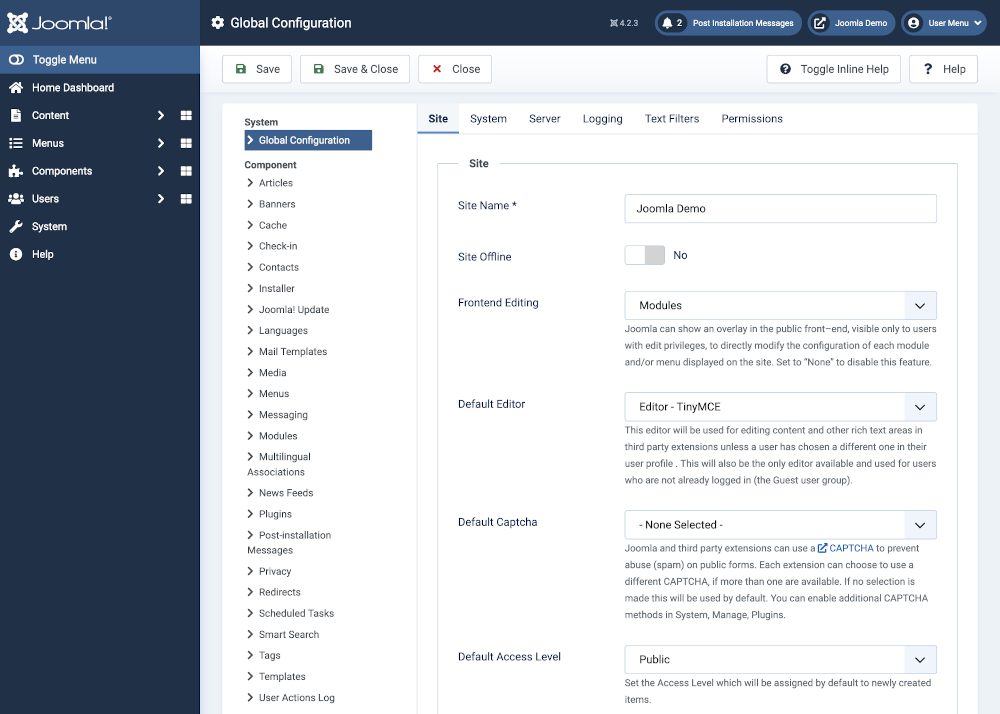
- Save and use Send Test Mail.
Solution 2: Firewall restrictions
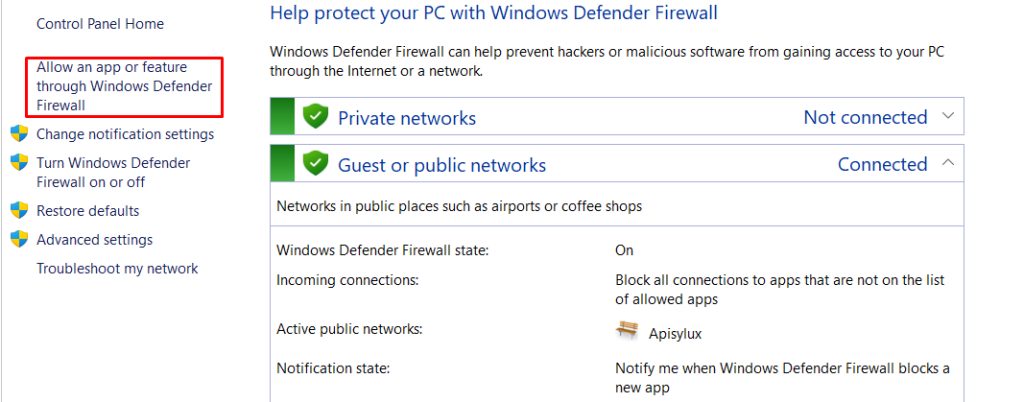
Your server's firewall may block outgoing SMTP ports. Allow ports 25, 465 and 587 for outgoing traffic, and ask your host if they limit them.
Solution 3: SSL/TLS problems
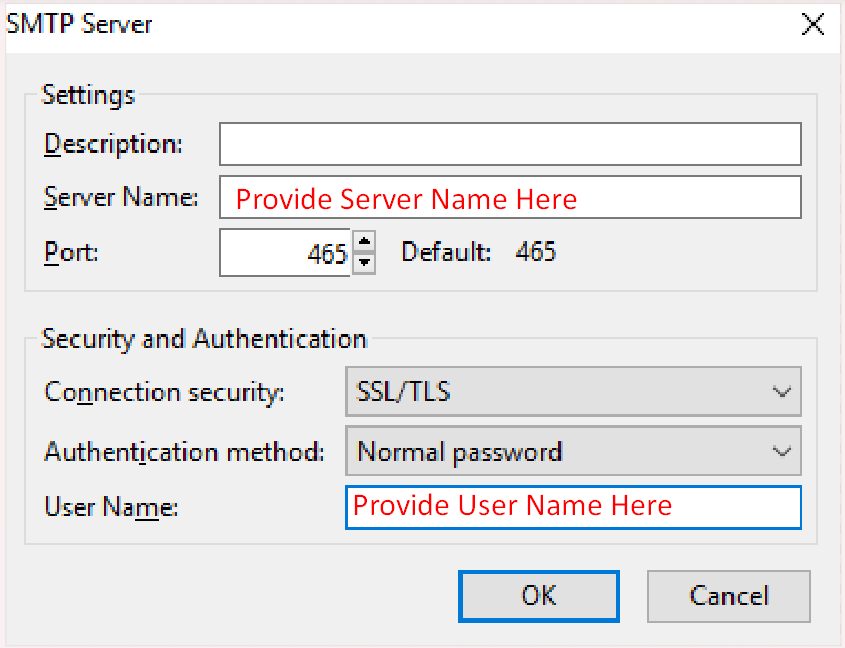
The wrong security type or an invalid certificate on the mail server can make the connection fail. Try the other option (TLS instead of SSL, or the reverse). Make sure the certificate of the mail server matches the host name you entered.
Solution 4: Host restrictions
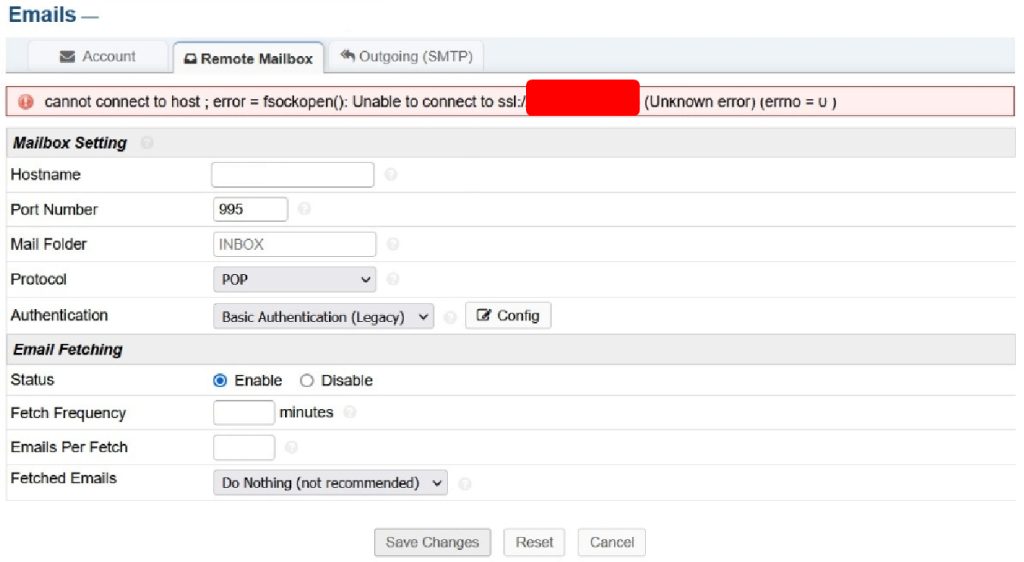
Some hosts block outside SMTP servers, or allow only their own. Ask Hostvento support whether outgoing connections to your SMTP host are allowed on your plan.
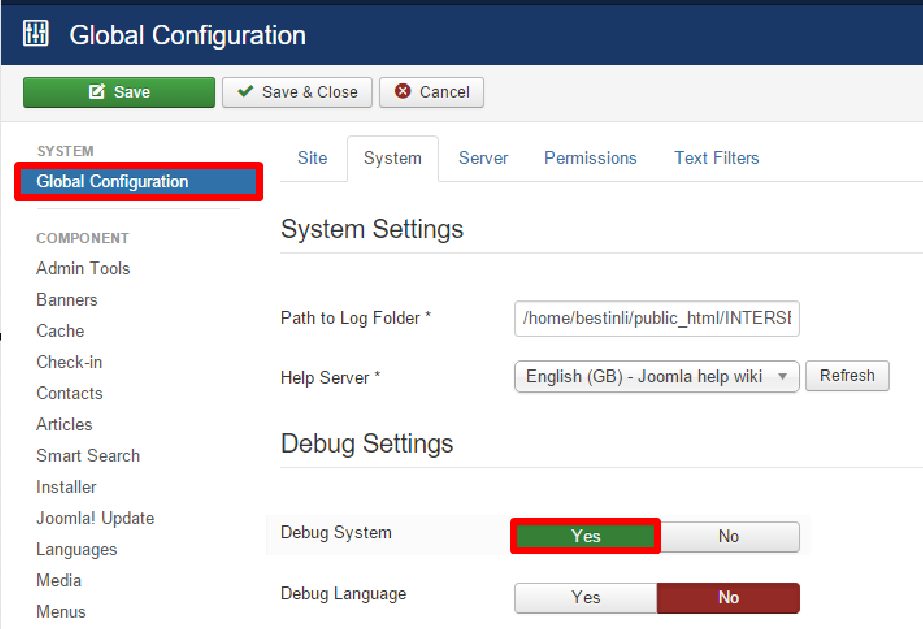
Solution 5: Turn on debugging
Set Error Reporting to Maximum in the Server tab and send a test mail. The log shows the reply of the SMTP server, which points to the cause.
More checks
- PHP mail function. If you cannot use SMTP, switch the mailer to PHP Mail as a test.
- Version. Update Joomla and PHP to compatible versions.
- Server limits. Check that the server has enough memory and that you are within the mail limits of your plan.
- Damaged core files. Reinstall the core files from the Update screen if files are missing.
- Network. Test the connection from the server:
telnet smtp.example.com 587.
Quick recap
- Check the host, port, security type, user name and password.
- Make sure the firewall and host allow outgoing SMTP.
- Use the debug mode to read the server's answer.