

Drupal is a powerful content management system for dynamic websites.
Note: The source guide targeted Ubuntu 16, which is end-of-life. These steps also work on current Ubuntu LTS releases. Use a supported release and a current Drupal version.
What you need
- An Ubuntu VPS with SSH access.
- An SSH client (PuTTY on Windows; the terminal on Linux and macOS).
- Root or sudo access.
- A domain name pointed to the VPS, or the server IP.
- Basic Linux command skills.
Step 1: Install Apache
sudo apt update
sudo apt install apache2
Open the server IP in a browser to check that the Apache page shows.
Step 2: Install MySQL
sudo apt install mysql-server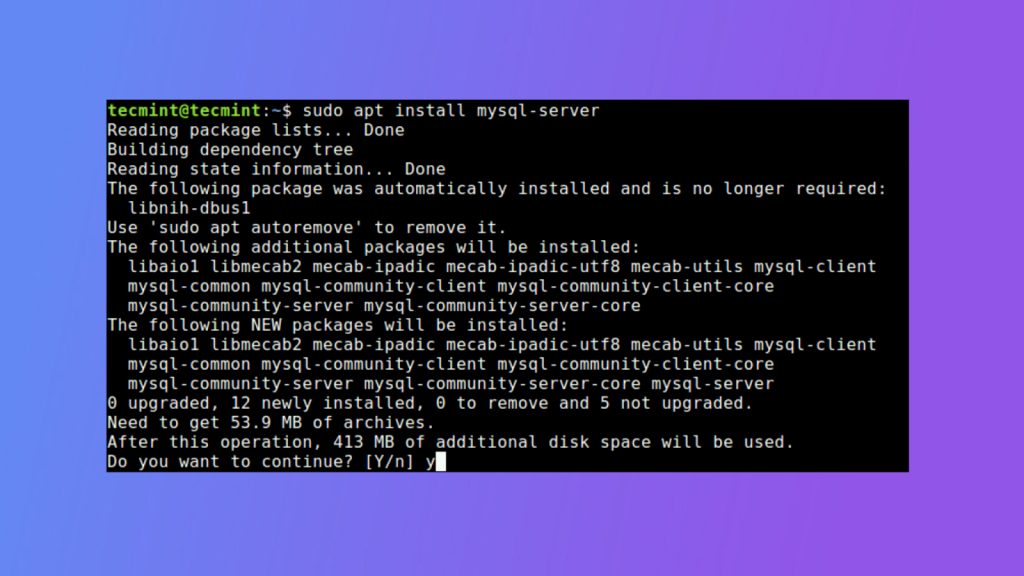
Check the service:
sudo systemctl status mysqlStep 3: Install PHP
sudo apt install php php-mysql libapache2-mod-php php-gd php-xml php-mbstring php-curlCheck PHP with a test file:
sudo nano /var/www/html/info.php<?php
phpinfo();
?>Open http://your_server_ip/info.php. Delete the file when you are done:
sudo rm /var/www/html/info.phpStep 4: Create the database
sudo mysql
CREATE DATABASE drupal CHARACTER SET utf8mb4 COLLATE utf8mb4_general_ci;
CREATE USER 'drupaluser'@'localhost' IDENTIFIED BY 'StrongPassword';
GRANT ALL PRIVILEGES ON drupal.* TO 'drupaluser'@'localhost';
FLUSH PRIVILEGES;
EXIT;
Step 5: Download Drupal
cd /tmp
wget https://www.drupal.org/download-latest/tar.gz -O drupal.tar.gz
tar -zxvf drupal.tar.gz
sudo mkdir /var/www/html/mydrupalsite
sudo mv drupal-*/* drupal-*/.htaccess /var/www/html/mydrupalsite/
Step 6: Set permissions
sudo chown -R www-data:www-data /var/www/html/mydrupalsite
sudo find /var/www/html/mydrupalsite -type d -exec chmod 755 {} \;
sudo find /var/www/html/mydrupalsite -type f -exec chmod 644 {} \;
Also enable URL rewriting for clean URLs and allow .htaccess:
sudo a2enmod rewriteIn your virtual host or /etc/apache2/apache2.conf set AllowOverride All for /var/www/html, then restart Apache:
sudo systemctl restart apache2Step 7: Run the web installer
Open http://your_server_ip/mydrupalsite. The installer starts.
- Choose a language and an installation profile (Standard is fine), then Save and continue.
- For the database choose MySQL, MariaDB, or equivalent.
- Enter the database name
drupal, the user and the password you created. Keep the host aslocalhost. - Finish by setting the site name and the administrator account.
Step 8: Finish
Save the administrator login. Drupal sets the settings file read-only after the install. If it shows a warning, run:
sudo chmod 444 /var/www/html/mydrupalsite/sites/default/settings.phpQuick recap
- Install Apache, MySQL and PHP, create a database.
- Download Drupal to the web root and set ownership.
- Finish in the browser installer.