

What you need
- Ubuntu 22.04 or newer.
- A user with sudo rights.
- A domain name for the site (or the IP address for tests).
Step 1: Update the server
sudo apt-get update && sudo apt full-upgrade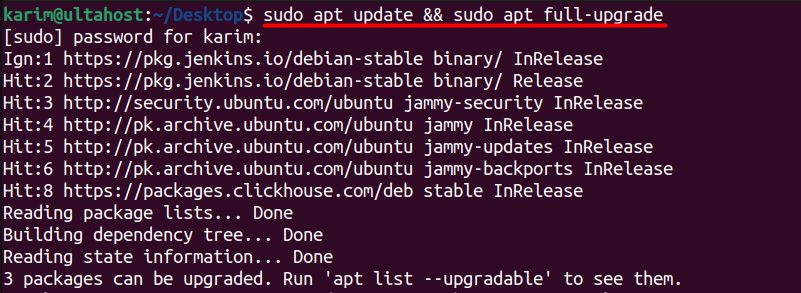
Step 2: Install Apache
sudo apt install apache2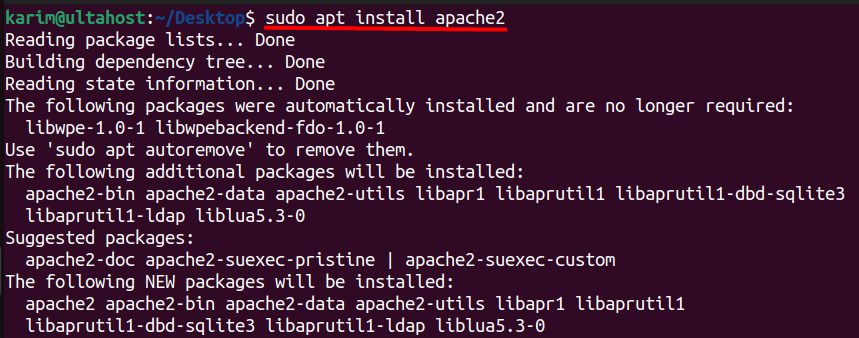
sudo systemctl enable apache2 && sudo systemctl start apache2
sudo systemctl status apache2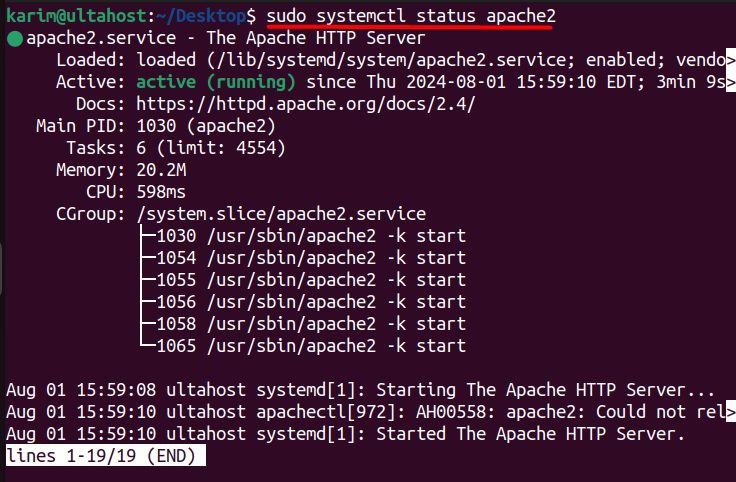
Open the firewall for web traffic:
sudo ufw allow http
sudo ufw allow https
Step 3: Install PHP
Drupal needs PHP and several extensions:
sudo apt install php php-cli php-mysql php-gd php-curl php-xml php-mbstring php-zip php-opcache libapache2-mod-php unzip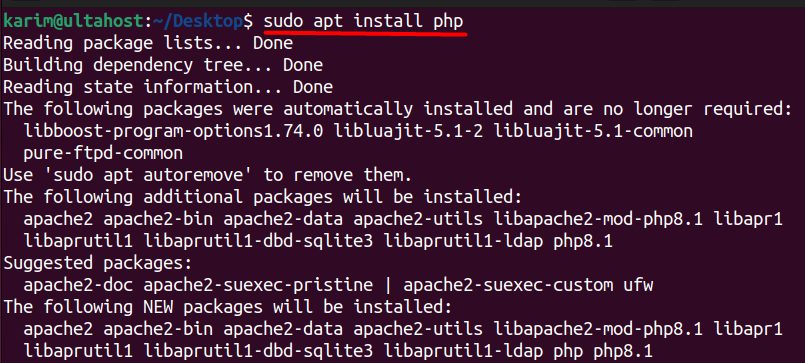
Step 4: Install MariaDB
sudo apt install mariadb-server -y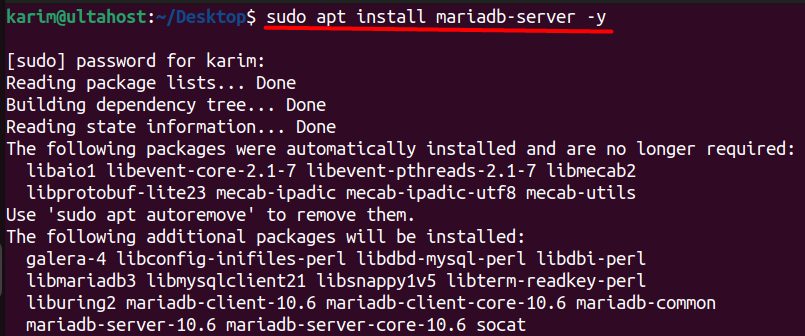
sudo systemctl start mariadb && sudo systemctl enable mariadb
sudo systemctl status mariadb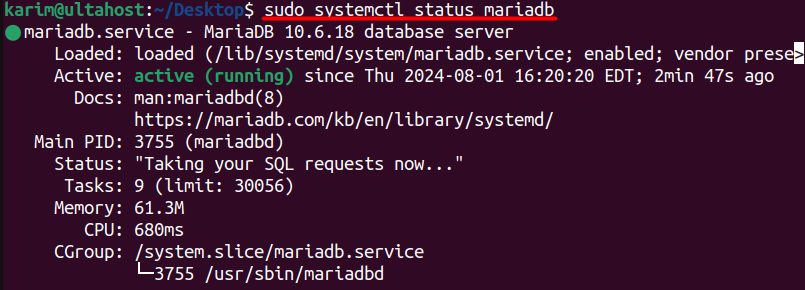
Secure it with sudo mysql_secure_installation.
Step 5: Create the database and user
sudo mariadb -u root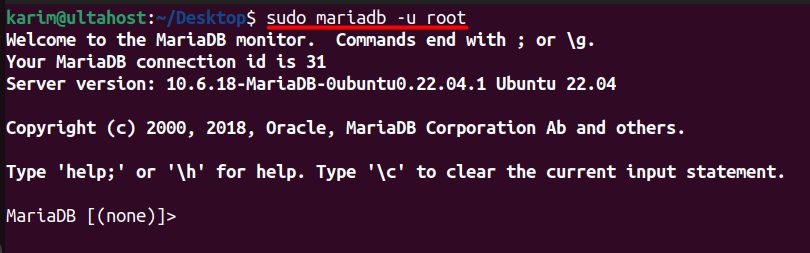
Run (use your own strong password):
CREATE USER 'drupal'@'localhost' IDENTIFIED BY 'DrupalPassword';
CREATE DATABASE drupal;
GRANT ALL PRIVILEGES ON drupal.* TO 'drupal'@'localhost';
FLUSH PRIVILEGES;
EXIT;
Step 6: Download Drupal
cd /var/www/html
Download the latest version from drupal.org:
sudo wget https://www.drupal.org/download-latest/zip -O drupal.zip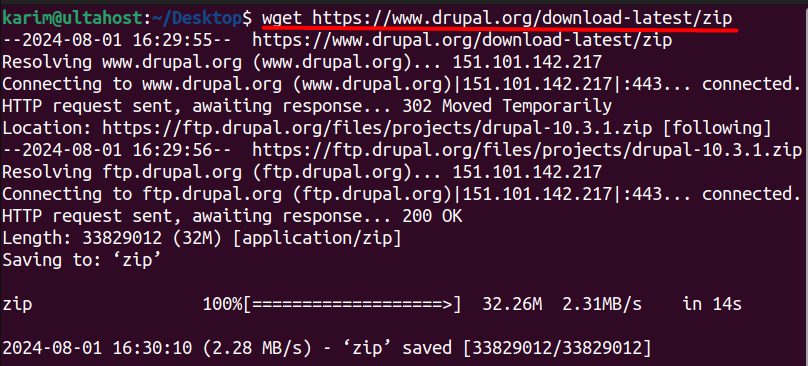
Unzip it. The folder name depends on the version:
sudo unzip drupal.zip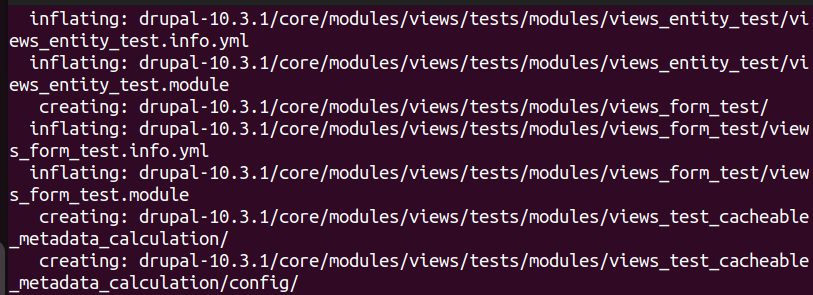
Rename the folder and set the owner:
sudo mv drupal-10.3.1/ drupal/
sudo chown -R www-data:www-data drupal/
Step 7: Create an Apache virtual host
cd /etc/apache2/sites-available/
sudo touch drupal.conf
Edit drupal.conf and add:
<VirtualHost *:80>
    ServerName yourdomain.com
    DocumentRoot /var/www/html/drupal

    <Directory /var/www/html/drupal>
        AllowOverride All
    </Directory>

    ErrorLog ${APACHE_LOG_DIR}/error.log
    CustomLog ${APACHE_LOG_DIR}/access.log combined
</VirtualHost>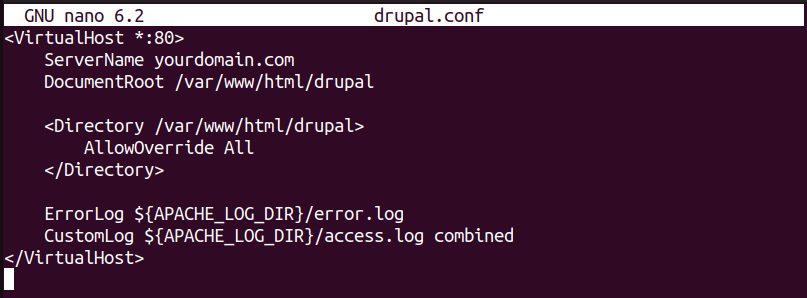
Step 8: Enable the site and the rewrite module
sudo a2ensite drupal.conf
sudo a2enmod rewrite
sudo systemctl reload apache2

Check the syntax:
apachectl -t
Step 9: Finish in the browser
Open http://yourdomain.com. The Drupal installer starts. Choose a language and the Standard profile, enter the database details (database drupal, user drupal, the password you set) and your site and admin details.
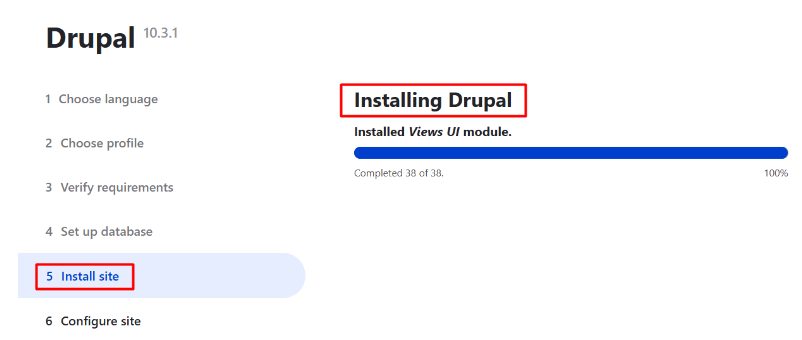
After the install, protect the settings file:
sudo chmod 444 /var/www/html/drupal/sites/default/settings.phpAdd an SSL certificate with Let's Encrypt (certbot --apache).
Quick recap
- Install Apache, PHP and MariaDB, and create a database.
- Download Drupal to
/var/www/html/drupal. - Create a virtual host and finish the web installer.