

What you need
- A Linux server (Ubuntu or Debian).
- The ASP.NET Core runtime that the Nucleus release needs.
- A database (SQLite, SQL Server, MySQL or PostgreSQL). This guide uses MySQL.
- Apache or Nginx as a reverse proxy.
Step 1: Update and install the base software
sudo apt update
sudo apt install apache2 mysql-server -y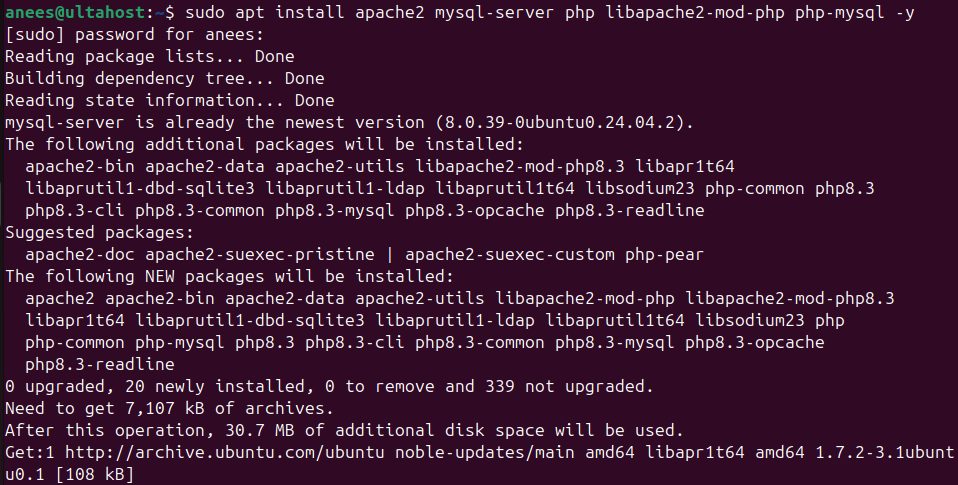
Step 2: Start Apache
sudo systemctl start apache2
sudo systemctl enable apache2
Step 3: Start MySQL
sudo systemctl start mysql
sudo systemctl enable mysql
Step 4: Create the database
sudo mysql -u root -p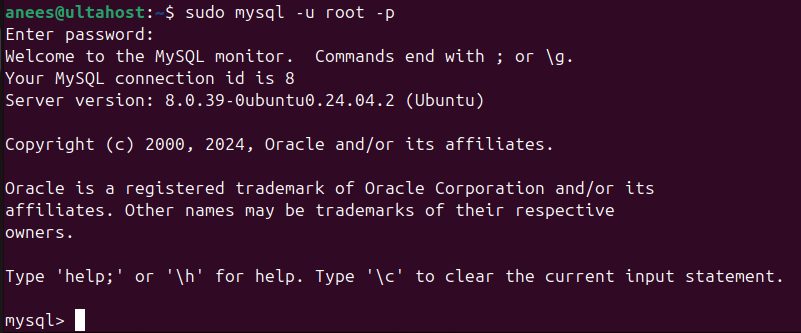
CREATE DATABASE nucleus;
CREATE USER 'nucleus_user'@'localhost' IDENTIFIED BY 'strong_password';
GRANT ALL PRIVILEGES ON nucleus.* TO 'nucleus_user'@'localhost';
FLUSH PRIVILEGES;
EXIT;
Step 5: Install the .NET runtime
Install the ASP.NET Core runtime. On Ubuntu 22.04 and newer, for example:
sudo apt install aspnetcore-runtime-8.0Check the version with dotnet --list-runtimes. Use the runtime version that the Nucleus release asks for.
Step 6: Download Nucleus
Download the Linux package from the Nucleus releases on GitHub. The file name depends on the version:
wget https://github.com/Inventua/nucleus-core/releases/download/v2.0.0/Nucleus.2.0.0.0.Install-linux_x64.zip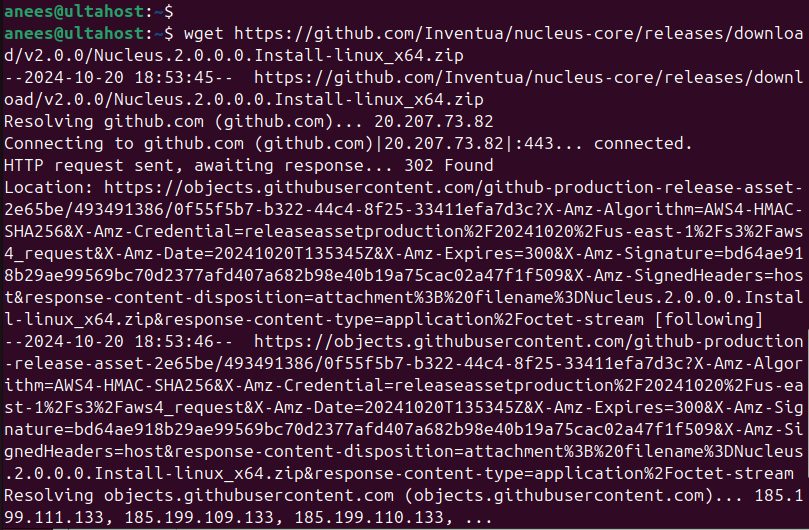
Unzip it into the folder you will serve it from:
sudo mkdir -p /var/www/nucleus
sudo unzip Nucleus.2.0.0.0.Install-linux_x64.zip -d /var/www/nucleus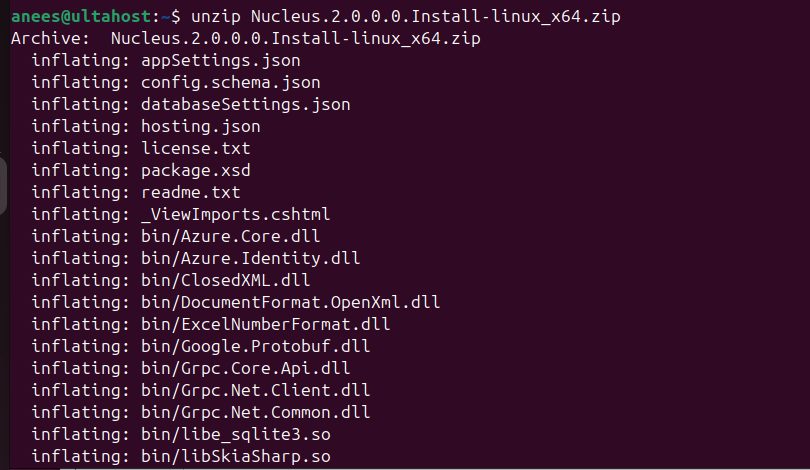
Step 7: Run Nucleus and put Apache in front
Start the app (see the Nucleus documentation for the exact file and port; it is often a systemd service that runs dotnet Nucleus.Web.dll on a local port).
Enable the proxy modules and create a virtual host:
sudo a2enmod proxy proxy_http headers rewrite
sudo nano /etc/apache2/sites-available/nucleus.conf
<VirtualHost *:80>
ServerName your-domain.com
ProxyPreserveHost On
ProxyPass / http://127.0.0.1:5000/
ProxyPassReverse / http://127.0.0.1:5000/
ErrorLog ${APACHE_LOG_DIR}/nucleus_error.log
CustomLog ${APACHE_LOG_DIR}/nucleus_access.log combined
</VirtualHost>Replace the port with the one that Nucleus uses. Enable the site:
sudo a2ensite nucleus.conf
sudo systemctl restart apache2
Step 8: Run the setup wizard
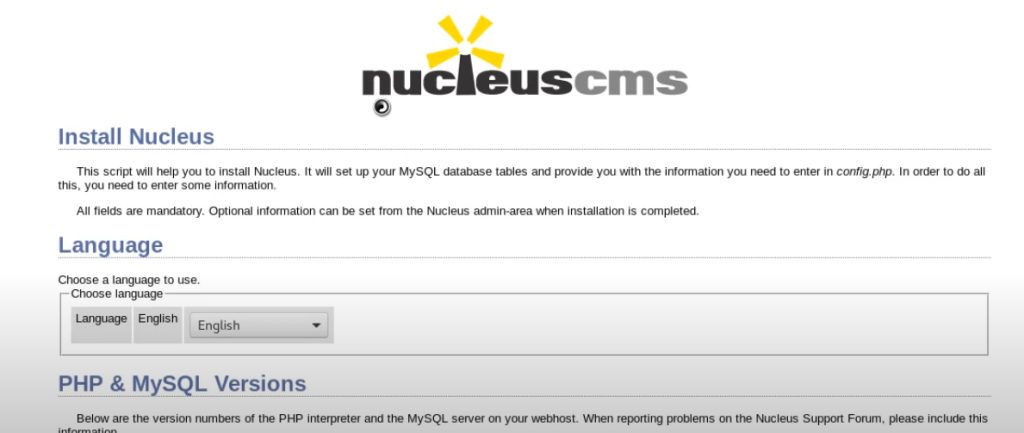
Open your domain in the browser. The Nucleus setup wizard starts.
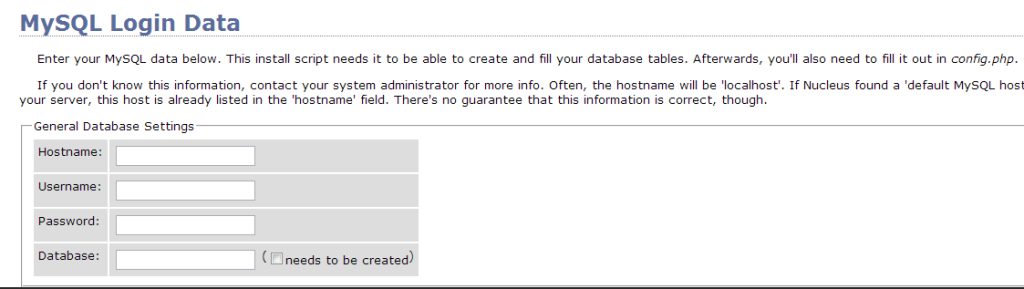
Enter the database details: the MySQL server localhost, the database nucleus, and the user and password from step 4.
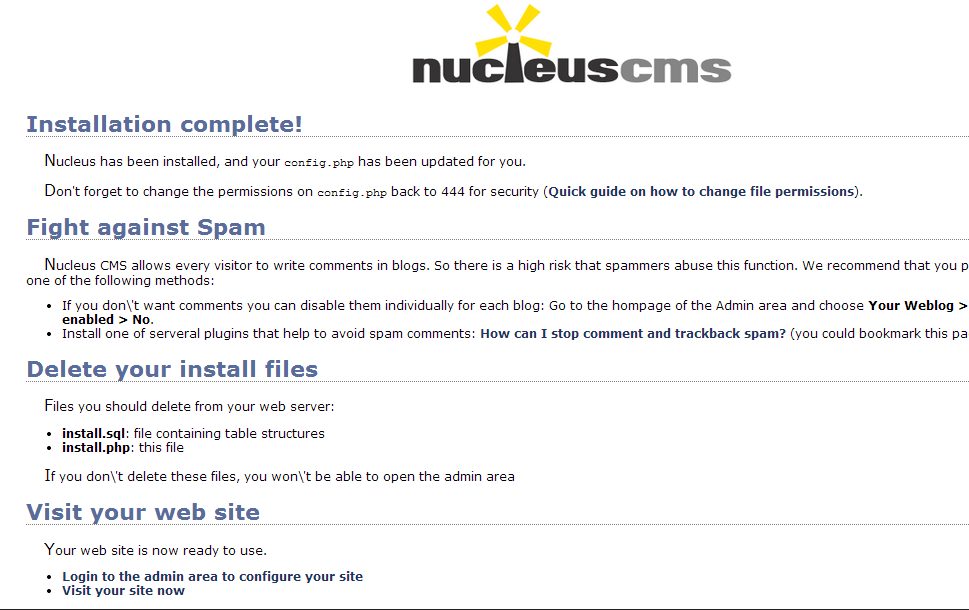
Create the admin account and finish. The welcome page appears.
Quick recap
- Create the database, install the .NET runtime and unzip Nucleus.
- Run the app and use Apache as a reverse proxy.
- Finish the setup wizard in the browser.