

Step 1: Set up the LEMP stack
Update the system:
sudo apt update && sudo apt upgrade -y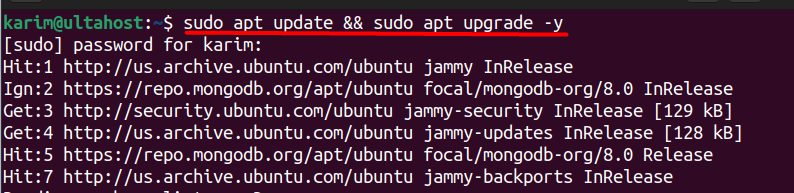
Install Nginx, MariaDB and PHP (with the PHP-FPM and the extensions that October CMS needs):
sudo apt install nginx mariadb-server php php-fpm php-mysql php-curl php-gd php-mbstring php-xml php-zip php-intl unzip -y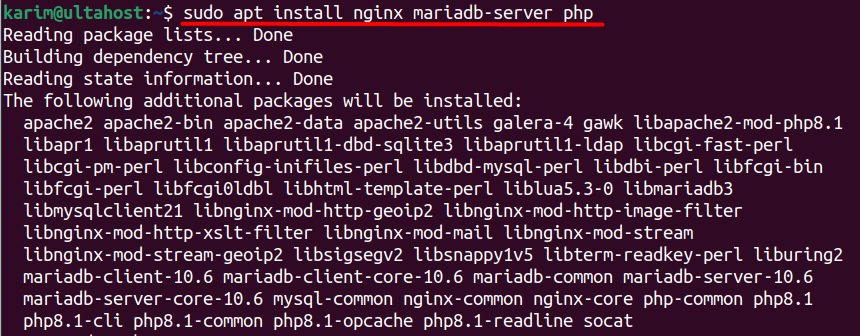
- Nginx is the web server that serves October CMS.
- MariaDB is the MySQL-compatible database.
- PHP (with PHP-FPM) runs the PHP files.
Start the services and enable them at boot:
sudo systemctl start nginx mariadb && sudo systemctl enable nginx mariadb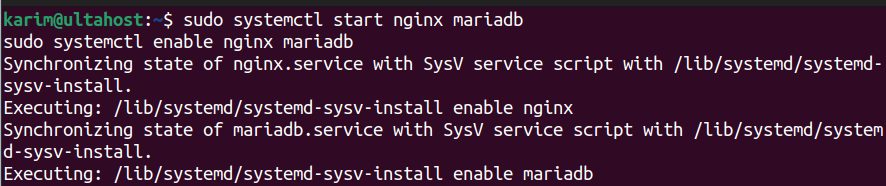
Step 2: Set up the database
Secure the database server:
sudo mysql_secure_installation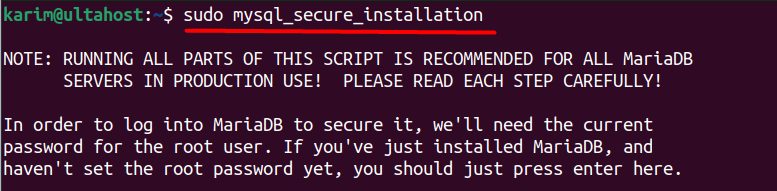
Open the shell:
sudo mysql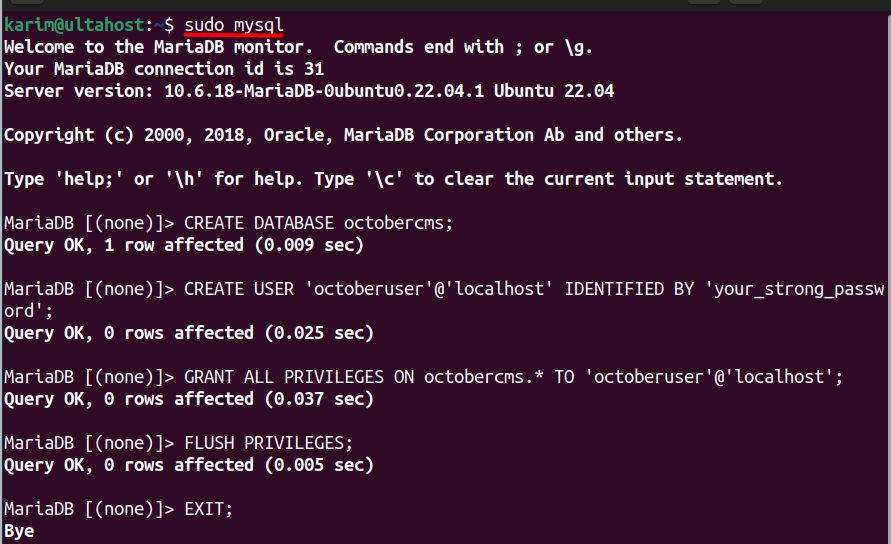
Create the database and the user:
CREATE DATABASE octobercms;
CREATE USER 'octoberuser'@'localhost' IDENTIFIED BY 'your_strong_password';
GRANT ALL PRIVILEGES ON octobercms.* TO 'octoberuser'@'localhost';
FLUSH PRIVILEGES;
EXIT;
CREATE DATABASEmakes a database for the CMS.CREATE USERmakes a user with a password.GRANT ALL PRIVILEGESgives that user all rights on that database only.FLUSH PRIVILEGESmakes the changes active.
Step 3: Download October CMS
cd /var/www/html
Download the October CMS installer package from the October CMS website:
sudo wget https://octobercms.com/download -O october.zip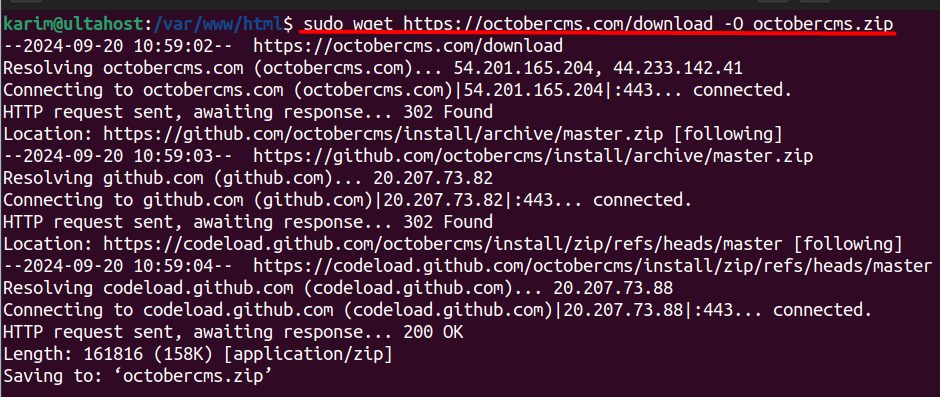
Unzip it:
sudo unzip october.zip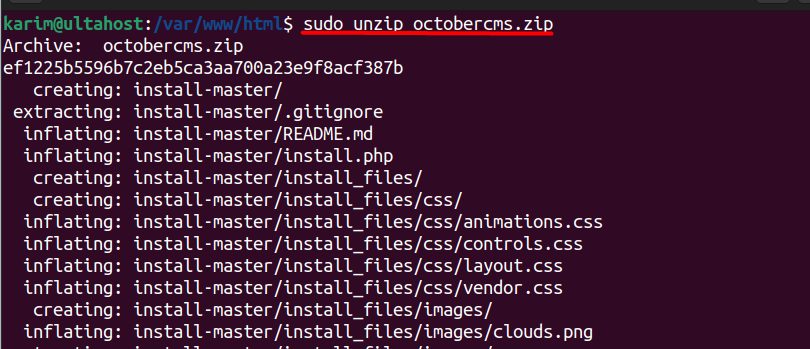
Rename the extracted folder (the name depends on the package):
sudo mv install-master octobercms
Set the owner and the permissions:
sudo chown -R www-data:www-data /var/www/html/octobercms
sudo chmod -R 755 /var/www/html/octobercms
Step 4: Configure Nginx
Create the server block:
sudo nano /etc/nginx/sites-available/octobercms.confAdd (change the domain and the PHP socket to match your PHP version; check ls /var/run/php/):
server {
    listen 80;
    server_name yourdomain.com www.yourdomain.com;

    root /var/www/html/octobercms;
    index index.php index.html;

    location / {
        try_files $uri $uri/ /index.php$is_args$args;
    }

    location ~ \.php$ {
        include snippets/fastcgi-php.conf;
        fastcgi_pass unix:/var/run/php/php8.1-fpm.sock;
    }
}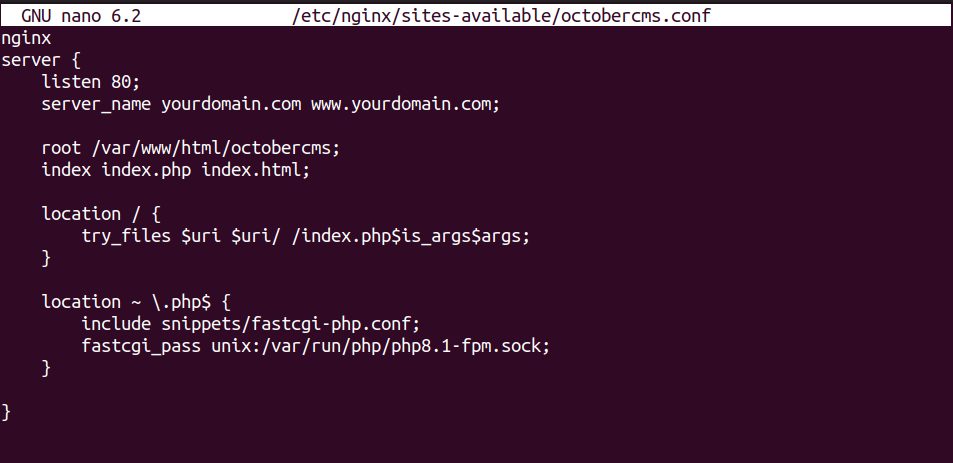
listen 80;listens for HTTP on port 80.server_nameis your domain.rootpoints to the October CMS folder.location /serves files, or passes the request toindex.php.location ~ \.php$sends PHP files to PHP-FPM.
Enable the site, test the config and reload:
sudo ln -s /etc/nginx/sites-available/octobercms.conf /etc/nginx/sites-enabled/
sudo nginx -t
sudo systemctl reload nginx
ln -slinks the file intosites-enabled.nginx -tchecks the config for errors.reloadapplies it.
Step 5: Finish in the browser
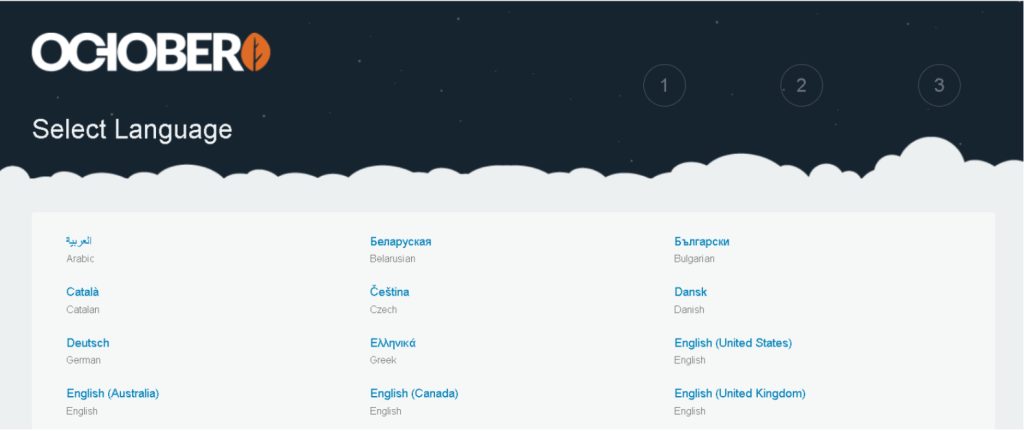
Open your domain. The October CMS installer starts. Choose the language.
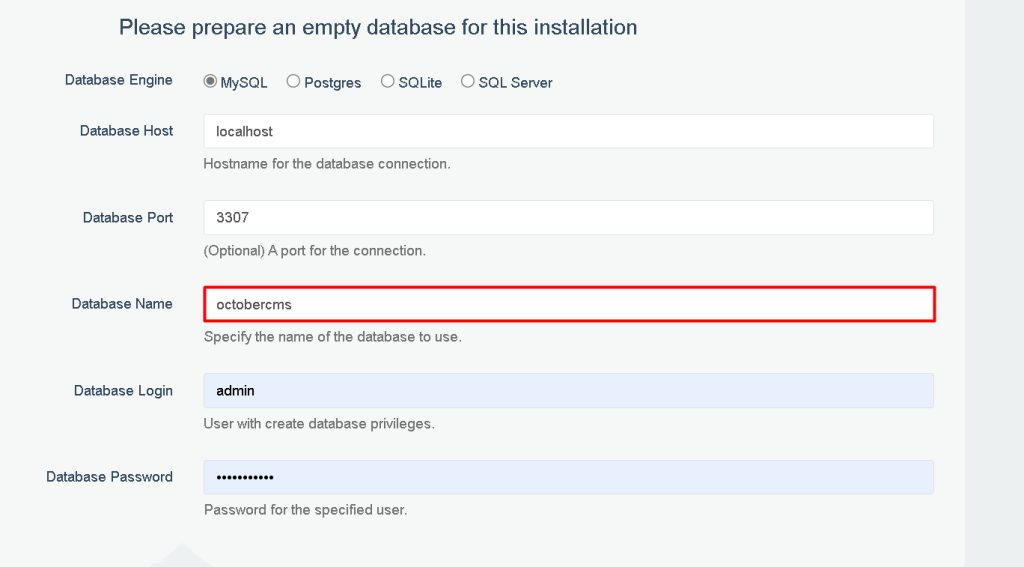
Enter the database details (MySQL, host localhost, database octobercms, the user and password from step 2) and the admin account.
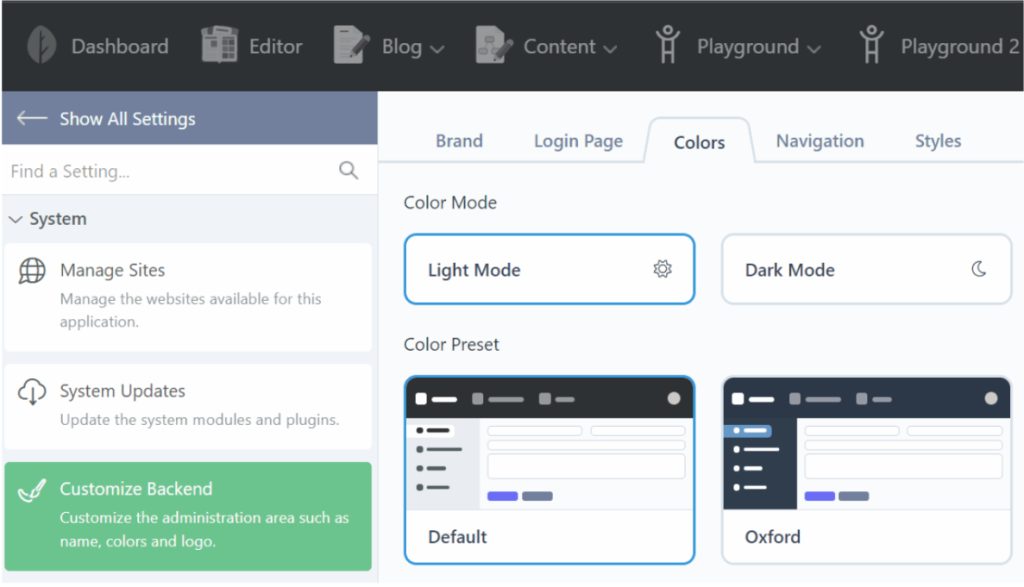
When it finishes, log in to the back end and open the dashboard.
For security, add HTTPS with Certbot and remove the install.php and the installer files if they remain.
Quick recap
- Install Nginx, MariaDB and PHP, then create a database.
- Download October CMS, set the owner and make a server block.
- Complete the web installer.