

Step 1: Download Nucleus
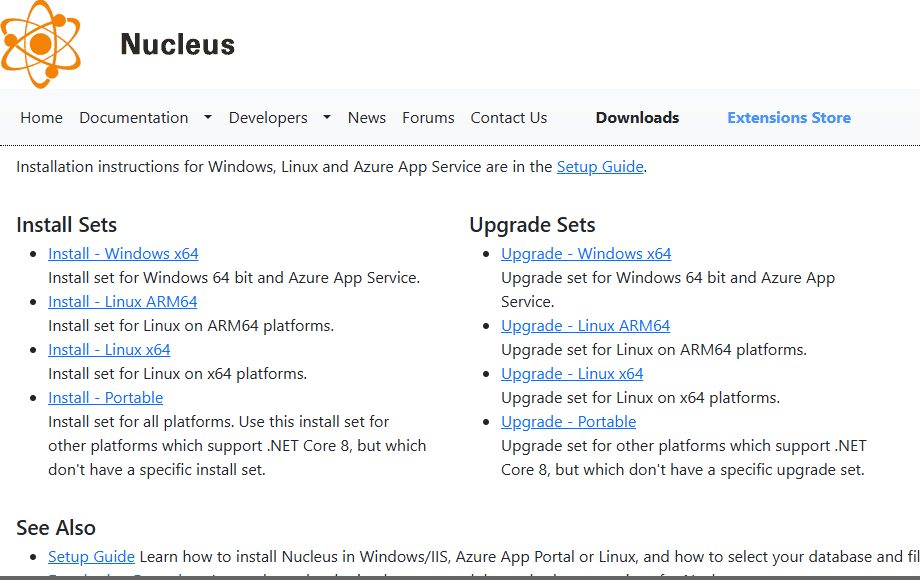
Open the Nucleus releases page on GitHub and download the Windows install package (zip). Extract it to a folder such as NucleusInstallation.
Step 2: Get the install script for the prerequisites
Open PowerShell as administrator and go to the folder:
cd NucleusInstallationIf the package does not already contain the script nucleus-install.ps1, download it from the Nucleus project:
Invoke-WebRequest -Uri "https://raw.githubusercontent.com/Inventua/nucleus-core/main/Nucleus.Web/Utils/Windows/nucleus-install.ps1" -OutFile "nucleus-install.ps1"
The script installs what Nucleus needs: IIS and the ASP.NET Core hosting bundle.
Step 3: Run the script
.\nucleus-install.ps1
If PowerShell says that the script is not digitally signed, run it with a one-time bypass of the execution policy:
powershell -ExecutionPolicy Bypass -File .\nucleus-install.ps1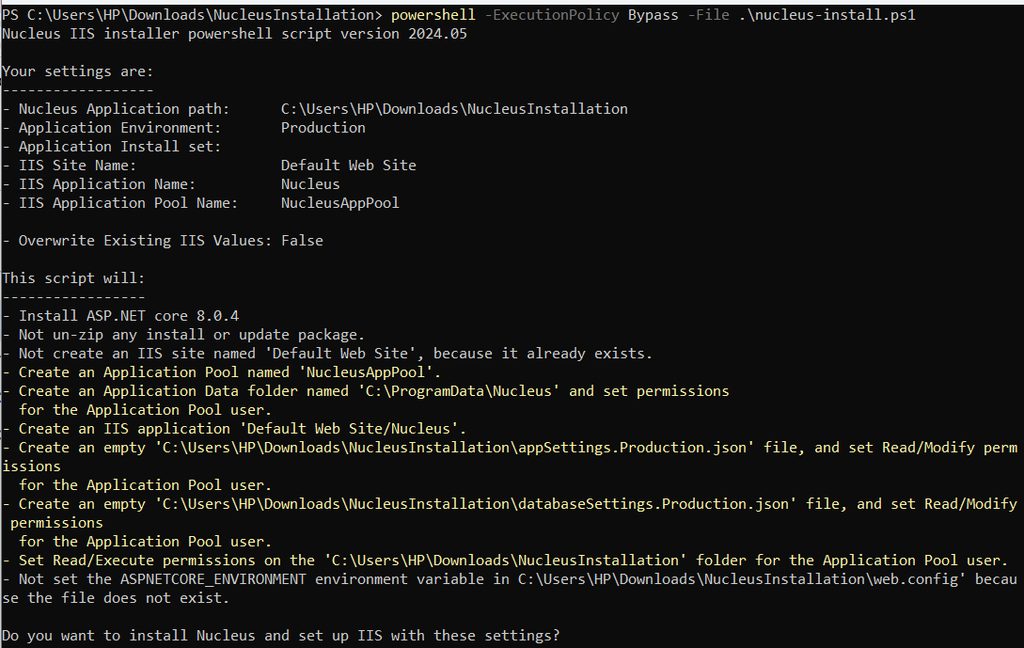
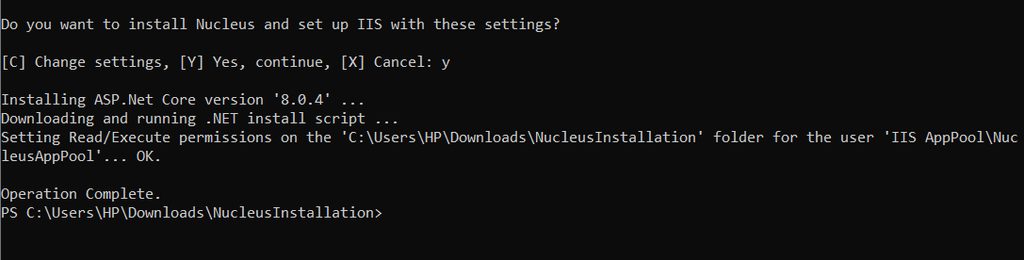
Read the script first, so you know what it does.
Step 4: The setup wizard
When the script ends, open the Nucleus site in your browser:
http://<ip-address>:80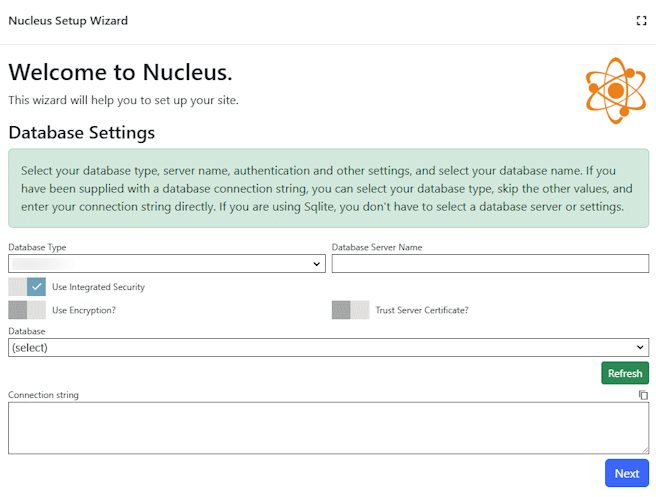
Choose the database type (SQLite is the easy choice for a first test) and enter the connection details if needed.
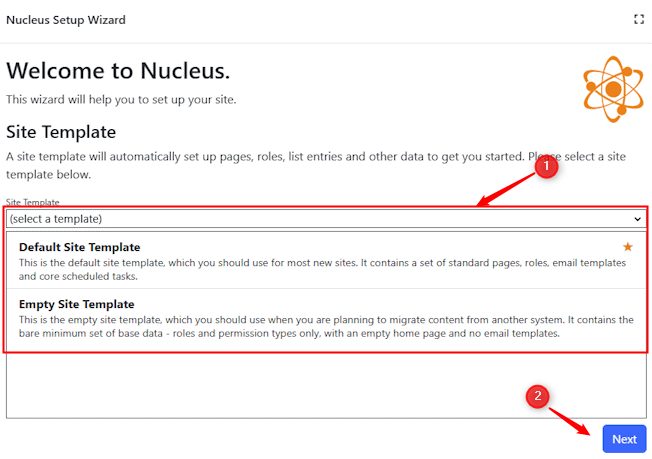
Step 5: Choose a site template
Pick the template for your site.
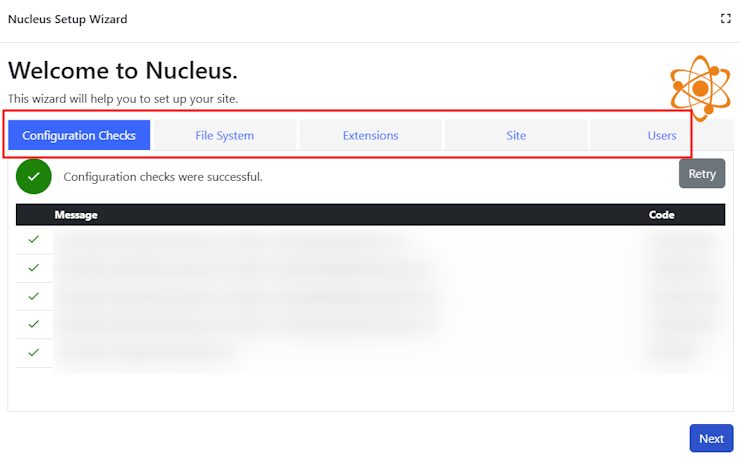
Step 6: Configure Nucleus
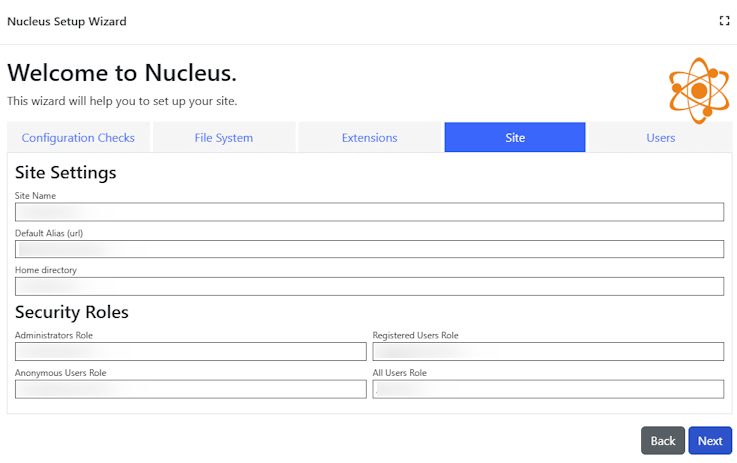
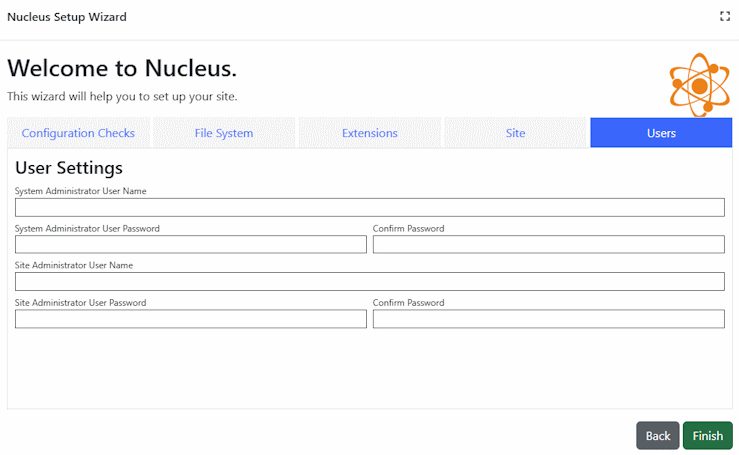
Check the configuration values, set the site settings and create the admin user.
Use Nucleus
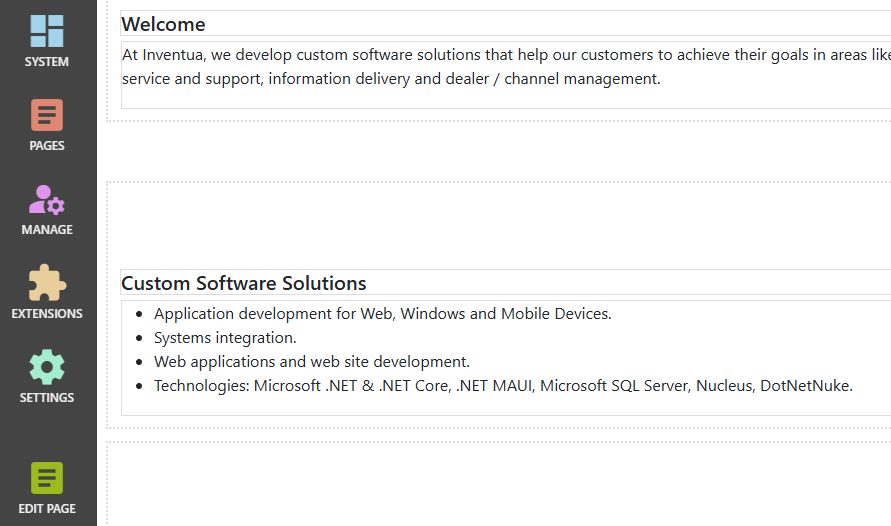
When the wizard ends, you can log in and manage pages, content and users from the Nucleus admin interface.
Quick recap
- Download the package and run the install script as administrator.
- Open the site and finish the setup wizard.
- Choose a site template and create the admin user.