

Step 1: Install Apache
sudo apt install apache2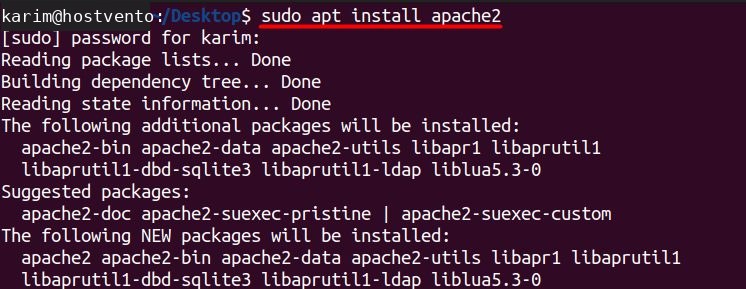
Check that it runs:
sudo systemctl status apache2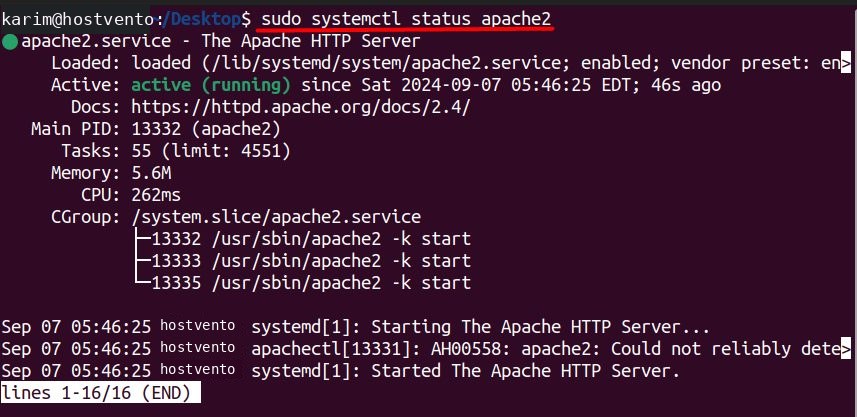
Start it and enable it at boot:
sudo systemctl start apache2 && sudo systemctl enable apache2
Step 2: Install PHP
sudo apt install php libapache2-mod-php php-cli php-common php-gmp php-curl php-mysql php-json php-intl php-mbstring php-xmlrpc php-gd php-xml php-zip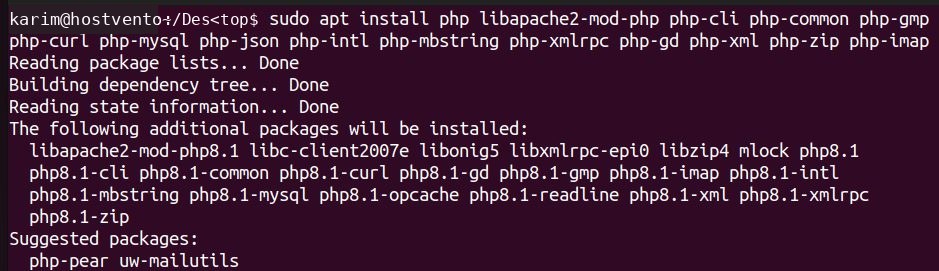
php -v
Note: TYPO3 also needs a higher
max_execution_time and memory_limit. Edit /etc/php/8.1/apache2/php.ini (the folder name follows your PHP version) and set max_execution_time = 240, memory_limit = 256M and max_input_vars = 1500, then restart Apache.Step 3: Install MySQL
sudo apt install mysql-server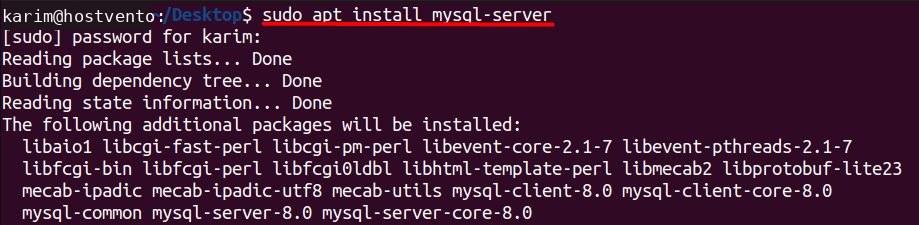
sudo systemctl status mysql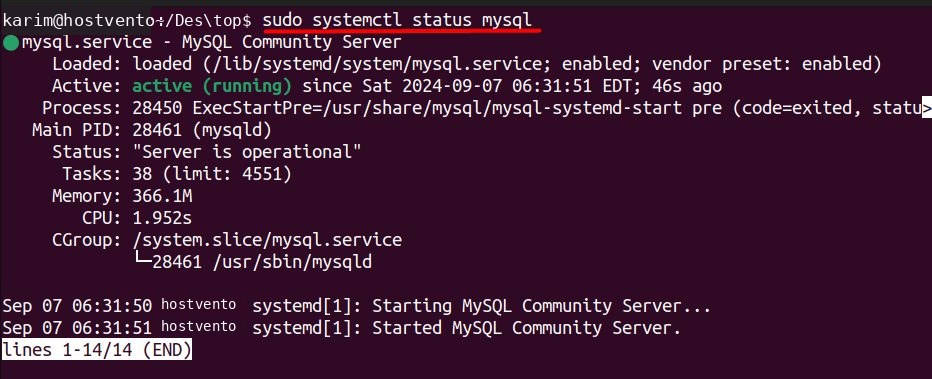
sudo systemctl enable mysql.service
Create the database and a user:
sudo mysql
CREATE DATABASE typo3_db CHARACTER SET utf8mb4 COLLATE utf8mb4_unicode_ci;
CREATE USER 'typo3_user'@'localhost' IDENTIFIED BY 'StrongPassword';
GRANT ALL PRIVILEGES ON typo3_db.* TO 'typo3_user'@'localhost';
FLUSH PRIVILEGES;
EXIT;
Step 4: Download TYPO3
wget --content-disposition https://get.typo3.org/12.4.19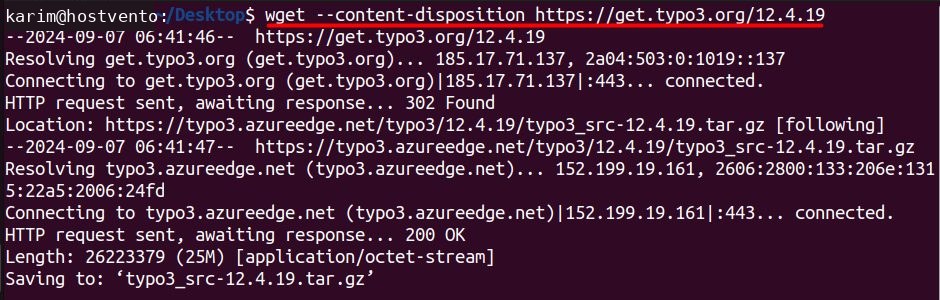
Step 5: Extract it
sudo tar -xvzf typo3_src-12.4.19.tar.gz -C /var/www/html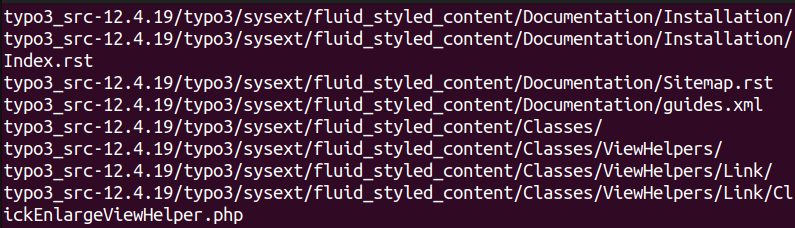
-xextracts the archive.-vlists the files while it works.-zhandles the gzip compression.-fnames the archive file.-Csets the target folder.
Step 6: Prepare the web root
cd /var/www/html
sudo ln -s typo3_src-12.4.19 typo3_src
sudo ln -s typo3_src/index.php index.php
sudo ln -s typo3_src/typo3 typo3
sudo touch FIRST_INSTALL
sudo chown -R www-data:www-data /var/www/html
The FIRST_INSTALL file unlocks the installer.
Step 7: Finish in the browser
Open http://your-server-ip/. The TYPO3 installer checks the system, asks for the database details, then asks you to create the admin account.
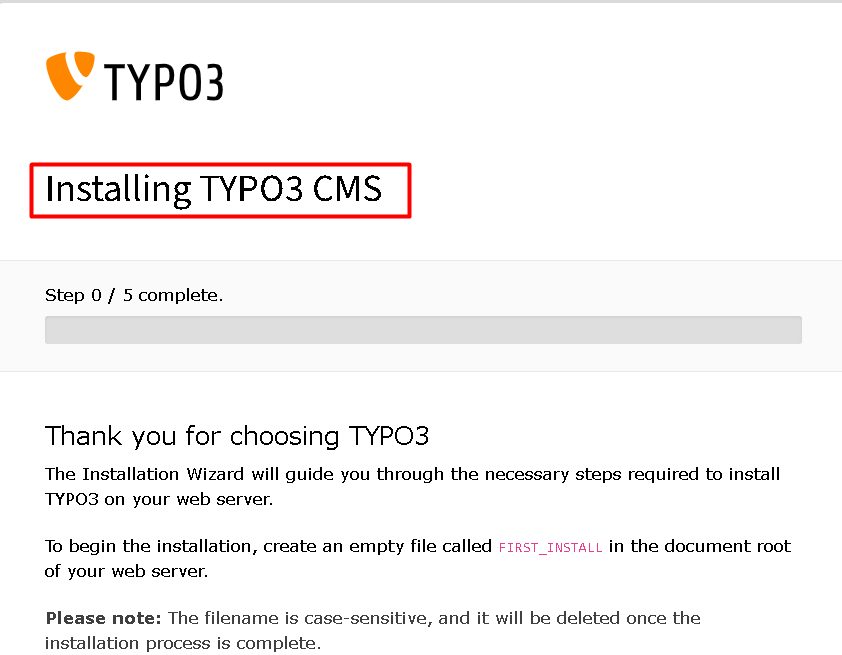
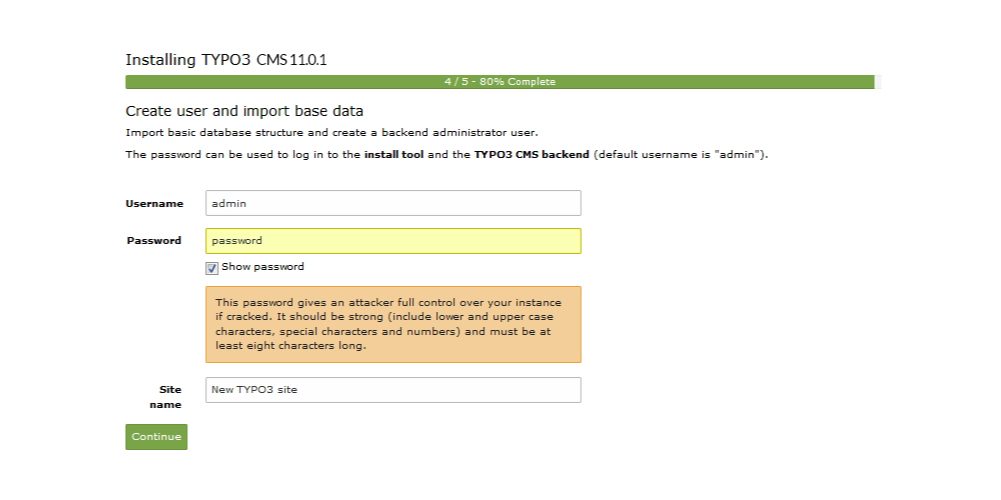
When it is done, log in at http://your-server-ip/typo3.
Quick recap
- Install Apache, PHP and MySQL.
- Download and extract TYPO3, add the symlinks and
FIRST_INSTALL. - Finish the installer in the browser.