

Step 1: Install XAMPP
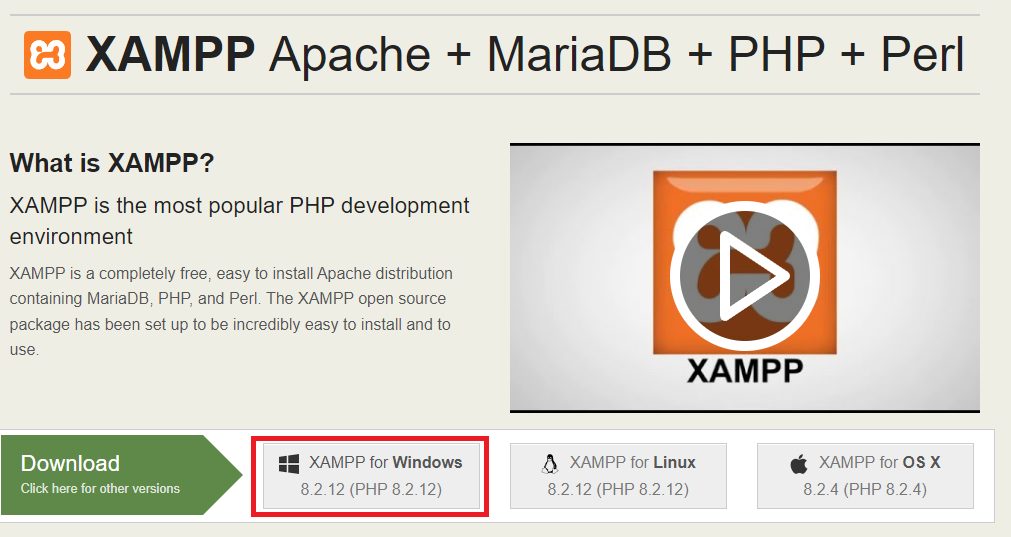
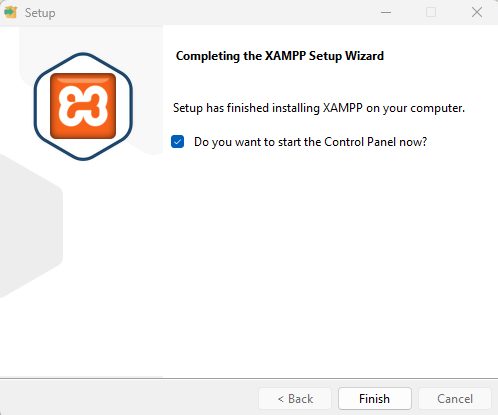
XAMPP gives you Apache, MySQL and PHP in one package. Download it from the Apache Friends website and run the installer.
Step 2: Start Apache and MySQL
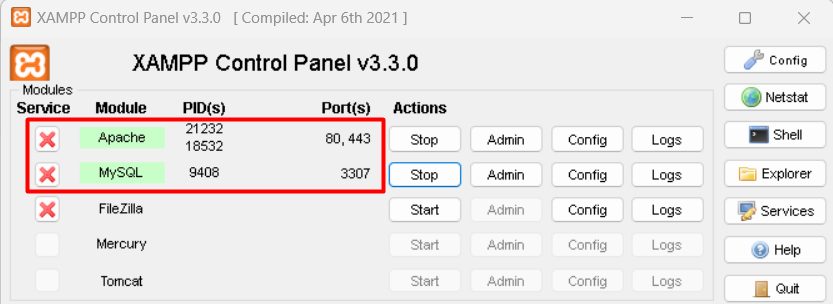
Open the XAMPP Control Panel and click Start next to Apache and MySQL.
Step 3: Download TYPO3
Download the TYPO3 package from get.typo3.org.
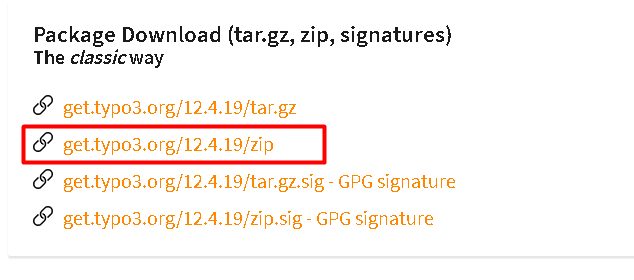
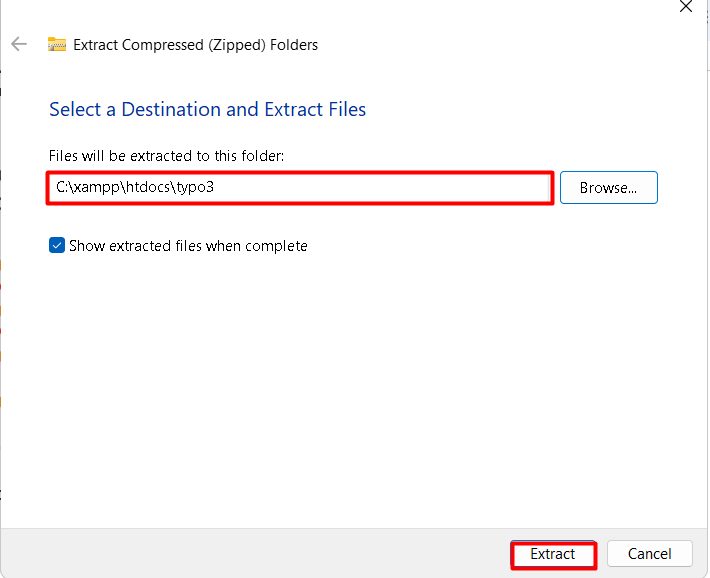
Extract it to a folder inside C:\xampp\htdocs, for example C:\xampp\htdocs\typo3.
Step 4: Create the database
- Open
http://localhost/phpmyadmin.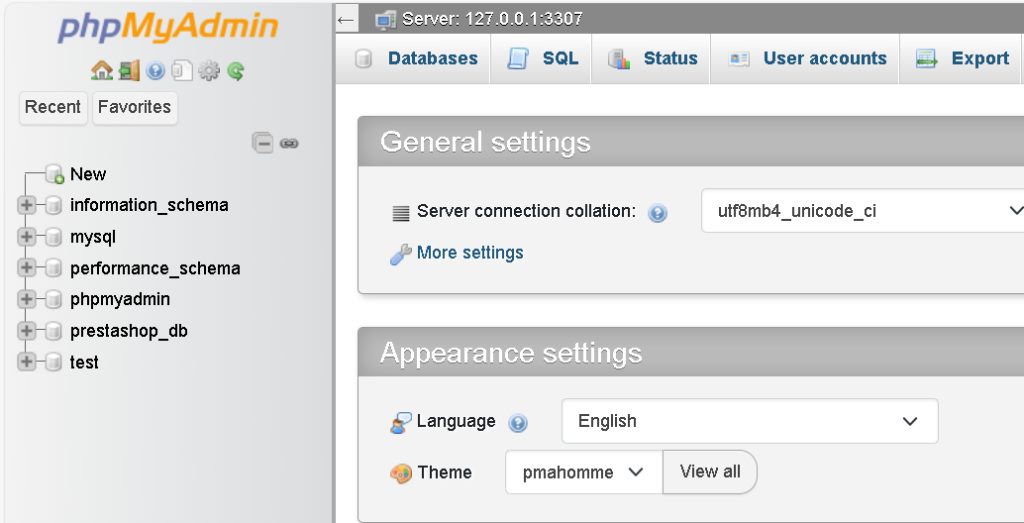
- Click New, enter a name such as
typo3_db, chooseutf8mb4_general_ciand click Create.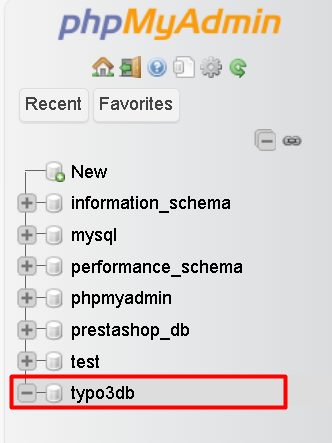
Step 5: Run the installer
- Create an empty file named
FIRST_INSTALLin the TYPO3 folder. This unlocks the installer. - Open
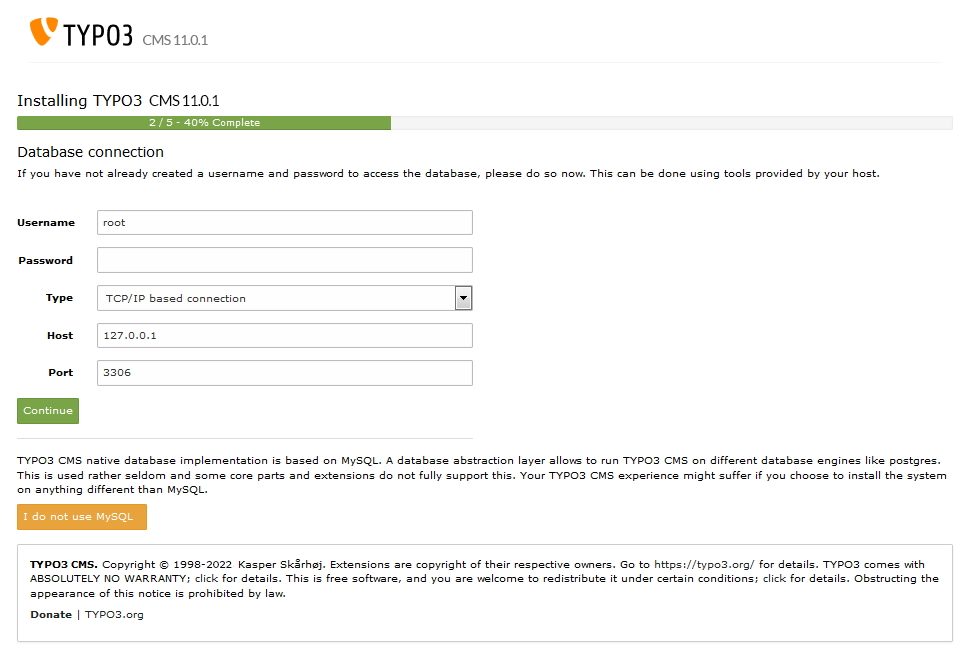
http://localhost/typo3in your browser. The installer checks your system. - Enter the database details: user
root, empty password, and the database you created.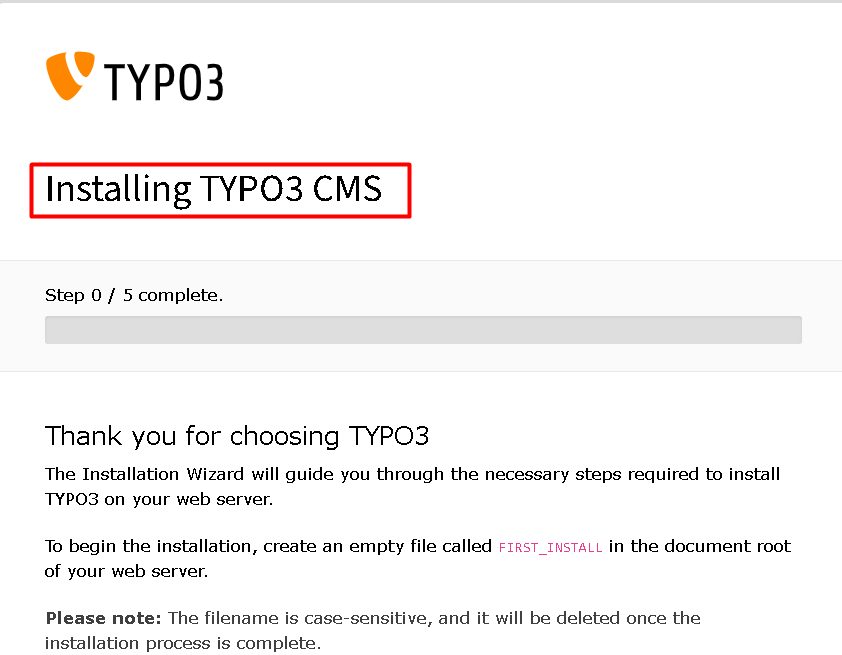
Step 6: Create the admin user
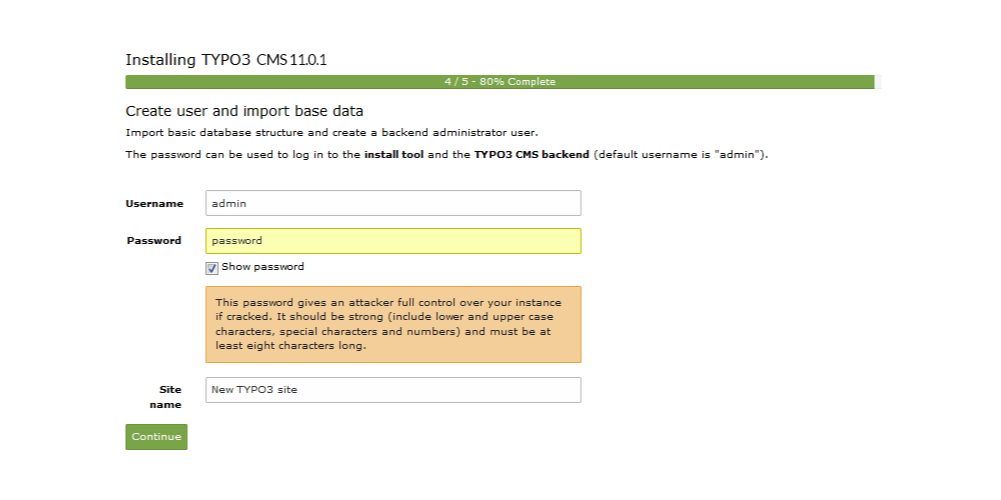
Enter an admin username, a strong password and your site name, then finish.
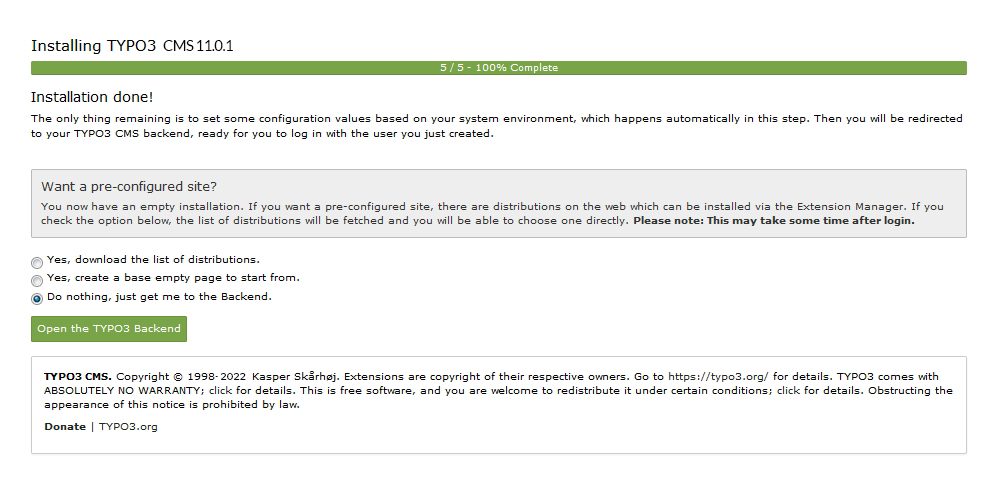
Log in at http://localhost/typo3/typo3.
Features of TYPO3
- Scalable. It handles sites from small to very large.
- Flexible templates.
- User roles and permissions.
- Strong security.
- Many extensions in the extension repository.
Quick recap
- Run Apache and MySQL in XAMPP.
- Create a database, add
FIRST_INSTALLand open the installer.