

What is a catch-all address
A catch-all (the "default address" in cPanel) receives every email sent to an address at your domain that does not exist. For example, if someone writes to sales@yourdomain.com and no such mailbox exists, the message goes to the catch-all mailbox instead of bouncing.
Benefits
- No missed emails. Messages with a misspelled address still reach you.
- Professional image. Customers never get a bounce message.
Drawbacks
- More spam. Spammers guess names, and you receive all of it.
- A crowded inbox. The mailbox can fill with unwanted mail.
Set up the catch-all in cPanel
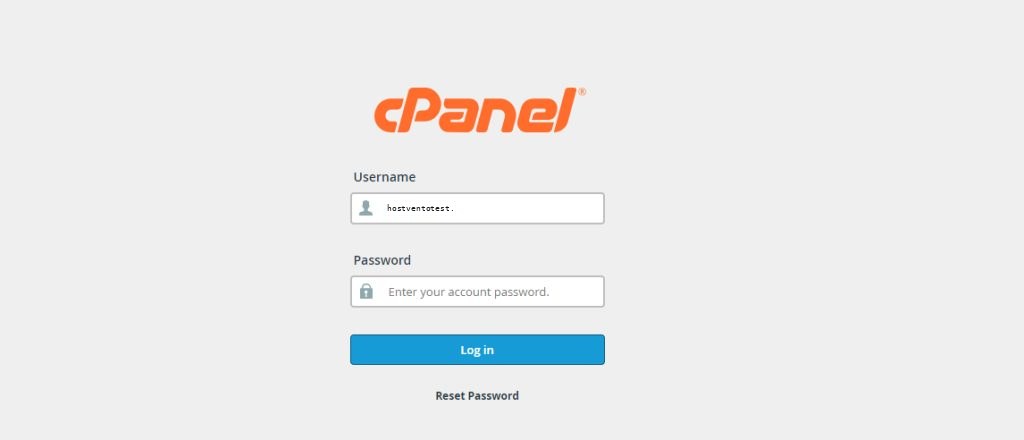
Step 1: Log in to cPanel
Step 2: Open Default Address
In the Email section click Default Address.
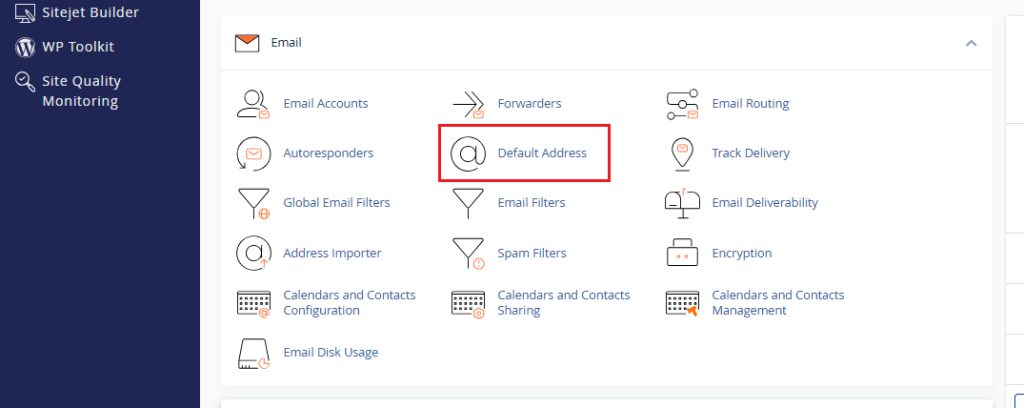
Choose the domain from the drop-down list.
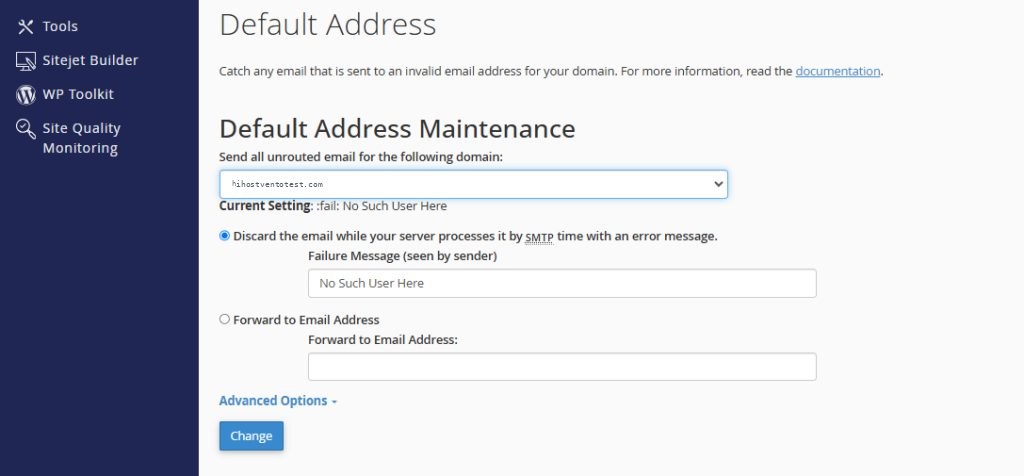
Choose what to do with the unknown addresses:
- Forward to email address. Enter the mailbox that receives everything.
- Discard with error to sender (at SMTP time). Reject the mail and keep the default behavior.
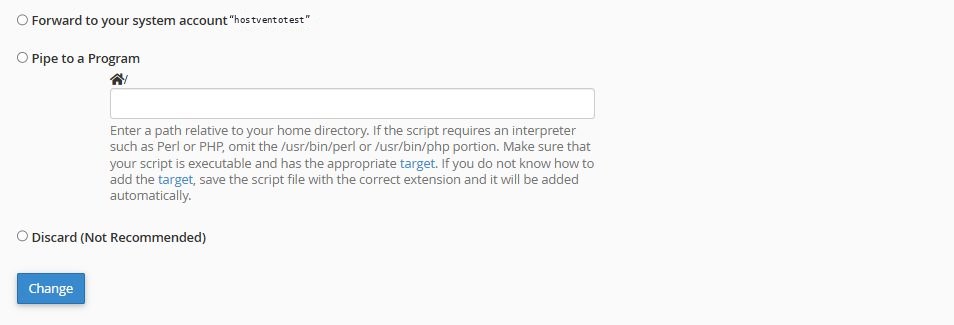
- Forward to system account / Pipe to a program are for advanced use.
Enter your address and click Change.
Step 3: Test
Send an email to an address that does not exist, such as anything@yourdomain.com. It should arrive in the catch-all mailbox.
Note: On current cPanel versions the safest option is to reject unknown mail ("Discard with error to sender"). Use a catch-all only if you really need it.
Best practices
- Check the catch-all mailbox often and delete spam.
- Use the cPanel spam filters (Apache SpamAssassin and Email Filters) to control junk.
- Use a real mailbox as the catch-all so it does not fill up. Set a quota if you can.
- Consider creating the real addresses you need (
info@,sales@) instead.
Quick recap
- Email > Default Address, choose the domain, forward to a mailbox, click Change.