

What is an MX record?
DNS is like a phone book for the internet. An MX record is an entry that says which server receives email for your domain. MX stands for Mail Exchanger. It is like the address of your local post office. Without it, email for your domain has nowhere to go.
Each MX record has a priority number. The server with the lowest number is tried first. The others are backups.
Webuzo is a third-party control panel. Your plan may or may not include it, so ask Hostvento support if you do not see it. Menu names can differ between versions.
Add an MX record
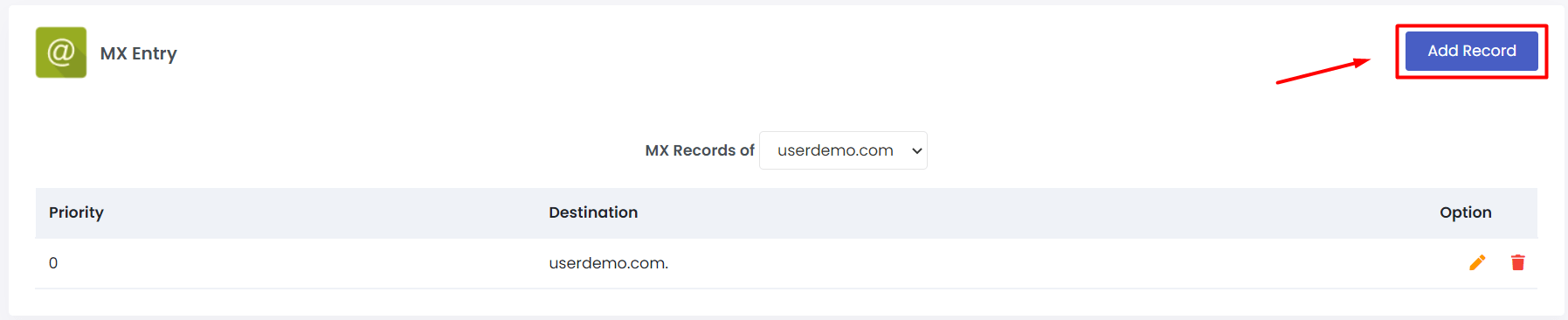
- Log in to Webuzo.
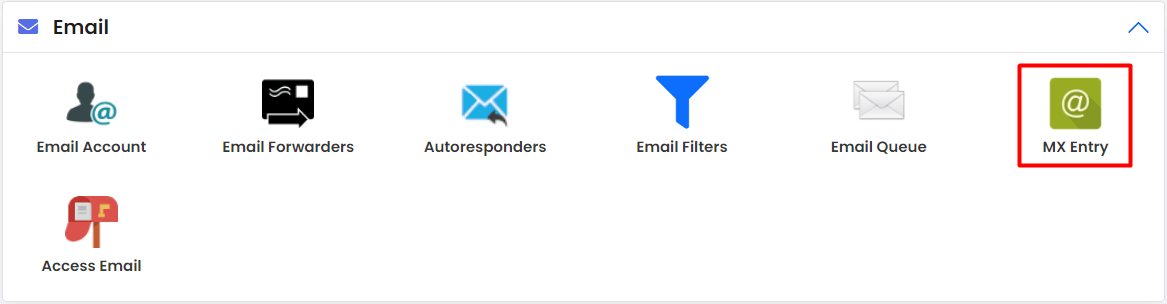
- Open Email and then MX Entry, or look under Domain Management for DNS Settings.
- Select your domain.
- In the Destination or Mail Server box, type the name of the mail server. If you use an outside email service, copy the exact value they gave you.
- In Priority, type a number, such as 10.
- Click Add Record or Save.
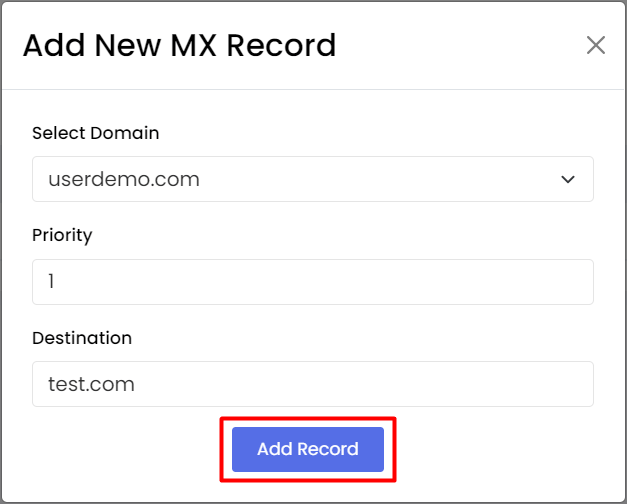
If you host your email with your own plan, use your domain name or the mail server named in your welcome email. If unsure, ask support.
Delete an MX record
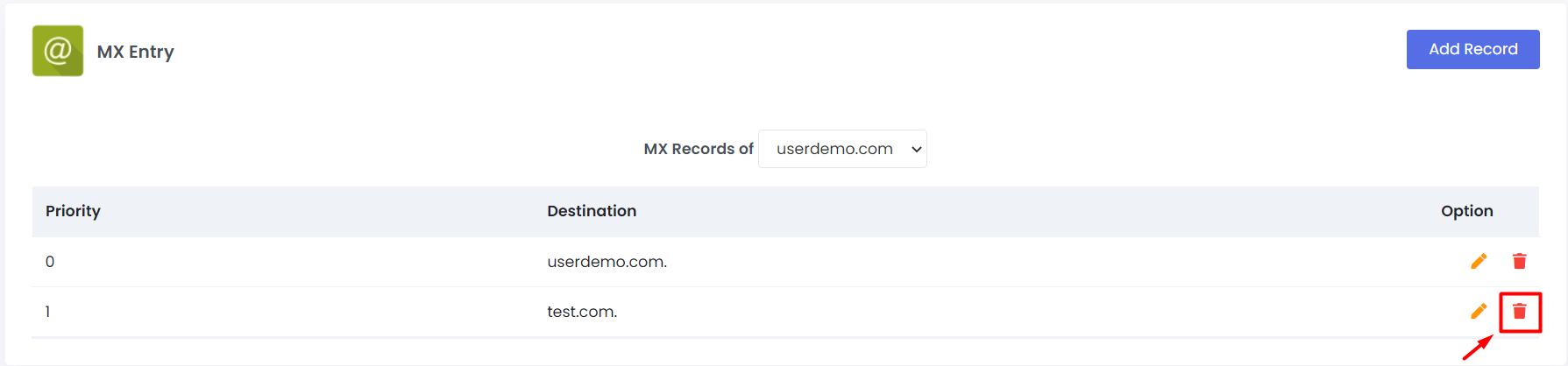
- Open the same MX page in Webuzo.
- Pick your domain.
- Find the record you want to remove.
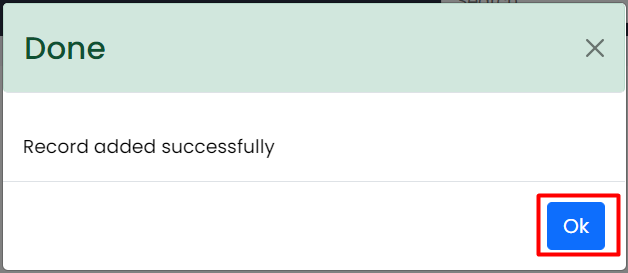
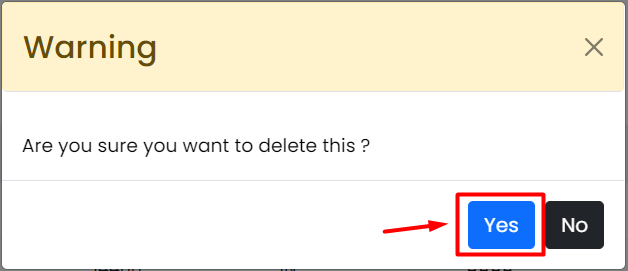
- Click the Delete icon or button beside it.
- Confirm.
Keep at least one working MX record. If you delete all of them, mail stops arriving.
Moving to another email service
- Add the new MX records first.
- Set the priorities as the new service says.
- Delete the old ones.
- Wait for the change to spread. It can take a few hours.
- Send a test email to yourself.
Messages sent during the switch may go to either place for a while, so check both mailboxes.
Does it work?
Ask a friend to email you, or send from a free webmail account. If nothing arrives after several hours, check for typos. A name must be spelled exactly. Then open a support ticket.
Quick recap
- MX records tell the world where to deliver your email.
- Lower priority numbers are tried first.
- Add and delete them in the Webuzo MX Entry page.
- Back up the old values and test after the change.