What is a plugin?
WordPress is a popular tool for building websites. A plugin is a small add-on that gives your site a new feature, like a contact form. Think of it as an app on a phone. Sometimes a plugin clashes with another one and causes errors, a white screen or a login problem.
Method 1: From the dashboard
Use this if you can still log in.
- Log in to WordPress at
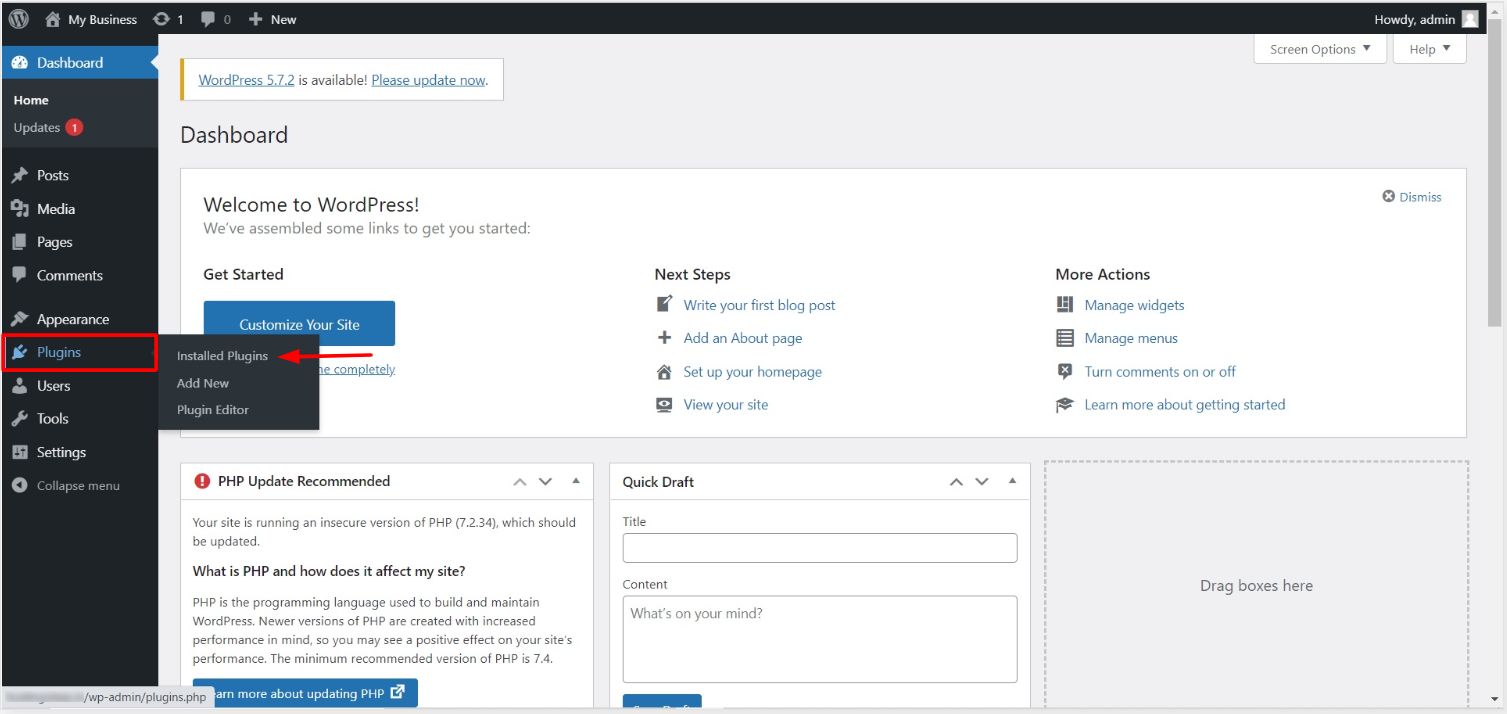
yourdomain.com/wp-admin. - Click Plugins in the left menu.
- Click Installed Plugins.
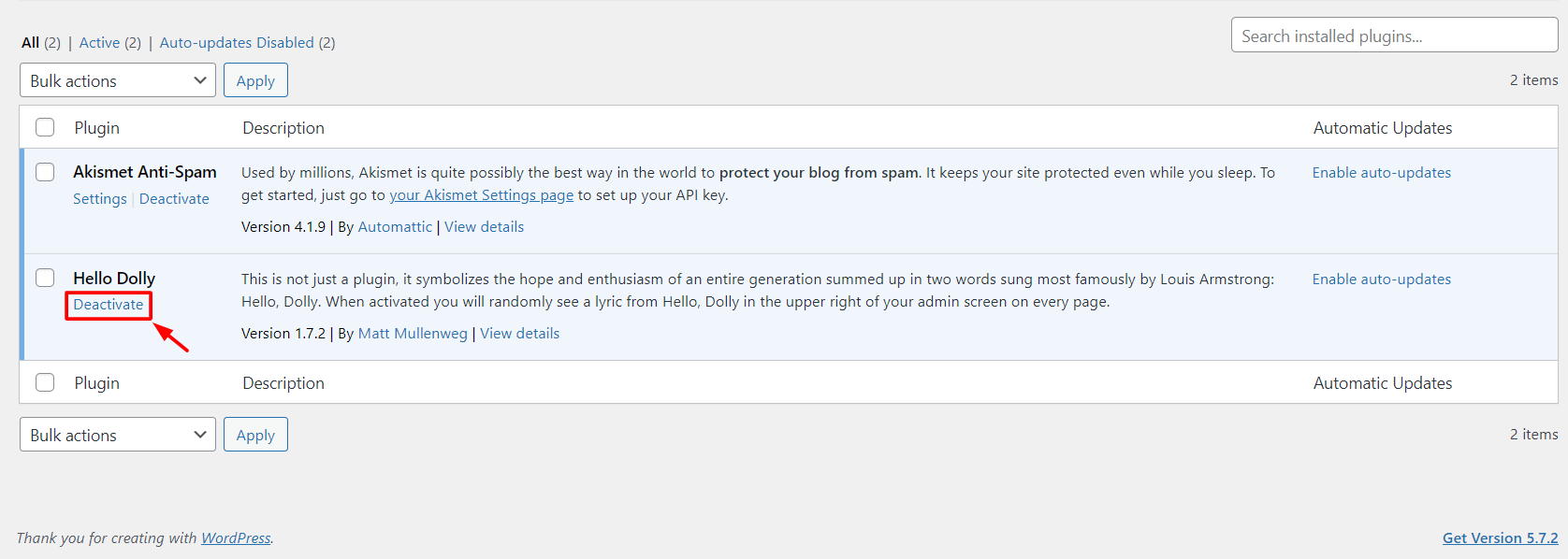
- Find the plugin you want to stop.
- Click Deactivate under its name.
To stop many at once, tick the boxes next to them. Choose Deactivate from the Bulk actions list and click Apply.
Method 2: From cPanel, when you cannot log in
Careful: take a backup first. Renaming folders is safe, but deleting is not.
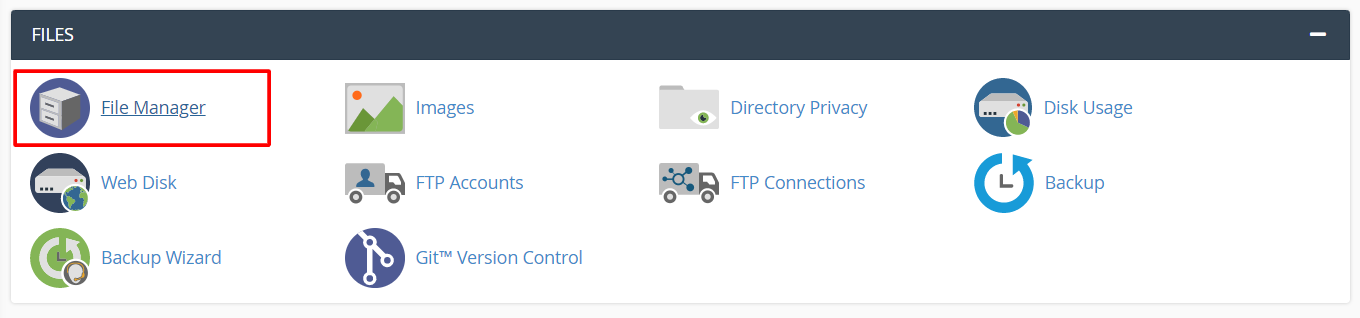
- Log in to your client area and open cPanel.
- Click File Manager.
- Open the folder where WordPress is installed. This is often
public_html. - Open
wp-content.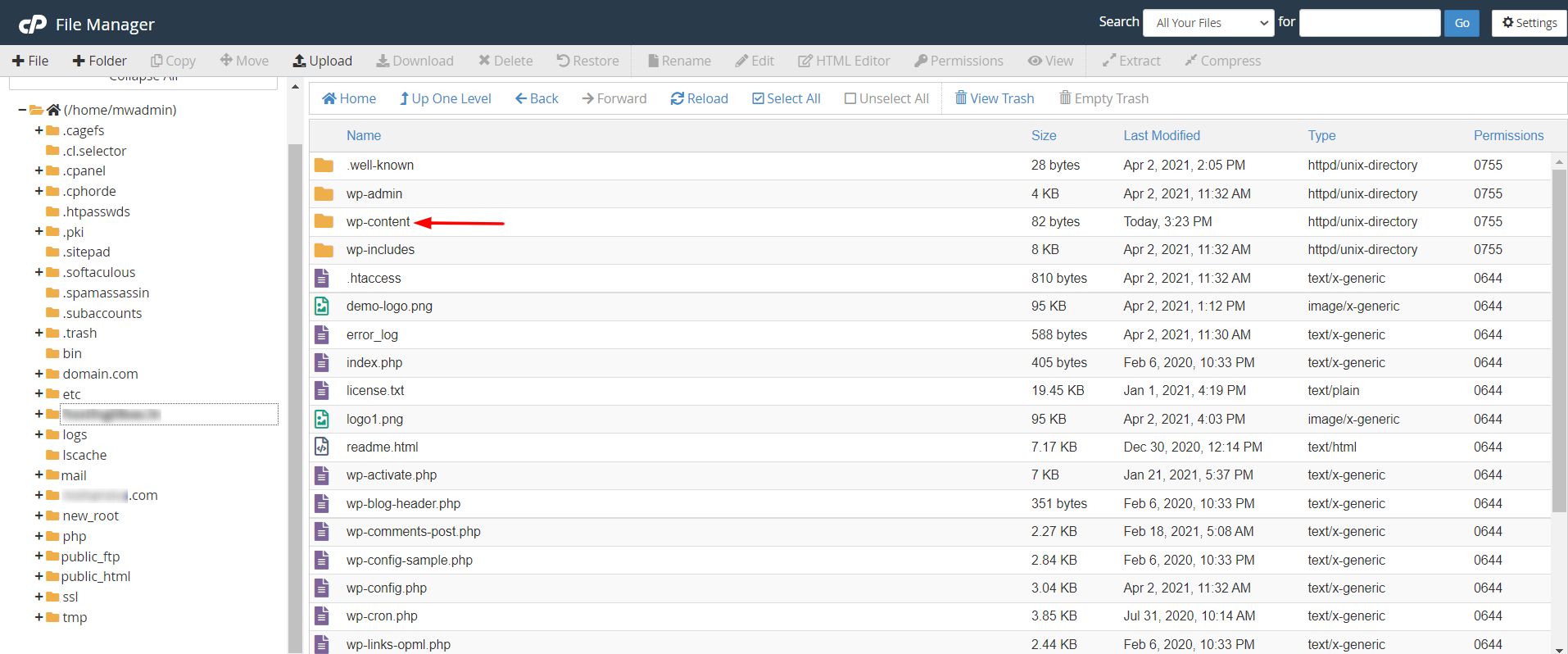
- Right-click the
pluginsfolder and choose Rename. - Change the name to
plugins_offand save. - Try to log in to
wp-adminagain. All plugins are now off. - Rename the folder back to
plugins.

- In the dashboard, go to Plugins. Turn them on one by one. When the problem returns, you have found the bad plugin.
Turn off just one plugin from File Manager
- Open
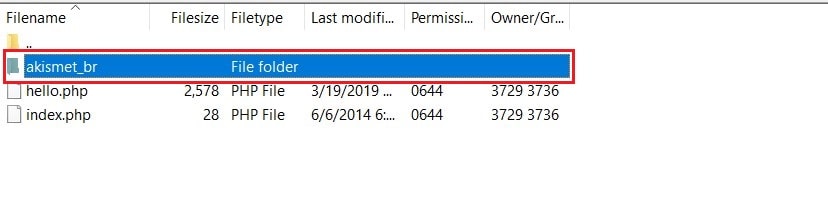
wp-content/plugins. - Find the folder of that plugin.
- Rename it, for example by adding
-offat the end.
WordPress will turn it off because it cannot find it.
Tip: After you find the bad plugin, update it, replace it or ask its maker for help.
Quick recap
- Use Plugins then Deactivate if you can log in.
- If not, rename the
pluginsfolder in File Manager.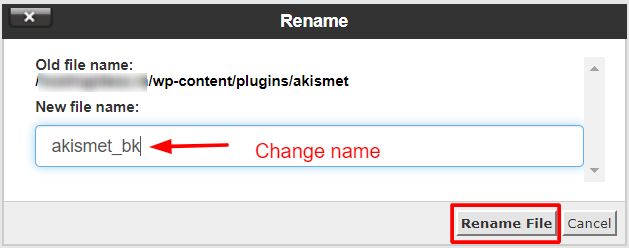
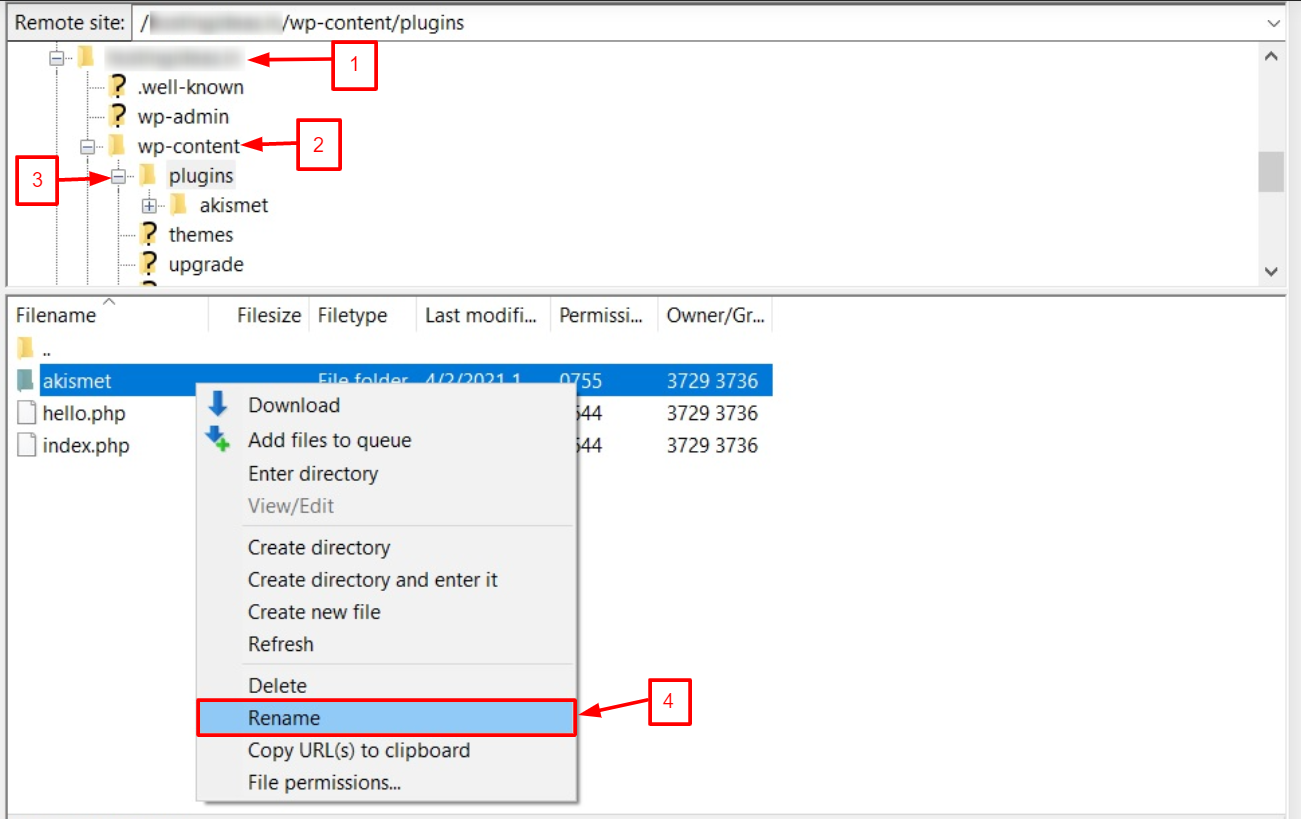
- Rename it back and test plugins one at a time.
- Back up before you change files.