

What is Google Search Console?
Google Search Console is a free tool from Google. It shows how your site appears in Google search. It also warns you about problems. To use it, you must prove the site is yours. This is called verification.
Two property types
- Domain: covers the whole domain, with all subdomains and both http and https. You verify it with a DNS record.
- URL prefix: covers one exact address, like
https://example.com/. It has more ways to verify.
DNS is like a phone book for the internet. A TXT record is a line of text you can add to it. Google checks that line to see that you control the domain.
Steps for a Domain property
- Go to Google Search Console and sign in with your Google account.
- Click the property menu at the top left, then Add property.
- Choose Domain on the left side.
- Type your domain without
https://, likeexample.com. Click Continue. - Google shows a TXT record. Click Copy.
- Log in to cPanel and open Zone Editor. Click Manage next to your domain.
- Click Add Record and set the type to TXT.
- Leave the name as your domain. Paste the copied text in the value box.
- Click Add Record.
- Go back to Search Console and click Verify.
If your DNS is managed in the Hostvento client area, add the TXT record there. Log in at https://secure.hostvento.com/clientarea.php and open the DNS settings of your domain under Domains.
If it fails
DNS changes can take from a few minutes to some hours. Wait, then click Verify again.
Steps for a URL prefix property
- Choose URL prefix and type the full address with
https://. - Pick a method, such as HTML tag or HTML file.
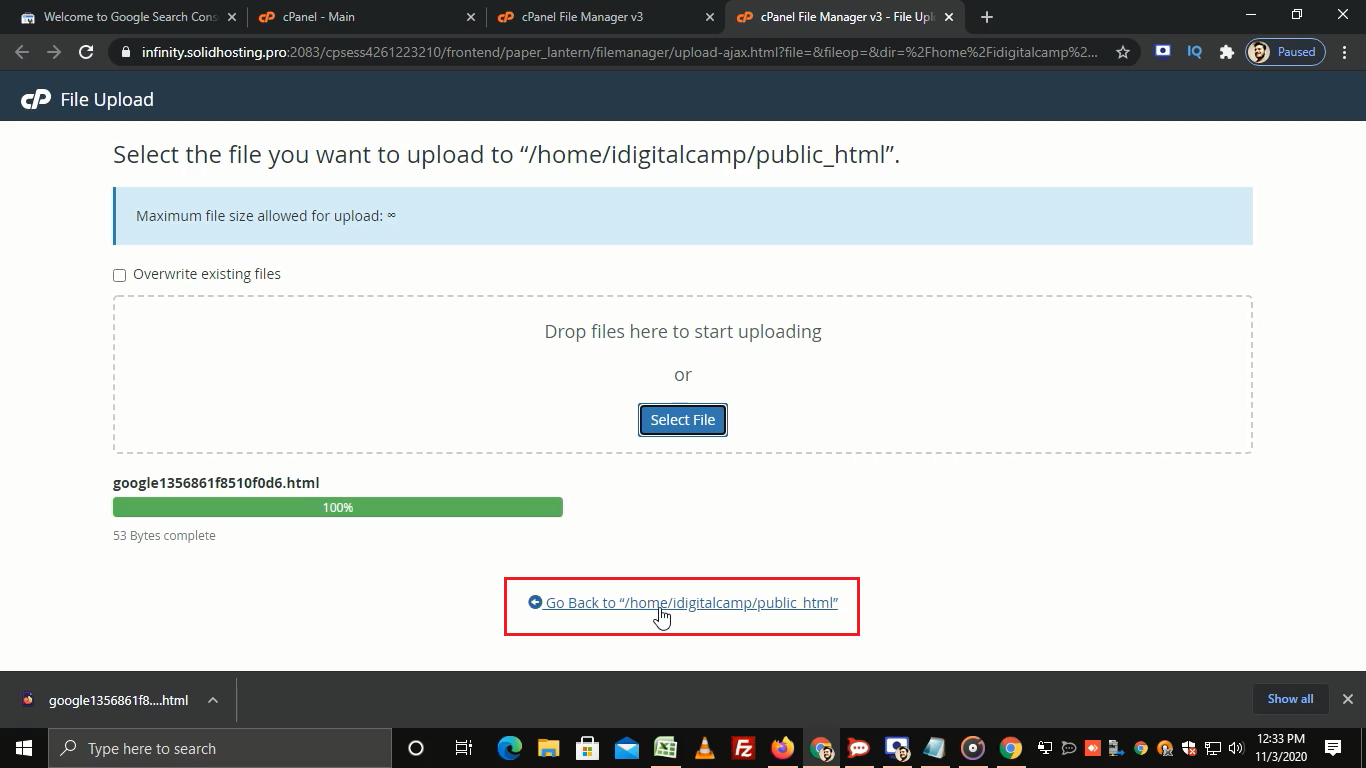
- Follow the on-screen instructions and click Verify.
Tip: Do not delete the TXT record after you verify. Google checks it from time to time. If it is gone, you may lose access.
Quick recap
- Search Console shows how Google sees your site.
- A Domain property is verified with a DNS TXT record.
- Add the record in the Zone Editor, then click Verify.
- Keep the record in place afterwards.