

What is a subdomain?
A domain is the name of your website, like example.com. A subdomain is a word added in front of it, like blog.example.com or shop.example.com. It is like a room in your house with its own door. Each subdomain can show its own pages.
People use subdomains for blogs, online shops, test sites and help pages.
Steps
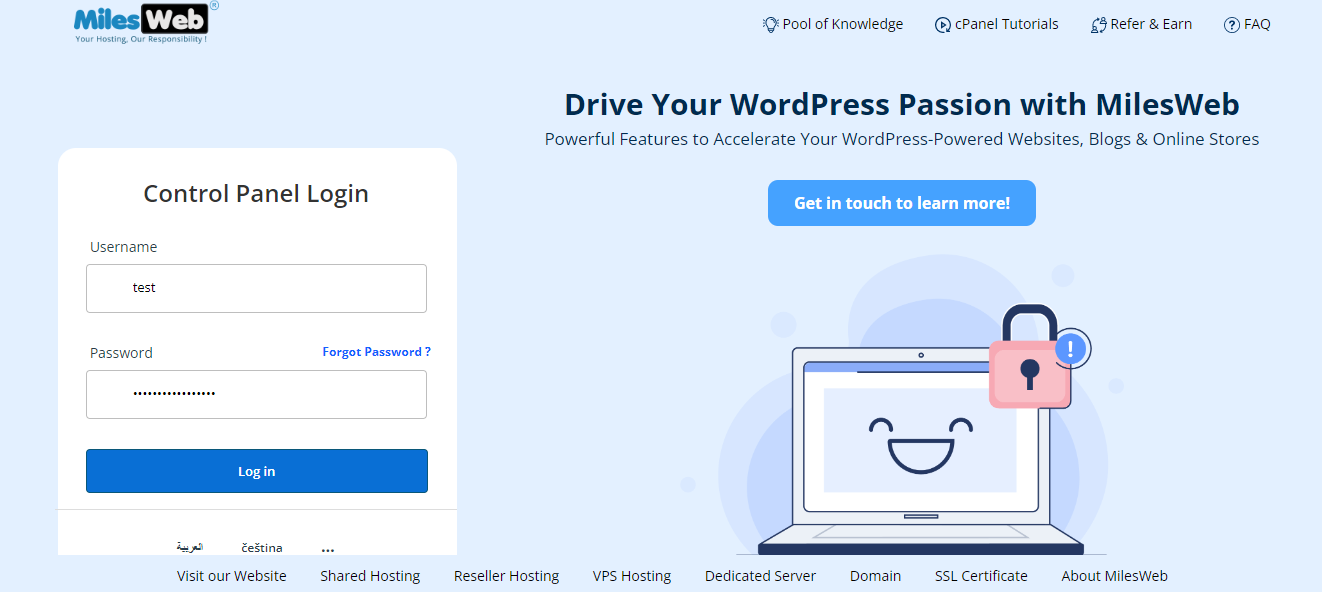
- Log in to the client area, open Services, and go to cPanel for your hosting.
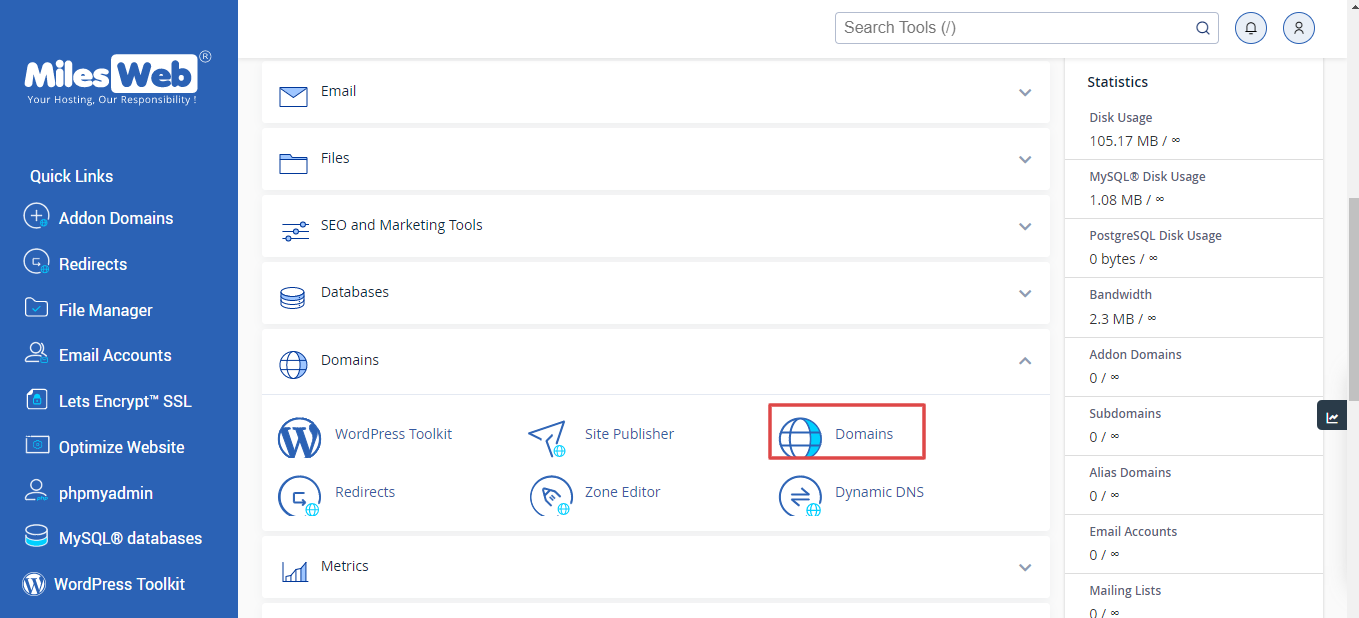
- In the Domains section, click Domains. On older versions, click Subdomains.
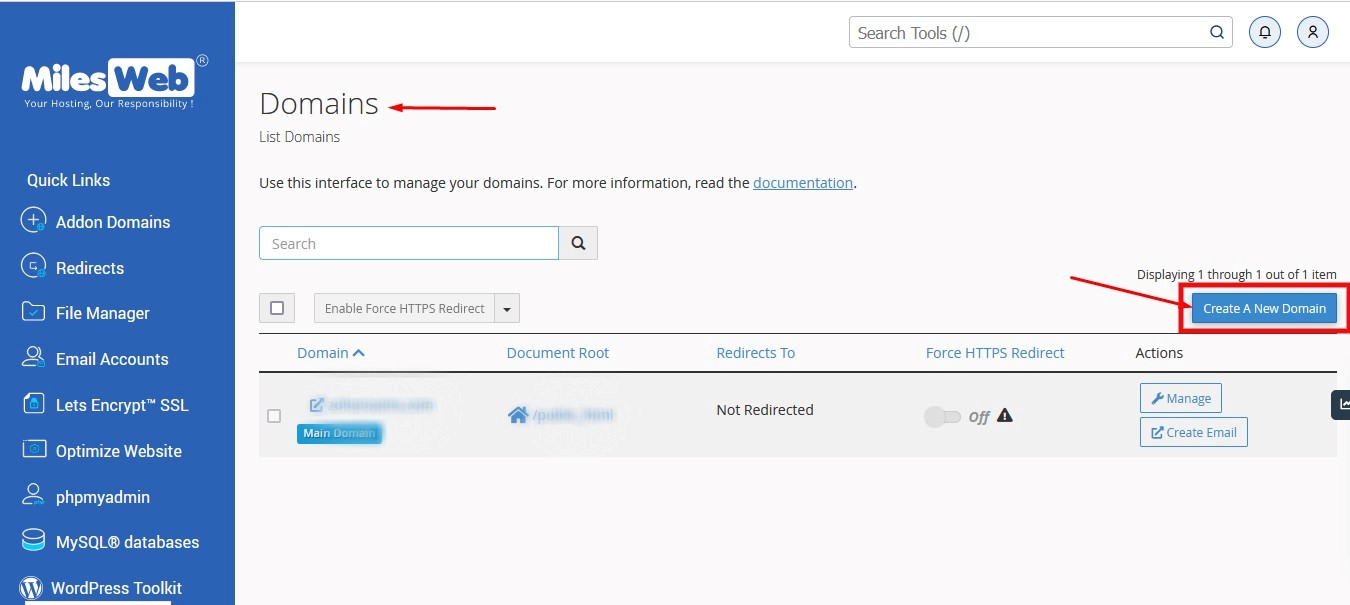
- Click Create A New Domain. In older versions, use the form on the page.
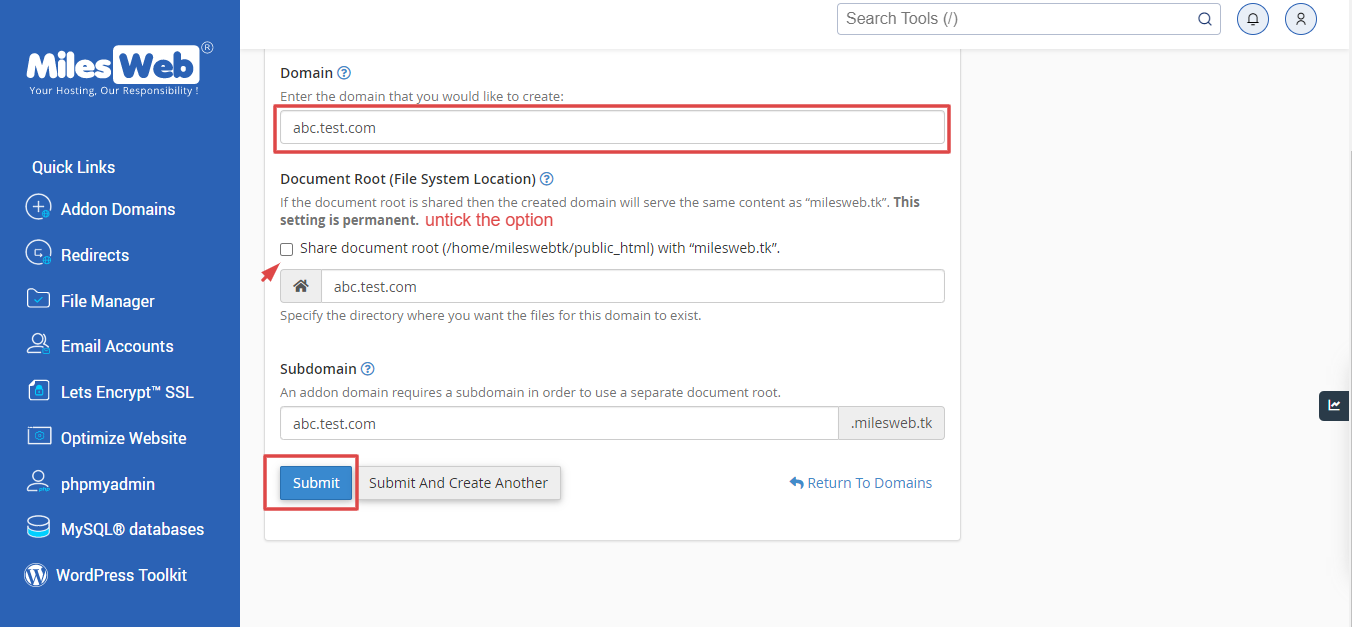
- In the Domain box, type the full subdomain, like
blog.example.com. On older versions, type onlyblogand pick the main domain from the list. - cPanel shows a folder name in Document Root. This is the folder where the subdomain's files will live. Keep it or change it.
- Click Submit (or Create).
cPanel shows a message that the subdomain was made.
Put something on it
- Open File Manager in cPanel.
- Go to the document root folder of the subdomain.
- Click Upload and add your files. Or install a script, like WordPress, to this folder.
Until you add files, visitors may see an empty page or a message.
Do I need to change DNS?
If your domain uses Hostvento name servers, cPanel adds the DNS record for you. If your DNS lives elsewhere, add an A record or CNAME for the subdomain there. An A record links the name to your server's IP address. Your welcome email has this address, or ask support.
Test it
Wait a short time, then open the subdomain in your browser. DNS changes can take up to a few hours.
Remove a subdomain
Back up its files first. In the Domains page, use Manage then Remove on that subdomain. Removing it can also delete its folder, if you tick that option.
Quick recap
- A subdomain is a name in front of your domain.
- Create it in cPanel under Domains.
- Choose a document root and upload files.
- Check DNS if the page does not load.