

What is cPanel?
cPanel is the control panel for your web hosting. A control panel is like a dashboard in a car. It has buttons for your files, email, databases and more.
The client area is different. It is where you manage your Hostvento account, bills and services. You can jump from the client area into cPanel with one click.
Steps
- Open the Hostvento client area.
- Enter your email address and password. Click Login.
- Click the Services menu at the top.
- Click My Services.
- Click the hosting plan you want to open. It is listed with your domain name.
- On the plan's page, look for the Login to cPanel button. It may sit in a box of quick actions.
- Click it. cPanel opens in a new tab and you are logged in.
If your browser blocks pop-ups, allow them for the site. Then click the button again.
If you do not see the button
- Check that the plan is active. A suspended or pending plan may not show it.
- Check that you opened a hosting plan and not a domain.
- Try another browser or a private window.
- Some plans use another control panel. Your welcome email names the panel you have.
Another way: log in directly
Your welcome email lists your cPanel username and password. You can also use the cPanel address given in it. Open that address in your browser and enter the details there.
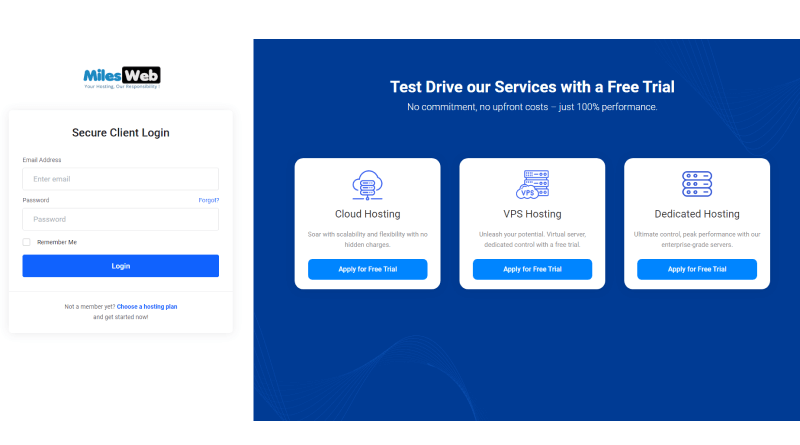
If you forgot your login, use the password reset in the client area. Or open a support ticket.
Tip: Always log out of cPanel when you use a shared computer. Close the browser tab after that.
Quick recap
- cPanel is the dashboard for your hosting.
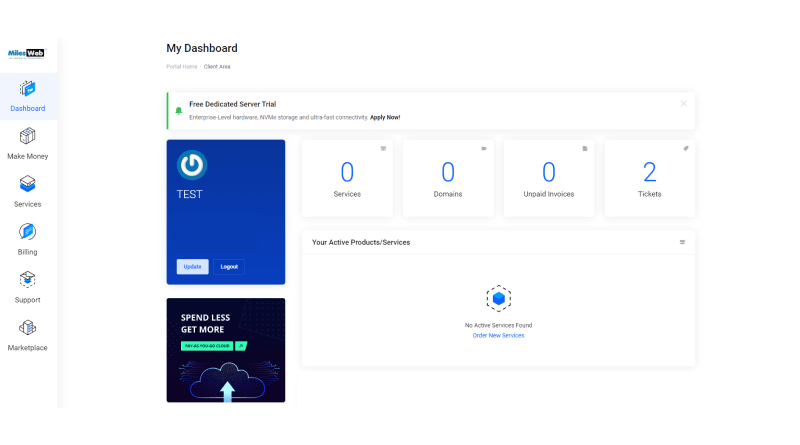
- Log in to the client area first.
- Go to Services, then My Services, then pick your plan.
- Click Login to cPanel.
- Allow pop-ups if nothing opens.