

What is a 503 error?
Ghost is a tool for building blogs. It runs as a small program on your server. A web server such as Nginx sits in front of it. Nginx is like a receptionist. It takes the visitor's request and passes it on to Ghost.
A 503 error means "service unavailable". The receptionist is there, but Ghost is not answering. Often Ghost has stopped, crashed or is out of memory.
Steps
- Connect to your server using SSH. SSH is a safe way to type commands on a remote computer.
- Go to your Ghost folder. The usual place is shown below. Yours may be different.
This moves you into the Ghost folder.cd /var/www/ghost - Check Ghost's status.
This lists your Ghost sites and shows if they are running.ghost ls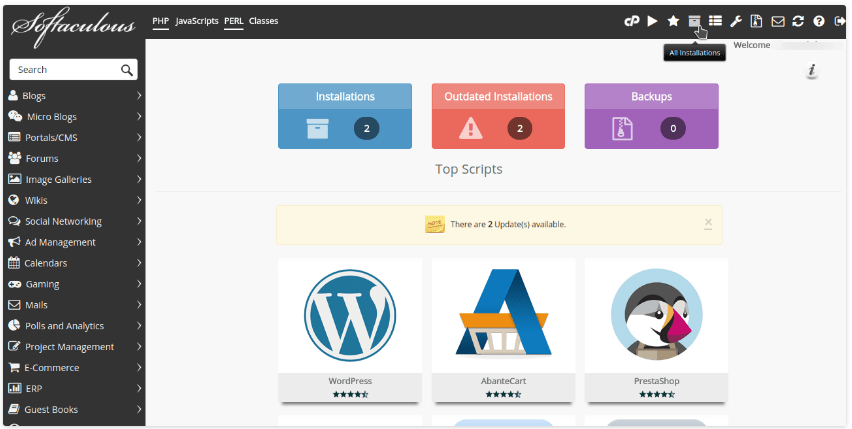
- If it says stopped or error, start it.
This starts the Ghost program.ghost start - If it fails, read the log.
This prints recent messages that explain the problem.ghost log - Run the doctor tool.
This checks your setup for common problems.ghost doctor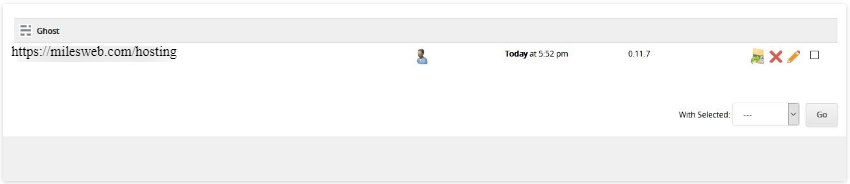
- Check Nginx.
This shows if Nginx is running. If not, start it withsudo systemctl status nginxsudo systemctl start nginx.
Common causes
- Not enough memory. Ghost can crash on a small server. Check free memory with
free -m. A bigger server or a swap file can help. - Wrong file owner. Ghost wants its own user. Do not run it as root.
- Database problem. Ghost uses MySQL. Check that MySQL is running.
- Wrong port. Nginx must point at the same port Ghost uses.
Warning: Take a backup before you change files or settings. Use
ghost backup or copy your content folder.Still stuck?
Copy the last lines of ghost log. Then open a support ticket and paste them in.

Quick recap
- A 503 means Ghost is not answering Nginx.
- Run
ghost lsandghost start. - Use
ghost logandghost doctorto find the cause. - Check Nginx, MySQL and memory.
- Back up before you change anything.