

Steps
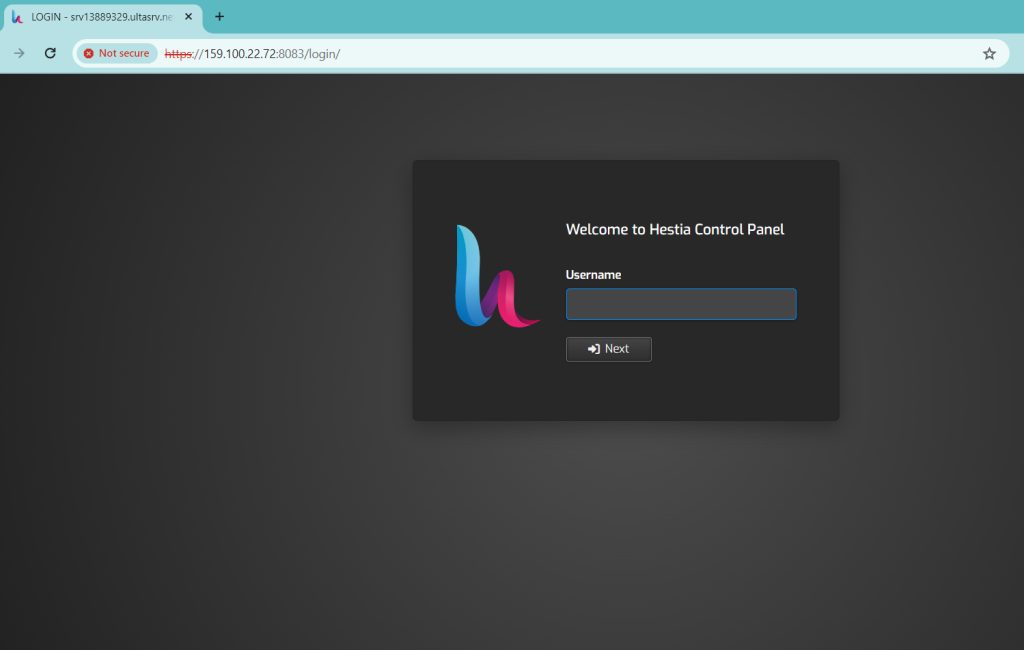
- Log in to HestiaCP.
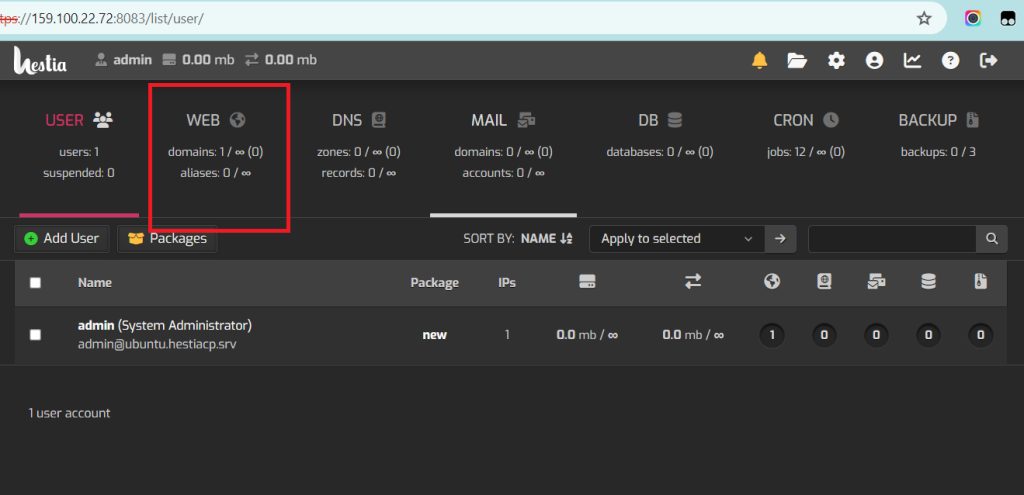
- Open the Web section and click the domain.
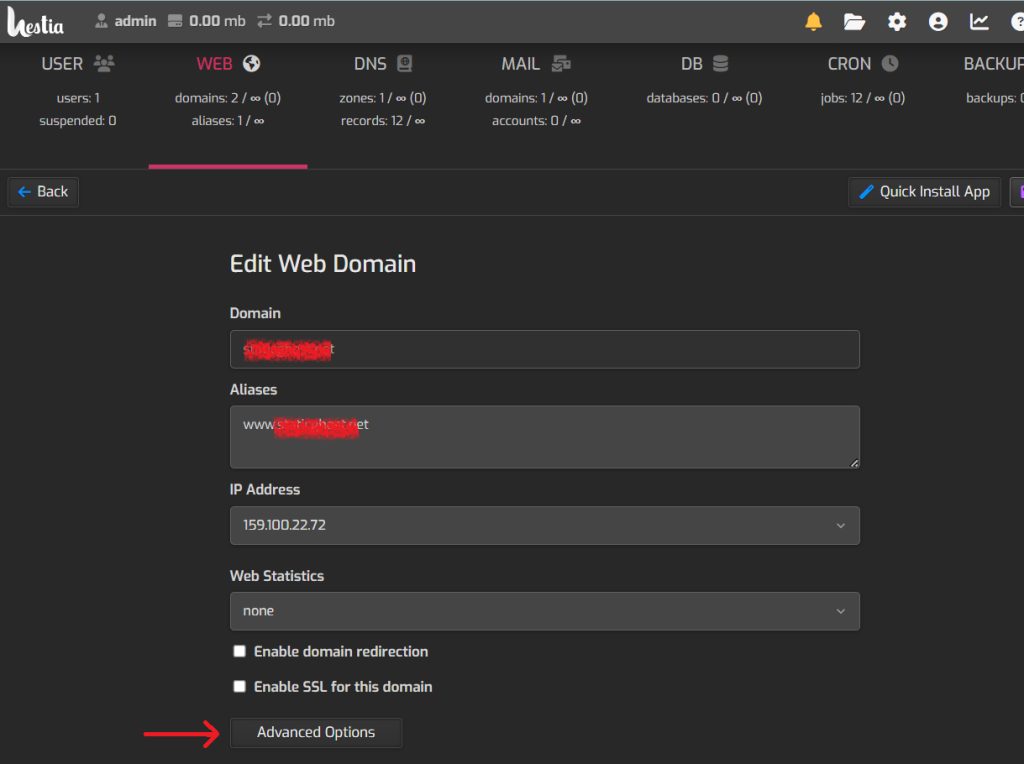
- On the Edit Web Domain page, click Advanced Options.
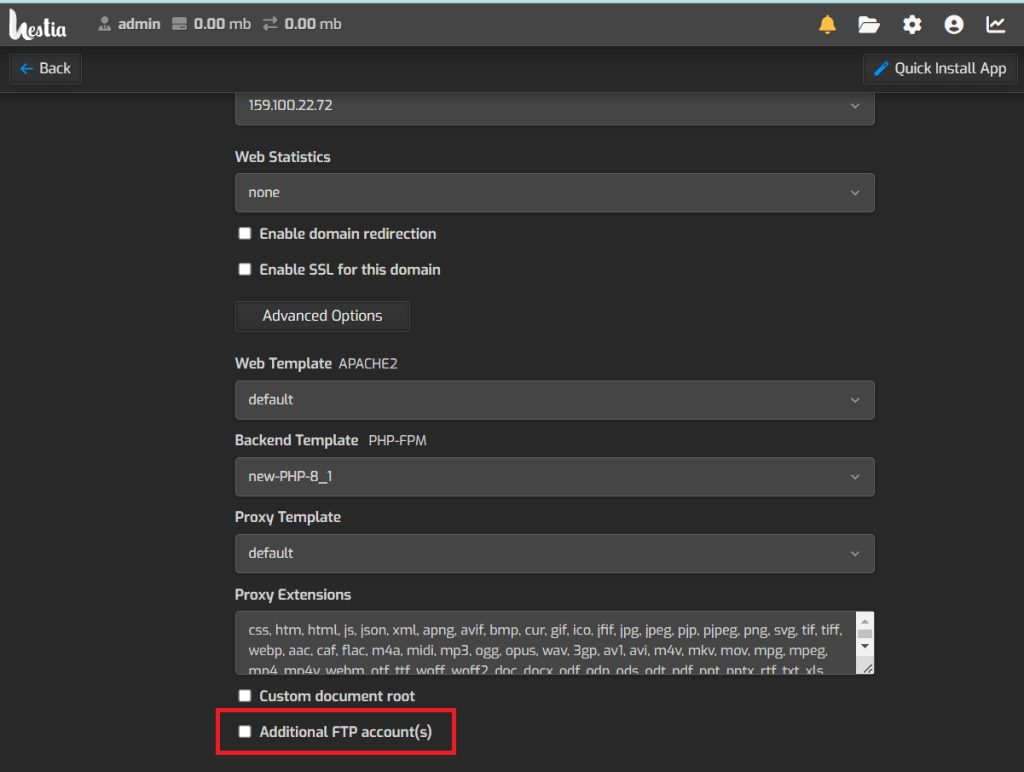
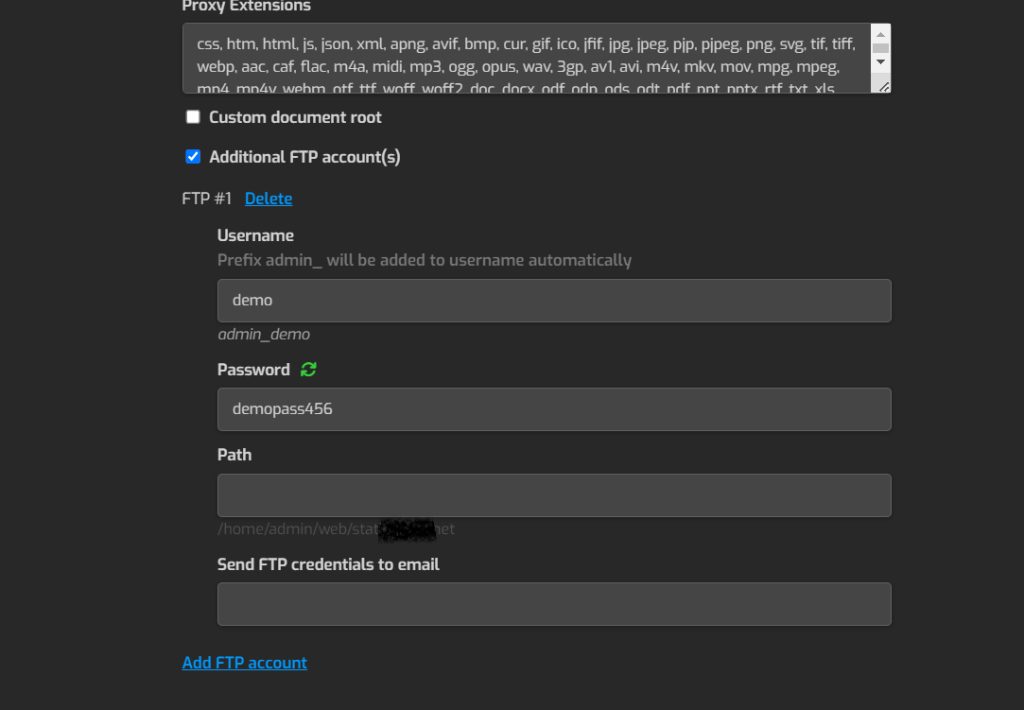
- Click Additional FTP accounts.
- Enter a user name and a password. You can also limit the account to a directory.
- Click Save.
- Test the account with an FTP client such as FileZilla and the new login.
Quick recap
- Web, edit the domain, Advanced Options, Additional FTP accounts.
- Set a user name and password, then save.
- Connect with an FTP client to test.