

What a superuser is
A superuser can do everything in the Django admin interface. You make one with the command createsuperuser. You need a working Django project first.
Install Django on Linux
- Install Python 3:
sudo apt install python3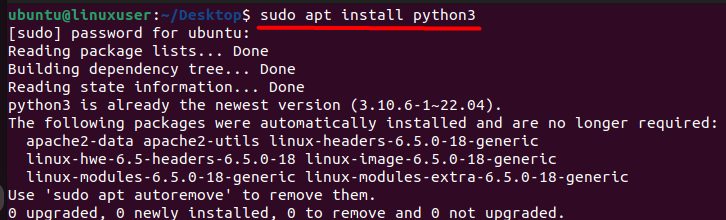
- Install Django with pip:
pip install django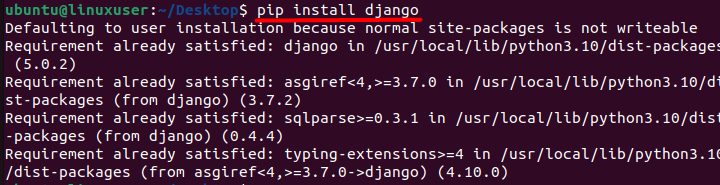
If pip is missing, install it with sudo apt install python3-pip. A virtual environment keeps each project clean.
Create a project and the superuser
- Create a folder:
mkdir my_django_project
- Go into it:
cd my_django_project
- Start a project:
django-admin startproject my_project
- Go into the project:
cd my_project
- If you use a virtual environment, activate it. Create one with
python3 -m venv myenvand then:
source myenv/bin/activate
- Apply the migrations. Without them the user table does not exist:
python manage.py migrate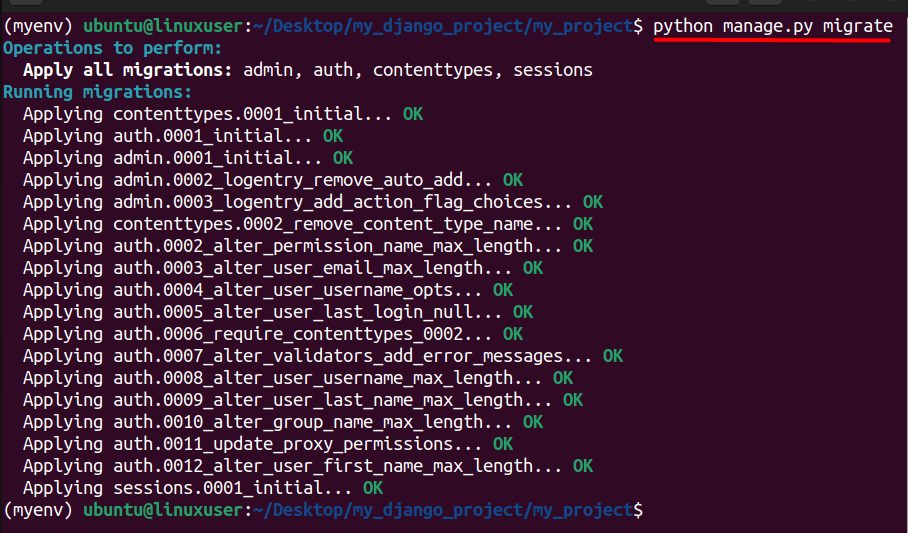
- Create the superuser:
python manage.py createsuperuser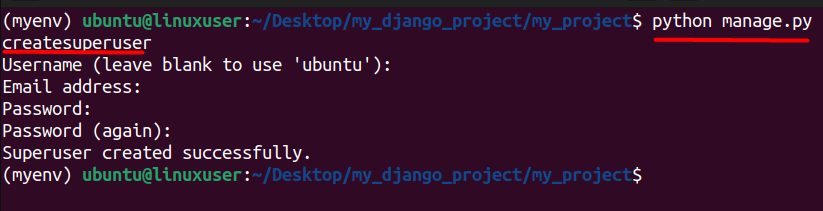
Django asks for a user name, an email address and a password. Type the password twice. Then start the server and open the admin page:
python manage.py runserverVisit http://127.0.0.1:8000/admin/ and sign in.
Main parts of Django
- Models define your data and the database tables.
- Views handle requests and send answers.
- Templates control how pages look.
- URLs link addresses to views.
- Forms check what users type.
- Admin is the ready-made site to manage your data.
Why people use Django
- Fast development, because Django reuses code (the DRY idea).
- A built-in admin site.
- An ORM that makes database work easier.
- Many security features by default.
- It scales well and has a large community.
Quick recap
- Install Django, create a project and run
migrate. - Run
python manage.py createsuperuser. - Sign in at
/admin/.