

What nvm is
nvm (Node Version Manager) installs and manages many Node.js versions for one user. You can switch between them in a second. That is helpful when projects need different versions.
Step 1: Update the system
sudo apt update && sudo apt upgrade -y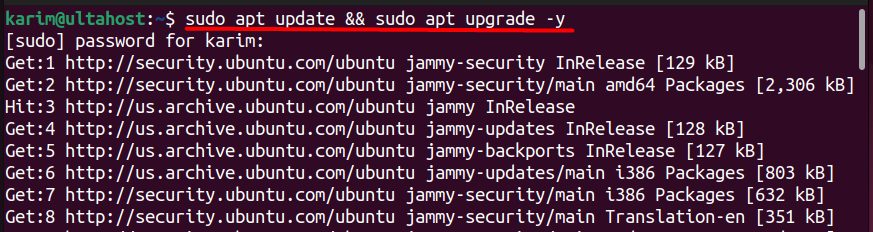
Step 2: Install curl
sudo apt install curl -y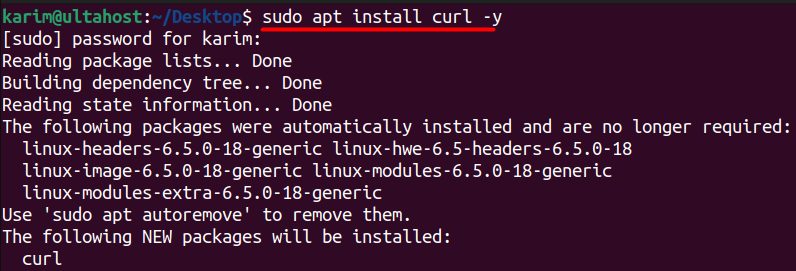
Step 3: Download and install nvm
curl -o- https://raw.githubusercontent.com/nvm-sh/nvm/v0.40.3/install.sh | bash
Check the nvm project page for the newest version number. Then load it into your shell:
source ~/.bashrcStep 4: Check nvm
nvm --version
The answer is a version number such as 0.40.3.
Step 5: Install Node.js
The latest version:
nvm install node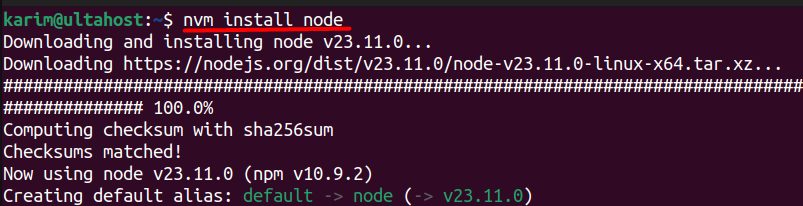
node -v
The latest LTS (long-term support) version:
nvm install --lts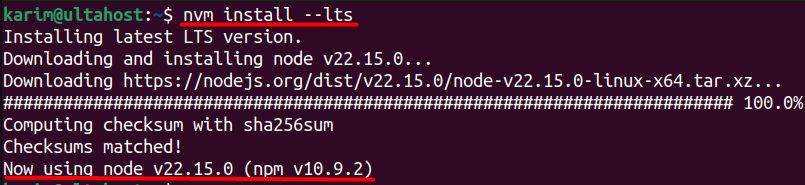
Common nvm commands
| Command | What it does |
|---|---|
nvm ls | Lists the installed versions |
nvm ls-remote | Lists the versions you can install |
nvm use <version> | Switches to a version |
nvm uninstall <version> | Removes a version |
nvm alias default 18.17.1 | Sets the default version for new shells |
nvm current | Shows the active version |
Uninstall nvm
Remove the folder and the lines it added to your shell file:
rm -rf ~/.nvmThen delete the three nvm lines from ~/.bashrc (and ~/.profile if present), and open a new terminal.
Quick recap
- Install with the script, then
source ~/.bashrc. nvm install --ltsinstalls Node.js.nvm use <version>switches.