

Step 1: Install XAMPP
Download XAMPP from the Apache Friends website and install it with Apache, MySQL, PHP and phpMyAdmin.
Step 2: Configure XAMPP
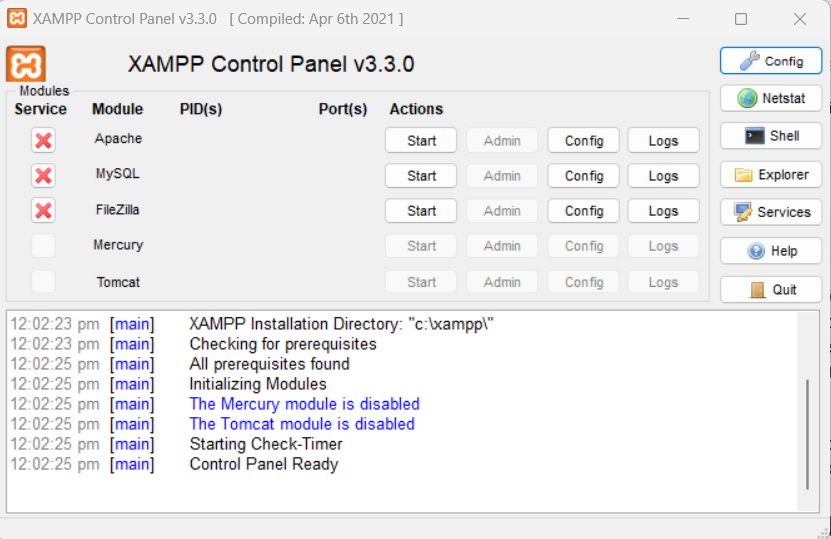
Start the XAMPP Control Panel.
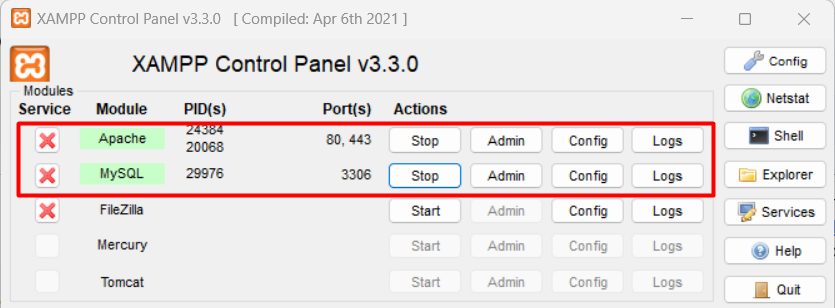
Open php.ini (the Config button next to Apache) and enable or set:
extension=intlextension=xslextension=soapmax_execution_time=18000(the maximum script run time)max_input_time=1800(the maximum time to parse input)memory_limit=2G(the memory limit)
Also check that gd, curl, mbstring, bcmath, zip, sockets and openssl are enabled. Restart Apache.
Step 3: Download and extract Magento
Download Magento Open Source from the Adobe/Magento website (a free account is needed), or create the project with Composer. Extract the files to C:\xampp\htdocs\magento.
Step 4: Create the database
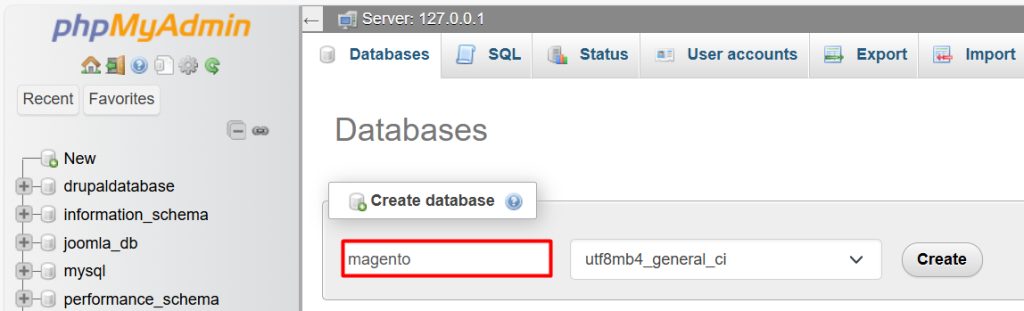
Start Apache and MySQL. Open phpMyAdmin (http://localhost/phpmyadmin), click New, name the database magento and click Create.
Step 5: Install Magento
Open http://localhost/magento in your browser and follow the installer. Enter:
- The database host (
localhost), name (magento), user (root) and password (empty by default). - The store address and the admin URL.
- The search engine host, if it asks.
- The admin user and password.
Step 6: Finish
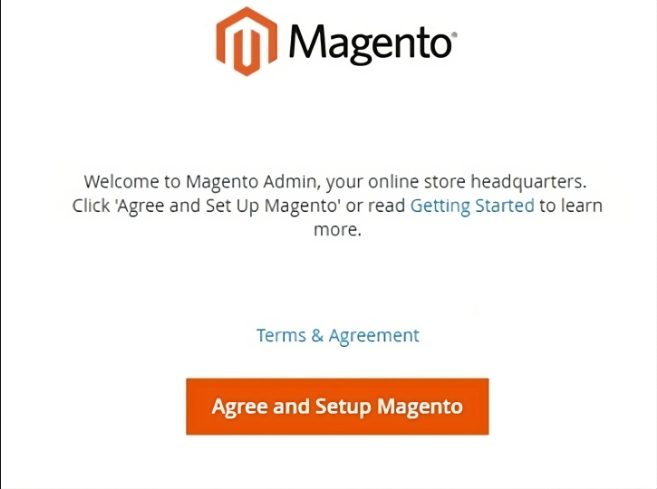
When it ends, the installer shows the admin URL and the success page.
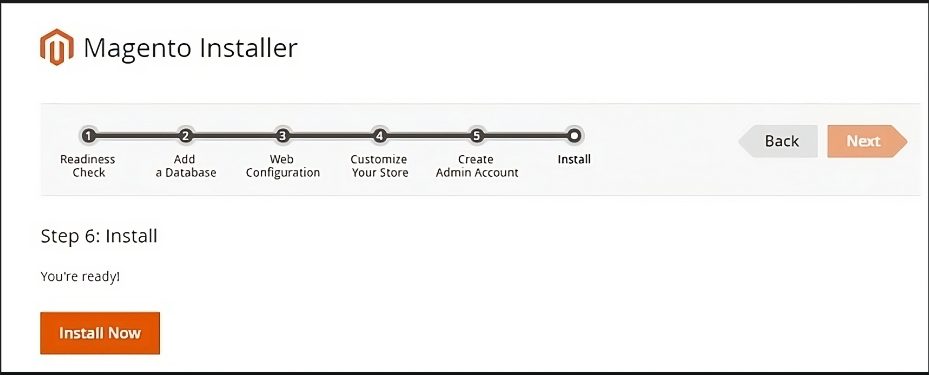
Check the store front. Open http://localhost/magento.

Check the admin. Open the admin URL and log in.
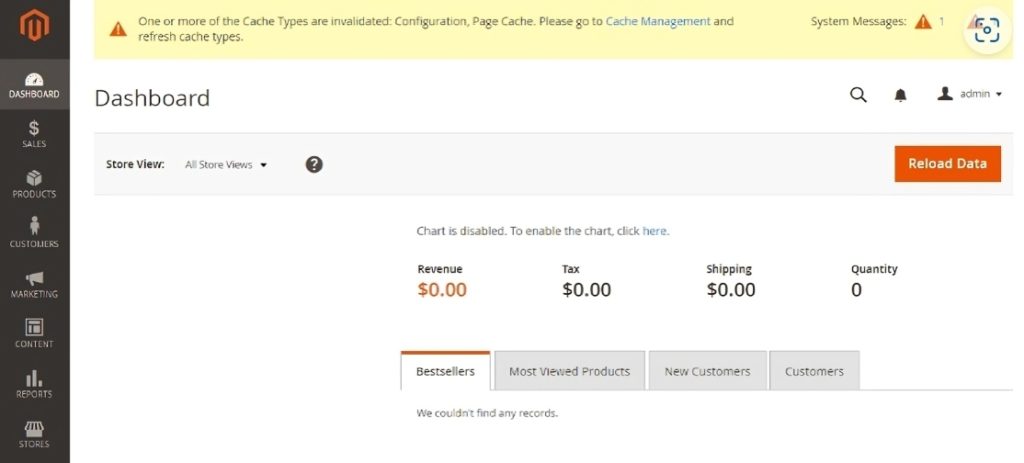
Quick recap
- Install XAMPP and raise the PHP limits.
- Create a database and extract Magento.
- Run the installer, then check the store and the admin.