

What is MS SQL?
A database is a place where a website stores its data, like a digital filing cabinet. MS SQL (Microsoft SQL Server) is one kind of database. It is often used by ASP.NET websites. It runs on Windows servers.
A database user is a login that the website uses to open the database. Ask Hostvento support whether MS SQL is on your plan. You need a Windows hosting plan with MS SQL support.
Steps to create the database
- Log in to Plesk.
- Click Websites & Domains.
- Find your domain and click Databases.
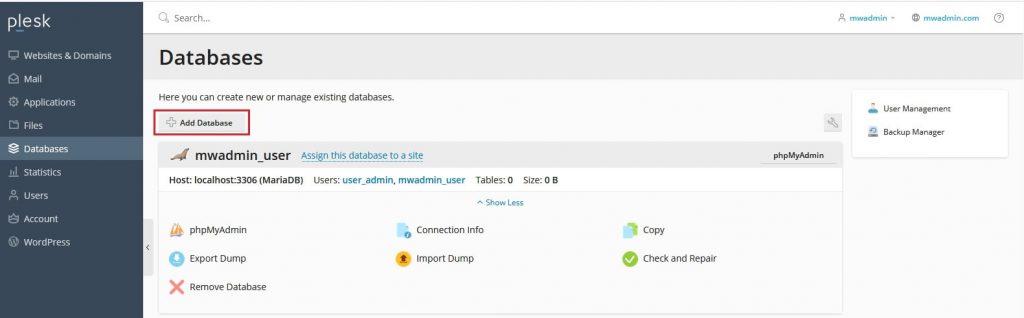
- Click Add Database.
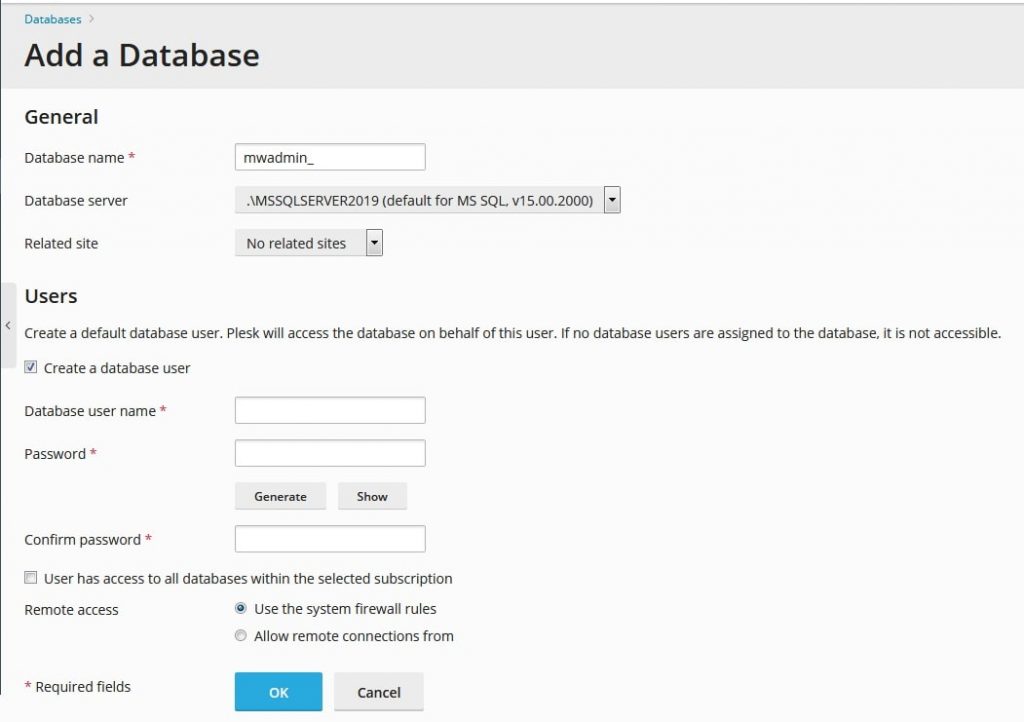
- Type a Database name. Use letters and numbers. No spaces.
- In the Type menu, choose Microsoft SQL Server.
- Choose the Database server if the menu shows more than one.
- Look at the Related Site field. Pick your domain.
Steps to create the user
You can do this on the same screen.
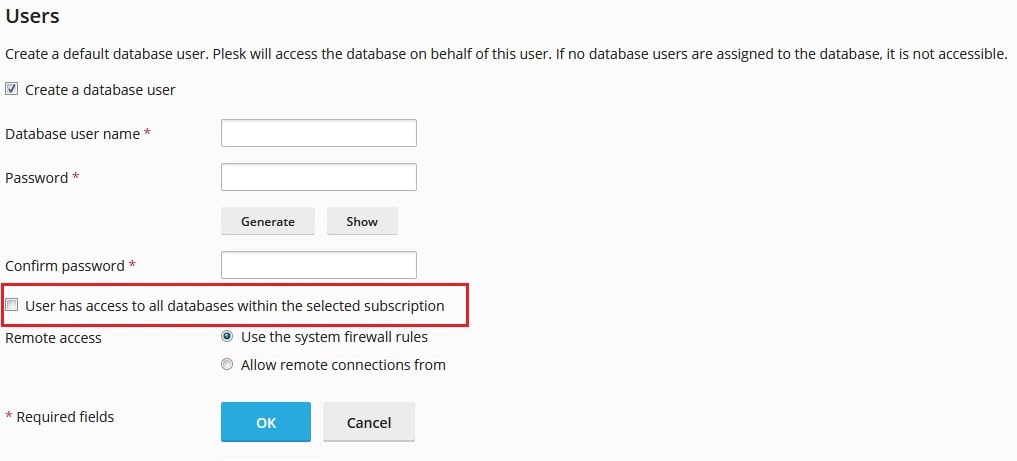
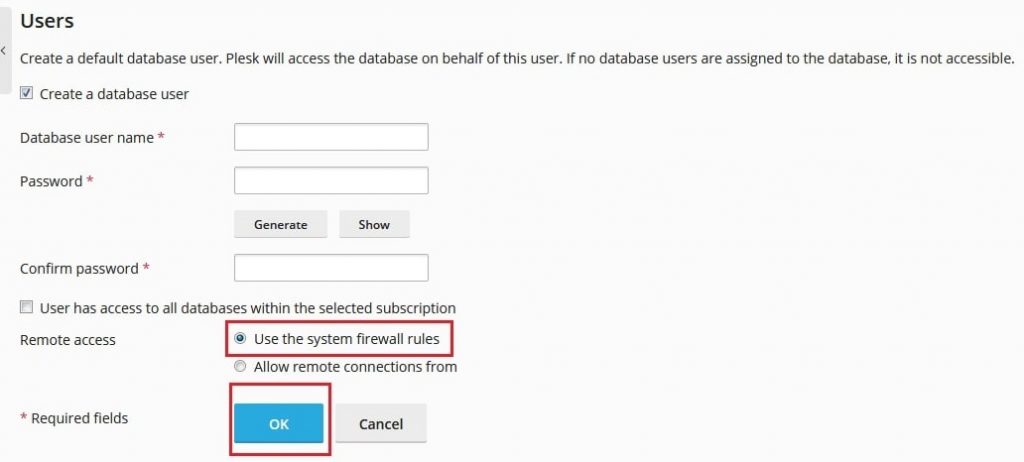
- Type a Database user name.
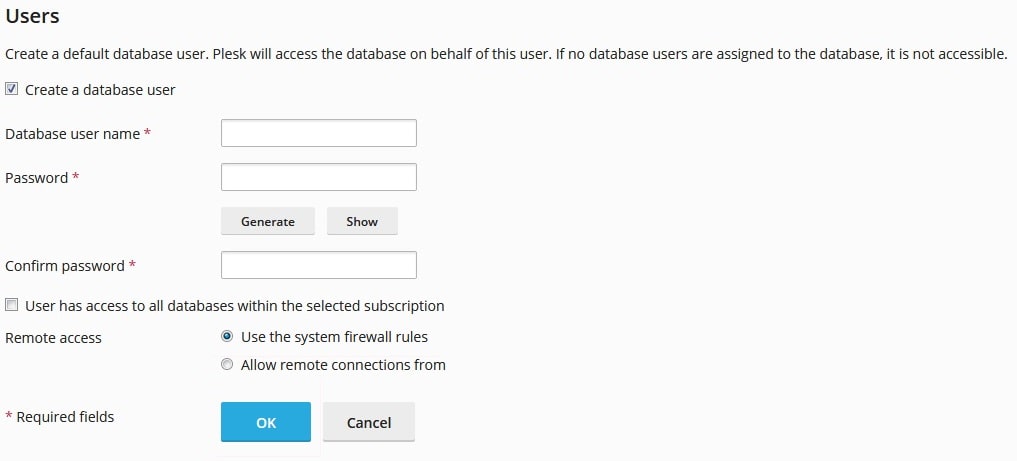
- Type a strong Password. Use the generate button if there is one. A strong password mixes letters, numbers and symbols.
- Type the password again to confirm it.
- Click OK.
Plesk now shows your new database in the list. Write down the database name, user name and password. Your site needs them.
Add more users later
- Go to Websites & Domains and then Databases.
- Click User Management.
- Click Add Database User.
- Pick the database, type the name and password, then click OK.
Connect your site
Put the details in your site's configuration file. For ASP.NET, this is often web.config. It looks like this.
Server=SERVER_NAME;Database=DB_NAME;User Id=DB_USER;Password=DB_PASSWORD;This line tells your site where the database is and how to log in. Replace the capital words with your values. Your server name is in your welcome email, or ask Hostvento support.
Warning: Never share your database password. Back up your database before you change or delete anything.
Need help? Open a support ticket.
Quick recap
- MS SQL needs a Windows plan.
- Go to Websites & Domains > Databases > Add Database.
- Pick Microsoft SQL Server as the type.
- Create a user with a strong password and save the details.
