

What are these?
A domain is your website's address, like example.com. An addon domain is an extra domain you host in the same account. A subdomain is a smaller address that sits in front of your domain, like blog.example.com. Think of a domain as a house and a subdomain as a room in it.
Plesk is a control panel, a web page where you manage your hosting.
Add a new domain
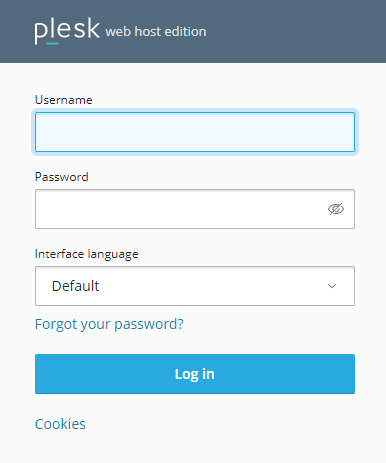
- Log in to Plesk.
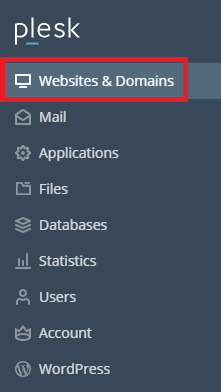
- Click Websites & Domains.
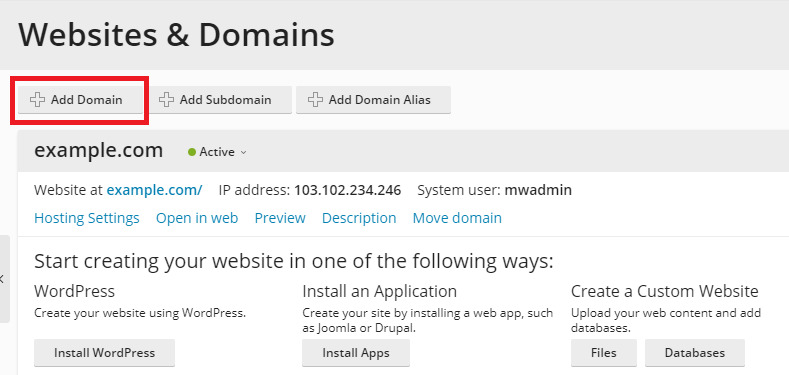
- Click Add Domain.
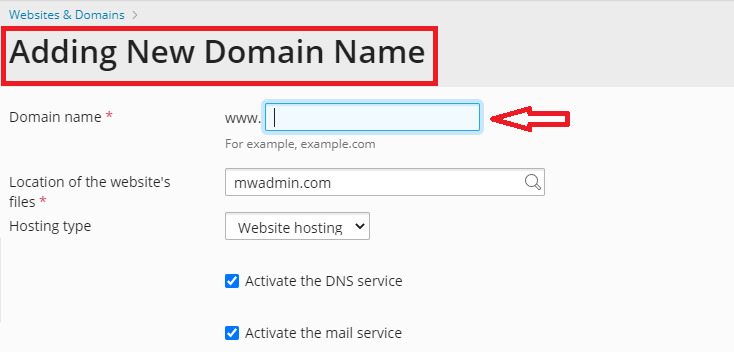
- Choose Blank website if you will upload your own files. Other choices install an app for you.
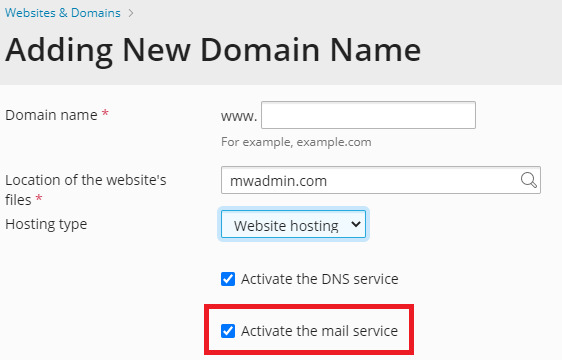
- Type the domain name, such as
mynewsite.com.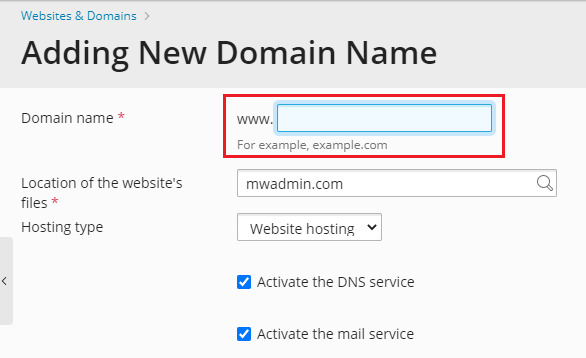
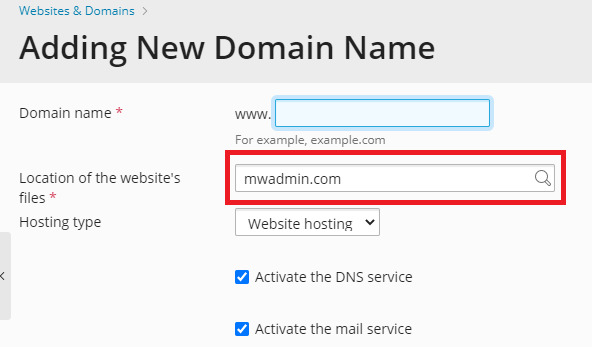
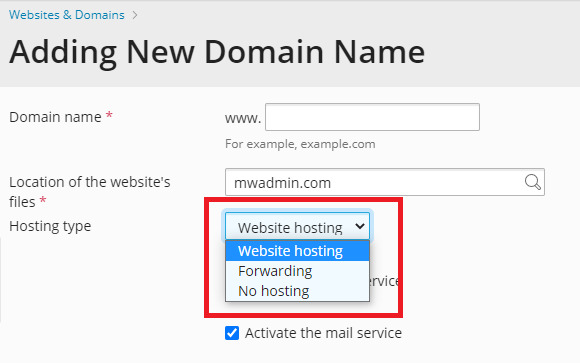
- Check the hosting type and the document root. The document root is the folder where the site's files live. Plesk fills it in for you.
- Click Add Domain.
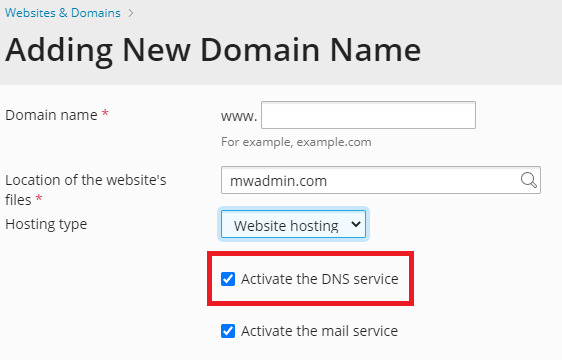
The domain must also point to your hosting. Do that at the place where you registered it by using the name servers or DNS details from your welcome email. DNS is the internet's phone book, and changes can take some hours.
Add a subdomain
- Go to Websites & Domains.
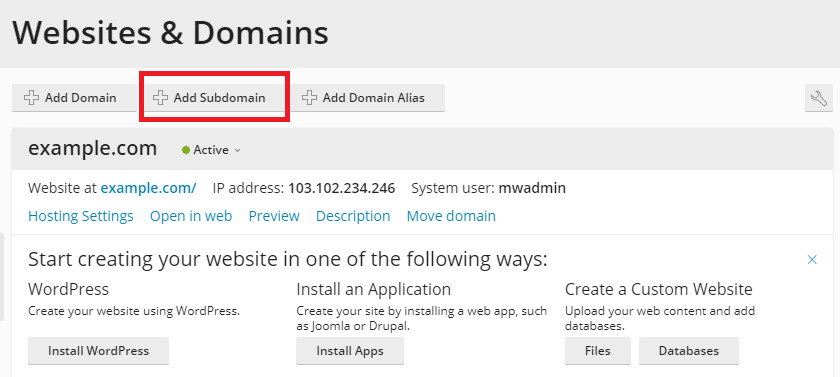
- Click Add Subdomain under the right domain.
- Type only the first part, such as
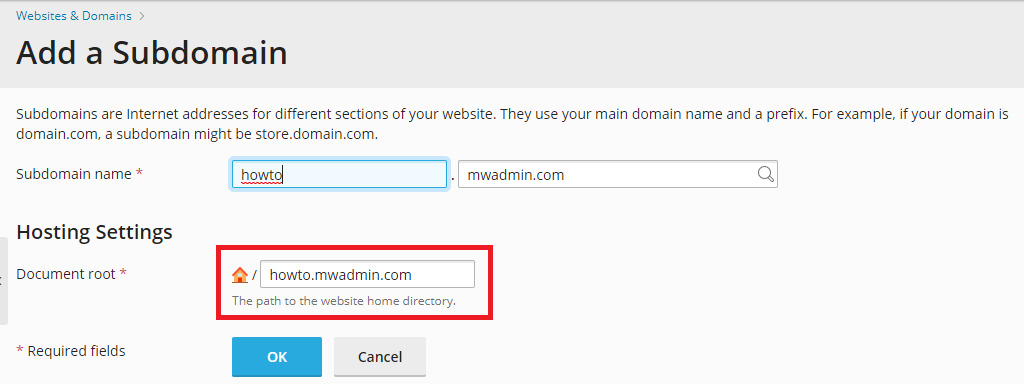
blog. - Check the document root folder. Keep the default unless you need another.
- Click OK.
Tip: Your plan may limit how many domains and subdomains you can add. Ask Hostvento support if the button is missing or greyed out.
Need help? Open a support ticket.
Quick recap
- An addon domain is an extra website in the same account.

- A subdomain is a prefix, like
blog, on your domain.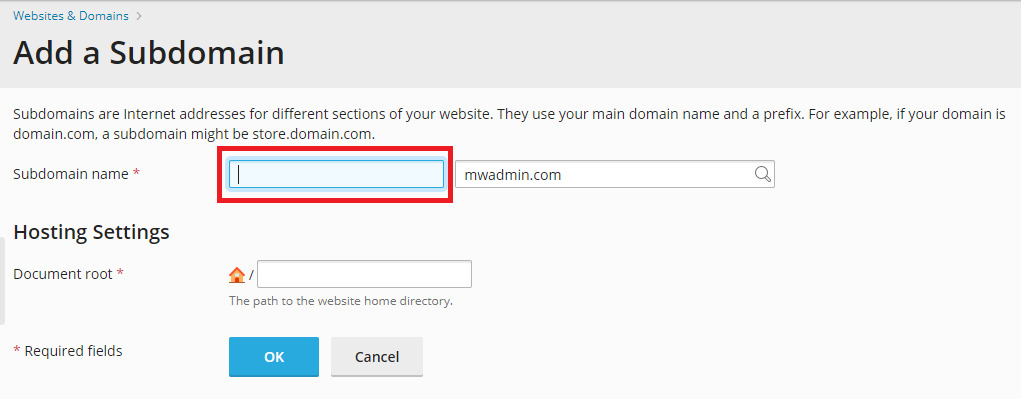
- Use Add Domain and Add Subdomain in Websites & Domains.
- Point the new domain to your hosting using DNS.

- Wait a few hours for changes to spread.