

What is a PHP extension?
PHP is the language many websites, like WordPress, run on. An extension is a small add-on that gives PHP a new skill. For example, one extension handles images, and another talks to databases. Think of extensions as apps for PHP.
If a site shows an error like "missing extension", you need to turn one on.
Before you start
Your plan must let you change PHP settings. Ask Hostvento support if you cannot see the options below. The extensions you can use depend on the PHP version and the server.
Steps
- Log in to Plesk.
- Click Websites & Domains.
- Find your domain and click PHP Settings.
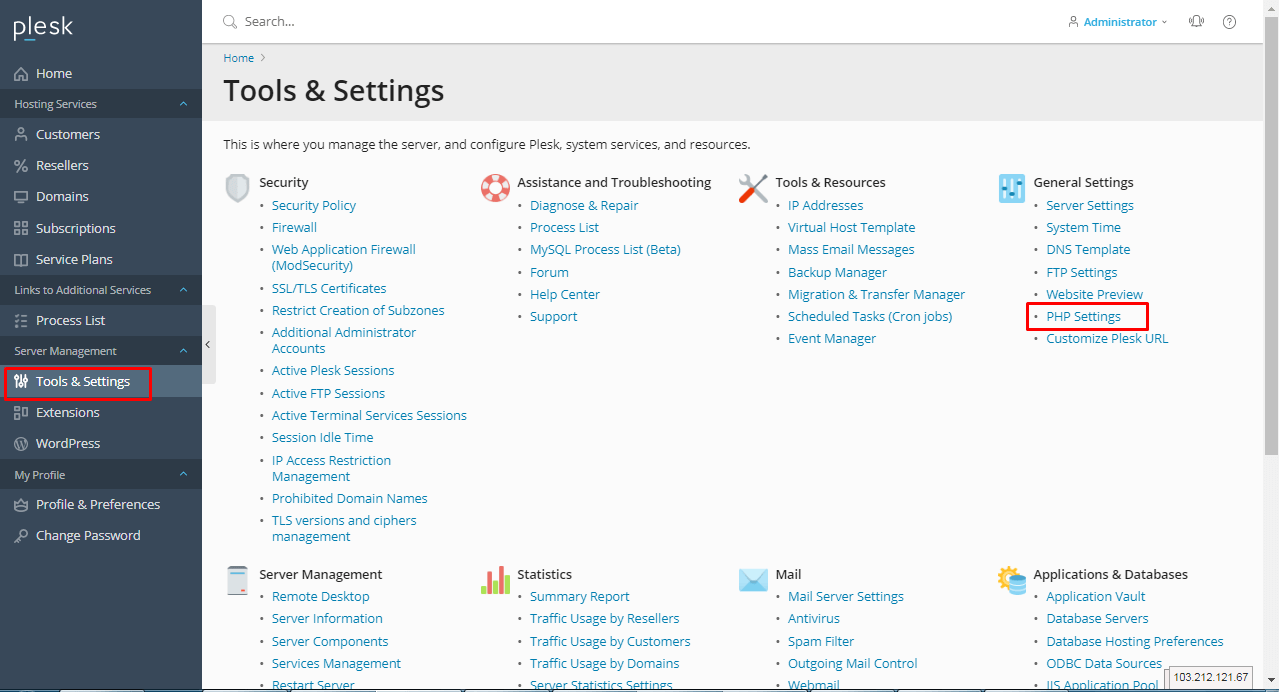
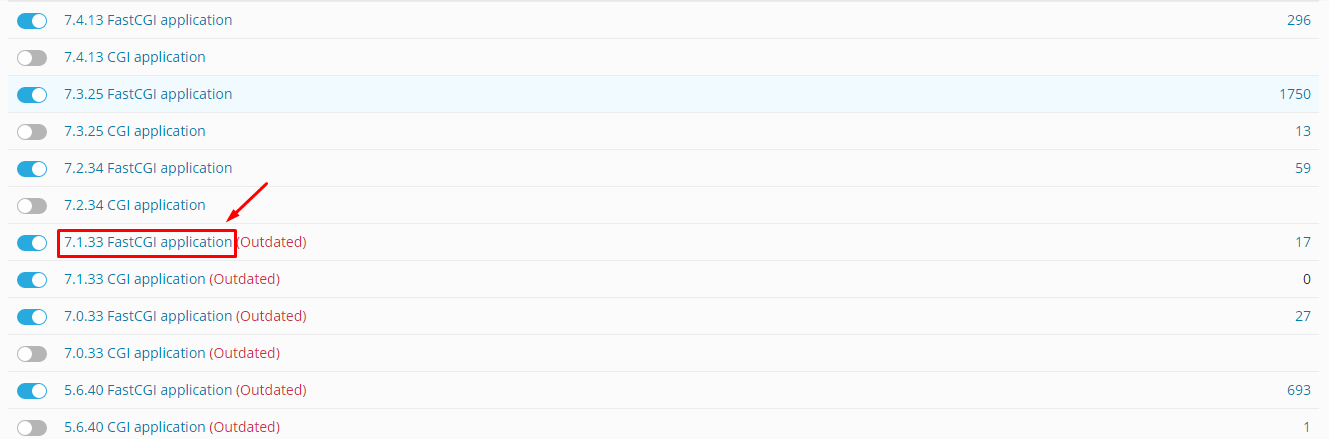
- Check the PHP version. Make sure it is the one your site uses.
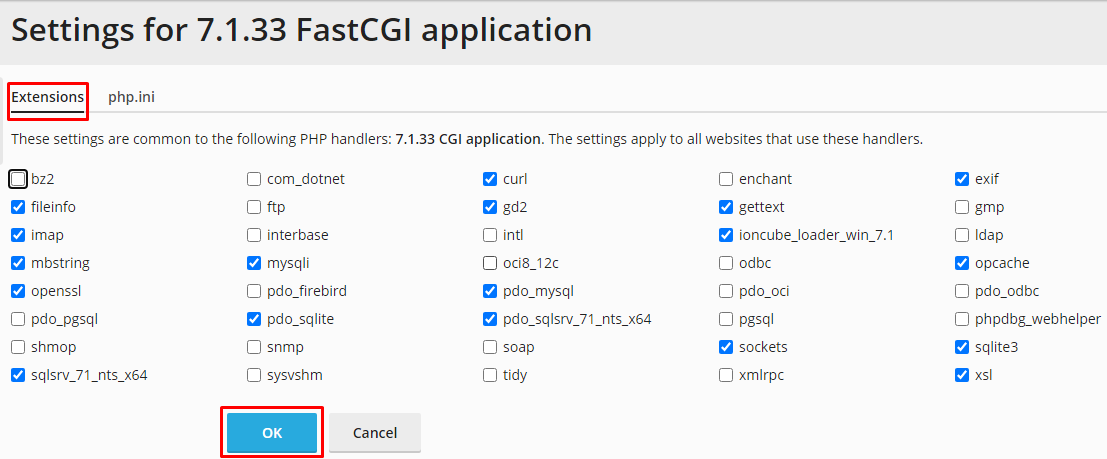
- Scroll down. Look for a list of extensions. In some versions, this list is part of the PHP Settings page. In others, it is under PHP Extensions in a tab.
- Tick the box next to an extension to turn it on.
- Untick the box to turn it off.
- Click Apply or OK.
Plesk saves the change. It may take a moment to take effect.
Common extensions
mysqlilets PHP talk to MySQL databases.gdhandles images.curllets PHP fetch data from other sites.mbstringhandles text in many languages.zipopens ZIP files.intlhelps with language and number formats.
Check that it worked
- Reload the page that was giving an error.
- If you are still unsure, ask support to look at your PHP information.
Warning: Turning off an extension can break a site that needs it. Only disable one if you know your site does not use it.
Tip: You can use your own settings in PHP Settings too, such as memory limit and upload size. Change one thing at a time.
If the extension you need is missing from the list, open a support ticket.
Quick recap
- An extension adds a skill to PHP.
- Go to Websites & Domains > PHP Settings.
- Tick or untick the extension and click OK.
- Do not disable one your site needs.