

What are Nginx and PHP-FPM?
Nginx (say "engine-x") is a web server. A web server is the program that sends your pages to visitors. Nginx is quick at sending images and other fixed files.
PHP-FPM is a way to run PHP. PHP is the language behind many sites, like WordPress. PHP-FPM keeps a team of workers ready, so pages are built faster and with less memory.
In Plesk, Nginx often sits in front of Apache. Apache is another web server. Nginx handles the quick jobs. Apache handles the rest. This is called a proxy setup. Ask Hostvento support if your plan lets you change this.
Before you start
- Take a backup. A wrong setting can break a site.
- Know the PHP version your site needs.
Steps to run PHP as PHP-FPM
- Log in to Plesk.
- Click Websites & Domains.
- Click PHP Settings under your domain.
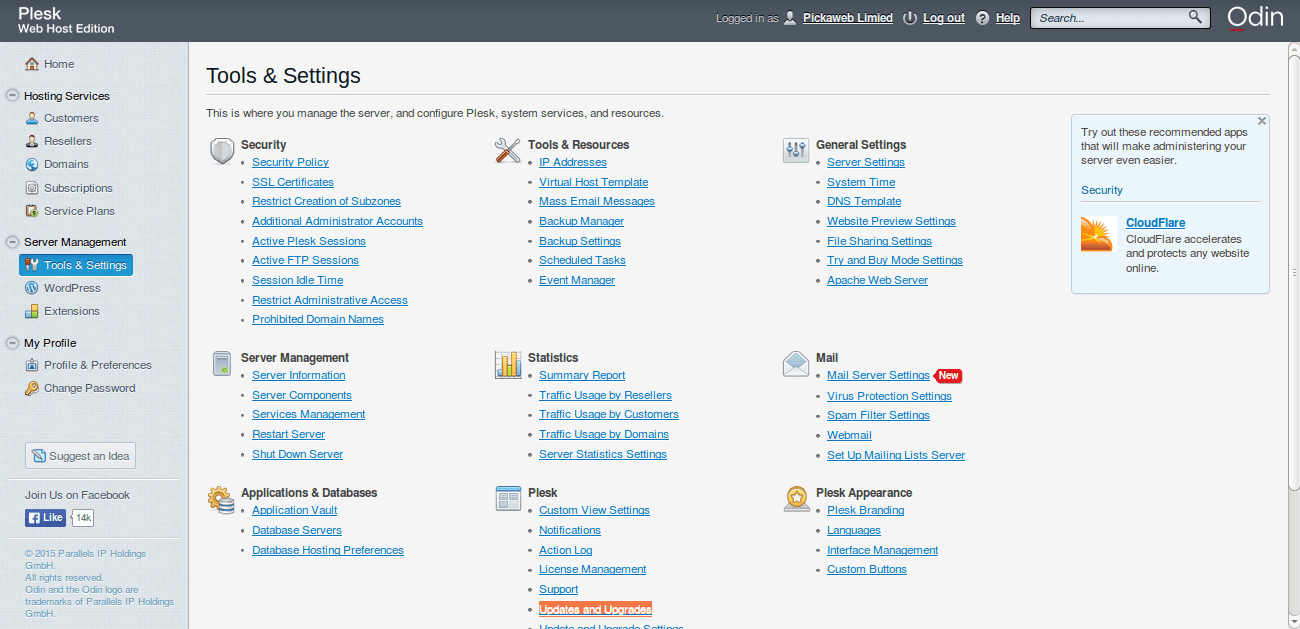
- In PHP support, choose your PHP version.
- In Run PHP as, pick FPM application served by nginx for Nginx only. Pick FPM application served by Apache if you want Apache with Nginx in front.
- Click OK.
Steps to turn on Nginx
- Go back to Websites & Domains.
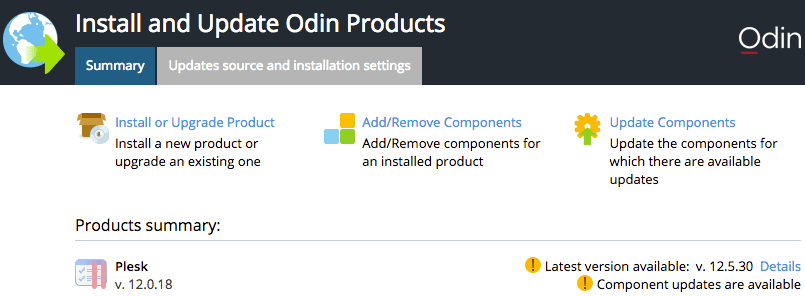
- Click Apache & nginx Settings under your domain.
- Tick Proxy mode to serve fixed files through Nginx. Tick Smart static files processing if you see it.
- Click OK.
If you cannot see these options, your host may have turned them off. Ask Hostvento support.
Check that your site works
- Open your site and click a few pages.
- If a page shows an error, go back to PHP Settings and try the other option.
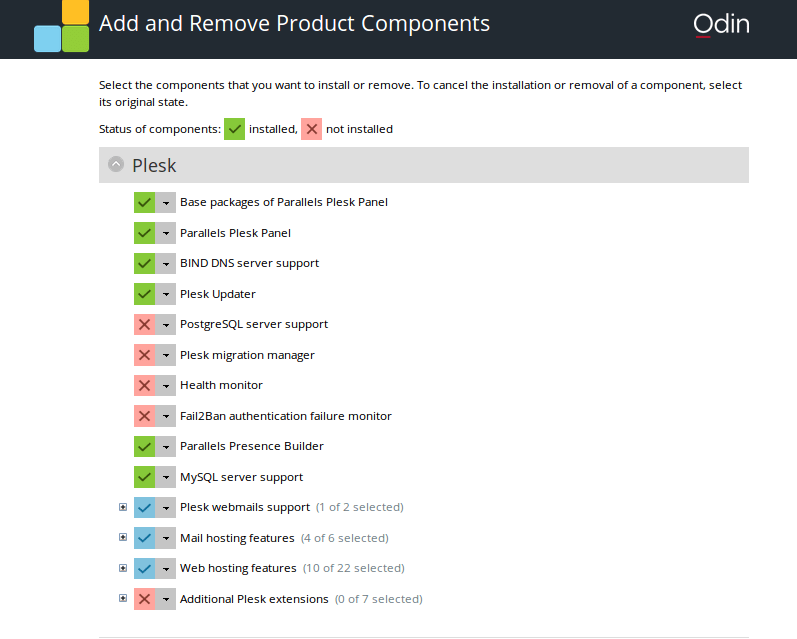
- Some old
.htaccessrules do not work in pure Nginx mode. Keeping Apache behind Nginx avoids this.
For VPS and dedicated servers, this guide needs root access if you want to change server-wide settings in Tools & Settings. A Plesk administrator can do that under Services Management and Tools & Settings.
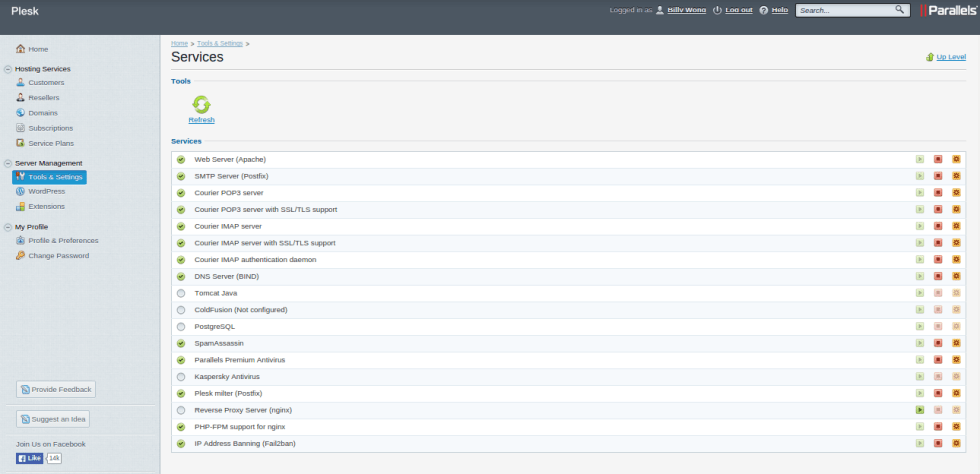
.htaccess rules, stay with Nginx in front and Apache behind it.Need help? Open a support ticket.
Quick recap
- Nginx serves files fast. PHP-FPM runs PHP efficiently.
- Pick an FPM option in PHP Settings.
- Turn on proxy mode in Apache & nginx Settings.
- Keep Apache behind Nginx if you use
.htaccess.