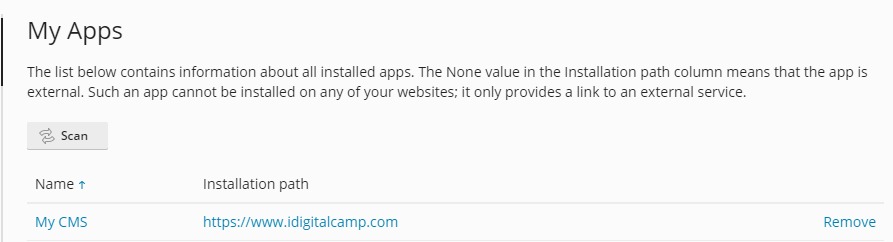
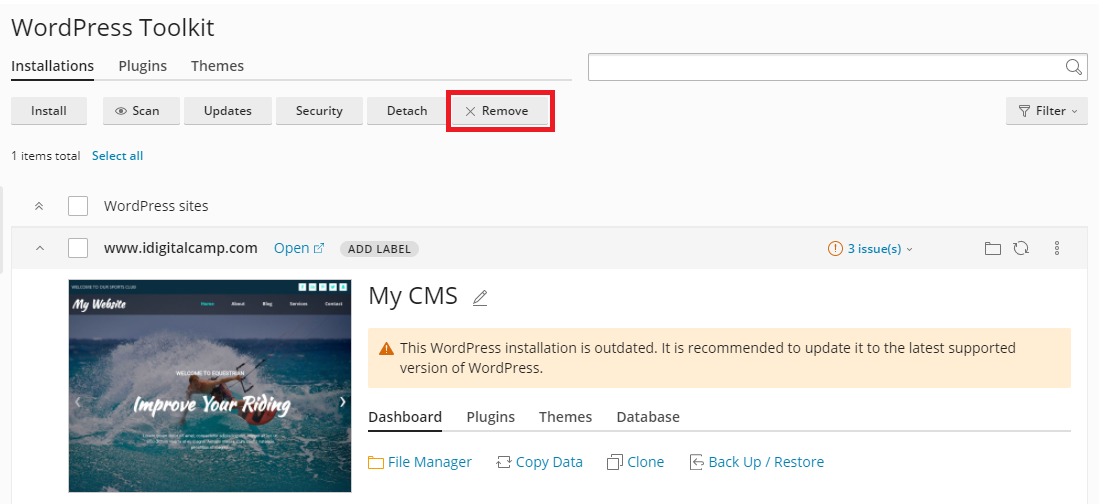
What is a third-party application?
Third-party means it was not made by Plesk. Someone else wrote it. Examples are WordPress for blogs, Joomla for sites, and Magento for shops. Installing an app by hand takes many steps. Plesk can do them for you in a few clicks.
Which apps you see depends on your plan and the server. Ask Hostvento support if an app you want is missing.
Install an app with Applications
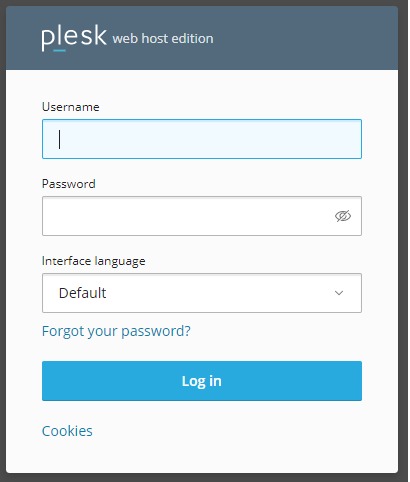
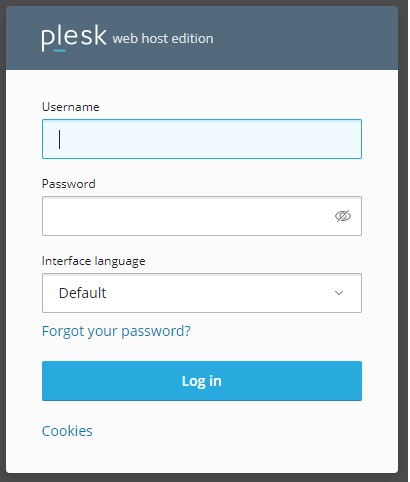
- Log in to Plesk.
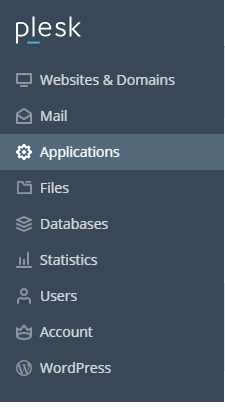
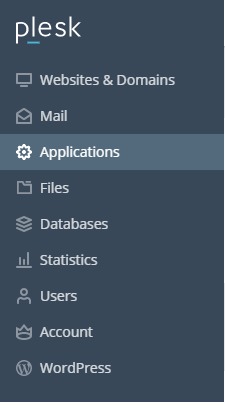
- Click Websites & Domains.
- Find your domain and click Applications. Some versions show it in the left menu as Applications.
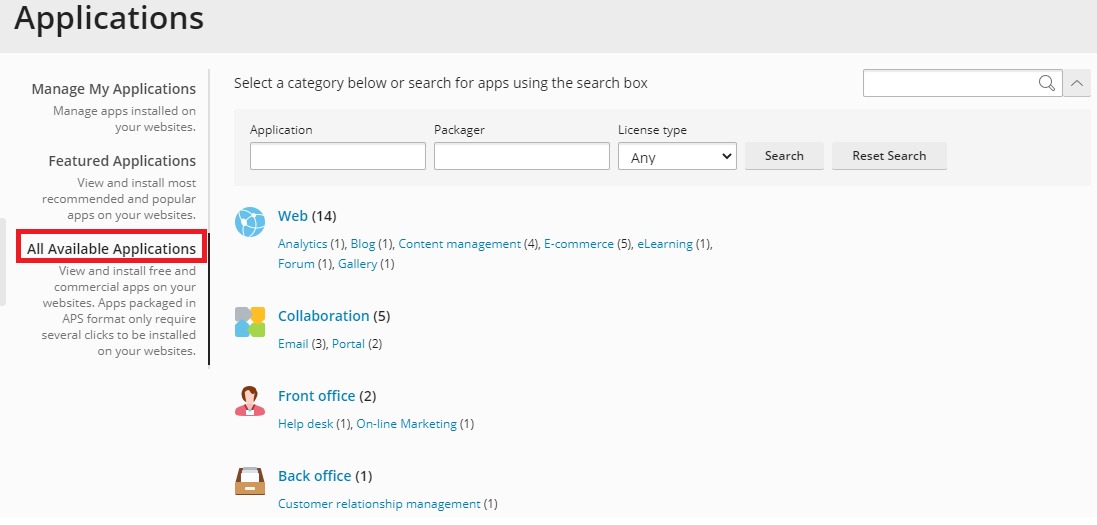
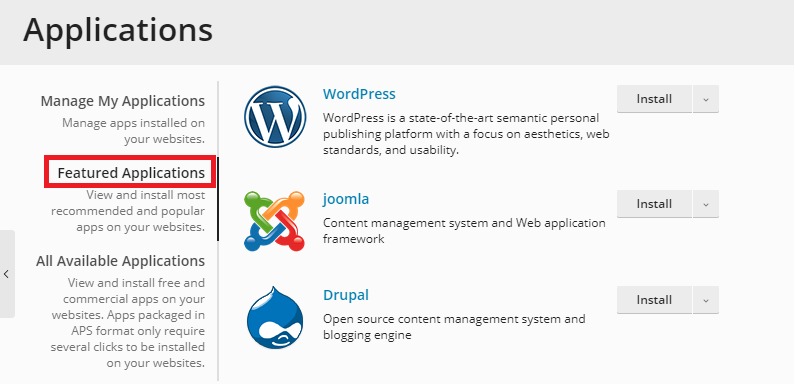
- Browse the list or use the search box to find the app.
- Click Install next to it. Click Install (custom) if you want to set options yourself.
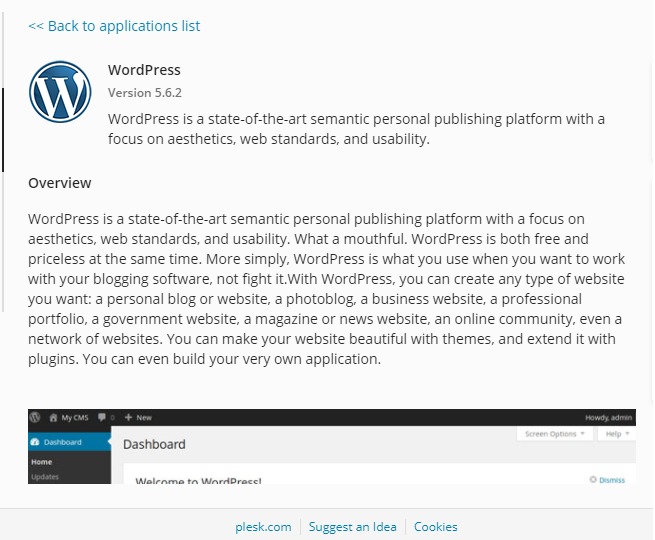
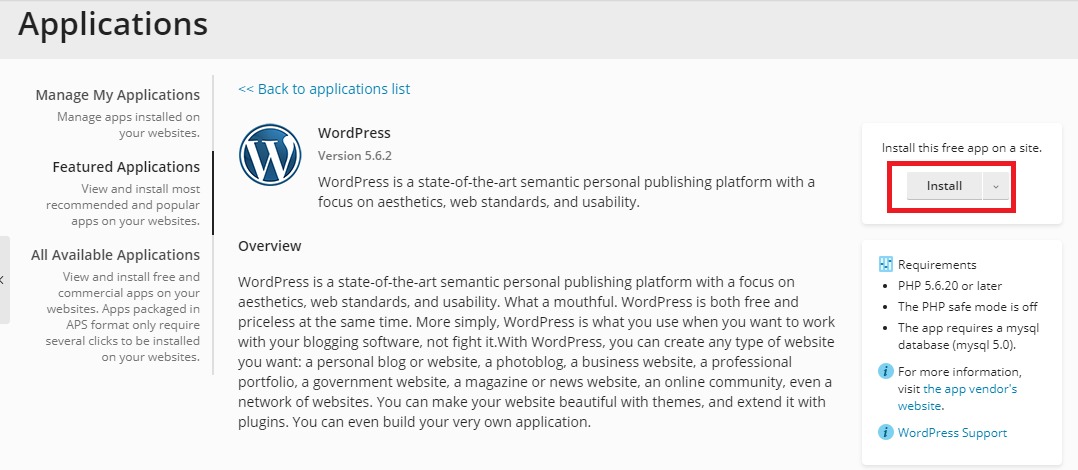
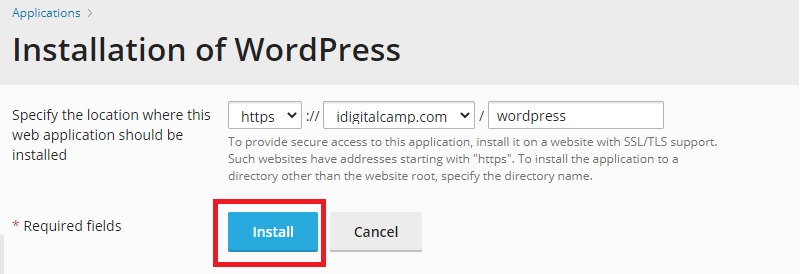
- Choose where to install it. For the main address, leave the folder box empty.
- Type an admin name, a strong password and an email address. These let you log in to the app.
- Click Install.
When it finishes, Plesk shows a link to your new app and to its admin page.
Warning: installing in a folder that already has files can replace them. Back up your site first.
Install a tool with Extensions
Extensions add new features to Plesk itself, such as security tools or backup tools.
- Click Extensions in the left menu.
- Open Extensions Catalog.
- Search for the tool.
- Click Install, or Get it Free for free ones.
Some extensions need root rights or extra paid licences. On shared hosting you may not be allowed to add them. Ask Hostvento support.
Manage an installed app
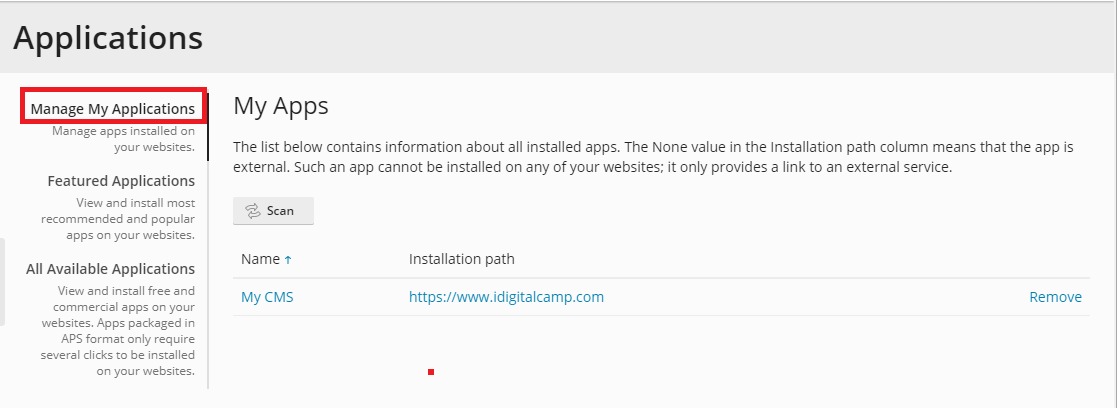
Go to Websites & Domains and look under your domain. You will see the app. Use its buttons to open, update or remove it.
Need help? Open a support ticket.
Quick recap
- Third-party apps are made by other companies, like WordPress.
- Install them from Applications in a few clicks.
- Extensions add tools to Plesk itself.
- Back up first, and update your apps often.