

Why this works
Plesk is a control panel. It is a web page where you manage your hosting, including email. Passwords are stored in a way that nobody can read them back. So you cannot see the old password. You set a new one instead.
You need your Plesk login. If you do not have it, check your welcome email or the client area.
Steps
- Log in to Plesk.
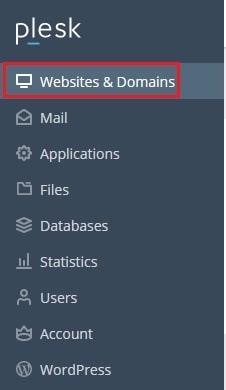
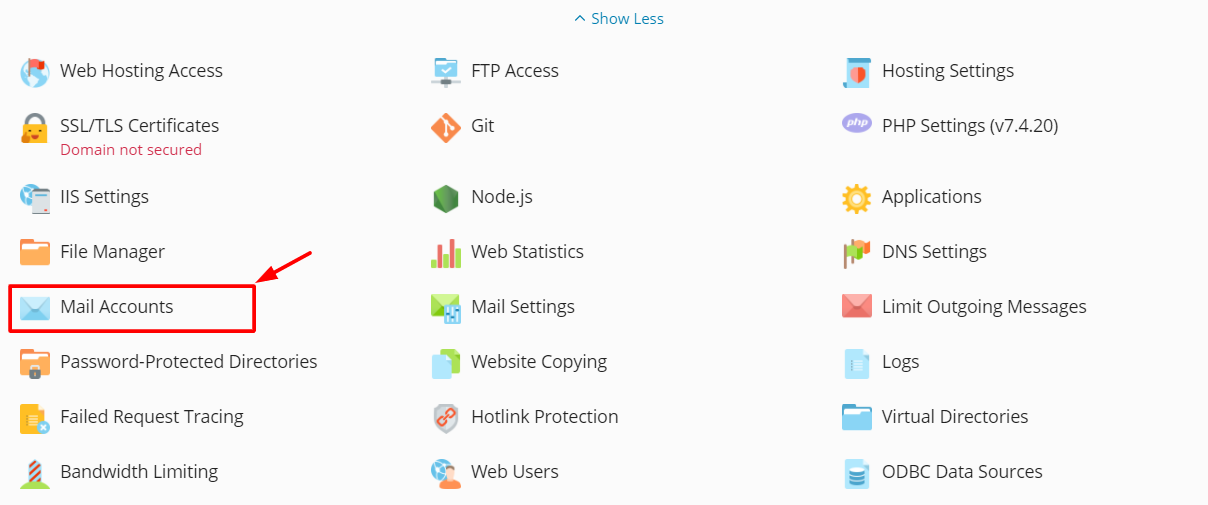
- Click Mail in the left menu. Or open Websites & Domains and click Mail under your domain.
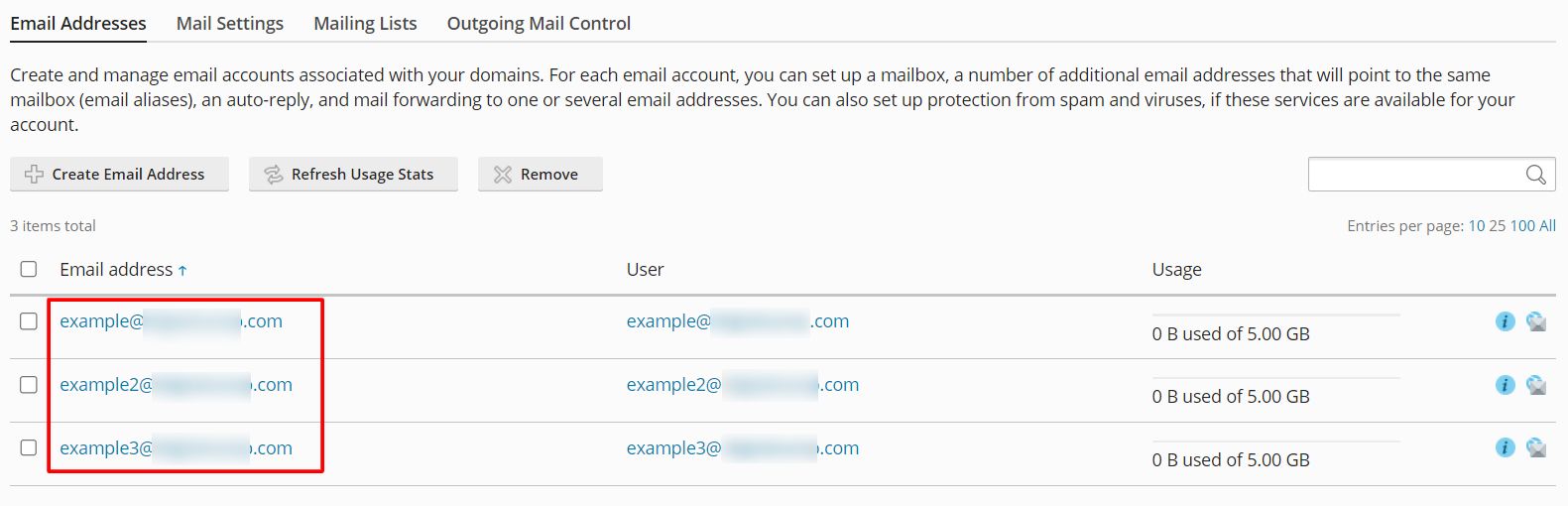
- Find the email address in the list.
- Click the email address.
- Open the General tab if it is not already open.
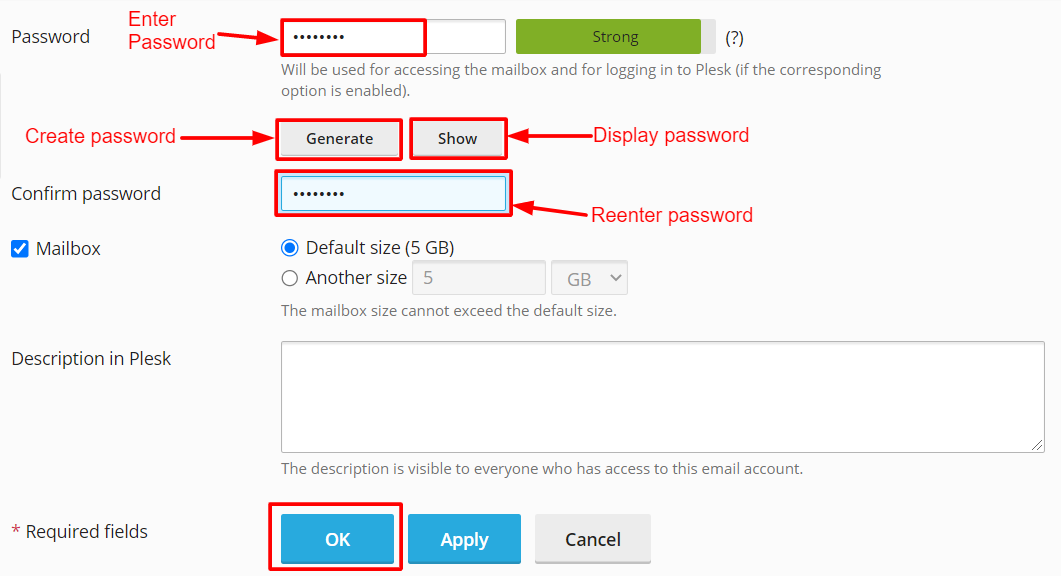
- Find the Password box.
- Type a new password. Or click Generate to let Plesk make a strong one.
- Type it again in Confirm password.
- Click OK.
The new password works at once.
Make a strong password
- Use at least 12 characters.
- Mix capital letters, small letters, numbers and symbols.
- Do not use names, birthdays or simple words.
Update your devices
After the reset, your phone and mail programs still have the old password. They may stop receiving mail until you update them.
- Open the email app on each device.
- Go to the account settings.
- Type the new password.
- Save and test with a send and receive.
Also use the new password for Webmail. Webmail is your inbox in a web browser.
Still cannot log in?
- Use the full email address as the username, not only the first part.
- Check that Caps Lock is off.
- Wait a minute, then try again.
Tip: If you think someone else knows the password, reset it right away. Also check the mailbox for forwarding rules you did not make.
Still stuck? Open a support ticket.
Quick recap
- You cannot view an old password, but you can set a new one.
- Go to Mail, click the address and enter a new password.
- Update the password on your phone and mail apps.
- Use a long, strong password.