

What is an application pool?
IIS is the web server on Windows. It runs your site inside a protected box called an application pool. The pool uses memory and runs your site's code. If the code gets stuck or uses too much memory, the site can freeze or show errors.
Restarting the pool is like closing a frozen app on your phone and opening it again. Plesk calls this action Recycle. Your files and data are not deleted.
This feature is for Windows hosting. If you are on Linux hosting, you will not see it. Ask Hostvento support if you are unsure which kind you have.
Steps
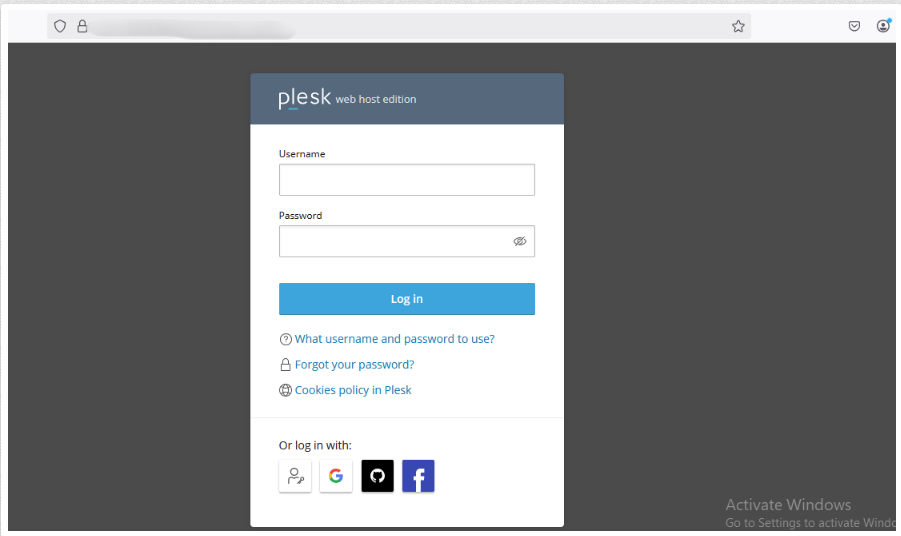
- Log in to Plesk.
- Click Websites & Domains.
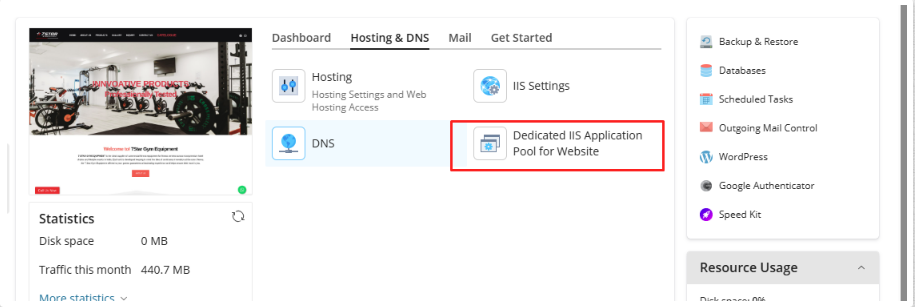
- Find your domain and click IIS Application Pool.
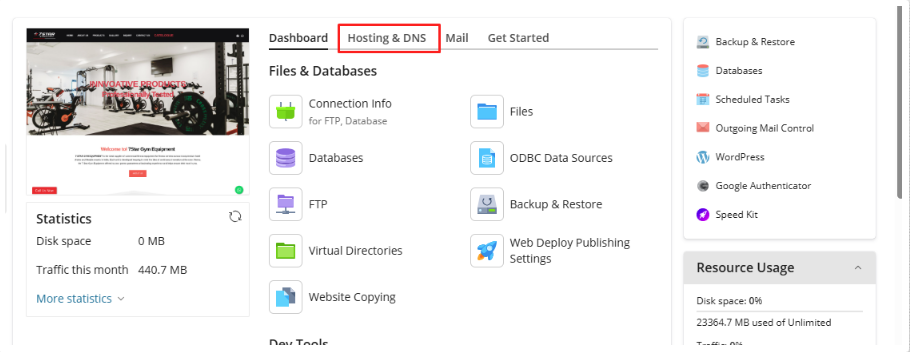
- Look at the status. It may say that the pool is running or stopped.
- Click Recycle to restart it quickly.
- If the pool is stopped, click Start instead.
- If recycling does not help, click Stop, wait a few seconds, then click Start.
- Reload your website in the browser to test it.
Visitors may see a slow page or short delay while the restart happens. Users who were logged in to your site might need to log in again.
When to restart
- The site shows a "Service Unavailable" (503) error.
- The site is very slow without a clear reason.
- You changed a setting or a file and it does not seem to apply.
If the problem comes back
A pool that keeps failing points to a deeper problem. It may be a bug in your code, a plugin, or too little memory. Check these things:
- Did you install or change something just before it started?
- Does the site use more memory than your plan allows? See the IIS Application Pool page for limits.
If restarts do not help, open a support ticket. Say when the problem started.
Quick recap
- An application pool is the box in which IIS runs your site.
- Open IIS Application Pool for your domain and click Recycle.

- Your files stay safe.
- Ask support if the problem keeps coming back.