

What is an installed app?
An app is ready-made software that runs a website, such as WordPress or Joomla. Plesk can install these for you. A reseller is someone who rents hosting and shares it with their own customers. Each customer has one or more websites. Each website can have apps.
Seeing the app list helps you find old versions that need updates. Old apps are a common way for sites to get hacked.
View apps for one customer
- Log in to your reseller Plesk.
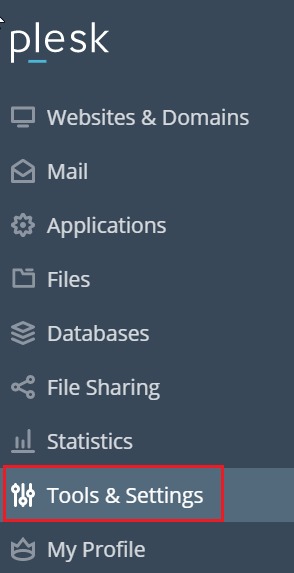
- Click Customers in the left menu.
- Click the name of the customer.
- Open the customer's subscription. A subscription is the hosting package that holds their sites.
- Click Log in to Plesk or Switch to this customer if you want to enter their view. This may be allowed depending on your settings.
- Click Websites & Domains.
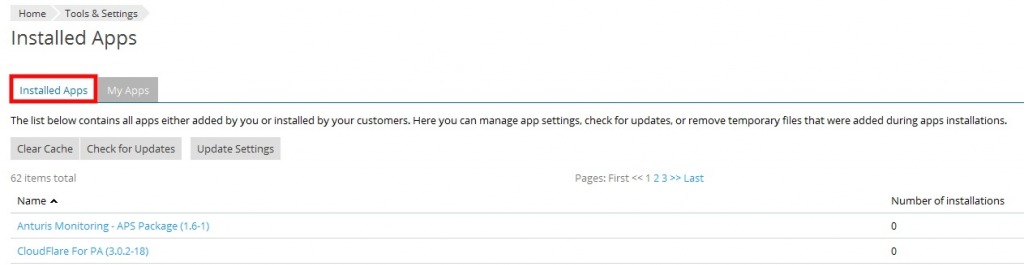
- Find the domain and click Applications. Under My Apps or Installed, you see the list.
The list usually shows the app name, its version, and the website address.
View apps on your own domains
- Click Websites & Domains.
- Find your domain.
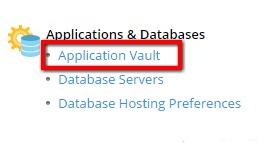
- Click Applications and open the installed list.
If you also use a tool such as WordPress Toolkit
Plesk may have extra tools for popular apps. Open WordPress in the left menu to see every WordPress site in one list. It shows version, health and updates. Ask Hostvento support if it is available on your plan.
What to do next
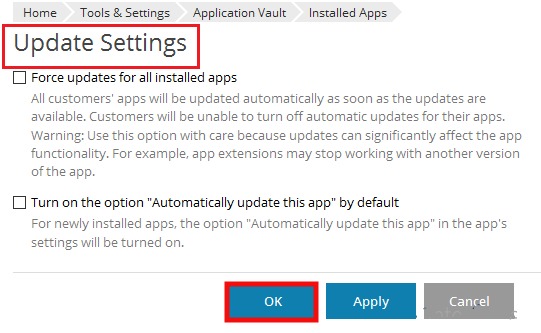
- Update apps that show an older version.
- Tell customers before you update their sites.
- Back up before any update.
- Remove apps nobody uses.
Warning: do not remove an app unless the customer agrees. Removing may delete its files and data.
Cannot find the menus? Your account type may differ. Open a support ticket.
Quick recap
- Apps are installed software such as WordPress.

- Open a customer, then their domain, then Applications.
- Check versions and update old apps.
- Never remove an app without asking the customer.