

Before you start
- A clean Linux server with a supported OS (check the Plesk documentation for the list), with root access.
- At least 2 GB of RAM (Plesk recommends more) and 10 GB or more of disk space.
- A fully qualified host name that points to the server.
- A Plesk license. You can use a trial license.
- Ports 8443 and 8447 open for the panel and the installer.
Method 1: The one-click installer
Download and run the installer as root:
sudo curl -s https://autoinstall.plesk.com/one-click-installer -o installer.sh
sudo sh installer.sh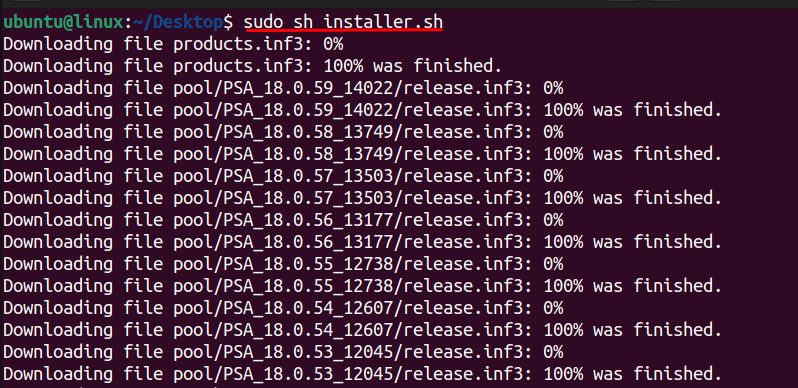
The installation takes from 15 to 60 minutes. Use screen or tmux so that it continues if SSH drops.
When it finishes, check the Plesk service:
sudo systemctl status sw-cp-server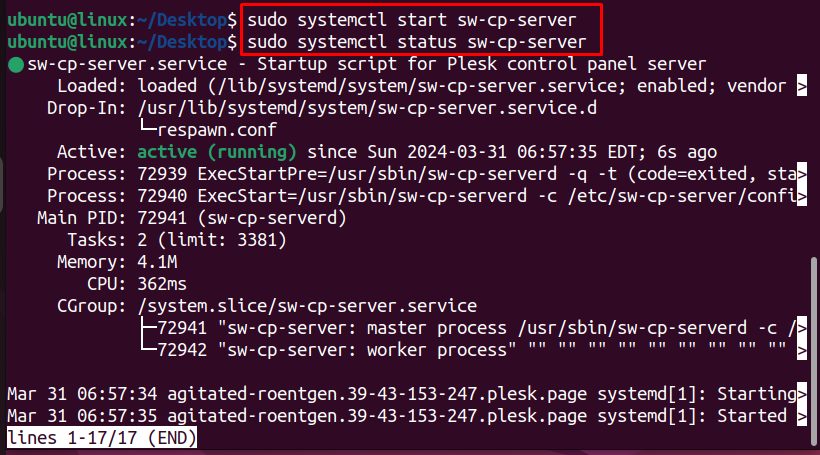
(Start it with sudo systemctl start sw-cp-server if it is not running.)
To get the link for the first login, run:
plesk loginMethod 2: Install Plesk with the browser
Download the Plesk installer:
wget https://autoinstall.plesk.com/plesk-installer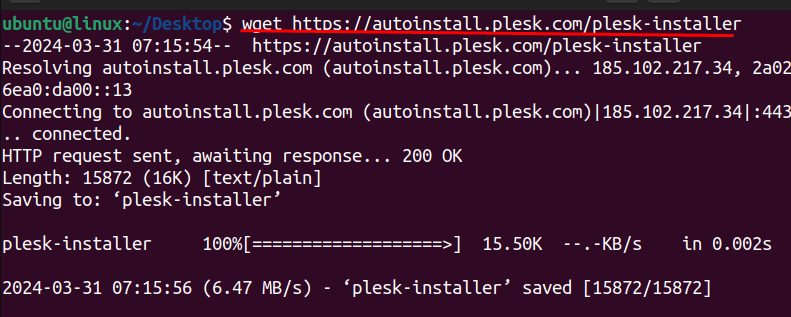
Make it executable and start the web interface of the installer:
chmod +x plesk-installer
./plesk-installer --web-interface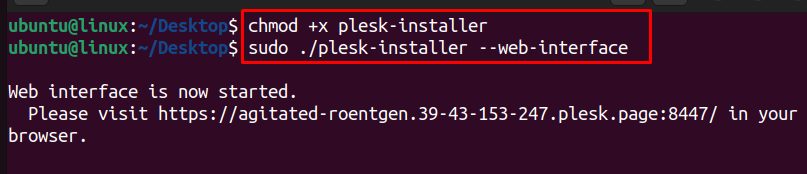
Open the address that it shows (it uses port 8447), for example:
https://your_server_ip:8447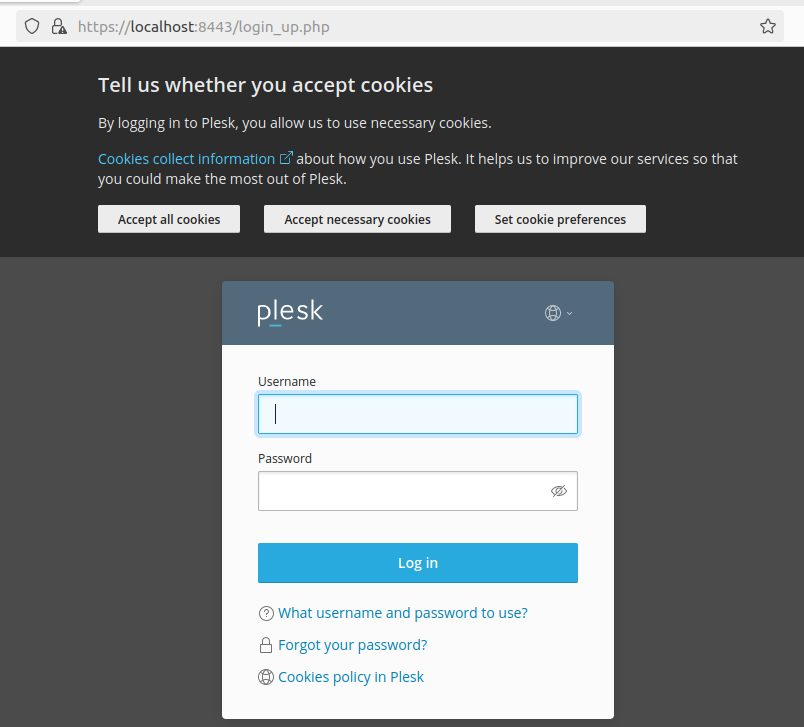
Log in as root, choose the Plesk version and the components, and click Install.
First login
After the install, open Plesk at:
https://your_server_ip:8443Log in with the user and password that Plesk shows, or with the link from plesk login. The wizard asks for your details and license.
How Plesk works on Linux
Plesk is a web-based control panel. It lets you manage websites, domains, email, databases and DNS on a server, with a clean interface. It is used by hosting providers and by site owners.
Advantages
- Simple management of many websites.
- Security tools, such as a firewall, Fail2Ban and an antivirus option.
- Built-in tools and extensions, including WordPress Toolkit.
- Automation for backups and updates.
Quick recap
- Use a clean server with a host name and a license.
- Run the one-click installer, or the web installer on port 8447.
- Open Plesk on port 8443.