

What are DNS records?
DNS is the phone book of the internet. It turns a website name into a number that computers understand. Each line in that phone book is a DNS record. Plesk is a control panel, which is a web page where you manage your hosting.
Common record types:
- A: points a name to an IP address (the number address of a server).
- CNAME: makes one name an alias of another name.
- MX: says where email for your domain goes.
- TXT: holds text, often used to prove ownership or protect email.
Your domain only uses these records if its name servers point to your Plesk server. Your welcome email lists the details.
Tip: Warning: wrong DNS records can take your site or email offline. Write down the old values before you change them.
Open the DNS settings
- Log in to Plesk.
- Click Websites & Domains.
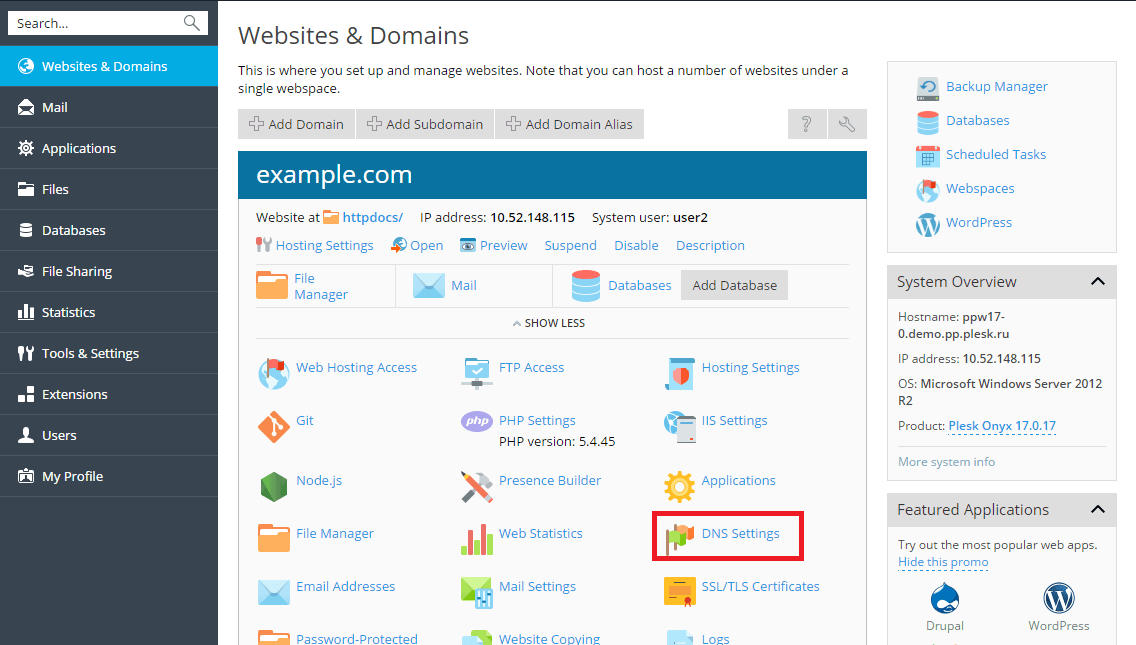
- Find your domain and click DNS Settings.
Add a record
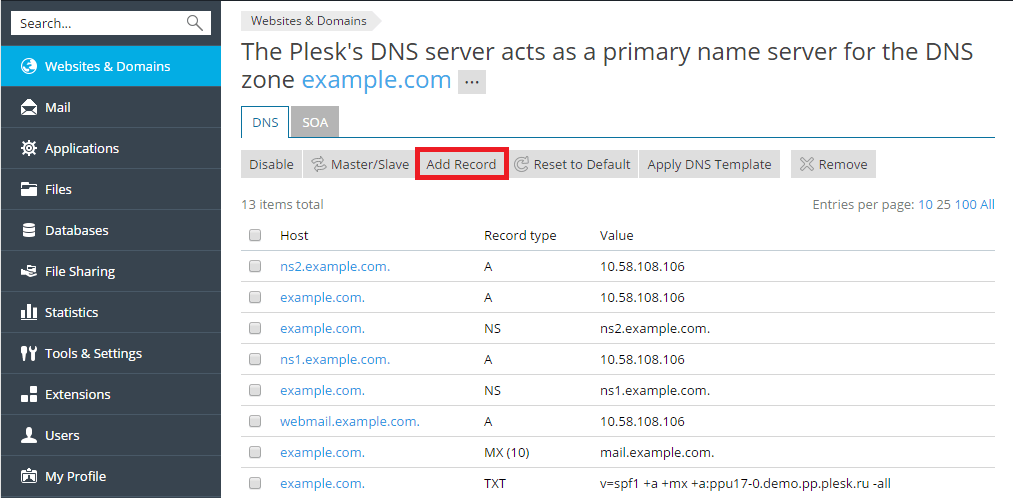
- Click Add Record.
- Choose the record type.
- Type the name, for example
wwworblog. Leave it empty for the main domain. - Type the value, such as the IP address.
- Click OK.
- Click Update to apply the change. Plesk will not use it until you do.
Change a record
- Click the record's name in the list.
- Edit the value.
- Click OK, then Update.
Delete a record
- Tick the box next to the record.
- Click Remove.
- Confirm, then click Update.
Changes can take some hours to reach everyone. Need help? Open a support ticket.
Quick recap
- DNS records are lines in the internet's phone book.
- Open DNS Settings for your domain.
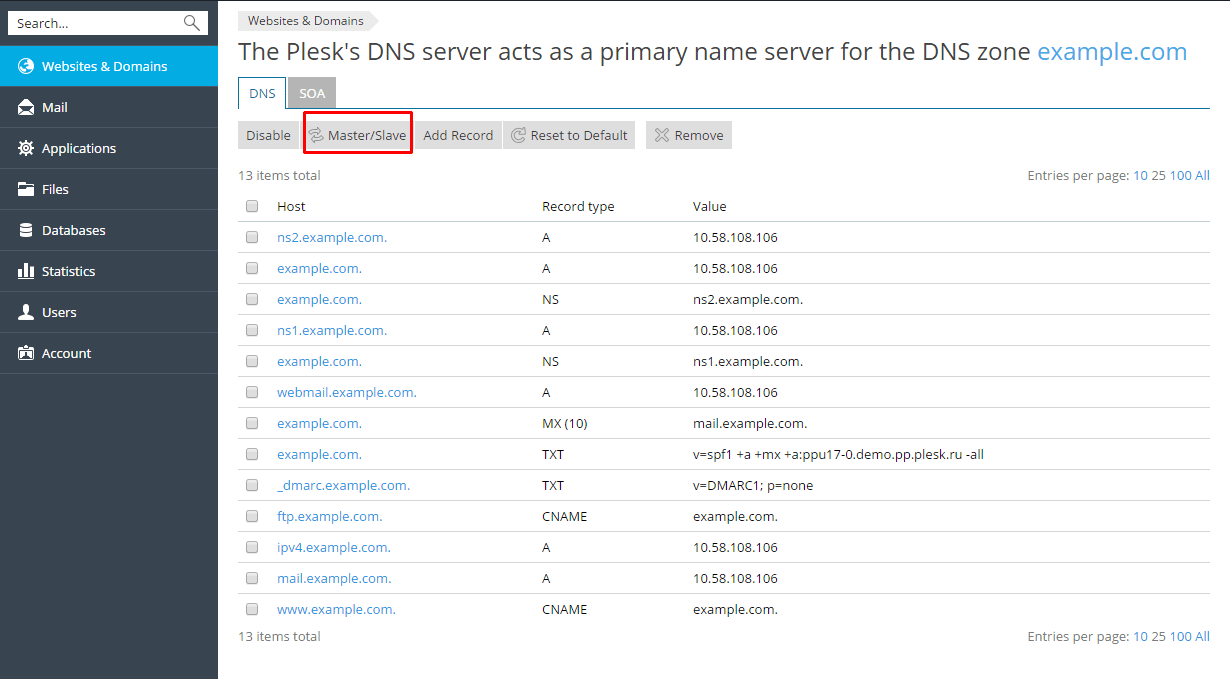
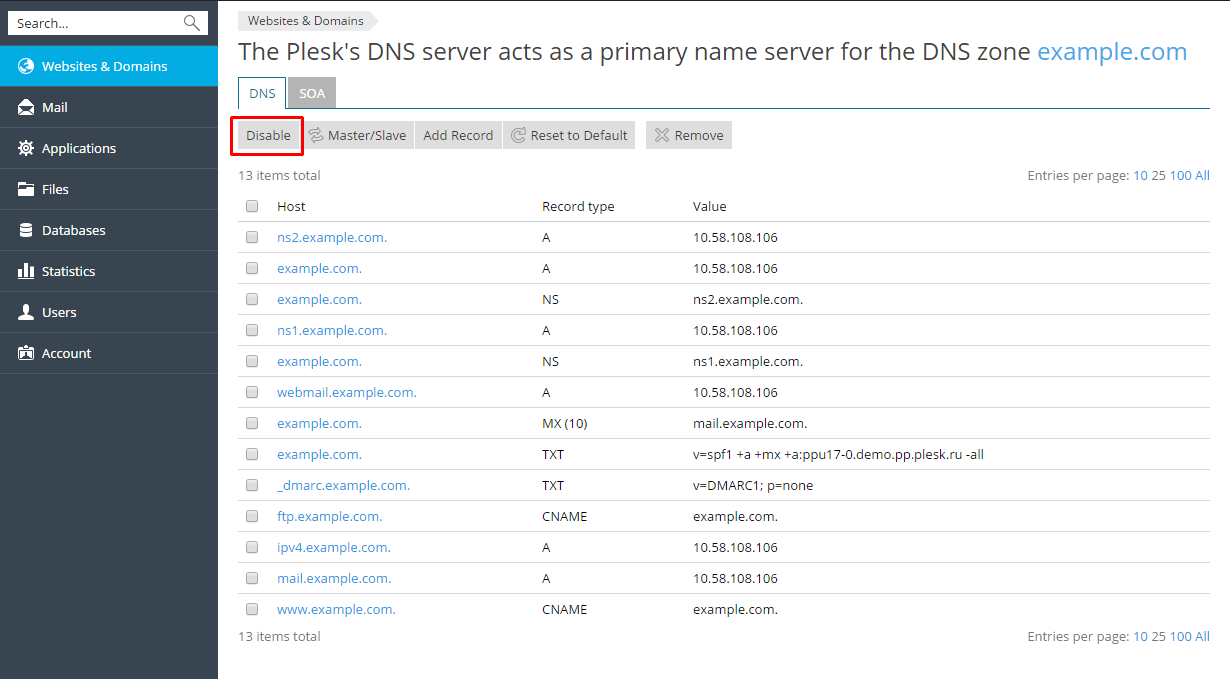
- Use Add Record and click Update to apply.
- Note the old values before changing.
- Allow time for changes to spread.