

What is a database?
A database is a digital filing cabinet. Websites such as WordPress keep posts, pages and users in it. A database user is like a person with a key to that cabinet. Each site should have its own database and its own user.
Plesk is a control panel, a web page where you manage your hosting.
Create a database
- Log in to Plesk.
- Click Databases in the left menu. You can also open Websites & Domains and click Databases.
- Click Add Database.
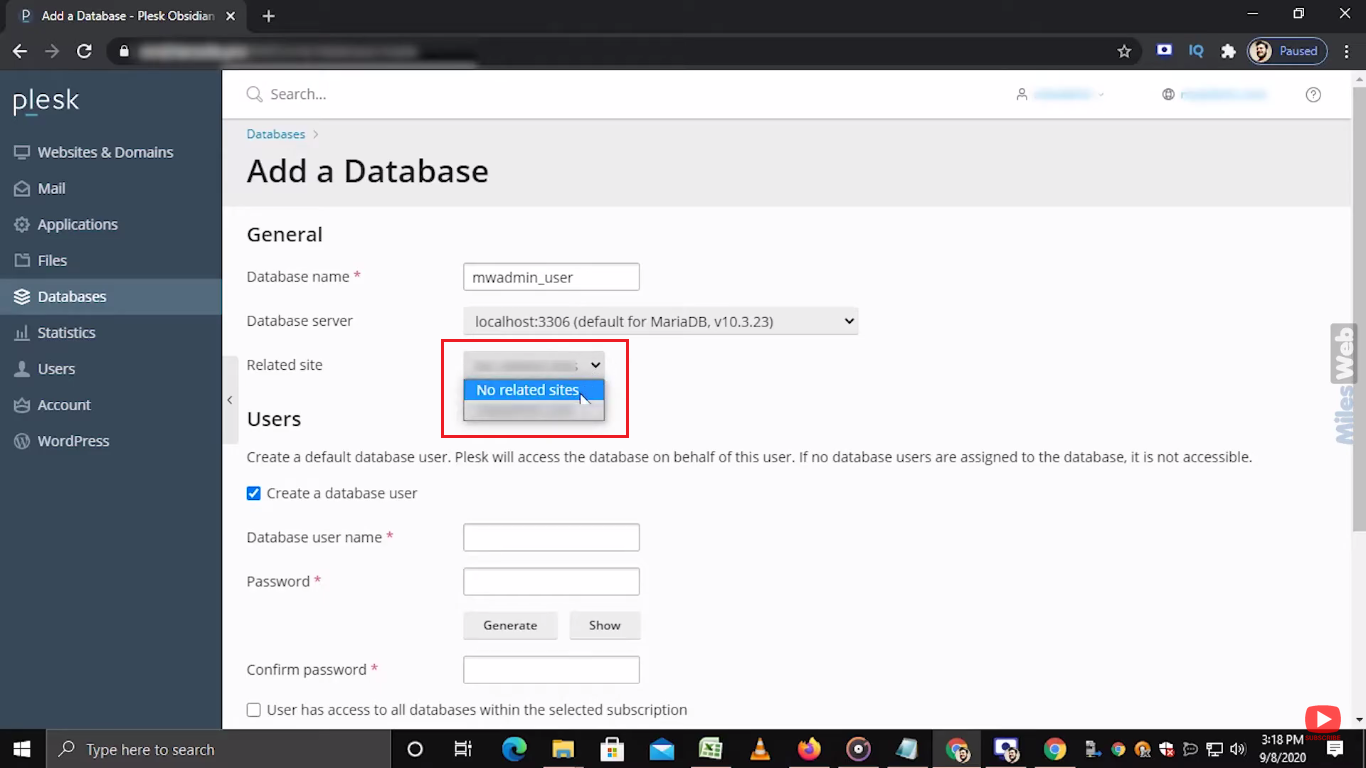
- Type a database name. Use letters and numbers only.
- Choose the related domain.
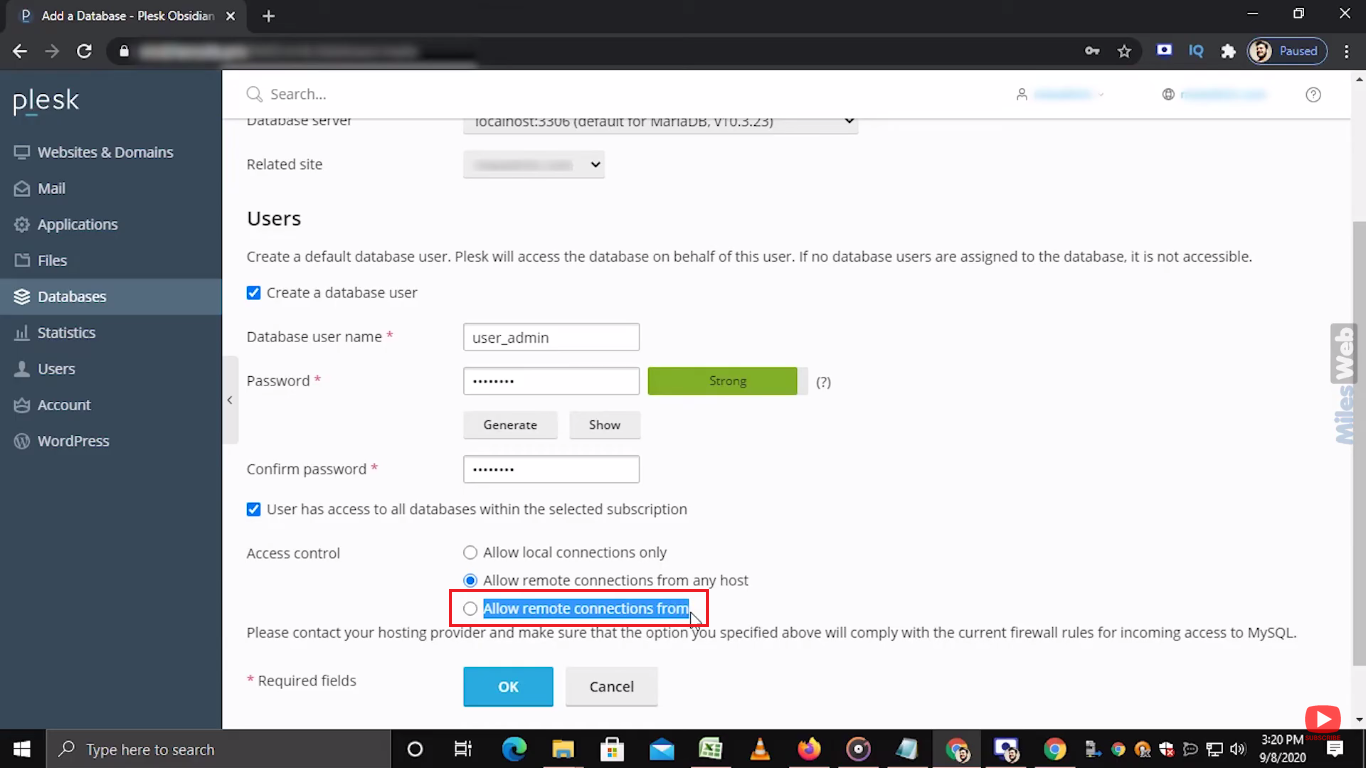
- In the user section, type a database username.
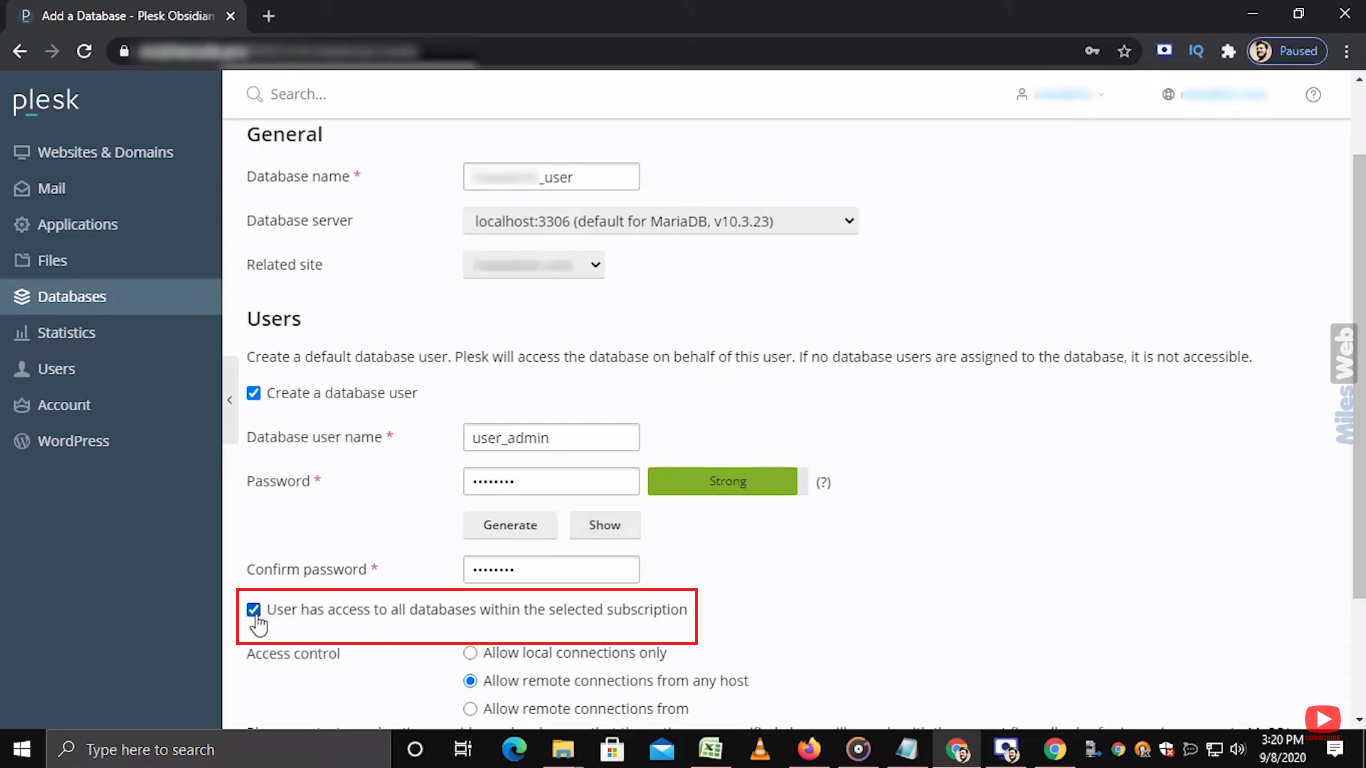
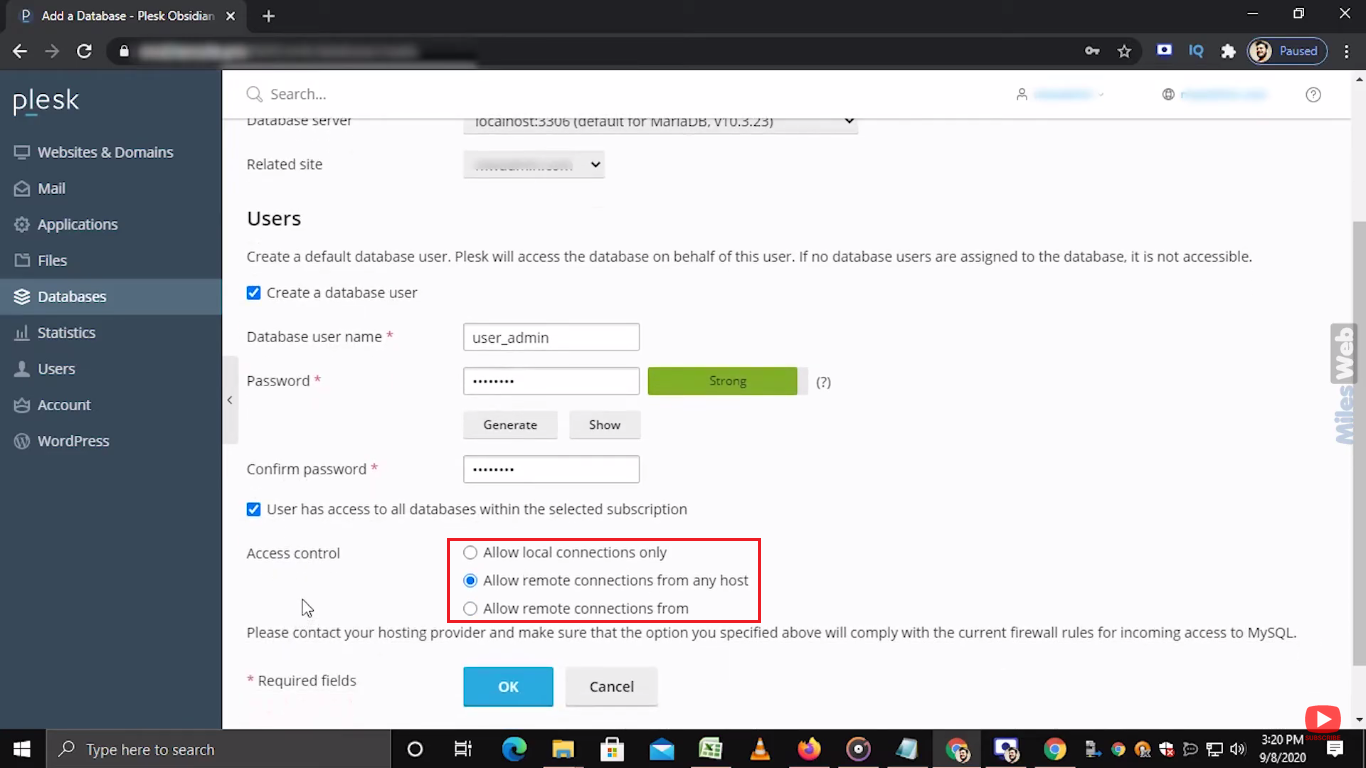
- Type a strong password. Mix letters, numbers and symbols. Save it safely, because you will need it.
- Click OK.
Add another user
- Go to Databases.
- Click User Management next to the database.
- Click Add Database User.
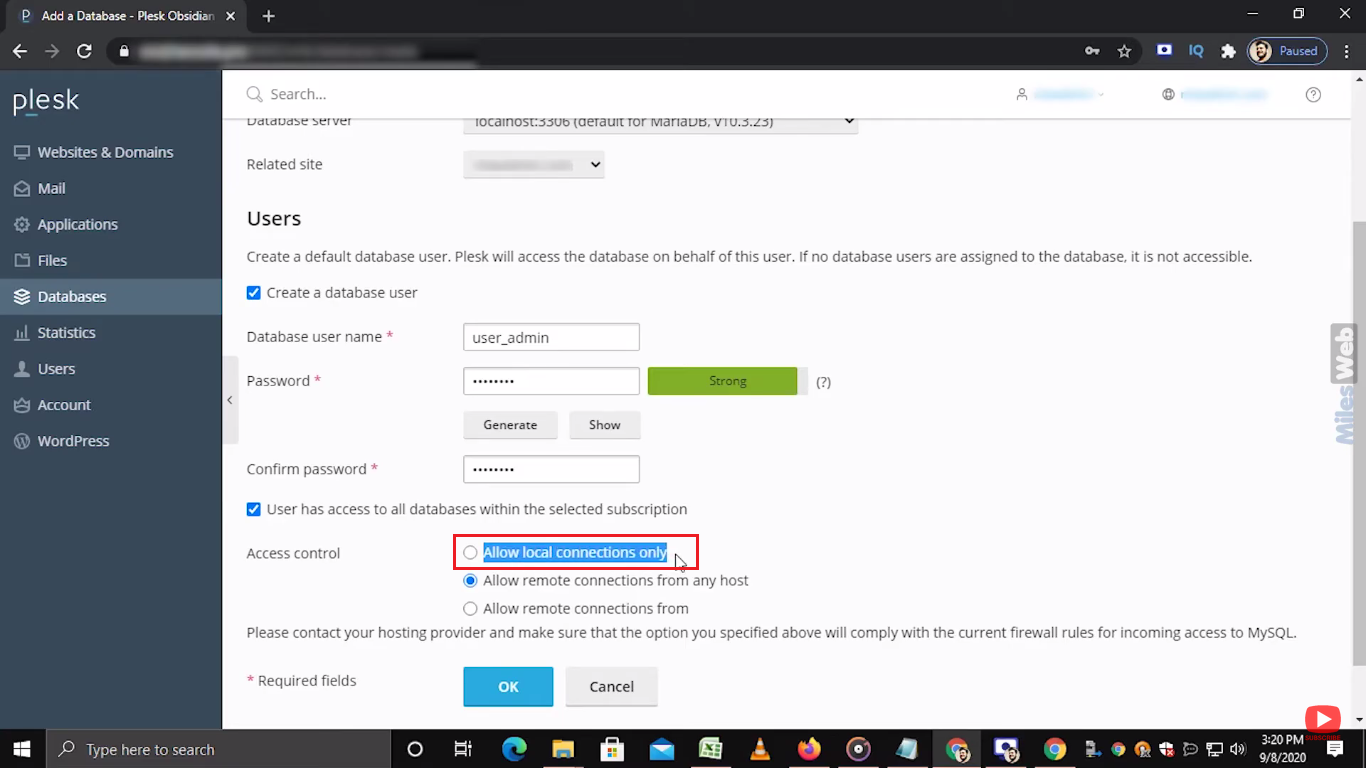
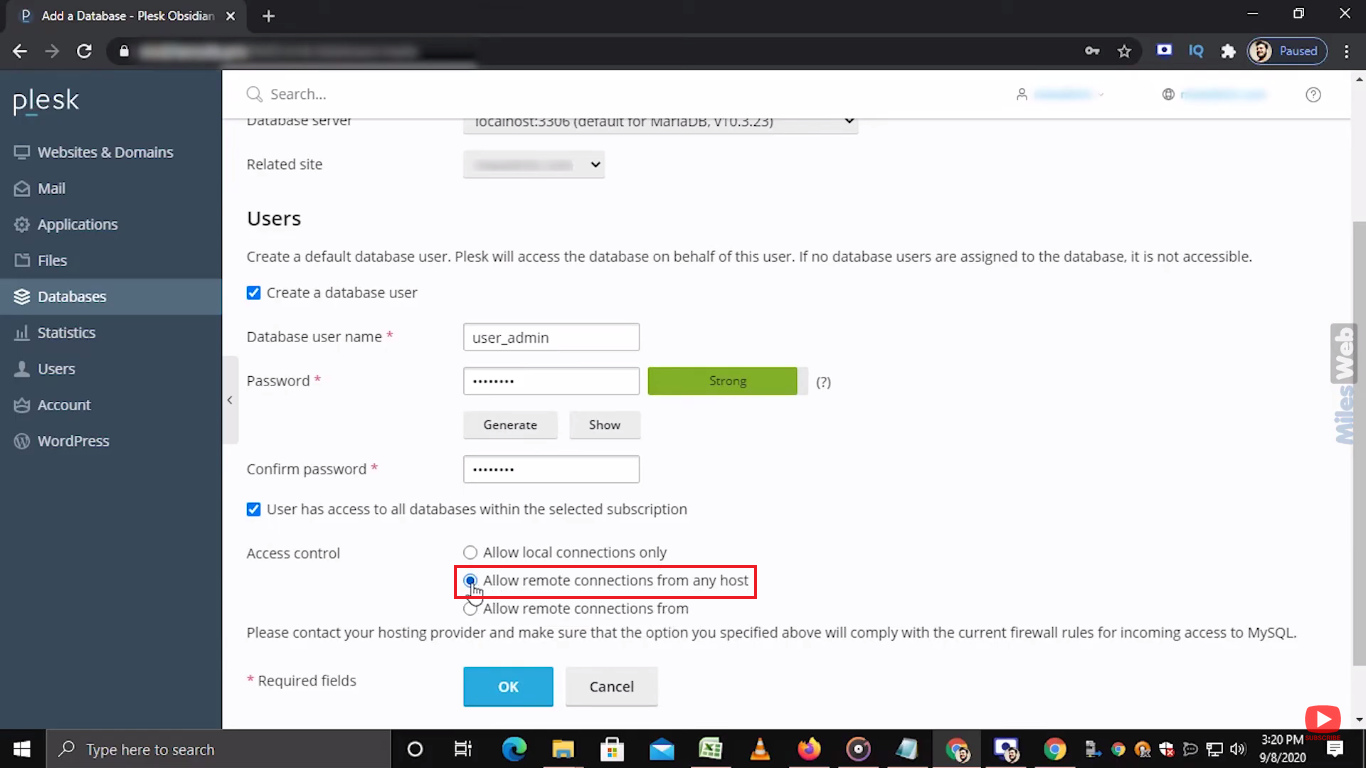
- Type a username and a strong password.
- Click OK.
Open the database
Click Webadmin next to the database. This opens phpMyAdmin, a tool to look at the tables inside.
Connect your site
Your site needs four facts: database name, username, password and host. The host is usually localhost, which means "this same server".
Tip: Warning: Remove Database deletes all its data for good. Take a backup first.
Need help? Open a support ticket.
Quick recap
- A database stores your site's content.
- Use Databases then Add Database.
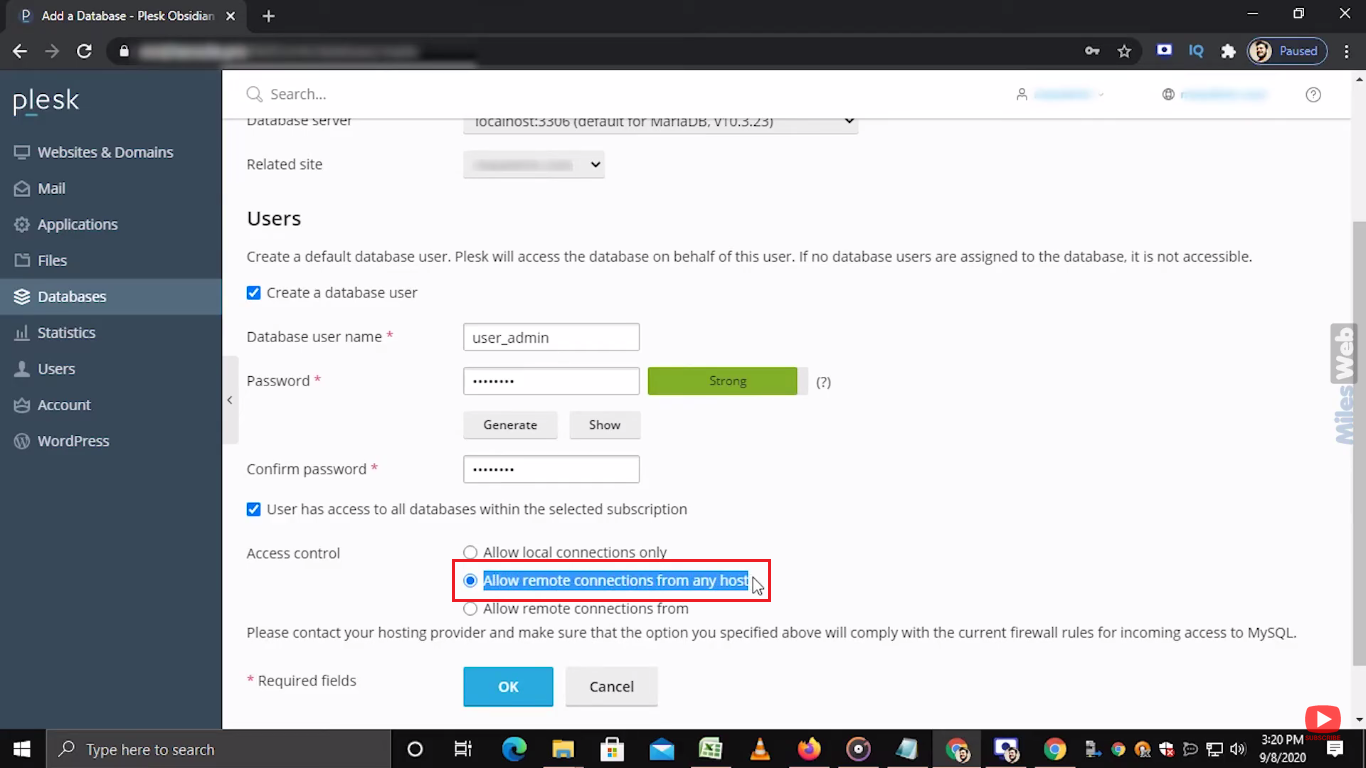
- Create a user with a strong password.
- Use User Management to add more users.
- Back up before deleting anything.